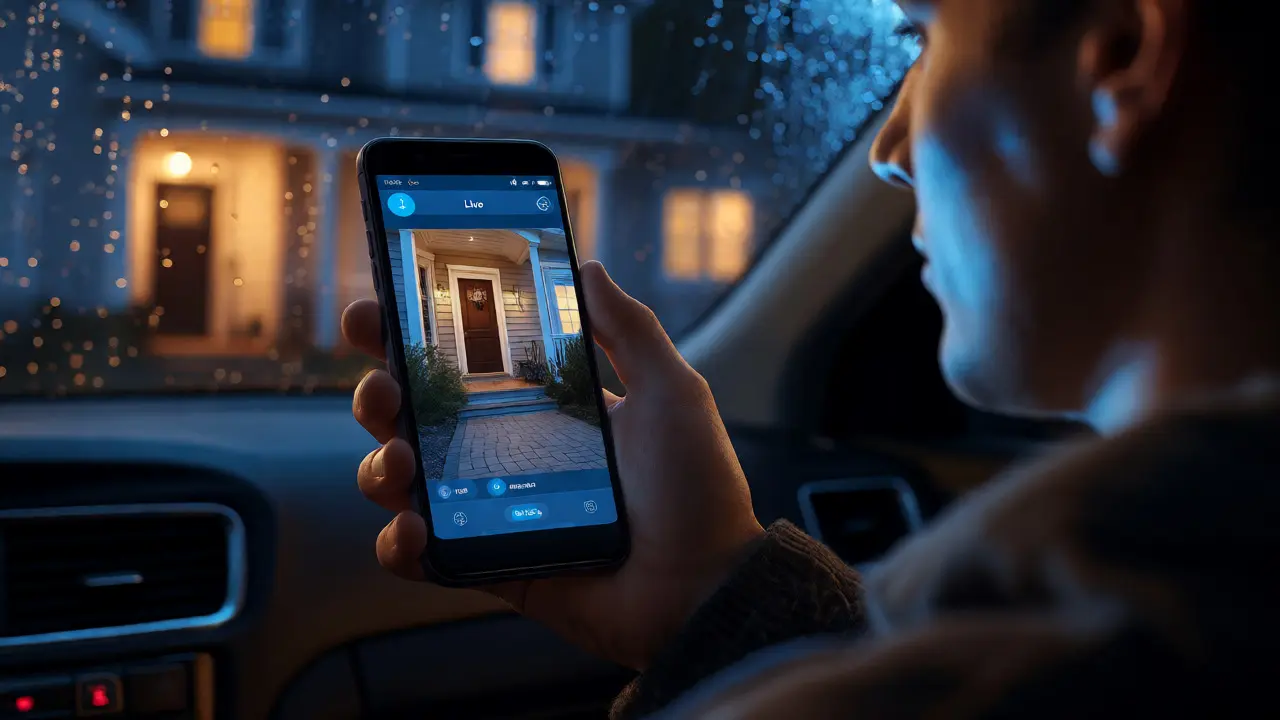
You’re three hours away from home. Maybe you’re on a work trip in Seattle, or maybe you’re just stuck in traffic on I-5 while your spouse is out running errands. A sudden thought hits you: Did I lock the back door? Is the garage light still on? Did that motion sensor trigger because of the wind, or was it actually someone walking by?
Before smart tech became mainstream, answering those questions meant driving back, calling a neighbor, or living with nagging anxiety. Today, remote access to security systems transforms your phone into a live command center for your house. You don’t just get an alert; you get eyes and ears on your property, no matter where you are.
The Core Mechanism: How Remote Monitoring Actually Works
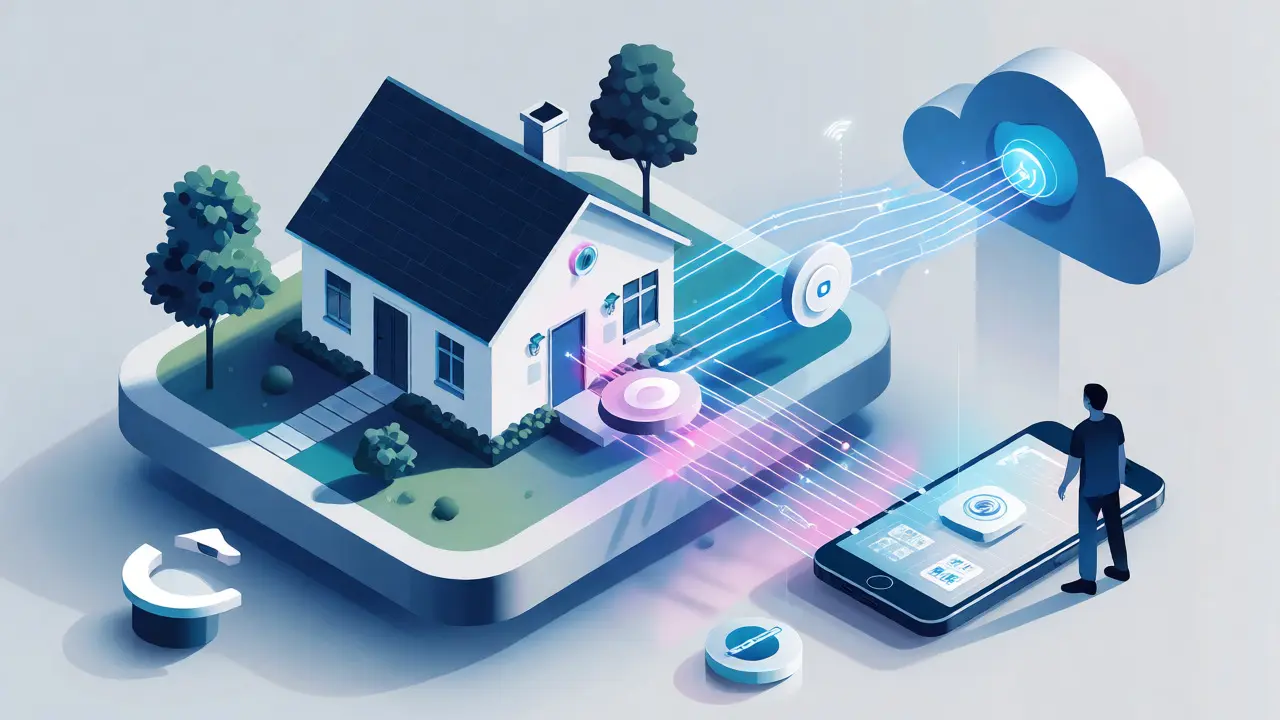
It’s not magic, though it feels like it when you check a camera feed at 2 AM. The process relies on a chain of communication between your devices, your router, and the cloud. Here is the basic flow:
- Sensor Activation: A device detects movement or contact (like a door opening).
- Data Packet Creation: The device packages this event into digital data.
- Local Gateway Communication: The data travels via Wi-Fi, Zigbee, or Z-Wave to your central hub or directly to your router.
- Cloud Upload: Your router sends the data over the internet to the security provider’s servers.
- User Notification: The server pushes a notification to your mobile app.
- Two-Way Interaction: If you open the app, you can view live video or talk through speakers.
This architecture means your system doesn’t need to be "online" in the traditional sense to record locally, but it does need an active internet connection to send you alerts. If your internet goes down, most modern hubs switch to cellular backup, ensuring the signal reaches you even if your fiber line gets cut.
Choosing Between Local Storage and Cloud Subscriptions
This is the biggest decision point for homeowners. It dictates both your monthly costs and your privacy levels. There is no single "best" option; it depends on what you value more: convenience or control.
| Feature | Cloud Storage | Local Storage (SD/NAS) |
|---|---|---|
| Accessibility | Instant access from anywhere via app. | Requires remote desktop setup or specific app configuration. |
| Cost Model | Monthly subscription ($3-$10/month per camera). | One-time hardware cost; no recurring fees. |
| Reliability | Failsafe if local hardware is stolen or damaged. | Vulnerable if the recorder/camera is physically taken. |
| Privacy | Data resides on third-party servers. | Data stays within your home network. |
| Bandwidth Usage | High upload usage for continuous recording. | Low usage unless actively viewing remotely. |
If you travel frequently and worry about theft, cloud storage offers peace of mind because the footage exists off-site. If you hate subscriptions and have a robust Network Attached Storage (NAS) setup, local storage gives you total ownership. Many hybrid systems now allow both, letting you stream low-res clips to the cloud for quick checks while keeping high-res archives on a hard drive at home.
Key Hardware Components for Effective Remote Monitoring
Not all gadgets do the same job. To build a system that actually reduces anxiety, you need a mix of detection and verification tools.
Video Doorbells: The First Line of Defense
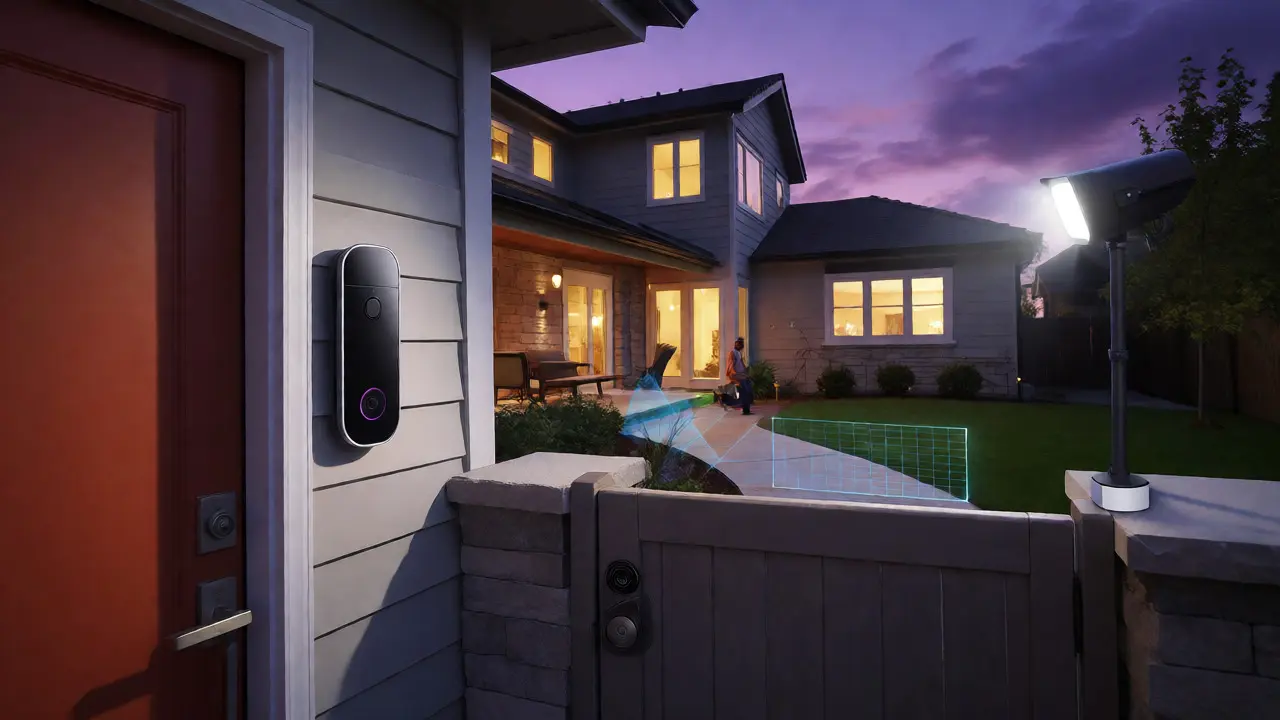
A video doorbell is often the entry point for smart security. Unlike standard cameras, these are designed for interaction. They feature two-way audio, allowing you to tell a delivery driver to leave a package behind a planter or scare off a porch pirate without opening the door. Modern models use AI to distinguish between people, vehicles, and animals, reducing false alarms significantly.
Outdoor Floodlight Cameras
These serve a dual purpose: illumination and surveillance. When motion is detected, bright LED lights activate, which serves as a deterrent. For remote monitoring, look for models with color night vision. Black-and-white footage makes it hard to identify a suspect’s clothing or vehicle color, whereas color sensors help police reports become actionable evidence.
Smart Locks and Garage Controllers
Monitoring isn’t just about seeing; it’s about controlling. Smart locks let you verify if doors are locked and grant temporary access codes to guests or service providers. Similarly, garage controllers provide status updates on whether the door is open or closed. If you realize you left the garage up while at dinner, you can close it with one tap.
Network Requirements: Don’t Let Wi-Fi Fail You
Your security system is only as strong as your internet connection. In Portland, many older homes have thick walls that interfere with Wi-Fi signals. If your camera is in the backyard, far from the router, you might experience lag or dropped connections.
- Upload Speed Matters More Than Download: Streaming video to your phone requires upload bandwidth. Aim for at least 2 Mbps per HD camera.
- Mesh Networks Help: Traditional extenders create separate networks that can confuse IoT devices. Mesh systems like Eero or Orbi maintain a single network name, ensuring seamless handoff as you move around the house.
- Dedicated SSID for IoT: Keep your smart cameras on a separate guest network or IoT VLAN. This prevents a hacked toaster from compromising your main computer’s security.
Latency is another factor. If there is a five-second delay between motion occurring and the video appearing on your screen, you’ve missed the window to react. Check your ping times using speed test tools before installing cameras in dead zones.
Security Protocols: Protecting the Watcher
Ironically, adding cameras to your home can introduce new vulnerabilities. If your account is compromised, strangers could watch your family sleep. Ensure your system uses end-to-end encryption (E2EE). This means only you hold the decryption keys, not the manufacturer.
Always enable Two-Factor Authentication (2FA). Use a unique password for your security account-never reuse your email password. Regularly update firmware. Manufacturers patch security holes constantly, and outdated software is a common entry point for hackers.
Practical Tips for Reducing False Alarms
Nothing kills the utility of remote monitoring faster than constant false positives. If your phone buzzes every time a squirrel runs across the yard, you’ll start ignoring notifications.
- Define Activity Zones: Most apps allow you to draw polygons on the camera view. Ignore the street if cars passing by trigger alerts; focus on the driveway or front steps.
- Adjust Sensitivity: Lower sensitivity settings during windy days or near trees. Increase them for critical areas like side gates.
- Use Geofencing: Set rules so cameras only alert you when you are away from home. When you’re sitting on your porch, you don’t need a push notification telling you someone is at the door-you already know.
Integration with Broader Smart Home Ecosystems
Remote access works best when it talks to other devices. Integrating your security system with platforms like Apple HomeKit, Amazon Alexa, or Google Home allows for complex automation. For example, if a rear window sensor triggers while you’re asleep, the system can turn on hallway lights and flash bedroom lamps. This not only wakes you up but also deters intruders who might think the house is occupied and awake.
Consider voice commands. Saying "Hey Siri, show me the front door" brings up the camera feed on your iPad or TV instantly. This hands-free approach is invaluable when your hands are full carrying groceries.
Troubleshooting Common Connectivity Issues
Even the best systems glitch. Here are quick fixes for frequent problems:
- Camera Offline: Restart the router first, then the camera. Check if the power supply is stable. Low voltage causes dropouts.
- Slow Video Load: Switch the app from HD to SD mode temporarily. If it loads fast, your bandwidth is the bottleneck.
- No Alerts: Check battery levels (if wireless). Verify that Do Not Disturb modes aren’t silencing notifications on your phone.
By understanding these components, you shift from being a passive observer to an active guardian of your home, regardless of your physical location.
Do I need a professional installer for remote security systems?
Most modern DIY systems are plug-and-play. However, wired cameras or hardwired sensors may require professional installation to ensure clean wiring and optimal placement. Wireless battery-powered options are generally user-friendly and can be set up in under an hour.
What happens to my remote access if the power goes out?
If your router and hub have battery backups (UPS), remote access continues until the batteries die. Some cellular-backed hubs will continue sending text alerts even if Wi-Fi fails. However, cameras without internal batteries or PoE (Power over Ethernet) injectors will stop recording immediately.
Is cloud storage secure against hacking?
Reputable providers use AES-256 encryption. While no system is 100% immune, major breaches are rare compared to weak passwords. Using 2FA and strong, unique passwords significantly mitigates risk. Always check if the provider supports end-to-end encryption for maximum privacy.
Can multiple users access the security system simultaneously?
Yes, most apps support multiple accounts. You can share access with spouses, roommates, or trusted neighbors. Admin controls usually allow you to restrict certain users to view-only modes or limit access to specific cameras.
How much bandwidth does remote monitoring consume?
Continuous streaming consumes significant data, roughly 1-2 GB per day per HD camera. However, most systems only upload data when motion is detected or when you actively view the feed. Idle consumption is minimal, typically under 10 MB per day per device.