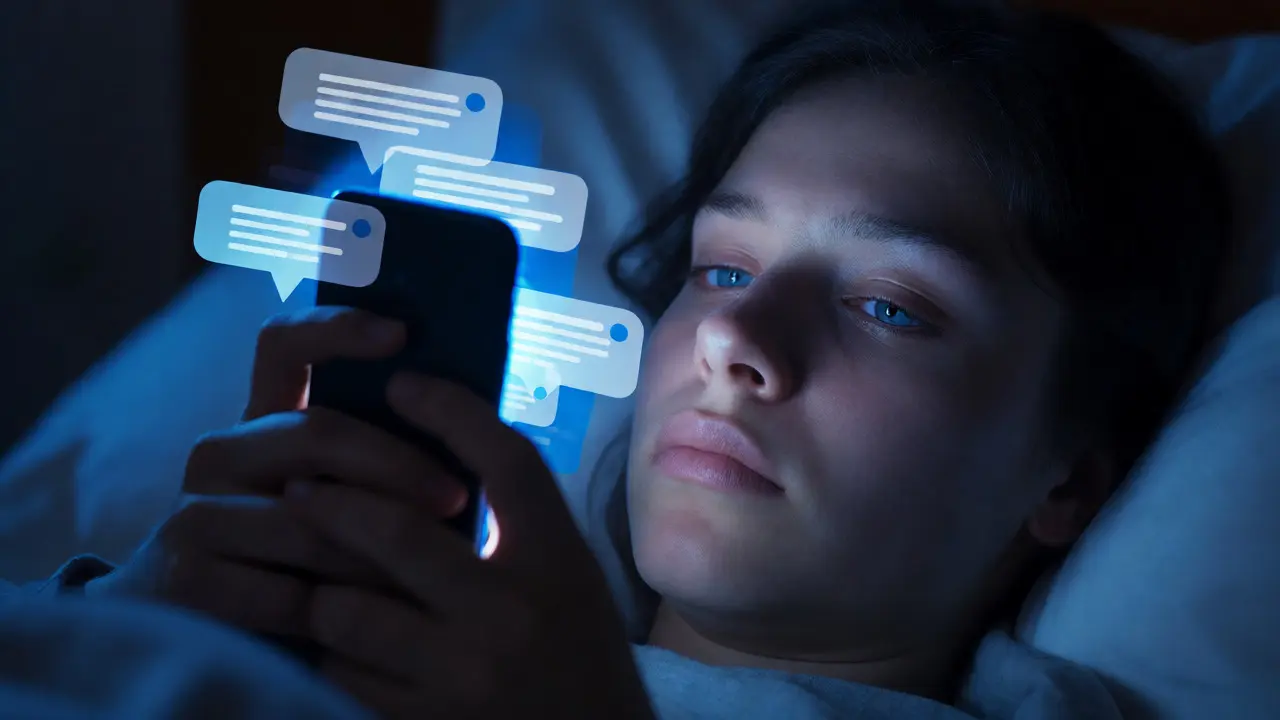
You know the feeling. You’re trying to sleep, or maybe you’re deep in focus at work, and your phone buzzes. It’s a doorbell camera detecting a leaf blowing across the driveway. Or perhaps it’s your thermostat reminding you that the humidity is technically 1% lower than optimal. Suddenly, you’re checking your phone not because something important happened, but because your digital environment decided to speak up without being asked. This is alert fatigue, and it’s killing the utility of our connected devices.
Here’s the hard truth: more notifications do not equal better awareness. In fact, they often lead to the opposite. When everything is urgent, nothing is. We start ignoring pings, swiping away critical warnings about water leaks or intruders because we’ve trained our brains to treat all alerts as background noise. The goal isn’t to silence your smart home; it’s to curate its voice. A good notification strategy acts like a skilled executive assistant-it filters out the chatter and only interrupts you when it truly matters.
Why Your Brain Ignores Important Alerts
Your brain is an efficiency machine designed to filter out irrelevant stimuli. If your smart lock sends a notification every time it unlocks, including when you come home with groceries, your brain learns to categorize that specific sound as "non-essential." Psychologists call this habituation. Once a stimulus becomes predictable or frequent, the emotional response drops to zero. That means when a real emergency happens-say, a carbon monoxide spike-if it uses the same generic chime as the weather update, you might miss it entirely.
Alert fatigue isn't just annoying; it's dangerous. Studies on hospital nurses showed that after receiving hundreds of alarms per shift, their response time to critical alarms slowed significantly. They weren't negligent; they were overwhelmed. The same logic applies to your home automation setup. If you receive 50 notifications a day for trivial events, your cognitive load increases, and your ability to react to the one vital alert decreases. The solution lies in differentiation and relevance.
The Hierarchy of Notification Importance
To fix this, you need to classify every single event your system can trigger. Not all data points are created equal. Think of your notifications in tiers, similar to how software engineers prioritize bug fixes. You wouldn't page a developer for a typo, and you shouldn't wake yourself up for a motion detection event in the backyard at 3 AM if no one is supposed to be there.
| Tier | Type | Action Required | Example Events |
|---|---|---|---|
| Critical | Safety & Security | Immediate Attention | Smoke detected, Water leak, Forced entry |
| High | Urgent Action | Within Minutes | Door left open > 10 mins, Garage door open overnight |
| Medium | Informational | Check Later | Packages delivered, Battery low (not critical device) |
| Low | Ambient/Log | No Interruption | Temperature change, Lights turned off, Motion in empty room |
Start by auditing your current settings. Go through each device and ask: "If I get this notification while asleep, would I be angry?" If the answer is yes, downgrade it to a log-only event or bundle it into a daily summary. Only Tier 1 and Tier 2 should ever make a sound or vibrate your phone. Everything else should live silently in an app dashboard or send a digest email once a day.
Context-Aware Triggers Reduce Noise
A static rule is a dumb rule. "Send a notification when the front door opens" is bad logic. "Send a notification when the front door opens between 1 AM and 6 AM AND no recognized face is detected" is smart logic. Context is the key to reducing volume. Modern platforms like Home Assistant or Apple HomeKit allow you to create complex automations that consider time, location, and state.
Consider geofencing. Why notify you that your lights are on if you’re still in the house? Use your phone’s GPS to determine presence. Create rules that only trigger alerts when you are away from home. Similarly, use "Do Not Disturb" schedules intelligently. You don’t need to know the washing machine finished during dinner. But you do need to know if the basement flood sensor triggers. Configure your phone to bypass DND only for Critical tier apps or contacts. This ensures safety alerts cut through the silence, while convenience updates wait until morning.
Consolidation and Digests
For Medium and Low priority events, stop sending individual pushes. Nobody needs five separate notifications about five different doors locking at night. Instead, implement consolidation. Wait for a short window-say, two minutes-and then send one summary message: "Front Door, Back Door, and Garage have been locked." This reduces the number of interruptions by 80% while keeping you informed.
Daily digests are another powerful tool. Instead of notifying you every time a battery drops below 20%, send a weekly report listing all devices needing maintenance. This turns reactive noise into proactive planning. You can even use AI-driven summaries that highlight anomalies. For example, instead of saying "Thermostat set to 72," say "Thermostat set higher than usual for this time of day." This adds value by providing insight rather than just raw data.

Visual Cues vs. Auditory Interruptions
We are obsessed with auditory alerts, but visual cues are less intrusive and equally effective for non-emergencies. If you have smart displays or tablets mounted in common areas, use them as passive dashboards. Let the screen glow gently when a package arrives, rather than buzzing your pocket. Reserve audio strictly for emergencies.
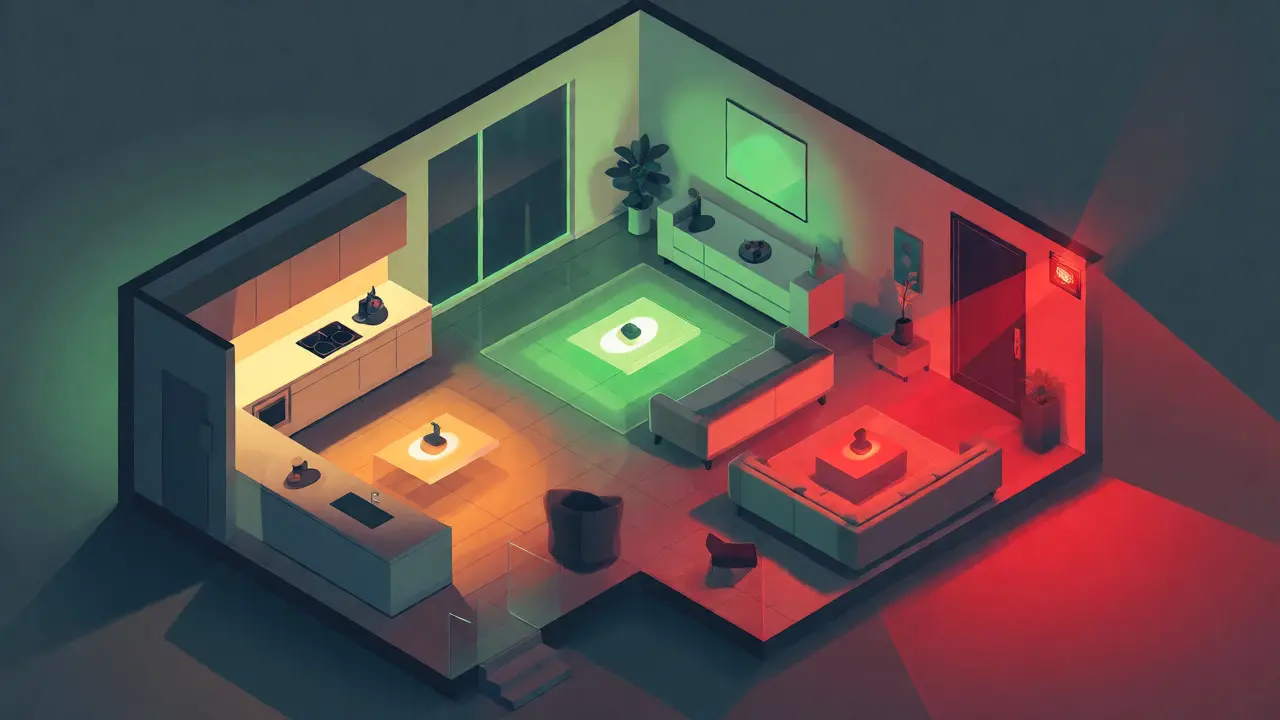
Color coding also helps. Red means danger. Green means all clear. Blue means informational. Train your household members to recognize these signals. If the hallway light pulses red, everyone knows to check the security feed. If it pulses blue, someone just arrived home. This creates a shared language within the home that doesn't require pulling out a phone.
Testing and Tuning Your Strategy
Setting up these rules is half the battle. The other half is tuning. After a week, review your notification history. Which ones did you ignore? Which ones caused stress? Adjust accordingly. Maybe you find that motion sensors in the living room are too sensitive due to pets. Instead of disabling them, increase the sensitivity threshold or add a condition that ignores motion under 2 feet high. Iterative refinement is essential. What works for a single person in a studio apartment won't work for a family of four with two dogs and a teenager who comes home late.
Remember, the goal is peace of mind, not constant connectivity. If you feel compelled to check your phone every ten minutes, your strategy has failed. Pull back. Silence more things. Trust your system to handle the routine, and reserve your attention for the exceptions.
What is alert fatigue?
Alert fatigue occurs when users become desensitized to notifications due to excessive frequency or lack of relevance, leading them to ignore or disable important alerts.
How many notifications per day is considered normal for a smart home?
There is no fixed number, but a well-tuned system should result in fewer than 5-10 actionable interruptions per day. Most events should be logged silently or bundled into summaries.
Should I disable all notifications for battery low warnings?
Not necessarily. Disable immediate pushes for non-critical devices (like remote sensors) and include them in a weekly digest. Keep immediate alerts for critical devices like smoke detectors or door locks.
How does geofencing help reduce alert fatigue?
Geofencing uses your phone's location to determine if you are home or away. It prevents unnecessary notifications, such as alerting you about lights being on when you are actually present to turn them off manually.
What is the difference between a push notification and a log entry?
A push notification actively interrupts the user via sound or vibration. A log entry records the event in the app's history for later review without interrupting the user's current activity.