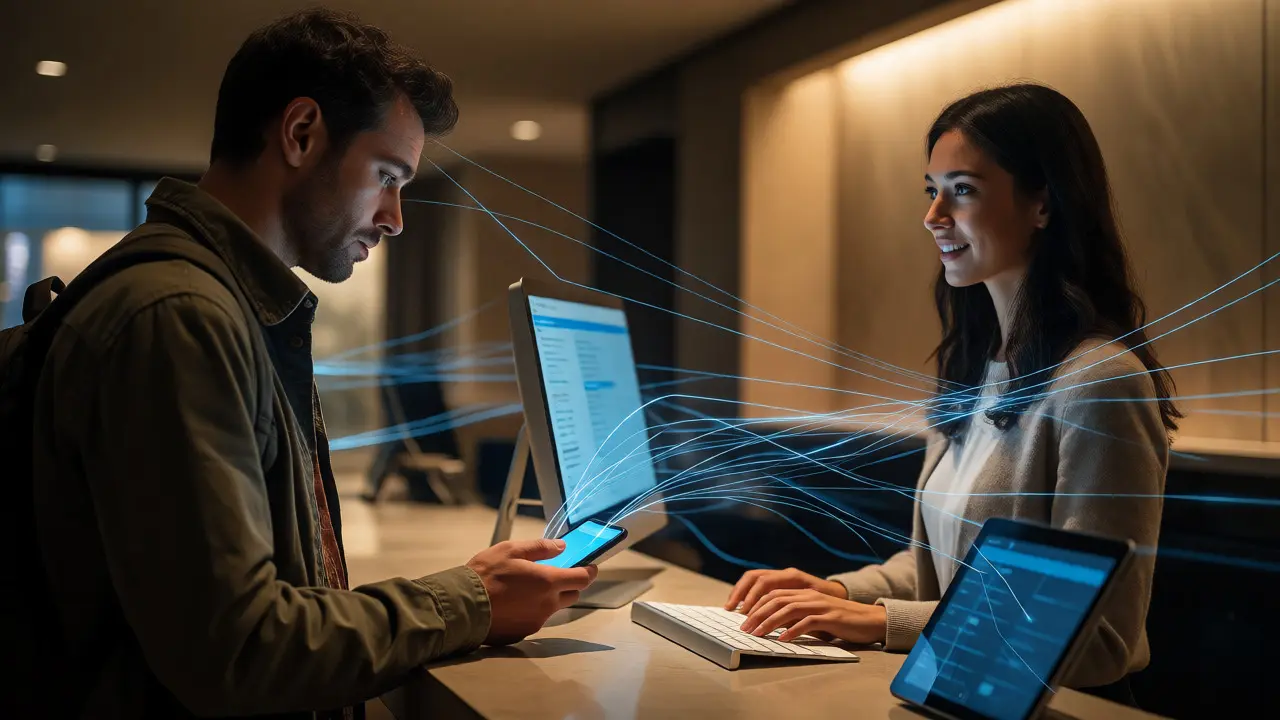
You’ve probably heard the horror stories. A front desk agent spends ten minutes manually typing a reservation into three different screens because the systems don’t talk to each other. Meanwhile, the guest is standing there, tired from travel, watching their patience evaporate. This isn’t just an annoyance; it’s a leak in your revenue and reputation bucket. Property Management System (PMS) integration with guest services is the digital plumbing that stops these leaks. It connects your central booking engine directly to the tools your staff uses to interact with guests, ensuring data flows automatically rather than getting stuck in manual silos.
Why Disconnected Systems Kill Hospitality Experiences
Think about the last time you stayed at a hotel where everything felt seamless. You checked in via an app, your room was ready, and when you called for extra towels, they arrived before you forgot why you called. That magic? It’s rarely magic. It’s integration. When your PMS operates in isolation, your staff becomes human middleware. They copy-paste names, double-check availability, and re-enter preferences. Every manual step introduces error risk and slows down service.
In 2026, travelers expect immediacy. If a guest requests late checkout through a chatbot, but that request doesn’t instantly update the housekeeping schedule or the front desk dashboard, you’re setting up a conflict. Housekeeping might clean the room anyway, forcing the guest to move out early. Frustrating, right? Integration eliminates this friction by creating a single source of truth. When one system updates, everyone sees it instantly. No phone calls to verify status. No guessing games.
The Core Components of Seamless Integration
To make this work, you need more than just software; you need a structured ecosystem. At the heart lies the PMS, which acts as the brain. But a brain needs senses and limbs. These are your connected modules: Customer Relationship Management (CRM), Point of Sale (POS), and Housekeeping Management Software.
- Guest Profile Syncing: Preferences like pillow type, dietary restrictions, or VIP status should populate automatically across all touchpoints. If a guest ordered sparkling water in the spa, the restaurant server should know this without asking.
- Real-Time Availability Updates: When a maintenance issue blocks a room, the PMS must instantly reflect this in online booking engines and internal dashboards to prevent overbooking.
- Unified Communication Channels: Messages sent via WhatsApp, SMS, or email should log directly into the guest’s profile within the PMS. Staff shouldn’t have to switch apps to see conversation history.
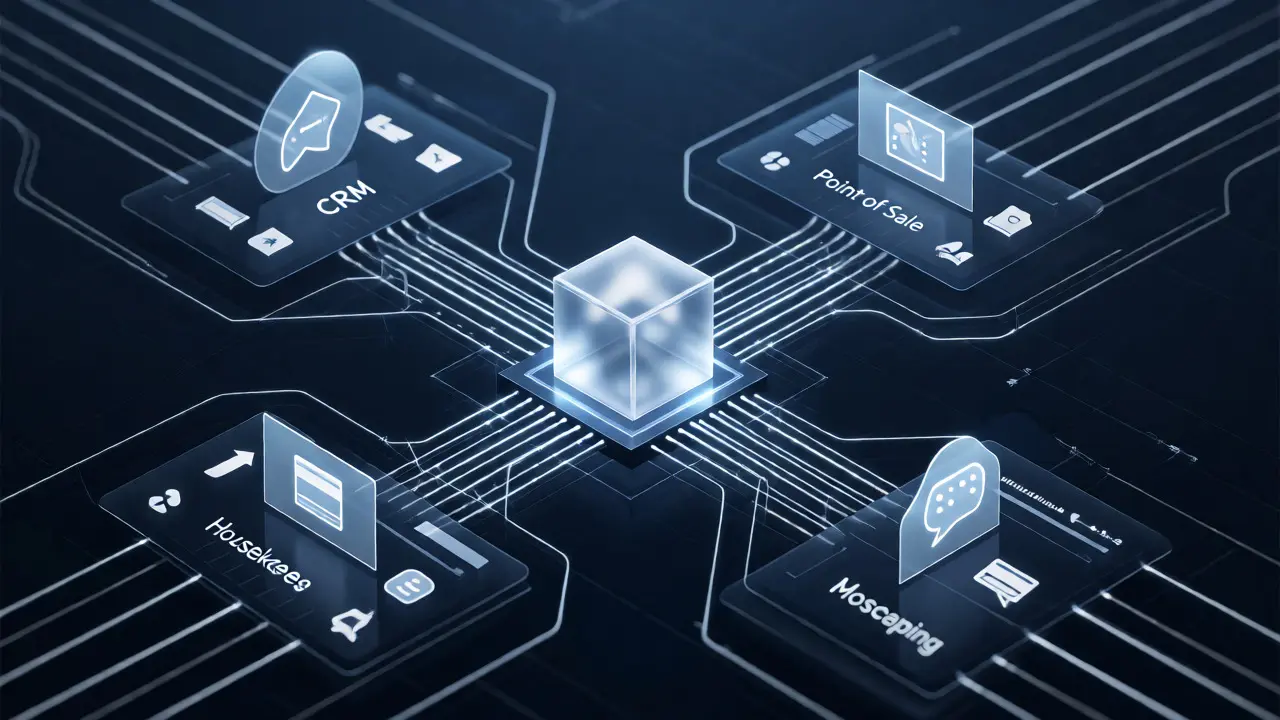
How APIs Bridge the Gap Between Departments
Most modern integrations rely on Application Programming Interfaces (APIs). Think of an API as a translator that allows two different languages (software systems) to speak to each other. Without it, you’d need someone standing between departments shouting messages back and forth. With it, data moves silently and quickly.
For example, when a guest checks out via mobile key, the API triggers several actions simultaneously: it releases the room for cleaning, finalizes the bill, sends an invoice via email, and updates the CRM with stay duration data for future marketing. All of this happens in milliseconds. The front desk agent, meanwhile, can focus on greeting the next arrival instead of processing paperwork.
| Task | Manual Process | Integrated Process |
|---|---|---|
| Check-In | Agent searches name in PMS, verifies ID, assigns room manually. | Mobile check-in auto-assigns room based on preferences; agent verifies ID only. |
| Service Request | Phone call logged on paper or separate ticket system. | Request logged in PMS, notifies specific department instantly. |
| Billing | Staff manually adds minibar charges to folio at end of stay. | POS integrates directly with PMS; charges appear in real-time. |
Common Pitfalls in Integration Projects
Not every integration project goes smoothly. I’ve seen hotels spend thousands on new tech only to find it barely works with their legacy systems. Why? Often, it’s because they didn’t map their workflows first. Buying software is easy; changing how people work is hard.
One major trap is assuming all vendors support open standards. Some older PMS providers lock you into their proprietary ecosystem, making third-party connections expensive or impossible. Always ask for documentation on API endpoints before signing contracts. Another issue is data cleanliness. If your existing database has duplicate profiles or outdated contact info, integrating new tools will just amplify those errors. Garbage in, garbage out applies heavily here.
Also, consider training. New interfaces confuse staff if not introduced properly. If your front desk team hates the new tablet-based check-in kiosk because it’s slow or buggy, adoption will fail regardless of how good the backend integration is. Pilot programs with a small group of users help identify these friction points before full rollout.

Measuring Success Beyond Revenue
While increased revenue is a nice outcome, it’s not the best metric for judging integration success initially. Look at operational efficiency metrics instead. How long does average check-in take now compared to six months ago? Has the number of “no-show” reservations decreased due to better automated reminders? Are housekeeping tickets being resolved faster?
Guest satisfaction scores often improve indirectly. When staff aren’t buried in admin tasks, they have more time to engage personally with guests. A simple “Welcome back, Mr. Smith” feels genuine when the agent actually knows your preferences because the system pulled them up automatically. That personal touch drives loyalty far more than any discount code.
Future-Proofing Your Tech Stack
Technology evolves fast. What’s cutting-edge today might be obsolete in five years. To avoid constant replatforming, choose cloud-native solutions designed for modularity. Cloud-based PMS platforms allow easier updates and scalability compared to on-premise servers. They also tend to offer better security compliance, crucial when handling sensitive payment and personal data.
Keep an eye on emerging trends like AI-driven predictive analytics. Soon, your integrated system won’t just record what happened; it’ll predict what might happen. For instance, if weather forecasts indicate heavy rain, the system could suggest offering complimentary umbrellas to arriving guests or adjusting spa bookings accordingly. Staying adaptable means choosing partners who prioritize innovation over stagnation.
What is the biggest benefit of PMS integration for small hotels?
The biggest benefit is labor efficiency. Small hotels often operate with lean teams. Automation reduces the administrative burden on front desk staff, allowing them to handle more tasks without hiring additional personnel. It also minimizes costly errors like double bookings or missed billing charges.
Do I need custom coding to integrate my PMS with guest messaging apps?
Not necessarily. Many modern guest messaging platforms offer pre-built connectors or plugins for popular PMS systems. However, complex custom workflows might require some development effort. Check if your vendor offers no-code integration options first.
How does integration affect data security?
Properly implemented integration enhances security by reducing manual data entry points where errors occur. However, it increases the attack surface slightly since more systems connect. Ensure all APIs use encryption (TLS) and follow strict authentication protocols like OAuth 2.0.
Can integration help with dynamic pricing?
Yes. By integrating your PMS with revenue management tools, you can automate rate adjustments based on real-time occupancy data, competitor pricing, and local events. This ensures you’re always selling rooms at optimal rates without manual intervention.
What happens if my internet connection fails during integration?
Most robust cloud-based systems have offline modes that cache data locally. Once connectivity restores, they sync changes automatically. Verify this feature exists before relying entirely on cloud-dependent operations.