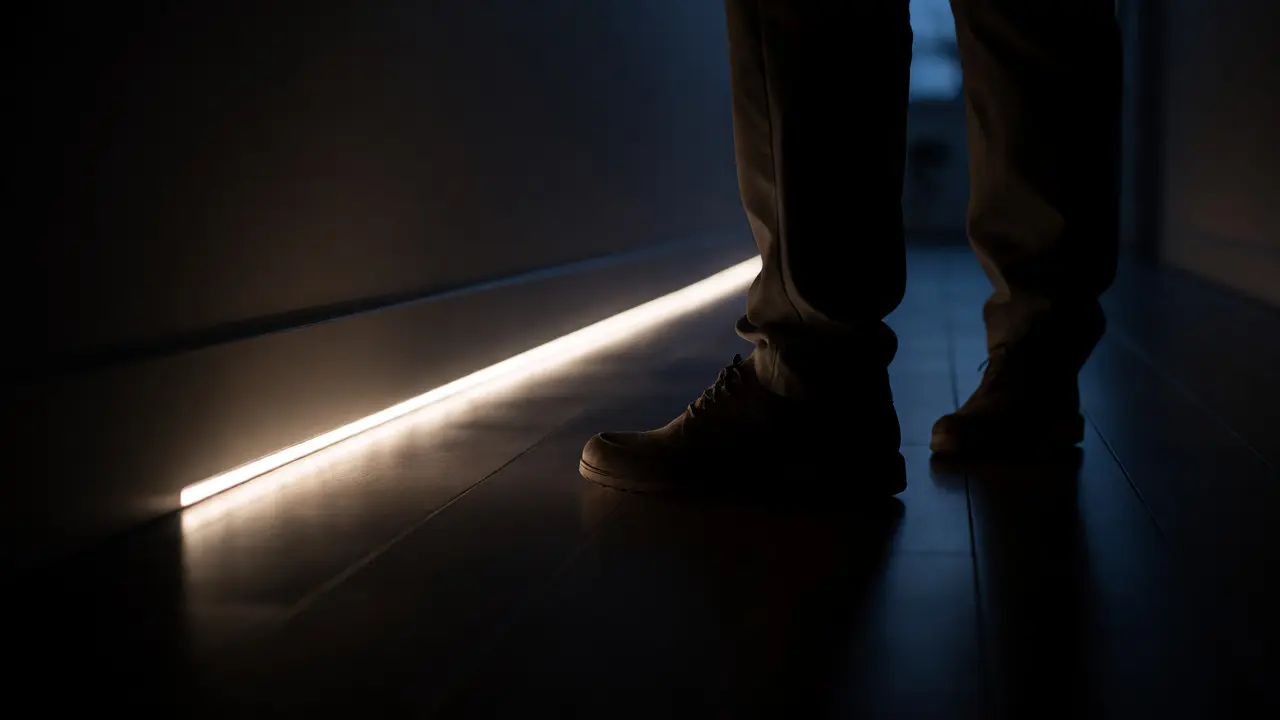
Imagine waking up at 3 AM to use the bathroom. For many seniors, that journey across a dark hallway is a high-stakes gamble with gravity. A loose rug, a shadowed step, or just poor visibility can turn a routine trip into a broken hip. Traditional light switches-those small, hard-to-find toggles on the wall-are often part of the problem, not the solution. They require fine motor skills, good eyesight, and memory. Smart lighting isn't just about showing off cool gadgets; it's a critical layer of assistive technology designed to reduce fall risks and maintain independence. If you're looking to make a home safer for an aging parent or yourself, this guide cuts through the tech jargon to show you exactly what works, what doesn't, and how to set it up without needing a computer science degree.
Why Standard Lighting Fails Seniors
Before we talk about bulbs and apps, let's look at why the current setup fails. As we age, our eyes need more light to see clearly, but glare becomes more painful. We also lose peripheral vision and depth perception. A standard ceiling fixture casts shadows in corners where clutter hides. Worse, the act of finding a switch in the dark triggers a cognitive load: Where is it? Did I leave it on? Is it safe to touch?
Fall prevention is the primary driver here. According to the Centers for Disease Control and Prevention (CDC), falls are the leading cause of injury death among adults aged 65 and older. Most of these happen indoors, often due to tripping over unseen objects. Smart lighting solves this by removing the need to interact with physical hardware in low-light conditions. It shifts the burden from the human to the environment. The house sees you, so the house lights up.
The Three Pillars of Accessible Smart Lighting
You don't need every gadget on the market. In fact, too many options create confusion. Focus on three specific categories that directly address mobility and vision issues:
- Motion-Activated Pathways: These are your best friends for hallways, stairs, and bathrooms. Instead of flipping a switch, the light turns on automatically when you enter the room. This eliminates the "fumble phase" entirely.
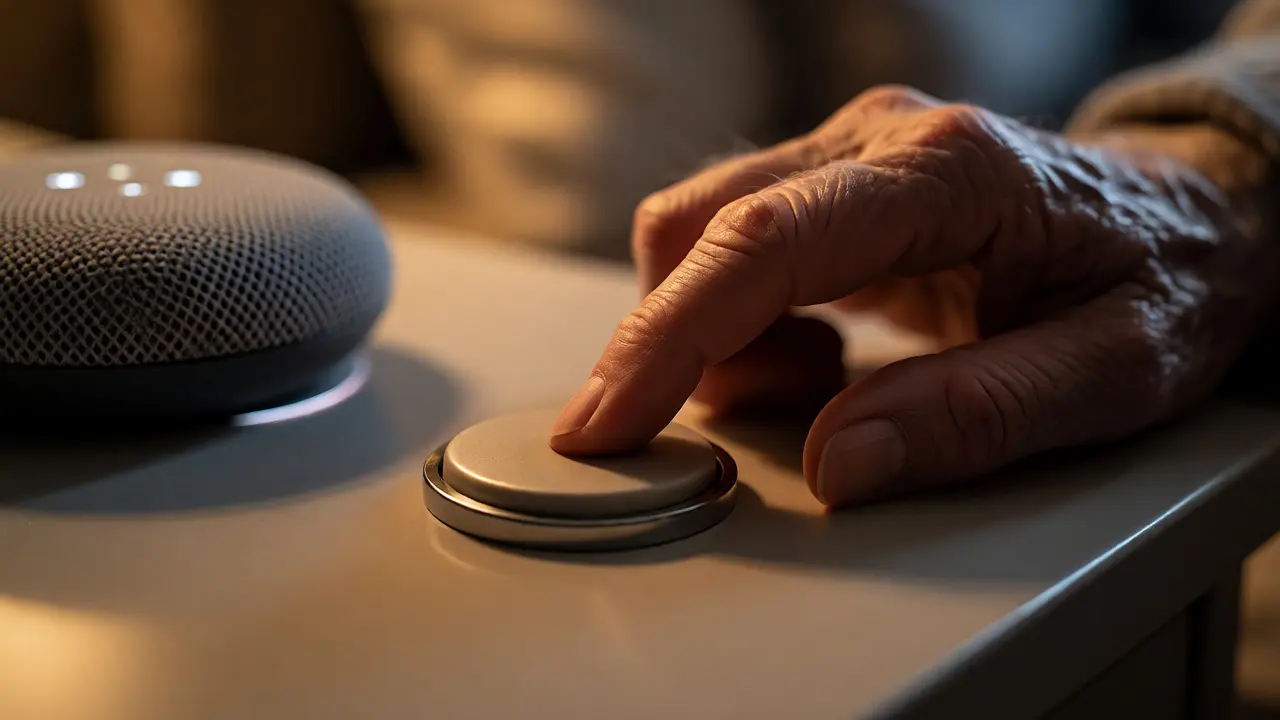
- Voice-Controlled Hubs: For those with arthritis or limited reach, shouting "Alexa, turn on the bedroom light" is easier than walking to the wall. Voice assistants like Amazon Alexa, Google Assistant, and Apple HomeKit have become incredibly reliable for simple commands.
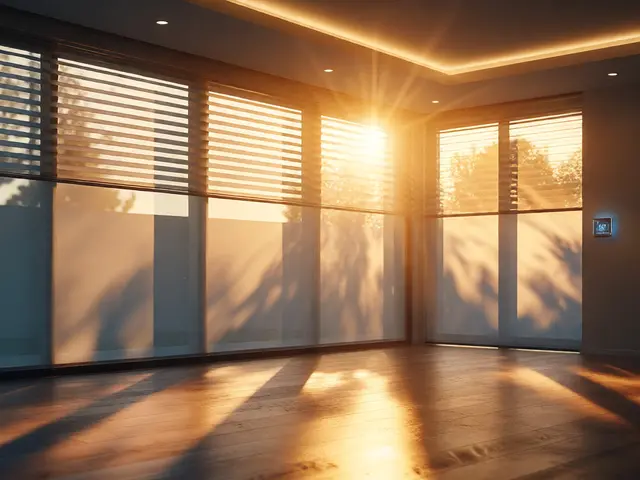
- Automated Schedules: Lights that turn on at sunset and off at sunrise help regulate circadian rhythms. Poor sleep exacerbates confusion and dizziness in seniors. Consistent lighting cues help the brain stay oriented.
Choosing the Right Hardware: Bulbs vs. Fixtures vs. Sensors
Not all smart lights are created equal. Some require Wi-Fi hubs, some work via Bluetooth, and others use Zigbee protocols. For seniors, reliability trumps fancy features. You want something that works even if the internet goes down.
| Feature | Wi-Fi Bulbs | Zigbee/Z-Wave Systems | Plug-in Motion Sensors |
|---|---|---|---|
| Setup Complexity | Medium (App required) | High (Hub required) | Low (Plug and play) |
| Reliability Offline | Poor (Needs router) | Good (Local network) | Excellent (Standalone) |
| Cost per Unit | $10-$20 | $15-$30 + Hub | $15-$25 |
| Best For | General ambience | Whole-home integration | Safety pathways |
If budget is tight, start with plug-in motion sensors. They don't require rewiring. Just plug them into existing outlets, and they control lamps nearby. If you want a seamless experience, a hub-based system like Philips Hue or LIFX offers better consistency, though it costs more upfront. Avoid cheap, no-name brands; their connectivity drops frequently, which frustrates users who rely on the lights for safety.
Setting Up Voice Control Without the Headache
Voice control sounds magical until you realize you have to remember the exact name of the device. "Turn on the living room lamp" is easy. "Turn on the hue color bulb two" is a disaster waiting to happen.
Here’s the golden rule for naming devices: Keep it short, descriptive, and consistent. Name lights by location, not brand. Call it "Bedroom Light," not "Hue Bedroom." Grouping is also crucial. Create scenes like "Nighttime Mode" that dim all lights to 20% brightness. This reduces glare while maintaining enough visibility to navigate. Train the user to use one or two phrases max. Overloading them with ten different commands leads to abandonment.
Consider the microphone quality of your speaker. Older voices can be softer or have different pitch ranges. Place the smart speaker within five feet of the bed or chair where the person spends most of their time. Test it during TV watching hours to ensure background noise doesn't interfere.
Bathroom Safety: The Critical Zone
The bathroom is the highest-risk zone for falls. Wet floors, slippery tiles, and sudden temperature changes make it dangerous. Smart lighting here needs special handling.
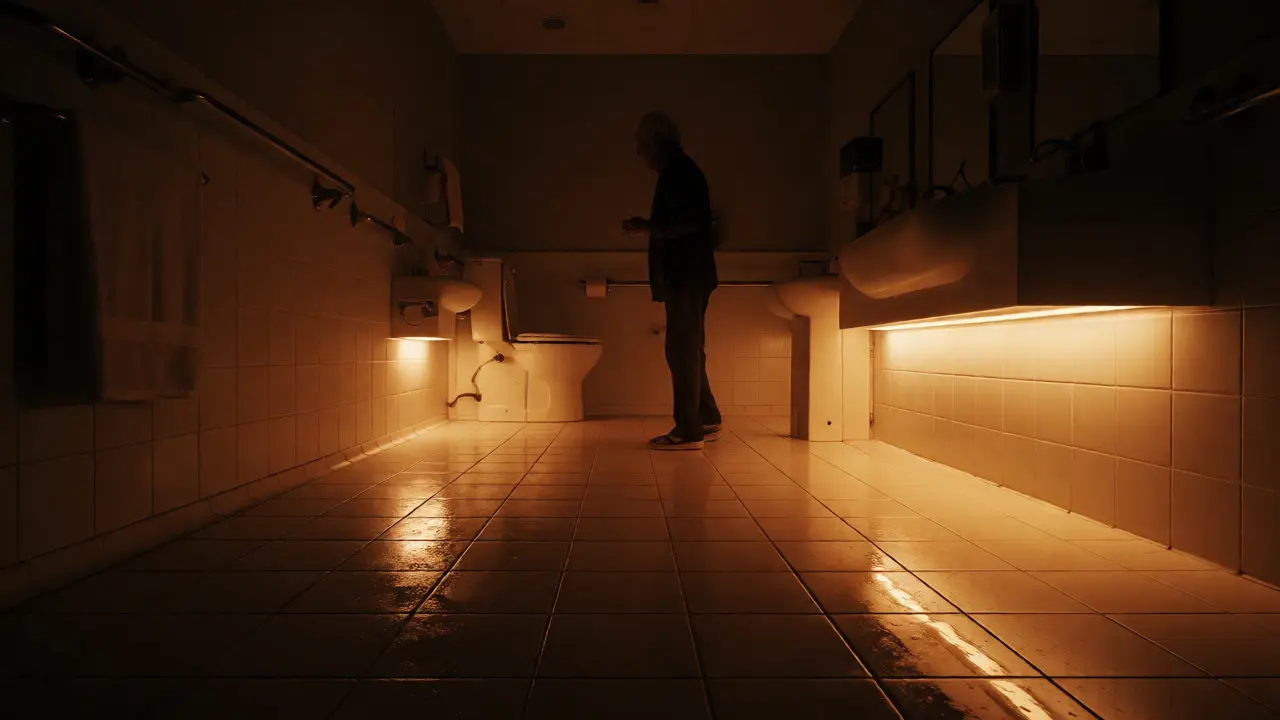
Install under-cabinet LED strips with motion sensors. When the senior enters the bathroom at night, a soft glow illuminates the floor path to the toilet. This prevents stepping into unknown puddles or missing the bowl. Use warm white light (2700K) rather than cool blue. Blue light suppresses melatonin and wakes up the brain, making it harder to go back to sleep after using the restroom.
Avoid automatic shutoffs that are too aggressive. If the sensor turns off the light while someone is still sitting on the toilet because they haven't moved for two minutes, panic sets in. Set the timeout duration to at least five minutes. Better yet, use a manual override button nearby-a large, tactile button that requires no precision pressing.
Overcoming Tech Resistance
Many seniors reject smart home tech because it feels impersonal or complicated. They fear breaking it. Or worse, they feel infantilized by having their movements tracked by sensors.
Frame the technology as convenience, not surveillance. Say, "This way you don't have to get up to flip the switch," rather than "This tracks when you wake up." Involve them in the setup. Let them choose the color temperature. Let them pick the voice assistant language. Autonomy matters. If they feel in control, they will use the system. If they feel managed, they will ignore it.
Also, keep a physical backup. Never remove traditional switches entirely unless absolutely necessary. A dead battery in a remote or a crashed app shouldn't leave someone in total darkness. Hybrid systems-where smart bulbs still respond to wall switches-are worth the extra cost for peace of mind.
Implementation Checklist for Caregivers
Ready to upgrade? Follow this step-by-step plan to avoid common pitfalls:
- Audit the Pathways: Walk the route from bed to bathroom at night. Note every shadowy corner.
- Start Small: Install motion sensors in the hallway and bathroom first. Don't tackle the whole house at once.
- Test Battery Life: Choose devices with long-lasting batteries or rechargeable packs. Changing batteries monthly is a chore seniors might skip.
- Set Brightness Limits: Configure maximum brightness to prevent blinding flashes. Start at 50% and adjust based on comfort.
- Create a 'Panic' Scene: Program a single command (voice or button) that turns on all main lights instantly. Useful if someone feels disoriented.
Do smart lights work if the internet goes out?
It depends on the protocol. Wi-Fi-only bulbs usually fail without a router connection. However, Zigbee or Z-Wave devices communicate locally through a hub and will continue to work for basic on/off functions even if the internet is down. Standalone battery-operated motion sensors always work regardless of internet status.
Is voice control reliable for people with speech difficulties?
Modern AI models are surprisingly robust. They can understand accents, mumbled words, and slight speech impediments. However, for severe speech limitations, consider alternative inputs like large-button remotes or tap switches. Always test the specific voice profile with the individual before committing to a full installation.
What is the best color temperature for seniors?
Warm white (2700K to 3000K) is generally best for evening and nighttime use as it reduces glare and eye strain. Cooler daylight temperatures (4000K+) are useful for daytime tasks like reading or cooking, as they improve contrast perception. Avoid bright blue-white lights at night as they disrupt sleep cycles.
How do I prevent accidental activation by pets?
Standard PIR (Passive Infrared) motion sensors detect heat and movement, so large dogs or cats can trigger them. Look for sensors labeled "pet immune" or adjustable sensitivity settings. Alternatively, mount sensors higher up on walls or ceilings, angled downward, to focus on human height zones rather than floor level.
Can smart lighting help with dementia care?
Yes. Automated lighting helps orient individuals with dementia by providing consistent environmental cues. Scheduled sunrise/sunset simulations can reduce sundowning behaviors. Additionally, leaving pathway lights on throughout the night reduces anxiety about navigating the home, promoting a sense of security and reducing agitation.