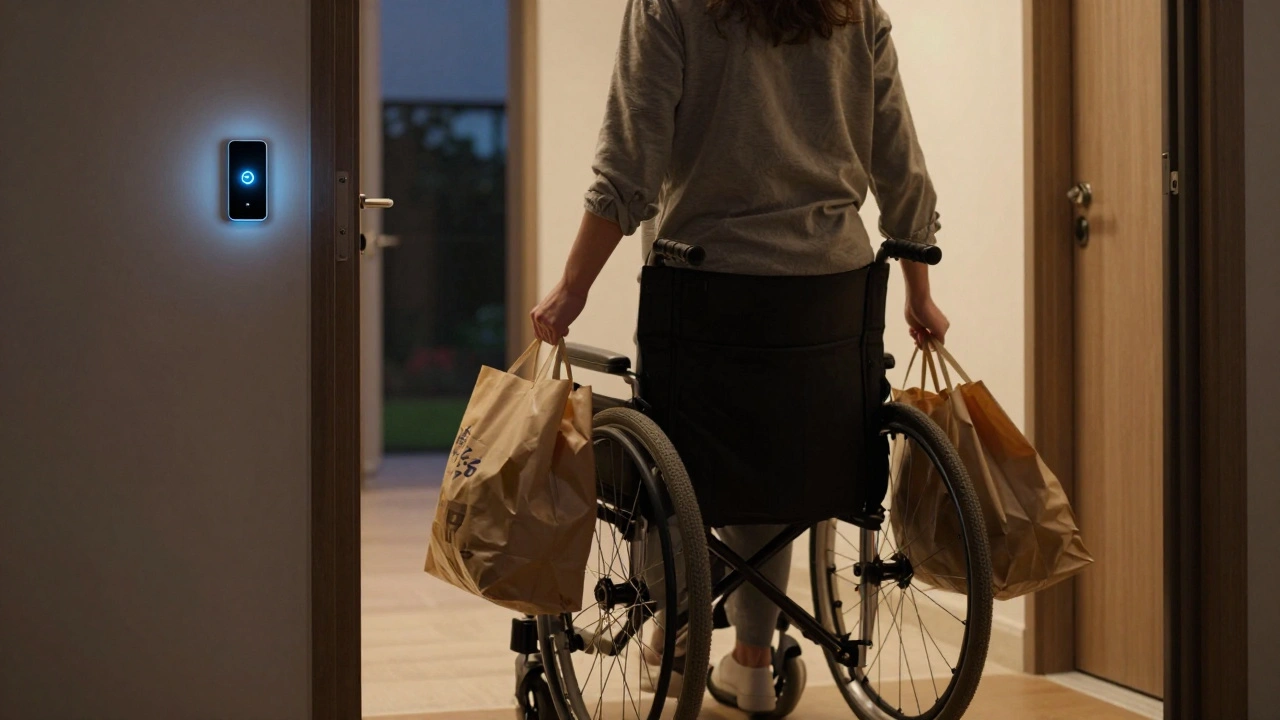
Imagine coming home after a long day, your hands full of groceries, and simply saying, "Lights on, please." The hallway brightens. The front door locks behind you. You don't have to fumble with keys or hunt for switches. For many people, this isn't just convenience-it's independence. Voice assistants are AI-powered devices that respond to spoken commands to control connected services and smart home devices. They act as the central nervous system for accessible living. If you have limited mobility, chronic pain, or visual impairments, these tools can transform a house into a safe, manageable environment without requiring physical interaction with every switch or dial.
We often talk about smart homes in terms of luxury-playing music while cooking or adjusting the thermostat from bed. But for the disability community, voice control is a critical utility. It bridges the gap between desire and ability. This guide cuts through the marketing hype to show you exactly how to set up a reliable, hands-free ecosystem that actually works when you need it most.
Why Voice Control Matters for Accessibility
The core benefit of voice technology in an accessible home is autonomy. Traditional interfaces require fine motor skills, depth perception, or the ability to navigate small touchscreens. A person with arthritis might struggle to turn a doorknob. Someone with cerebral palsy might find precise finger movements difficult. Visual impairments make reading labels on appliances frustrating or impossible. Voice removes these physical barriers entirely.
Consider the daily routine of someone using a wheelchair. Reaching high shelves, bending down to plug in devices, or navigating around clutter to reach a light switch creates constant friction. With voice control, the environment adapts to the user, not the other way around. You aren't just automating tasks; you are removing obstacles. Studies from organizations like the National Federation of the Blind highlight that assistive technology significantly reduces daily stress and increases social participation by allowing individuals to manage their surroundings independently.
However, reliability is non-negotiable. In a standard home, if the lights fail to turn on via voice, you walk over and flip the switch. In an accessible setup, that backup plan might not exist. Therefore, the system must be robust, responsive, and easy to troubleshoot without physical access to complex menus.
Choosing the Right Voice Assistant Platform
Not all voice assistants are created equal, especially when accessibility is the primary goal. The three major players-Amazon Alexa, Google Assistant, and Apple Siri-each have strengths and weaknesses regarding device compatibility, privacy, and ease of use for people with disabilities.
| Platform | Best For | Accessibility Strengths | Limitations |
|---|---|---|---|
| Amazon Alexa | Broadest device support | "Alexa Guard" for safety, extensive skill library for custom routines | Privacy concerns, interface can be cluttered |
| Google Assistant | Smart home integration & AI | Excellent natural language processing, strong visual aids for blind users | Limited hardware options compared to Echo |
| Apple Siri | iOS ecosystem users | Tight integration with iPhone/iPad, strong privacy focus, Shortcuts automation | Closed ecosystem, fewer third-party smart home devices supported |
If you already own iPhones and iPads, Apple HomeKit is a framework that allows iOS devices to control smart home accessories securely. Siri’s integration here is seamless. You can create "Shortcuts" that trigger multiple actions with one phrase. However, the device selection is narrower. You’ll pay more for compatible bulbs and plugs.
For those who want the widest range of affordable smart devices, Amazon Alexa is the leader. It supports thousands of brands. If budget is a concern, Echo Dots are inexpensive and can be placed throughout the house. Google Assistant sits in the middle, offering superior understanding of complex queries but sometimes struggling with specific brand integrations compared to Alexa.
Essential Devices for a Hands-Free Home
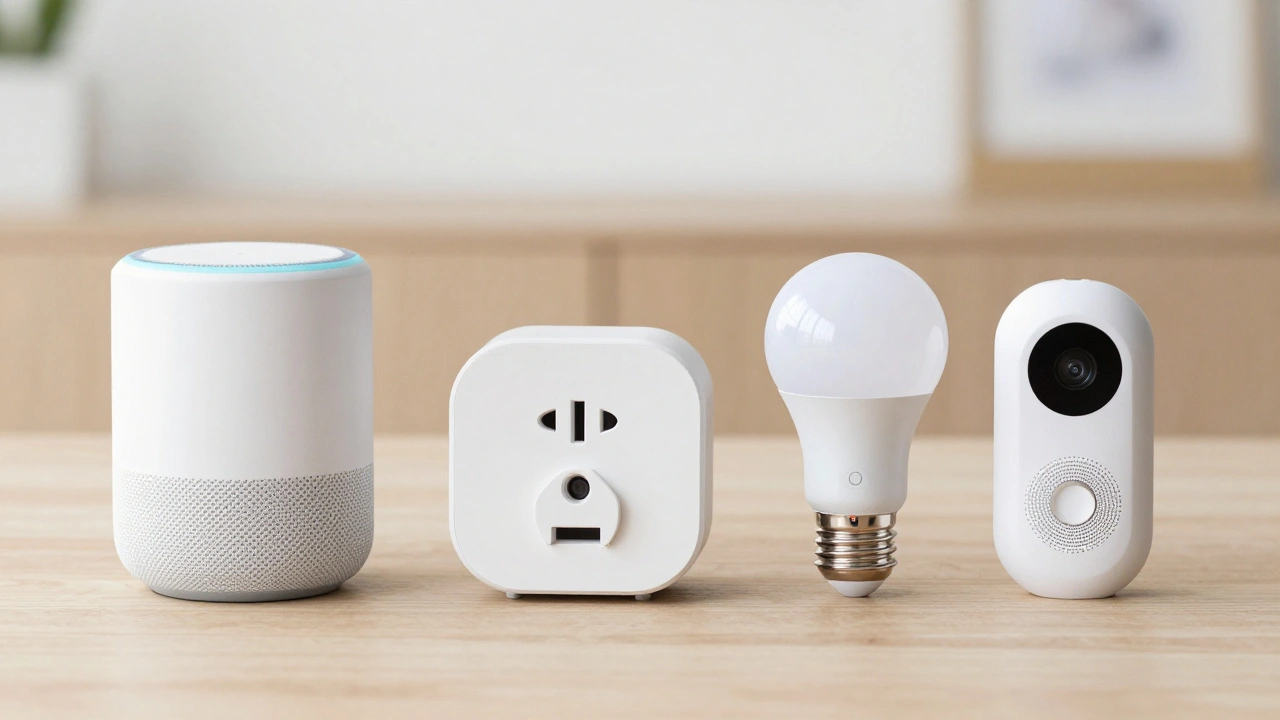
Once you’ve chosen your platform, you need hardware. The goal is coverage. You don’t want to shout across the room to change the TV channel. Here are the key components for an accessible setup:
- Multi-Room Speakers: Place at least one speaker in every frequently used room. Bedroom, bathroom (use waterproof models), kitchen, and living area are essential. Ensure they have clear microphones that pick up voices even when music is playing.
- Smart Lighting: Replace standard bulbs with Wi-Fi or Zigbee-enabled LEDs. Brands like Philips Hue or LIFX offer dimming and color temperature changes. Dimming lights slowly can help reduce sensory overload for neurodivergent individuals.
- Smart Plugs: These are the cheapest entry point. Plug in lamps, fans, coffee makers, or medical equipment. Suddenly, any "dumb" appliance becomes voice-controllable. Say, "Turn off the fan," and the plug cuts power.
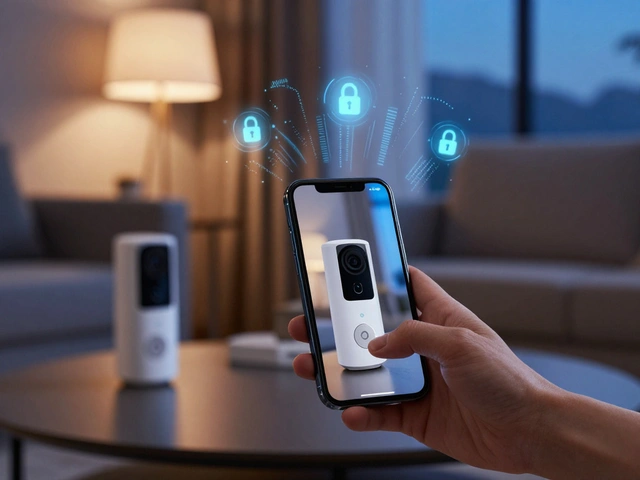
- Video Doorbells: For security and independence, a video doorbell lets you see and speak to visitors without physically going to the door. Models like Ring or Nest integrate well with most assistants.
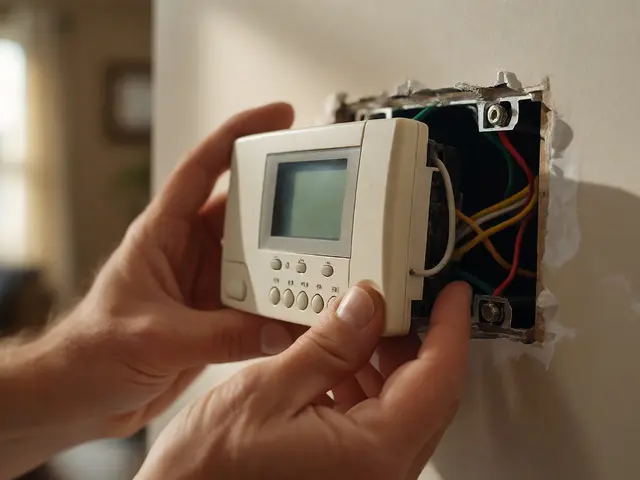
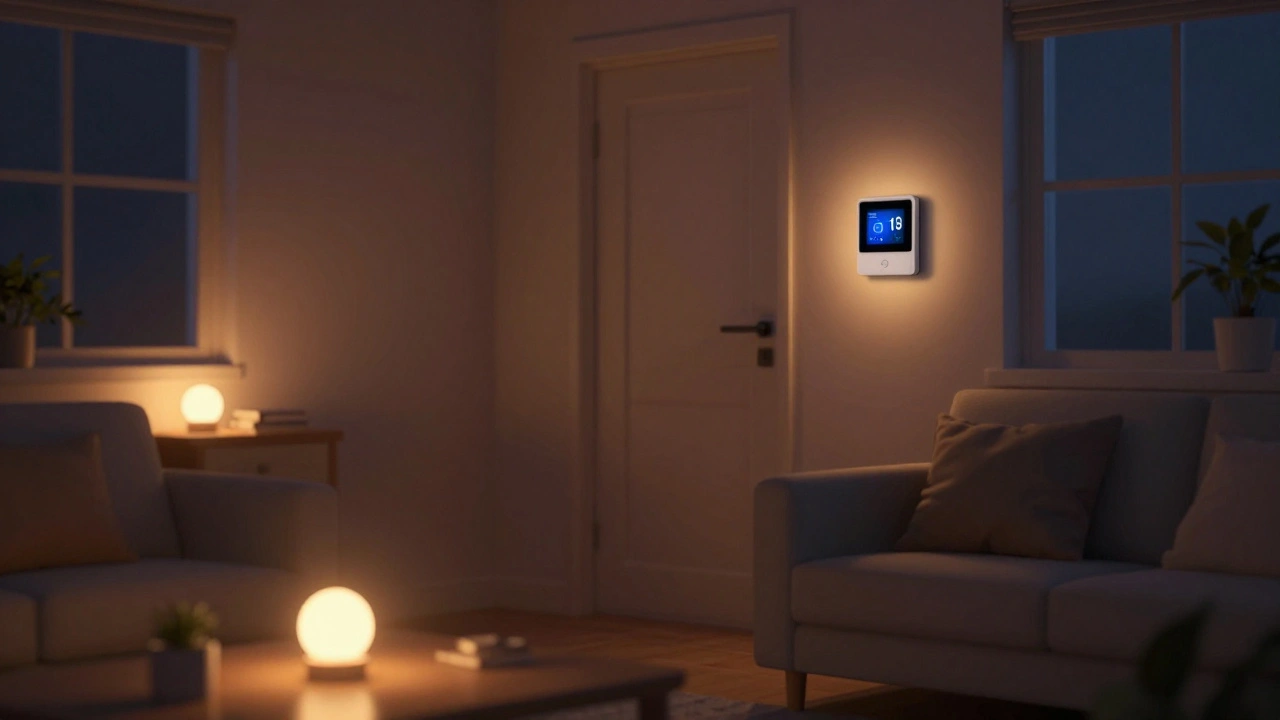
- Smart Thermostats: Maintaining a comfortable temperature without getting up to adjust a dial is crucial. Ecobee and Nest thermostats learn your preferences and can be controlled entirely by voice.
Don't forget about Smart Locks are electronic locking mechanisms that allow remote or voice-controlled access to doors. Being able to lock and unlock your front door via voice command adds a layer of security and convenience, especially if you’re carrying items or have difficulty reaching the handle.
Setting Up Routines for Daily Life
The real power of voice assistants lies in routines. Instead of giving individual commands, you create triggers that execute a series of actions. This reduces cognitive load and simplifies daily operations.
- Morning Routine: Triggered by "Good morning," this could open blinds (if you have smart shades), read out your calendar, announce the weather, and start the coffee maker. For someone with low vision, hearing the time and schedule immediately upon waking provides orientation.
- Safety Check: Create a "Leaving Home" routine. Saying "I'm leaving" locks all doors, turns off all lights, arms the security system, and lowers the thermostat. This ensures peace of mind without checking each device individually.
- Night Mode: "Goodnight" should turn off all lights, lock doors, and perhaps play white noise or calming sounds. Consistency helps establish a sleep routine, which is beneficial for everyone but particularly important for those managing chronic conditions.
Customize these routines based on specific needs. If you have a medical condition that requires medication reminders, set up a routine that announces pill times. If you live alone, consider a "Check-in" routine where you can ask the assistant to confirm if all doors are locked and lights are off.
Troubleshooting Common Issues
Even the best systems have hiccups. When you rely on voice control, troubleshooting must also be hands-free or easily delegable. Here are common problems and solutions:
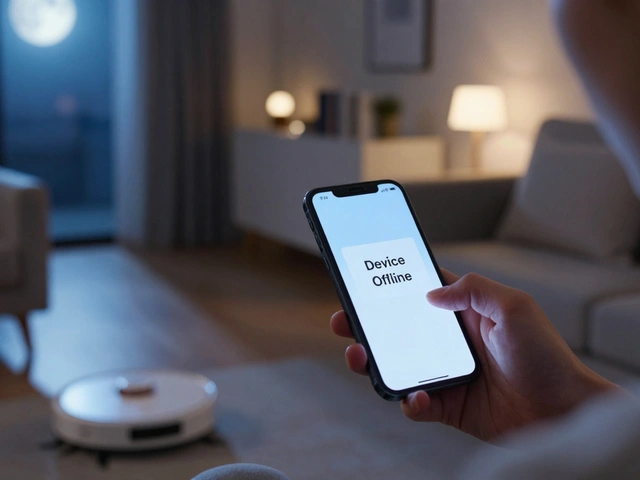
- Device Not Responding: First, check if the device is online. Most assistants will say, "I'm having trouble connecting." If it persists, try restarting the router. If you can't reach the router, ask a family member or neighbor for help. Keep a simple printed guide near the router for them to follow.
- Misheard Commands: Speak clearly and pause slightly before issuing the command. If the accent or speech pattern causes issues, retrain the voice model. Both Alexa and Google allow you to record new voice samples to improve accuracy.
- Intermittent Connectivity: Smart homes rely on Wi-Fi. Ensure your signal covers all areas. Mesh Wi-Fi systems are excellent for larger homes. Dead zones mean dead devices.
Always keep manual backups where possible. While voice control is the primary method, having a physical switch nearby for critical items like emergency lighting or main power cutoffs is a wise safety measure.
Privacy and Security Considerations
Using always-listening devices raises valid privacy concerns. For individuals with disabilities, who may be more vulnerable to exploitation, securing your data is paramount. Enable two-factor authentication on all accounts associated with your voice assistant. Regularly review what data is being stored and delete old voice history if you feel uncomfortable.
Most devices have a mute button. Use it when discussing sensitive topics. Additionally, ensure your Wi-Fi network is secured with a strong password. Hackers can potentially access cameras or microphones if your network is weak. Keep firmware updated to patch security vulnerabilities.
Next Steps for Your Accessible Home
Start small. Don't try to automate your entire house overnight. Begin with one room, like the bedroom or living room. Add a few smart bulbs and a smart plug. Test the voice commands. Get comfortable with the routine. Then expand to the next room. This gradual approach prevents overwhelm and allows you to identify what truly improves your quality of life.
Consult with occupational therapists if possible. They can assess your specific physical limitations and recommend the most effective layout for switches, sensors, and speakers. Technology is a tool, but professional guidance ensures it fits your unique lifestyle.
Remember, the goal is not just a smarter home, but a freer life. By leveraging voice assistants, you reclaim control over your environment, reducing dependency and increasing confidence. Take the first step today-buy one smart bulb, say the magic words, and watch the light change.
Can voice assistants work without Wi-Fi?
Most cloud-based voice assistants like Alexa and Google Assistant require an active internet connection to process commands. However, some local hub-based systems, like certain Zigbee or Z-Wave setups, can perform basic functions offline if configured correctly. For true independence, consider a hybrid approach with local automation hubs.
What if my voice changes due to illness or age?
Voice recognition algorithms can struggle with significant changes in voice pitch or clarity. Both Amazon and Google allow you to update your voice profile. Regularly retraining the assistant with new voice samples helps maintain accuracy. Additionally, using distinct wake words can help differentiate between users.
Are voice assistants secure from hackers?
While no system is 100% immune, major platforms employ encryption and regular security updates. To enhance security, use strong, unique passwords, enable two-factor authentication, and keep device firmware up to date. Avoid sharing sensitive information verbally unless necessary.
How do I set up voice control for a person with limited mobility?
Focus on high-impact areas first: lighting, climate control, and entertainment. Place speakers within easy reach or mount them at convenient heights. Use routines to combine multiple actions into single commands. Ensure all smart devices are compatible with your chosen voice platform to avoid fragmentation.
Is it expensive to make a home accessible with voice tech?
Costs vary widely. Basic setups with smart plugs and bulbs can start under $100. Comprehensive whole-home systems with video doorbells, smart locks, and multi-room audio can exceed $1,000. Start with essentials and expand gradually. Many insurance plans or government grants may cover assistive technology costs.