Leaving your house for a week or two can feel like leaving it wide open. The silence of an empty home is exactly what burglars listen for. But you don't need to hire a guard or ask a neighbor to check in daily. With the right setup, your home can watch over itself while you enjoy your time off. This guide covers how to combine remote checks with smart automation to keep your vacation home secure without micromanaging every door and window.
The Core Problem: Static Homes Are Targets
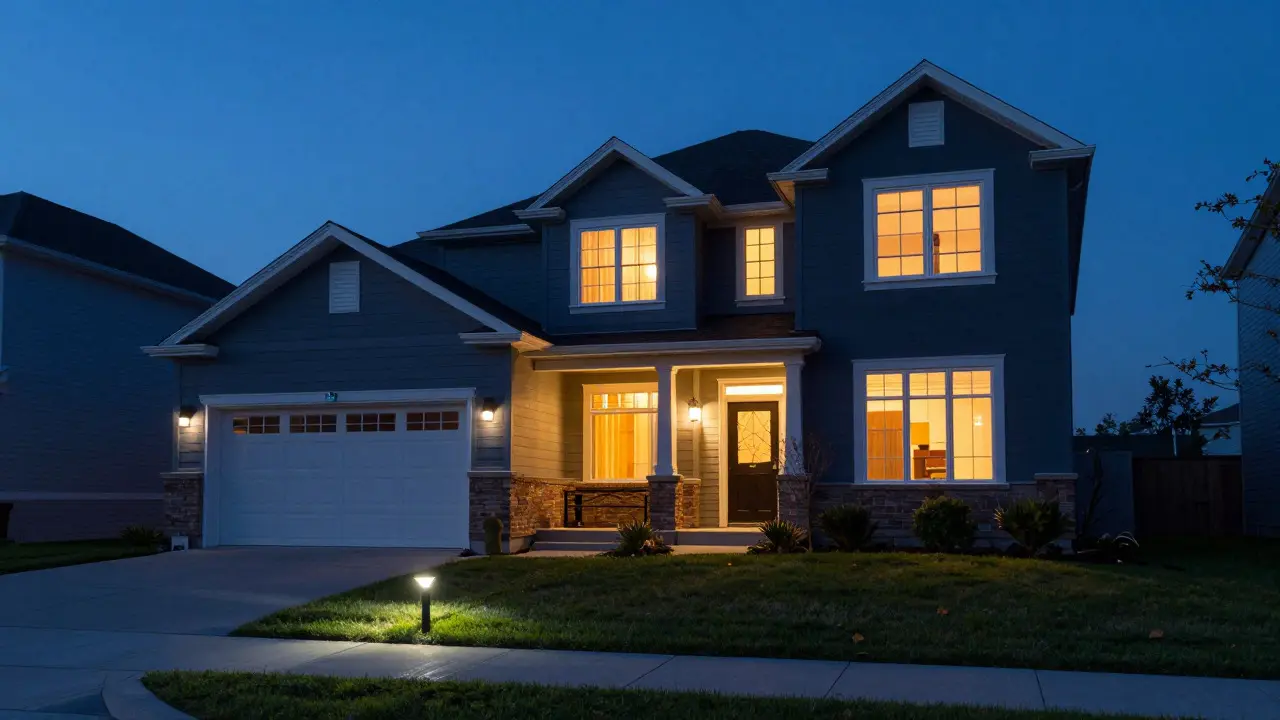
Burglaries often happen not because a system failed, but because a home looked unoccupied. A car full of packages, lights left on at odd hours, or mail piling up are classic red flags. Traditional alarm systems only react after a break-in starts. Modern security shifts the focus to deterrence and visibility. You want a system that makes the house look lived-in and gives you real-time eyes when something looks wrong.
The goal isn’t just to catch a thief; it’s to make them think twice before trying. If a camera turns on when they approach, or a light flickers on as if someone is inside, the risk-to-reward ratio drops for them. That psychological barrier is your first line of defense.
Essential Hardware for Remote Monitoring
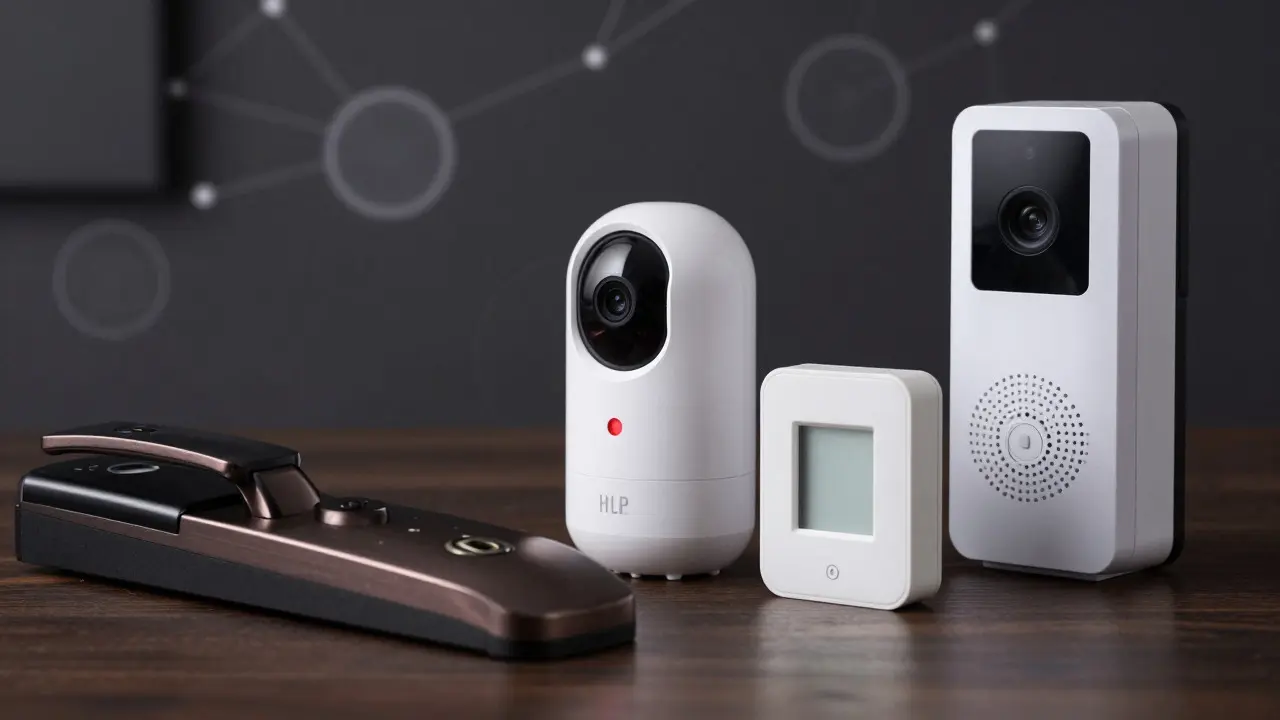
You don’t need a server room to monitor your home remotely. You need a few key devices that talk to each other and send alerts to your phone. Here is the core stack most people use:
- Video Doorbells: These are your primary eyes at the entry point. They record motion and allow two-way audio so you can talk to visitors (or scare off intruders).
- Smart Indoor Cameras
- Smart Locks: These allow you to lock doors remotely and generate temporary access codes for cleaners or handymen who might visit while you’re away.
- Window Sensors
When choosing hardware, prioritize Wi-Fi reliability. If your internet goes down, your remote checks stop working. Consider a mesh network extender if your home has dead zones, especially in the backyard or garage where cameras are often placed.
Setting Up Automated Routines
Remote checking is reactive; automation is proactive. Instead of waiting for an alert, you set rules that trigger actions based on time or sensor data. This creates the illusion of occupancy.
- Lighting Schedules: Program your smart bulbs to turn on and off at random intervals between sunset and midnight. Avoid repeating the exact same pattern every night. Use a "randomize" feature if available to mimic human behavior.
- Camera Motion Triggers: Set your outdoor cameras to take a snapshot and save it to the cloud when motion is detected. Some systems can also trigger a floodlight to flash, startling potential intruders.
- Thermostat Adjustments: Keep your HVAC running on a low setting. A completely cold or hot house signals no one is home. Also, extreme temperature changes can damage pipes in winter or dry out wood in summer.
- Garage Door Status: Ensure the garage door is closed and locked. Many smart garage controllers integrate with your security app, allowing you to verify its status from miles away.
The key here is consistency. If your lights always come on at 6:00 PM sharp, a burglar will notice the robotic precision. Human habits are messy, so your automation should be too.
Managing Alerts Without Burnout
One of the biggest complaints about remote security is alert fatigue. If your phone buzzes every time a leaf blows across the driveway, you’ll start ignoring notifications. By the time a real threat appears, you might miss it.
To fix this, tweak your sensitivity settings. Most modern cameras have AI-based person detection. Turn off alerts for animals, cars, and shadows. Only get notified when a human figure is detected. For indoor cameras, consider using "motion zones" to ignore areas where pets roam or where curtains flutter in the wind.
Create a hierarchy of alerts. Critical alerts (like a door being opened) should send a push notification and possibly a loud siren. Minor alerts (like motion in the backyard) can simply log an event that you review later in the app. This keeps your attention focused on what actually matters.
Backup Power and Connectivity
The best smart home fails if the power goes out. When the grid fails, your Wi-Fi router dies, and your cameras go blind. To mitigate this, invest in battery backups for critical devices.
If you’re staying somewhere with poor cell service, test your signal strength before you leave. You can buy a cheap signal booster if necessary, but it’s better to know in advance than to realize you’re cut off once you’re on the beach.
Common Pitfalls to Avoid
Even with good hardware, bad habits can compromise your security. Here are the mistakes I see most often:
- Ignoring Software Updates: Firmware updates often patch security vulnerabilities. Set your devices to auto-update, or schedule a quick check-in from your phone before you leave.
- Weak Passwords: Using the same password for your email, Wi-Fi, and security app is risky. If one account is breached, all your doors are open. Use a password manager to generate unique, strong credentials for each device.
- Forgetting Physical Deterrents: Technology helps, but a well-lit yard and trimmed bushes matter. Intruders prefer hiding spots. Clear sightlines make it harder for them to approach unnoticed.
- Not Testing the System: Don’t assume it works. Do a full test run a day before you leave. Walk through every door, open every window, and trigger every camera. Make sure you receive the alerts on your phone.
Comparison of Monitoring Approaches
How much do you really need? It depends on your risk tolerance and budget. Here is a breakdown of three common setups:
| Feature | Basic DIY Setup | Advanced Smart Home | Professional Monitoring |
|---|---|---|---|
| Cost (Initial) | $150 - $300 | $500 - $1,500 | $200+ installation + monthly fee |
| Response Time | Manual (you call police) | Semi-automated (alerts + optional pro) | Instant (pro monitors 24/7) |
| Maintenance | High (you manage updates) | Medium (auto-updates common) | Low (company handles tech) |
| Best For | Short trips, low-risk areas | Tech-savvy users, long vacations | High-value homes, frequent travel |
For most people, the Advanced Smart Home option offers the best balance. It gives you control and automation without the recurring cost of professional monitoring services. However, if you have high-value items or live in an area with higher crime rates, paying for a professional monitoring service might be worth the peace of mind.
Frequently Asked Questions
Do I need a professional installer for smart security?
No. Most consumer-grade smart locks, cameras, and sensors are designed for DIY installation. They typically use standard mounting holes and connect via Wi-Fi. However, if you want wired systems or integration with existing complex infrastructure, a pro might help.
What happens if my internet goes out while I'm away?
Your cloud-based features will stop working, but local functions usually remain. Batteries keep cameras recording locally. To stay connected, use a UPS for your router or choose devices with cellular backup capabilities. Check your local ISP's outage history before relying solely on their service.
Is it safe to give a neighbor access to my smart home?
Yes, but use temporary access codes or guest profiles. Avoid sharing your master admin password. Most apps allow you to create limited-access accounts that only let guests unlock the front door or view live camera feeds, without giving them control over your entire system settings.
How much does remote monitoring cost per month?
It varies. Basic cloud storage plans range from $5 to $15 per month. Professional monitoring services typically cost between $30 and $50 per month. Some devices offer free tiers with limited history, which might suffice if you rarely check back on footage.
Can I automate my TV to make the house look occupied?
Yes. Smart plugs can turn your TV on and off at random times. While a moving picture is ideal, even a static screen glow can deter intruders. Pair this with smart lighting that mimics natural eye movement patterns for a more convincing effect.