Quick Takeaways
- File Storage is best for shared folders, office documents, and apps that need a traditional folder hierarchy.
- Object Storage is the go-to for massive amounts of unstructured data, backups, and cloud-native applications.
- Key Trade-off: File storage offers speed and familiarity; object storage offers infinite scalability and lower costs for huge volumes.
The Familiar World of File Storage
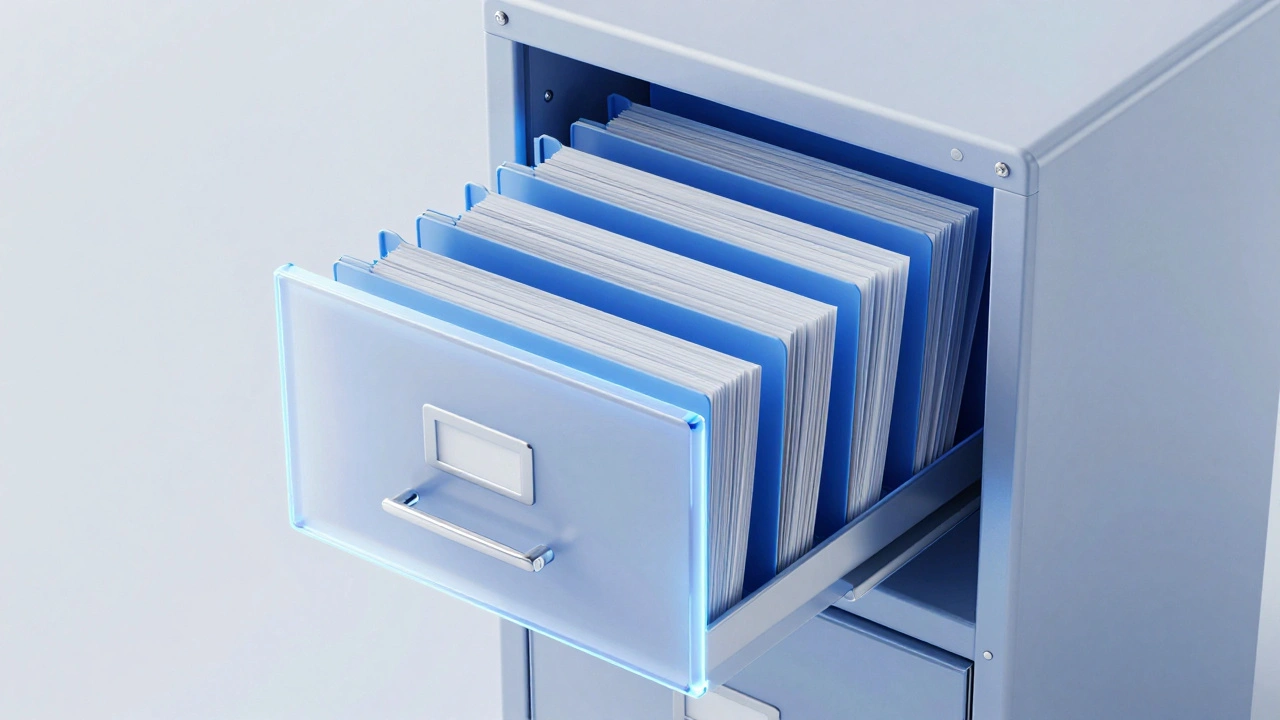
When you open "My Documents" on your laptop, you're using File Storage is a data storage method that organizes data in a hierarchical structure of folders and subfolders. This is the traditional way we've handled data for decades. Think of it like a physical filing cabinet: you have a drawer, inside that drawer are folders, and inside those folders are the actual documents.
This model relies on a specific path to find a file. For example, /Users/Doris/Projects/Budget2026.xlsx. If you move that file to a different folder, the path changes, and any program looking for that specific path will crash or report a "File Not Found" error. This is why file storage is great for things that change often. If you're collaborating on a spreadsheet with three other people, you can open the file, change a cell, and save it instantly. The system only updates the specific part of the file that changed, which makes it incredibly fast for small, frequent edits.
In a professional environment, this usually manifests as NAS is Network Attached Storage, a dedicated server for providing data access to a heterogeneous group of clients. If your office has a shared drive where everyone drops their reports, you're using NAS. It's convenient, but it has a ceiling. Once the physical disks on that NAS server are full, you have to buy more hardware or migrate to a bigger box, which is a headache for any IT team.
The Flat Architecture of Object Storage
Now, imagine you aren't storing a few documents, but billions of photos from a mobile app. A folder hierarchy would crumble under that weight. You'd end up with folders containing a million files each, and your system would freeze just trying to list the contents of a directory. This is where Object Storage is a data storage architecture that manages data as objects, each containing the data, metadata, and a unique identifier comes in.
Object storage gets rid of the folders entirely. Instead, it treats the entire storage space as one giant, flat bucket. When you save a file-which we now call an "object"-the system assigns it a unique ID. You don't need to know where it's physically located on a disk; you just ask the system for that ID, and it hands the data back to you. It's more like a valet parking service: you give them your keys (the ID), they park the car wherever they have space, and when you want it back, they retrieve it regardless of which floor of the garage it's on.
The real magic here is the metadata. In file storage, metadata is basic: file name, size, and date created. In object storage, you can attach whatever you want. If you're storing medical X-rays, you can attach the patient's ID, the date of the scan, the doctor's name, and the body part imaged directly to the object. This makes searching through billions of files incredibly fast because you're querying the metadata, not scanning through folders.
Comparing the Two Models
Choosing between these two depends on what you're actually doing with your data. If you need to edit a file frequently, object storage will frustrate you. Why? Because you can't "edit" an object. To change one word in a 1GB file in object storage, you have to upload the entire 1GB file again. File storage, however, allows you to change a single byte without touching the rest of the file.
| Feature | File Storage (NAS) | Object Storage (S3/Blob) |
|---|---|---|
| Structure | Hierarchical (Folders) | Flat (Buckets/IDs) |
| Scalability | Limited by hardware | Virtually infinite |
| Editability | High (Partial updates) | Low (Full rewrite) |
| Metadata | Basic/Limited | Customizable & Extensive |
| Access Method | NFS, SMB protocols | REST APIs (HTTP) |

When to Choose File Storage
You should stick with cloud storage based on file systems when your primary goal is collaboration and low-latency access. If you're running a database where the system needs to read and write to a disk thousands of times per second, file storage is the only way to go. For example, a content management system (CMS) like WordPress needs to be able to quickly access configuration files and theme assets. Putting those on object storage would introduce too much lag.
Another classic use case is shared project folders. If a team of architects is working on CAD drawings, they need a shared environment where they can see the most recent version of a file instantly. Protocols like SMB is Server Message Block, a network file sharing protocol used for providing shared access to files make this seamless, allowing the cloud drive to feel like a local hard drive on their computer.
When to Switch to Object Storage
If you're dealing with "Write Once, Read Many" (WORM) data, object storage is the winner. Think about a company that stores every security camera feed from 50 different stores. You aren't going to "edit" a video of a shoplifting incident from three years ago; you're just going to store it and occasionally retrieve it. Using a file system for this would be a nightmare because you'd eventually hit the maximum number of files allowed in a folder.
This is why Amazon S3 is Simple Storage Service, a scalable object storage service offered by AWS has become the industry standard. It doesn't matter if you have 10 files or 10 trillion; the performance remains consistent. It's also significantly cheaper. Because object storage doesn't need to maintain a complex folder tree, the overhead is lower, and providers pass those savings on to the user.
Object storage is also the backbone of modern backups. When you back up your entire server, you don't need to browse those backups like a folder. You just need the backup software to be able to pull the correct "blob" of data based on the date. This is why services like Azure Blob Storage is Microsoft's object storage solution for the cloud, designed to store massive amounts of unstructured data are so popular for disaster recovery plans.
The Hybrid Reality
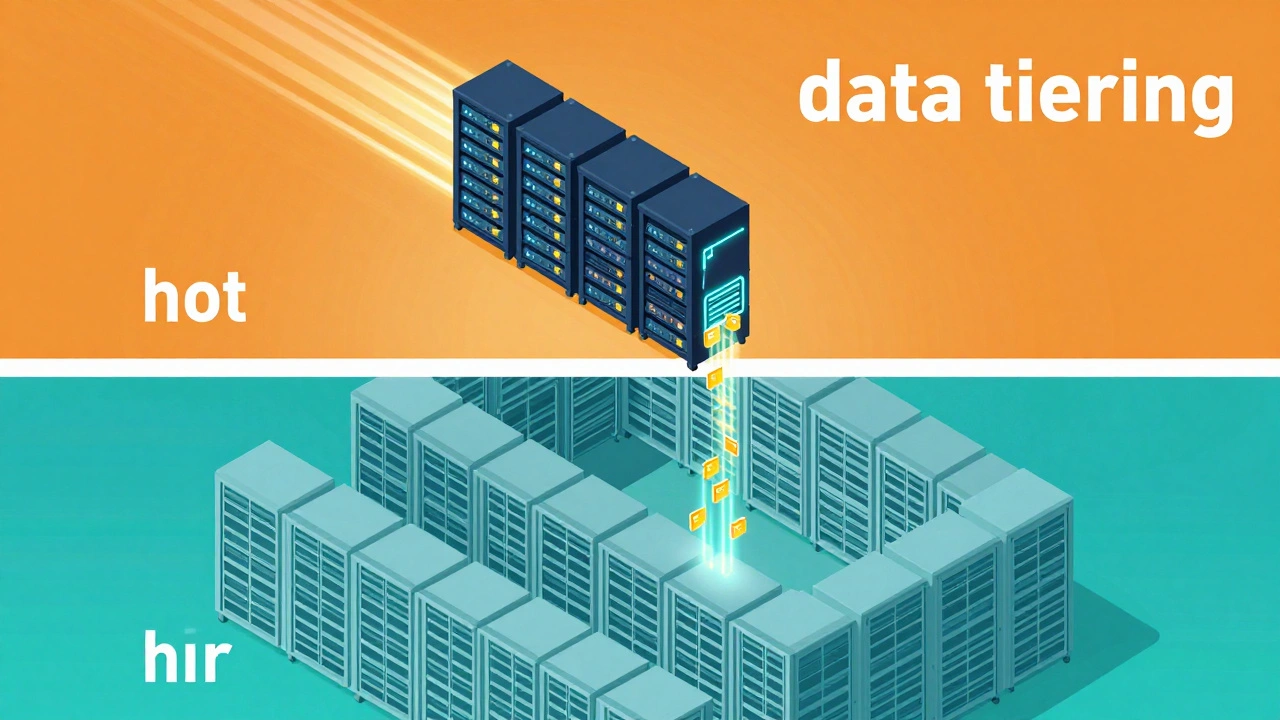
Most modern companies don't actually choose just one. They use both. A typical setup might involve using file storage for the active working directory-where the team is currently editing videos or documents-and then automatically moving those files to object storage once they are marked as "archived." This is called data tiering.
For instance, a streaming service might keep the most popular movie clips on a high-speed file system for instant delivery, but store the rest of its massive library in object storage. When a user requests an old movie, the system pulls it from the object store and temporarily caches it in the file system. This balances the need for speed with the need for cost-efficiency.
Can I use Object Storage as a hard drive on my PC?
Not natively. Object storage uses APIs (HTTP requests) rather than the standard file protocols your OS expects. While there are third-party tools that "mount" an S3 bucket as a drive, they are often slow and prone to errors because they are trying to mimic a folder structure that doesn't actually exist on the backend.
Is Object Storage more expensive than File Storage?
Generally, no. Object storage is usually much cheaper per gigabyte, especially at scale. However, you may pay "egress fees"-costs associated with moving data out of the cloud-which can add up if you're constantly downloading large files.
What happens if I lose the ID of an object?
If you don't have the unique identifier or the exact key, finding the object is nearly impossible unless you have indexed your metadata. This is why using a database to track your object IDs is a critical best practice for anyone using object storage.
Which one is better for website images?
Object storage is significantly better. Since images are static and don't change often, you can store them in a bucket and serve them directly to users via a URL. This removes the load from your web server and makes your site load faster.
Does File Storage support versioning?
Some advanced file systems do, but it's usually handled by the application or a snapshot tool. Object storage often has built-in versioning, meaning every time you upload a new version of an object, the old one is kept as a previous version automatically.
Next Steps for Implementation
If you're trying to decide which one to implement today, start by auditing your data. If more than 80% of your data is "cold" (meaning it's rarely accessed and never edited), move it to object storage immediately. You'll likely see a significant drop in your monthly cloud bill.
For those building a new app, lean toward object storage by default. It's much easier to scale a flat architecture than it is to redesign a folder hierarchy three years from now when you've outgrown your server. Only use file storage if your app specifically requires low-latency, random-access writes to the middle of a file.