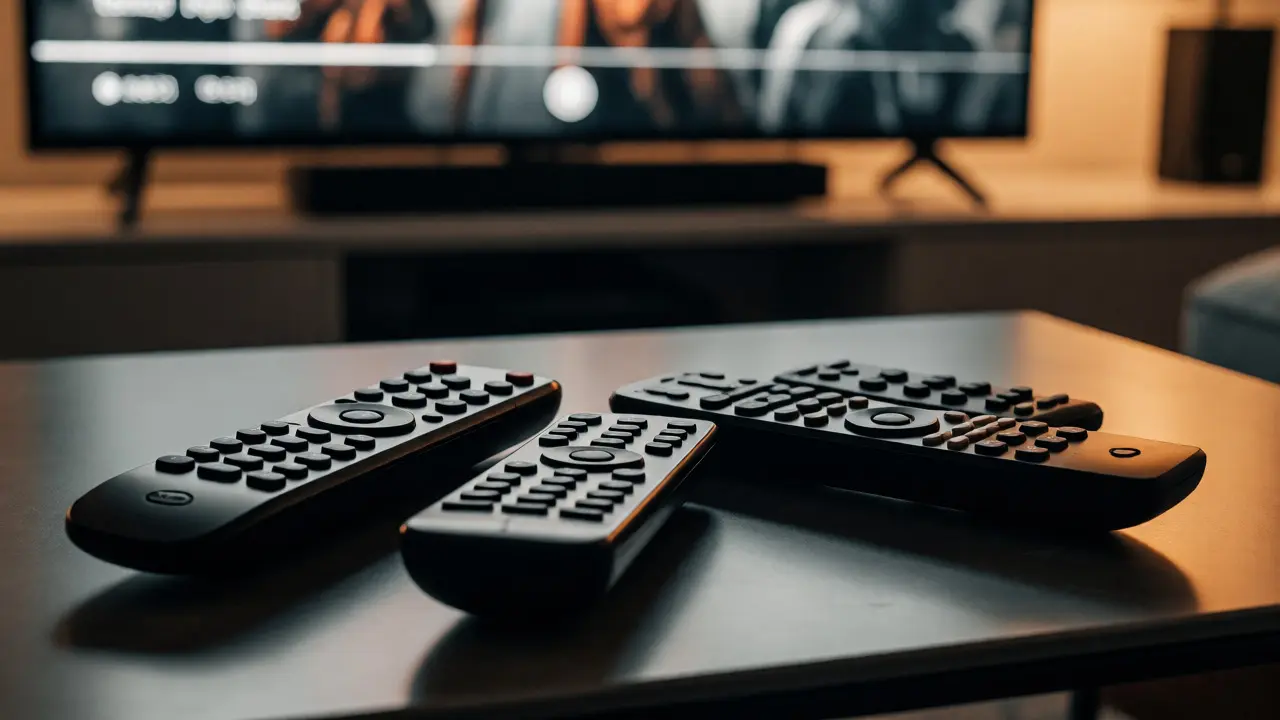
You know that feeling. You want to watch a movie on Netflix, but you’re juggling three different remotes. One for the TV, one for the soundbar, and another for the streaming box. It’s not just annoying; it’s a barrier to actually enjoying your downtime. If you’ve ever spent more time finding the right clicker than watching content, you’re exactly who needs universal remotes and control apps.
The market has shifted dramatically since the early days of clunky infrared devices. Today, we have sophisticated systems that blend hardware with software, allowing you to control everything from your living room lights to your 4K TV with a single touch or voice command. Whether you are a tech enthusiast looking for deep integration or someone who just wants one button to turn on the TV and open YouTube, there is a solution for you. This guide breaks down how these systems work, what to look for in 2026, and how to choose between a physical universal remote and a smartphone app.
Why Your Current Setup Might Be Failing You
Most modern home entertainment centers are complex ecosystems. A typical setup might include a smart TV, a cable box, a Blu-ray player, a gaming console, and a surround sound system. Each device often comes with its own remote, leading to "remote clutter." But the real issue isn't just the number of objects on your coffee table; it's the fragmentation of control.
When you use separate remotes, you lose the ability to create unified commands. For example, turning on your TV should ideally also switch the input to HDMI 1, power up the soundbar, and adjust the volume to a comfortable level. Without a central controller, this requires five separate actions. Universal controllers solve this by using "activities" or "scenes." Instead of pressing buttons for individual devices, you press a button labeled "Watch Movie," and the system handles the rest.
Furthermore, as homes become smarter, the boundary between entertainment and automation blurs. You might want your lights to dim when you start a movie. Traditional IR remotes can’t talk to your smart bulbs. Modern hybrid solutions, however, bridge this gap, connecting your entertainment gear with your broader smart home network.
Understanding the Technology: IR, RF, Wi-Fi, and Bluetooth
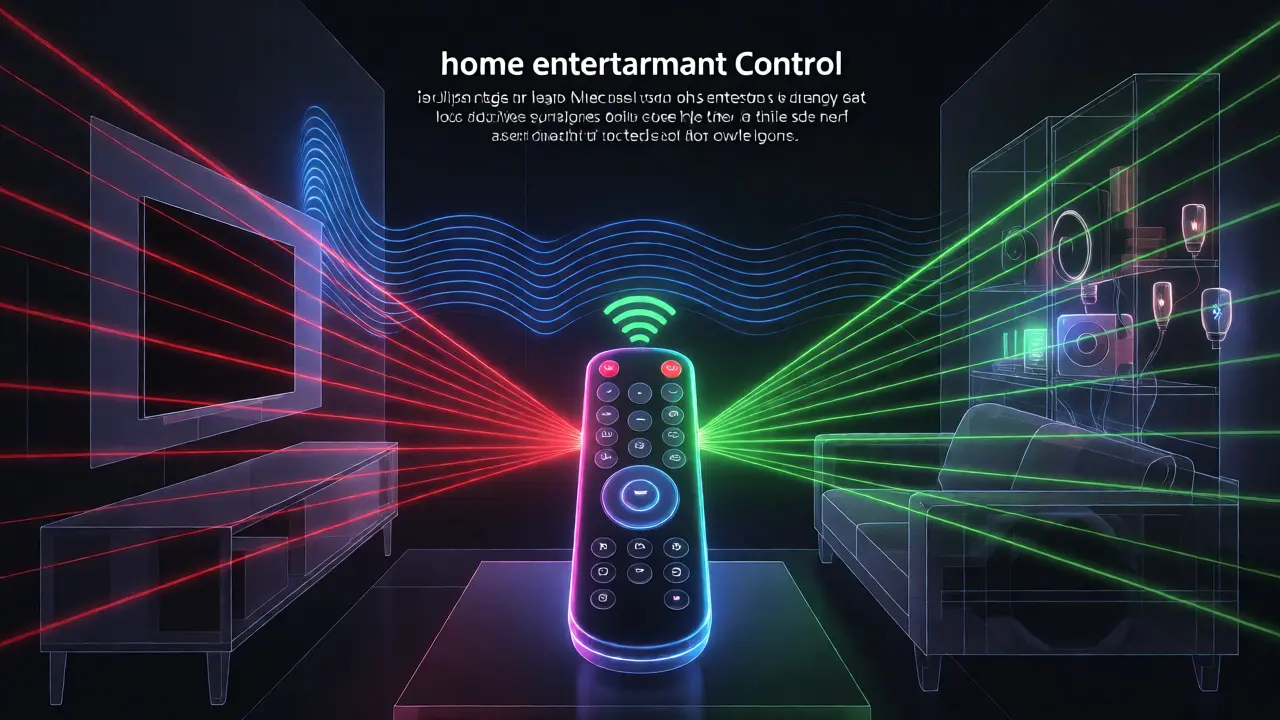
To choose the right controller, you need to understand how they communicate with your devices. There are four main technologies at play here, each with specific strengths and weaknesses.
Infrared (IR) is the oldest technology. It works like a flashlight beam; the signal must have a clear line of sight to the device. It’s cheap and reliable for basic tasks like changing channels. However, if you hide your cable box inside a cabinet, an IR-only remote won’t work unless you buy a separate emitter. Also, IR signals don’t penetrate walls well, so you can’t control devices in other rooms easily.
Radio Frequency (RF) solves the line-of-sight problem. RF signals bounce off walls and furniture, meaning you can point your remote anywhere in the room, or even through a closed cabinet door. Many modern universal remotes combine IR and RF to get the best of both worlds. They use IR for older devices and RF for newer ones or hidden components.
Wi-Fi and Bluetooth represent the modern era of control. These connections allow two-way communication. Unlike IR, which only sends commands, Wi-Fi and Bluetooth-enabled remotes can receive status updates. This means your remote screen can show you exactly what channel you’re on, whether your DVR is recording, or if your TV is muted. This feedback loop is crucial for advanced automation and app-based controls.
The Hardware Options: Physical Universal Remotes
Despite the rise of smartphones, physical remotes remain popular because they offer tactile feedback and dedicated buttons. You don’t have to unlock your phone, find the app, and wait for it to load. You just pick it up and press.
One standout option in the current landscape is the Logitech Harmony series, specifically the Harmony Elite. Although Logitech discontinued new production of some models, their ecosystem remains robust due to third-party support and existing user bases. The Elite features a touchscreen, rechargeable battery, and supports over 270,000 devices. Its strength lies in its activity-based programming. You program it once via a computer or app, and it remembers every sequence. For instance, selecting "Gaming" turns on the TV, switches to the Xbox input, powers on the console, and sets the audio receiver to 'Game' mode.
Another strong contender is the SofaBaton X1S. This device is unique because it uses Wi-Fi instead of IR for many functions, allowing it to control devices without line-of-sight issues. It includes a built-in hub that connects to your router, enabling voice control via Amazon Alexa or Google Assistant. The SofaBaton is ideal for people who want a sleek, modern design and don’t mind relying on Wi-Fi connectivity. However, if your internet goes down, you might lose some functionality depending on how the devices are configured.
| Feature | Traditional IR Remote | Hybrid RF/IR Remote | Smart Hub Controller |
|---|---|---|---|
| Line of Sight Required? | Yes | No (for RF parts) | No |
| Two-Way Communication | No | Limited | Yes |
| Smart Home Integration | None | Moderate | High |
| Setup Complexity | Low | Medium | High |
| Best For | Budget setups | Hidden cabinets | Full smart homes |
The Software Alternative: Smartphone Control Apps
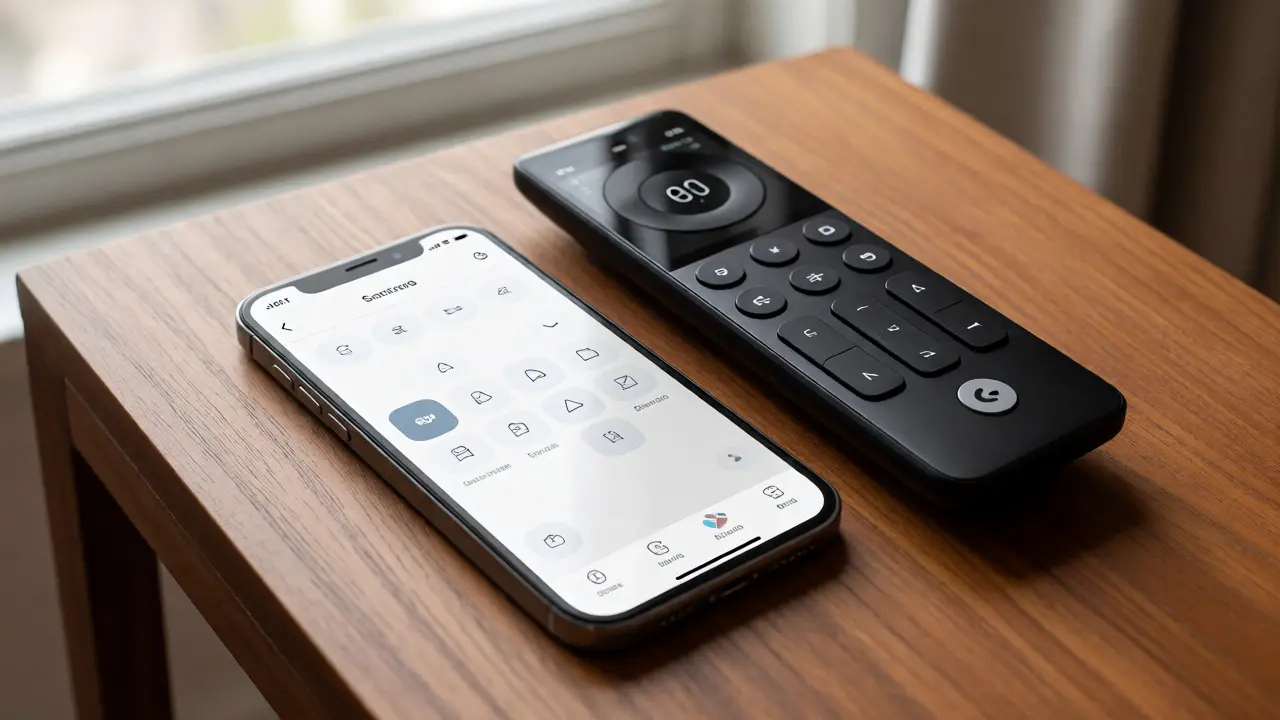
If you hate carrying extra gadgets, your smartphone is likely already a capable universal remote. Most modern phones come with an IR blaster, though this feature has become less common in flagship models like recent iPhones and high-end Samsungs. If your phone lacks an IR blaster, you’ll need a Wi-Fi or Bluetooth connection to your devices.
Roku Mobile App is arguably the best free option for Roku users. It doesn’t just change channels; it lets you type text into search bars using your phone keyboard, which is infinitely faster than clicking letters on a TV remote. It also allows you to browse content libraries before deciding what to watch. Similarly, the Apple TV Remote app offers seamless integration for Apple users, including Siri voice search and AirPlay casting directly from the interface.
For a more comprehensive experience, consider apps like AnyMote or Peel Smart Remote. AnyMote is particularly powerful because it supports Wi-Fi, Bluetooth, and IR (if your phone has it). It creates a virtual remote interface on your screen that mimics the physical buttons of your actual devices. Peel focuses heavily on electronic program guides (EPGs), helping you see what’s on across all your services in one list. While convenient, these apps rely entirely on your phone’s battery life. If your phone dies, you’re stuck watching whatever was last on screen.
How to Choose Between Hardware and Apps
Deciding between buying a dedicated universal remote and using an app depends on your household habits and technical comfort level. Here are three questions to ask yourself:
- Who else uses the system? If you have children or elderly relatives, a physical remote is usually better. Kids will inevitably drop phones, and grandparents may struggle with small touchscreens and app navigation. A large-buttoned remote is more durable and intuitive for non-tech-savvy users.
- Do you need smart home integration? If you want your remote to also control lights, thermostats, or blinds, a smart hub-based remote (like SofaBaton or a custom setup with Home Assistant) is superior. Phone apps can do this too, but switching from a video streaming app to a lighting app can be cumbersome during a movie night.
- What is your budget? Good universal remotes cost between $100 and $300. Smartphone apps are often free or cost less than $5. If you are on a tight budget, try the app route first. Ensure your devices support Wi-Fi control (many smart TVs and streaming boxes do).
There is also a middle ground: using a tablet as a dedicated wall-mounted controller. Tablets offer larger screens than phones and can run multiple apps simultaneously. Some homeowners mount an iPad near the sofa with a custom dashboard that launches specific apps or controls smart home devices. This eliminates the "where is my phone?" panic while providing a premium interface.
Setup Tips for a Seamless Experience
Setting up a universal remote can be frustrating if you don’t follow a logical process. Start by cataloging your devices. Write down the brand and model numbers of your TV, receiver, streaming boxes, and any other controlled equipment. This saves time when searching for codes or configuring apps.
Next, decide on your primary interaction method. Will you use voice commands? If so, ensure your remote or hub supports Alexa, Google Assistant, or Siri. Voice control is excellent for simple tasks like "turn up volume" or "play Stranger Things," but it’s poor for navigating menus. Always keep physical buttons for menu navigation.
Finally, test your "activities" thoroughly. Create scenarios for different times of day. A "Morning News" activity might turn on the TV, set the volume low, and tune to a news channel. An "Evening Movie" activity might dim the lights, lower the shades, and launch Netflix. If a step fails, adjust the delay settings. Sometimes devices take longer to boot up than others, and adding a 2-second delay between powering on the TV and switching inputs can fix sync issues.
Frequently Asked Questions
Can I use a universal remote if my devices are hidden in a cabinet?
Yes, but you need the right technology. Standard infrared (IR) remotes require a direct line of sight, so hiding devices in a closed cabinet blocks the signal. To solve this, you should choose a remote that uses Radio Frequency (RF) or Wi-Fi. Alternatively, you can buy an IR emitter kit. This involves placing a small sensor wire inside the cabinet that picks up the IR signal from outside and relays it to the hidden device.
Do I still need a universal remote if I have a smart TV?
It depends on your setup. If you only use the built-in apps on your smart TV (like Netflix or Hulu) and no external devices like a cable box or soundbar, the TV’s included remote is sufficient. However, if you connect a soundbar, gaming console, or separate streaming stick, the TV remote usually cannot control those additional devices’ power or volume. A universal remote simplifies this by letting you control all connected components with one device.
Are smartphone apps as good as physical universal remotes?
Apps are great for typing searches and browsing content, but they lack tactile feedback. Finding the volume button on a glass screen without looking is difficult. Physical remotes offer muscle memory and dedicated buttons, making them faster for frequent adjustments. Additionally, apps drain your phone battery. For casual viewing, an app is fine. For serious home theater enthusiasts, a physical remote is generally preferred for reliability and ease of use.
What happens if my Wi-Fi goes out?
If your universal remote relies solely on Wi-Fi or Bluetooth to communicate with a hub, you may lose control when the internet drops. However, most modern hybrids fall back to Infrared (IR) or Radio Frequency (RF) direct control. Check your remote’s specifications to see if it has backup IR capabilities. Devices like the Logitech Harmony Elite can still send basic IR commands even if the Wi-Fi network is down, ensuring you can always turn the TV on and off.
Can I control smart home devices like lights with a universal remote?
Yes, provided the remote supports smart home protocols like Zigbee, Z-Wave, or Matter, or connects to a hub that does. High-end remotes like the SofaBaton or customized setups using Home Assistant can integrate with Philips Hue, LIFX, or other smart lighting systems. You can create scenes where pressing "Movie Mode" dims the lights automatically. Basic IR remotes cannot do this because they only speak the language of traditional electronics, not smart home networks.