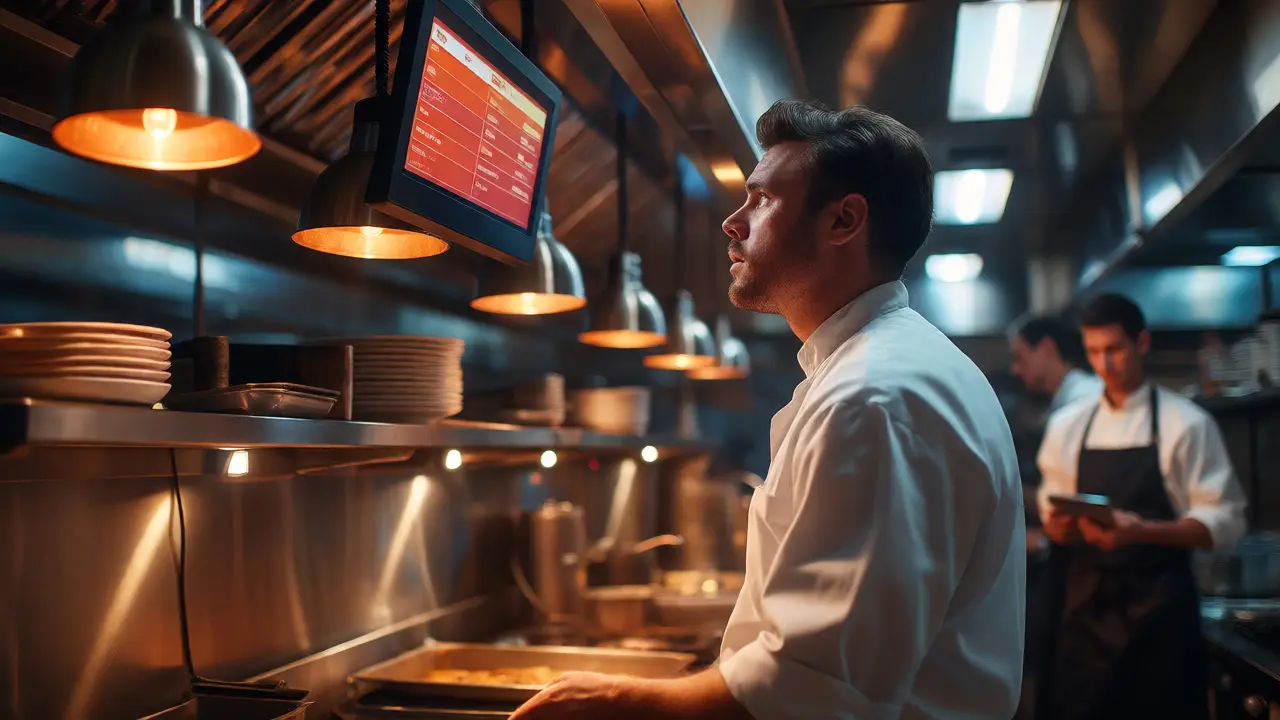
Imagine this: It’s Friday night. The dining room is packed. Your line cooks are in the weeds, tickets are printing faster than they can keep up, and then-silence. The POS system freezes because your internet dropped. You’re stuck writing orders on napkins while customers tap their watches. This isn’t just an inconvenience; it’s lost revenue. For most food service businesses, technology has shifted from a nice-to-have to the backbone of operations. But here’s the catch: most restaurants run their IT like a hobby project rather than a critical utility.
If you’re running a bistro, a fast-casual chain, or a ghost kitchen, your IT infrastructure needs to be as reliable as your stove. You don’t need enterprise-grade complexity, but you do need stability. Let’s break down exactly what you need to build a resilient tech stack that survives the dinner rush.
The Core Components of Restaurant IT
Before we talk about brands or prices, let’s map out what actually sits in your server closet (or under the counter). A standard modern restaurant setup relies on four pillars. If one fails, the whole experience degrades.
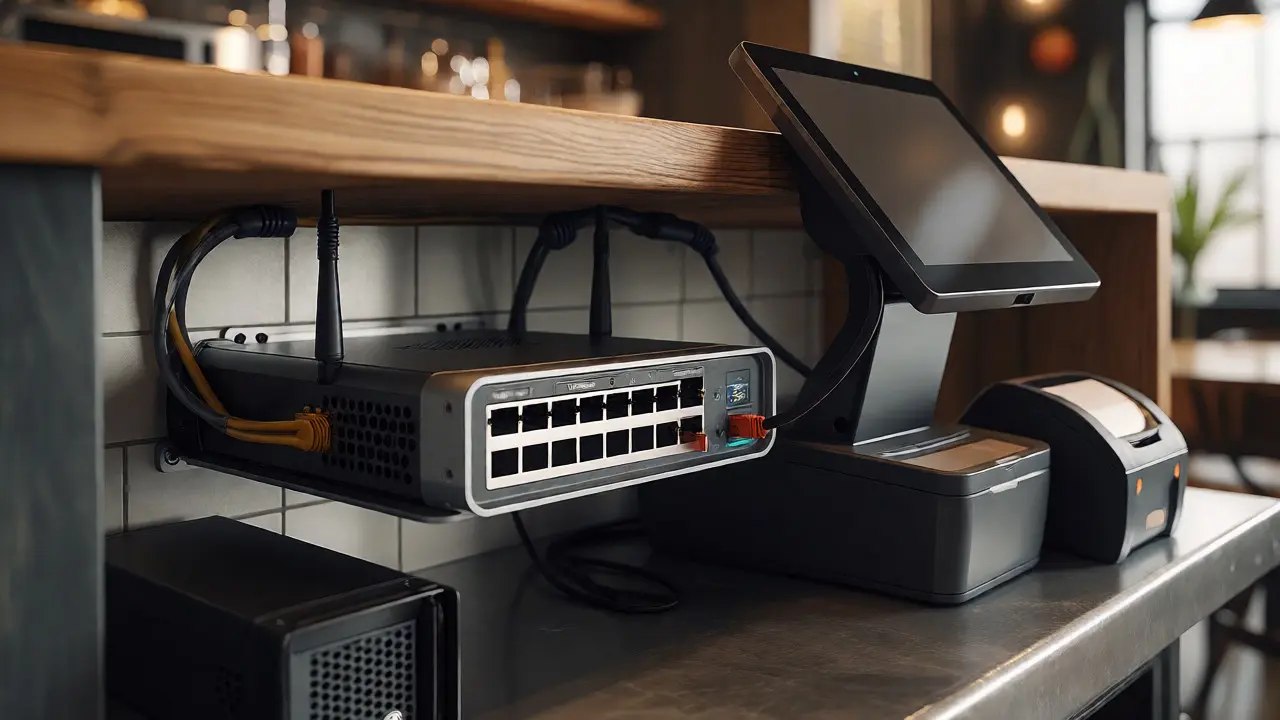
- Point-of-Sale (POS) Hardware: This is your cash register, order entry device, and inventory tracker all in one. Modern systems are often tablet-based (like iPad Airs or Android tablets) paired with receipt printers and cash drawers.
- Network Infrastructure: This includes your router, switches, and access points. It connects everything from the front-of-house tablets to the back-of-house kitchen display screens (KDS).
- Kitchen Display System (KDS): Screens in the kitchen that show incoming orders. These replace paper tickets and sync directly with the POS.
- Back-Office Connectivity: Internet connections for online ordering platforms (DoorDash, UberEats), reservation systems, and accounting software.
Notice how everything depends on the network? If your Wi-Fi is spotty, your KDS lags, your online orders get missed, and your credit card terminals time out. That’s why we start there.
Wi-Fi and Networking: Stop Using Consumer Routers
Here is a hard truth: if you are using a $50 router from Best Buy in a busy restaurant, you are asking for trouble. Consumer routers are designed for light home use-streaming Netflix and browsing social media. They cannot handle dozens of simultaneous devices, high bandwidth demands from video streaming on TVs, and critical low-latency traffic from POS terminals.
You need commercial-grade equipment. Brands like Ubiquiti UniFi, Cisco Meraki, or Aruba offer better throughput and stability. Why does this matter? Because restaurant environments are hostile to signals. Stainless steel refrigerators reflect Wi-Fi waves. Thick brick walls absorb them. Microwaves interfere with 2.4GHz frequencies.
Pro Tip: Segment your networks. Create three separate SSIDs (network names): 1. Staff/Operations: For POS, KDS, and back-office computers. Prioritize this traffic so payment processing never lags. 2. Guest Wi-Fi: Limit bandwidth per user so guests streaming videos don’t clog the pipe. 3. IoT Devices: Smart thermostats, security cameras, and music streaming boxes. Isolate these so a hacked camera doesn’t slow down your sales terminal.
Choosing the Right POS System: Cloud vs. On-Premise
This is the biggest decision you’ll make. Should you go cloud-based or stick with traditional servers?
| Feature | Cloud-Based POS (e.g., Toast, Square) | Traditional On-Premise (e.g., Micros, Aloha) |
|---|---|---|
| Data Storage | Servers off-site; data synced via internet | Local server in the restaurant |
| Offline Mode | Limited; processes cards locally but queues data | Full functionality without internet |
| Updates | Automatic, frequent feature updates | Manual patches, often costly |
| Hardware Cost | Lower upfront (use tablets/commercial PCs) | Higher upfront (dedicated servers/terminals) |
| Maintenance | Vendor handles backend; you manage hardware | Requires local IT support or vendor visits |
For most independent restaurants and small chains today, cloud-based is the winner. Systems like Toast or Square for Restaurants integrate payments, payroll, and inventory into one dashboard. The risk? If your internet dies, you might lose access to real-time analytics, though most modern clouds have robust offline modes that queue transactions until connection restores.
However, if you operate in areas with unstable internet or run a massive multi-unit franchise, a hybrid approach or traditional server might still hold weight for its independence from external connectivity.
Security: Protecting Customer Data and Your Wallet
Restaurants are prime targets for cybercriminals. Why? Because you process thousands of credit card numbers daily. A breach doesn’t just mean fines; it means reputational damage that can close doors faster than bad reviews.
You must comply with PCI DSS (Payment Card Industry Data Security Standard). But compliance isn’t just paperwork-it’s practice. Here’s what non-negotiable security looks like in a restaurant:
- WPA3 Encryption: Ensure your Wi-Fi uses the latest encryption standard. WPA2 is aging; WPA3 offers better protection against brute-force attacks.
- VLAN Segmentation: As mentioned earlier, keep guest traffic away from payment terminals. If a hacker sniffs guest Wi-Fi, they shouldn’t see credit card data.
- Firewall Management: Don’t just plug a modem into a switch. Use a managed firewall that blocks unauthorized ports. Many POS vendors provide specific port requirements-open only those.
- Password Hygiene: Change default admin passwords on every device immediately. Staff sharing one generic login for the manager tablet? Stop that. Individual logins track who voided a check or applied a discount.
Remember, the weakest link is usually human error. Train staff not to connect personal phones to the operational network unless necessary, and never let them stream movies on the back-office computer used for accounting.
Power Protection: The Unsung Hero
You wouldn’t serve cold soup, so why let power fluctuations ruin your electronics? Restaurant kitchens are electrically noisy. Refrigerators, fryers, and HVAC units kick on and off, causing voltage spikes and sags. These micro-surges degrade electronics over time, leading to mysterious crashes right during peak hours.
Every critical piece of IT equipment needs a UPS (Uninterruptible Power Supply). Not just the server, but also the main router, the primary POS terminal, and the KDS monitor. A basic UPS gives you enough battery life to save work and shut down gracefully during a brief outage. For longer outages, consider a generator integration, but even a 15-minute buffer saves you from corrupting database files.

Scalability: Planning for Growth
Your IT setup shouldn’t be static. If you plan to add a second location, launch a catering arm, or expand delivery options, your infrastructure needs headroom.
When buying hardware, think two years ahead. If you buy a router that supports 20 devices and you currently have 18, you’re already at capacity. Buy gear that supports double your current load. Also, look for APIs. Does your POS talk easily to your accounting software (QuickBooks/Xero)? Can it push data to labor scheduling tools? Interoperability reduces manual data entry errors, which cost restaurants billions annually in miscalculated tips and wages.
Consider the rise of Ghost Kitchens and virtual brands. These models rely almost entirely on digital presence. Your IT here is less about fancy decor-integrated kiosks and more about redundant internet lines and automated order routing between multiple delivery apps. If one platform goes down, your business shouldn’t stop taking orders.
Troubleshooting Common IT Failures
Even with great planning, things break. Here’s a quick cheat sheet for when the tech gremlins strike:
- Printer Jam/Offline: Check the physical cable first. Then, restart the printer. If it persists, reboot the router. Network printers often drop IP addresses after power cycles.
- Slow Tablet Response: Clear the app cache. Close background apps. If widespread, check if the Wi-Fi channel is congested by neighboring businesses. Switch channels in your router settings.
- Payment Declines: Verify the terminal has signal. Test with a known working card. If all fail, contact your processor-they may have flagged unusual activity.
- KDS Lag: Ensure the kitchen screen is connected via Ethernet, not Wi-Fi. Wireless interference in kitchens is notorious. Hardwiring solves 90% of lag issues.
Frequently Asked Questions
Do I really need a dedicated IT person for my restaurant?
For single-location independents, probably not full-time. However, having a managed IT service provider (MSP) on retainer is wise. They can monitor your network remotely, update firmware, and help troubleshoot emergencies. For multi-unit groups, an in-house IT specialist becomes essential to maintain consistency across sites.
Is fiber internet worth the extra cost for a restaurant?
Yes, if available. Fiber offers symmetrical upload/download speeds and lower latency compared to cable or DSL. Since much of your data (orders, analytics, backups) is uploaded to the cloud, high upload speed prevents bottlenecks. Plus, fiber is generally more stable during weather events than copper lines.
How often should I upgrade my POS hardware?
Typically every 5-7 years for tablets and terminals. However, watch for performance degradation. If boot times increase or the screen feels sluggish, it’s time. Note that operating system updates (iOS/Android) eventually drop support for older hardware, forcing upgrades sooner than expected.
What happens if my internet goes down during a rush?
Modern cloud POS systems have "offline mode." They store transactions locally on the device and process credit cards via magnetic stripe or chip fallback if possible. Once internet returns, the system automatically syncs the queued data. Always test this mode quarterly to ensure it works.
Should I allow guests to use my Wi-Fi?
It’s a courtesy that keeps them happy, but isolate it. Use a captive portal (login page) to capture emails for marketing if desired. Bandwidth-limit guest usage so heavy users don’t impact your operational network. Never give guests access to the same subnet as your POS and office computers.