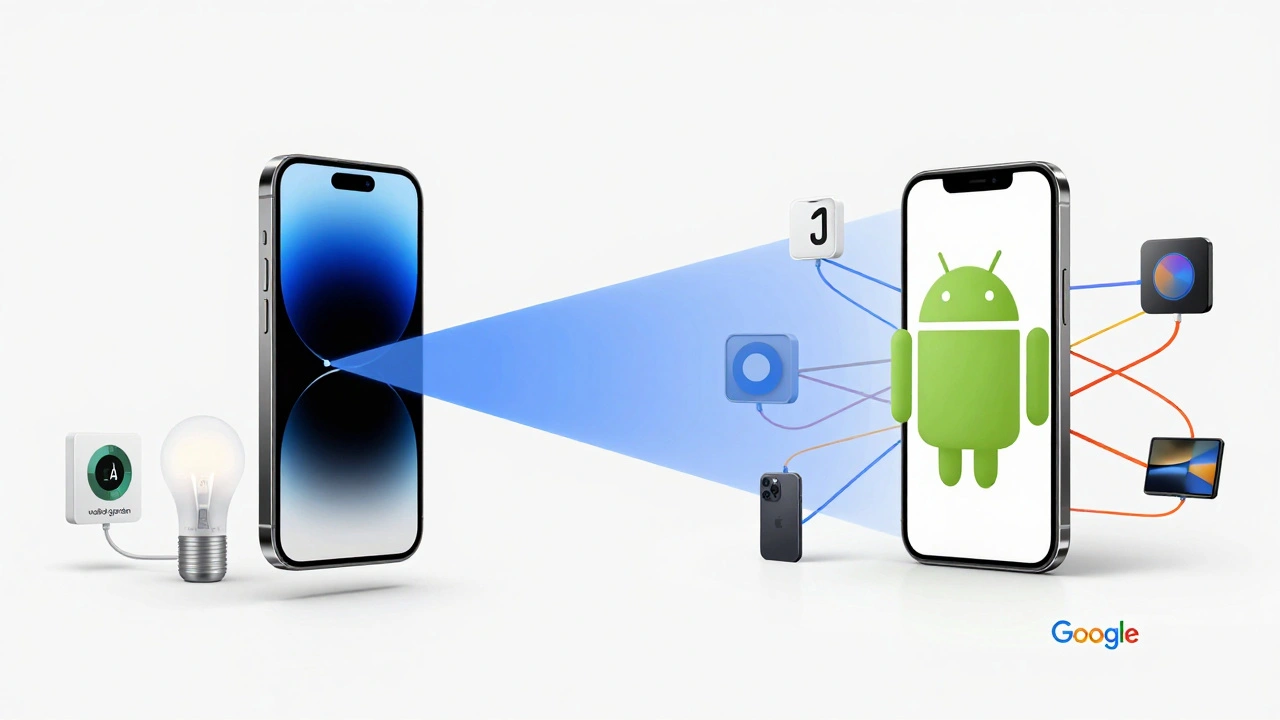
You’ve bought the lights. You’ve installed the thermostat. But when you open your phone to control them, nothing happens-or worse, it takes three different apps just to turn off the living room lamp. This is the most common frustration in modern home automation. The hardware works, but the software ecosystem is fragmented. Your choice of mobile operating system isn’t just about texting and browsing; it dictates which devices you can buy, how they talk to each other, and whether your morning routine runs smoothly or crashes.
In 2026, the gap between iOS (Apple) and Android (Google/Samsung) has narrowed thanks to universal standards, but significant differences remain. Choosing the wrong platform for your phone means missing out on features, dealing with laggy responses, or paying extra for hubs you don’t need. Let’s break down exactly how your phone’s OS shapes your smart home experience, so you stop guessing and start building a system that actually works.
The Core Difference: Walled Gardens vs. Open Ecosystems
To understand why your phone matters, you have to look at how Apple and Google approach connectivity. Apple builds what industry experts call a "walled garden." Everything inside works seamlessly because Apple controls both the software on your iPhone and the protocols used by many accessories. Google, conversely, operates an open ecosystem. It tries to make everything work together, regardless of who made it, relying on broad compatibility rather than strict control.
If you use an iPhone, you are likely already using HomeKit. This is Apple’s native smart home framework. Its biggest advantage is simplicity. When you buy a device labeled "Works with HomeKit," you scan a code, and it appears in the Home app. No account creation, no cloud dependency for local commands, and strong encryption built-in. However, this convenience comes with a cost: HomeKit-compatible devices are often more expensive because manufacturers must pay licensing fees and meet stricter security requirements.
Android users, on the other hand, typically rely on Google Home. This platform aggregates devices from hundreds of brands-Nest, Philips Hue, TP-Link, and dozens of budget-friendly options. The barrier to entry is lower. You can find a smart plug for $10 that works with Google Home, whereas a HomeKit equivalent might cost $30. But this openness creates complexity. You may need to link multiple accounts, manage permissions across different apps, and troubleshoot connectivity issues when one service goes down.
| Feature | iOS / HomeKit | Android / Google Home |
|---|---|---|
| Setup Process | Scan QR code, instant pairing | Link accounts, verify emails, sync data |
| Device Cost | Higher (premium tier) | Lower (budget to premium) |
| Voice Assistant | Siri (improved in 2025) | Google Assistant (context-aware) |
| Local Control | Excellent (works offline) | Mixed (some devices require cloud) |
| Ecosystem Lock-in | High (best with Apple devices) | Low (works with any phone) |
Voice Assistants: Siri vs. Google Assistant
Your voice assistant is the primary interface for many smart home users. For years, Google Assistant held a clear lead in understanding context and handling complex queries. If you said, "Turn on the lights in the bedroom where I slept last night," Google could figure it out. Siri struggled. That changed significantly in late 2024 and 2025 with Apple’s overhaul of Siri, introducing on-device processing and better natural language understanding.
Today, Siri is faster and more reliable for simple commands like "Turn off the kitchen lights" or "Set the thermostat to 72 degrees." Because Siri processes these requests locally on your iPhone or HomePod, there is less latency. You speak, and the light turns on almost instantly. Google Assistant still wins if you want deep integration with calendar events, traffic updates, or cross-device routines that involve non-smart-home actions, like sending a text message to your spouse when you leave the house.
Consider your usage pattern. Do you mostly want to control devices? Siri is now competitive enough for most people. Do you want your assistant to act as a personal secretary while managing your home? Google Assistant remains the stronger choice. Also, consider privacy. Siri’s local processing means your voice data stays on your device unless you opt into cloud features. Google’s model relies more heavily on cloud servers, which raises concerns for privacy-conscious users.
The Game Changer: Matter Protocol
If you’re reading this in 2026, you cannot ignore Matter. Launched in 2022 and widely adopted by 2024, Matter is a universal connectivity standard designed to solve the fragmentation problem. It allows devices to work seamlessly with both HomeKit and Google Home, regardless of the brand. A Matter-certified bulb will appear in both the Apple Home app and the Google Home app without needing separate setups.
This changes the decision matrix. If you buy only Matter-compatible devices, your mobile OS matters less. You can switch from iPhone to Android (or vice versa) and keep most of your devices working. However, Matter is not magic. It requires a Thread border router or a compatible hub to function fully. iPhones and iPads can act as Thread border routers, giving iOS users a slight advantage in network stability. Android users often need a dedicated hub, like a Nest Hub or a third-party bridge, to get the same reliability.
When shopping for new devices in 2026, look for the Matter logo first. If a device supports Matter, it will work with your current phone and any future phone you buy. If it doesn’t support Matter, check its compatibility list carefully. Legacy protocols like Zigbee and Z-Wave still exist, but they require specific hubs that may not integrate perfectly with your preferred mobile OS.
Hub Requirements and Network Topology
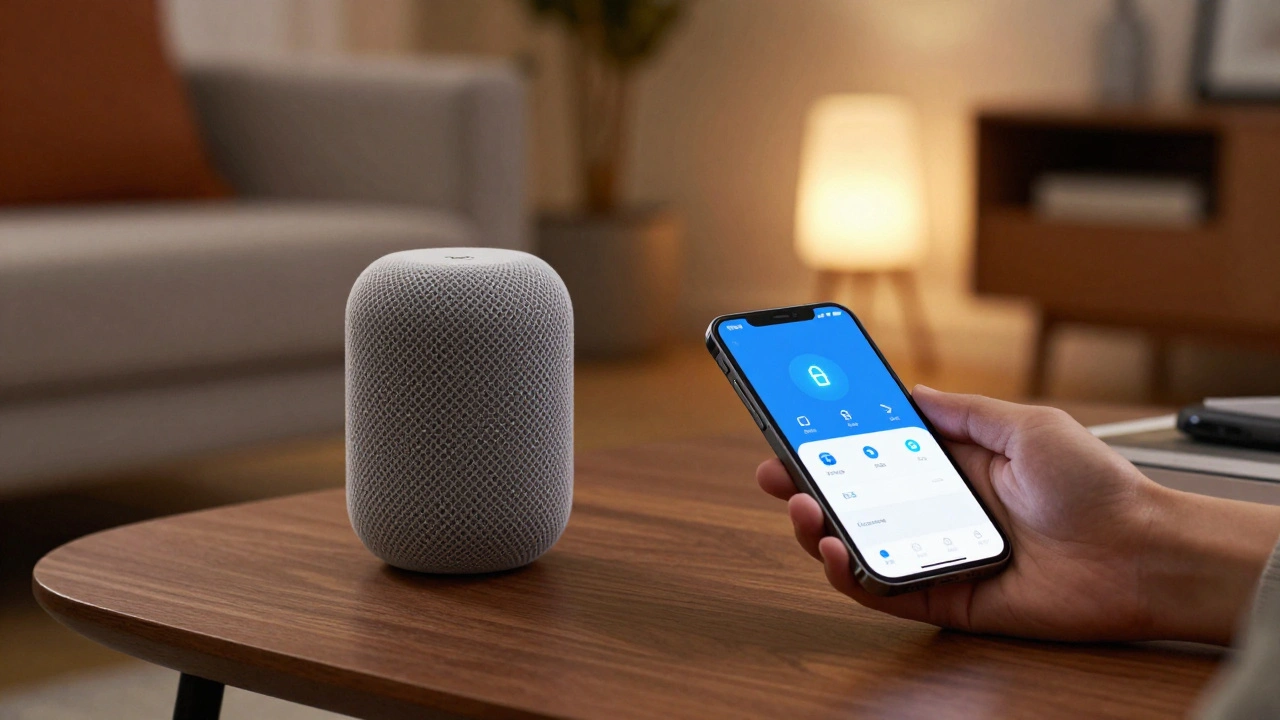
Not all smart homes need a central hub, but most serious setups do. The difference lies in how iOS and Android handle these hubs. In the Apple ecosystem, the HomePod or an Apple TV acts as the home hub. This means if you own either of these devices, your smart home continues to work even when your internet goes down, as long as your Wi-Fi is up. Commands are processed locally, ensuring speed and reliability.
For Android users, the situation is more varied. Many smart devices connect directly to Wi-Fi, eliminating the need for a hub. But for Zigbee or Z-Wave devices, you need a bridge. Google offers the Nest Hub, which serves as a controller and display. Alternatively, many Android users choose third-party hubs like Samsung SmartThings or Home Assistant. These offer greater flexibility but require more technical setup. You’ll need to configure IP addresses, manage firmware updates, and ensure secure connections manually.
Ask yourself: Do you want a set-and-forget system? If yes, stick with Apple’s integrated hubs. Do you want granular control and customization? Android’s open nature allows you to build a highly customized network, but you become the IT administrator for your home.
Privacy and Security Considerations
Smart home devices collect vast amounts of data. Who sees that data? Apple markets itself on privacy. With HomeKit Secure Video, footage from your cameras is encrypted end-to-end. Only you hold the keys. Even Apple cannot view your video feeds. This level of security is rare in the industry. If you have doorbell cameras or indoor sensors, HomeKit provides peace of mind.
Google also prioritizes security, but its business model relies on advertising. While Google Home does not sell your smart home data, the integration with other Google services means your activity data is part of a larger profile. For example, if you ask Google Assistant to play music, that preference influences ads elsewhere. If privacy is your top concern, iOS offers a cleaner separation between your home automation and your digital footprint.
Additionally, check the manufacturer’s reputation. Cheap devices from unknown brands often lack proper security patches, regardless of whether they work with iOS or Android. Stick to established brands like Philips Hue, Lutron, Ecobee, and Arlo. They invest in regular security updates, protecting your network from vulnerabilities.

Budgeting for Your Ecosystem
Let’s talk money. Building a smart home on iOS tends to be more expensive upfront. HomeKit-certified devices carry a premium. An Apple HomePod costs around $299, serving as both speaker and hub. A Nest Hub Max costs roughly $229. The difference seems small, but it adds up when you multiply it by lights, locks, and thermostats.
Android’s strength is affordability. You can build a fully functional smart home for under $500 using budget-friendly Wi-Fi plugs, bulbs, and switches. Brands like Kasa, Wyze, and Govee offer reliable products that integrate easily with Google Home. If you’re on a tight budget, Android gives you more bang for your buck. However, remember that cheap devices may have shorter lifespans or poorer customer support. Calculate the total cost of ownership, not just the initial price tag.
Migration and Future-Proofing
What happens if you switch phones? Moving from iPhone to Android (or vice versa) is easier than ever, thanks to Matter. If your devices support Matter, you simply log into your new phone’s home app, and they should appear. Non-Matter devices may require re-pairing. Some proprietary ecosystems, like Ring or Yale, have their own apps that work independently of the phone’s OS, making migration straightforward.
To future-proof your home, prioritize devices with open standards. Look for Wi-Fi 6E, Thread, and Matter certifications. Avoid devices that rely solely on Bluetooth for range-limited communication. Invest in a robust mesh Wi-Fi system to ensure all devices stay connected. And finally, choose a platform that aligns with your lifestyle, not just your current phone. If you love tinkering, Android’s flexibility will reward you. If you value simplicity and privacy, iOS will serve you well.
Can I use HomeKit on an Android phone?
No, HomeKit is exclusive to Apple devices. You cannot install the Home app on Android. However, many HomeKit devices also support Google Home or Amazon Alexa, allowing you to control them via alternative apps if you switch to Android.
Does Matter replace the need for a hub?
Not entirely. Matter devices still need a controller. On iOS, your iPhone or HomePod acts as the controller. On Android, you may need a Nest Hub or a third-party hub like Home Assistant. Matter simplifies compatibility but doesn’t eliminate the need for a central coordination point.
Which is faster: Siri or Google Assistant for smart home commands?
Siri is generally faster for simple on/off commands because it processes requests locally on your device. Google Assistant may take slightly longer due to cloud processing, but it handles complex, multi-step routines better. In 2026, the speed difference is negligible for most users.
Are smart home devices safe from hackers?
Security depends on the device and your network setup. HomeKit offers strong end-to-end encryption. Google Home uses standard HTTPS encryption. To maximize safety, use a strong Wi-Fi password, enable two-factor authentication on all accounts, and regularly update device firmware. Avoid cheap, unbranded devices that lack security patches.
What should I do if my smart home stops working during an internet outage?
If you use HomeKit with a HomePod or Apple TV, local commands will still work. For Google Home, devices connected via Wi-Fi may fail if they rely on cloud services. To mitigate this, use devices that support local execution, such as those with Thread or Zigbee protocols paired with a local hub. Ensure your router has a UPS (uninterruptible power supply) for critical network equipment.