You’ve probably seen it happen. A toddler swipes a magazine page expecting it to scroll like an iPad. Or maybe you’ve watched your grandfather hesitate before clicking "Accept Cookies," terrified he’ll break the computer. These aren’t just funny anecdotes; they highlight a massive gap in how we teach technology learning. We often treat tech skills as one-size-fits-all, but the brain processes new digital tools differently depending on whether you’re five, twenty-five, or seventy-five.
If you’re trying to upskill a team, help a parent navigate Zoom, or teach your kids coding, generic tutorials fail. They ignore cognitive development stages and prior experiences. The secret isn’t harder lessons-it’s tailored approaches that match the learner’s mental model of the world. Let’s break down how to adjust your teaching strategy for three distinct age groups, ensuring everyone actually gets it.
The Digital Native Myth: Why Kids Need Concrete Anchors
We love calling children "digital natives," implying they innately understand code and interfaces. That’s a myth. Being comfortable with a touchscreen doesn’t mean understanding logic, data privacy, or troubleshooting. Children aged 5-12 are in what developmental psychologists call the concrete operational stage. They learn by doing, touching, and seeing immediate results. Abstract concepts like "cloud storage" or "algorithms" bounce right off them unless you anchor them in physical reality.
For this group, Kids are learners who require tactile feedback and visual immediacy to grasp abstract technological concepts. If you try to explain binary code using math equations, you’ll lose them. Instead, use physical objects. Teach sorting algorithms by having them sort colored blocks. Explain networks by connecting strings between tin cans. The key is removing the screen initially. Once they understand the *logic* offline, transferring it to a tablet becomes intuitive rather than magical.
- Use Gamification Wisely: Don’t just add points. Use narrative. "We need to hack the spaceship" works better than "Complete module 3."
- Short Bursts: Attention spans vary, but 15-minute focused sessions beat hour-long lectures every time.
- Physical Interfaces: Start with robotics kits like LEGO Spike or Scratch Jr. before moving to text-based coding.
A common mistake is assuming fluency in consumption equals fluency in creation. A kid can watch YouTube for hours but might struggle to record their own video because they don’t understand file formats or microphone settings. Focus on creation early. Have them make a simple animation. When they hit a bug-like a character moving backwards-they learn debugging naturally. It’s not about syntax errors; it’s about cause and effect.
Young Adults and Professionals: Efficiency Over Exploration
Move up the age ladder to teenagers and young adults (13-29). This group grew up with smartphones, so they have high motor skills for typing and swiping. However, their learning style shifts dramatically. They value efficiency. They don’t want to know how the engine works; they want to drive fast. For them, Young Adults are learners who prioritize rapid skill acquisition and practical application over theoretical foundations.
Traditional classroom pacing frustrates them. They prefer self-directed micro-learning. If you’re training junior developers or marketing interns, stop forcing them through linear courses. Give them a problem to solve first. "Build a landing page in two hours." Then, provide resources only when they get stuck. This mirrors how they already learn TikTok trends or gaming mechanics: trial, error, and community support.
| Feature | Kids (5-12) | Young Adults (13-29) | Older Adults (60+) |
|---|---|---|---|
| Primary Motivation | Fun & Curiosity | Career & Efficiency | Connection & Independence |
| Pace | Slow, Repetitive | Fast, Self-Paced | Deliberate, Reassuring |
| Preferred Format | Games, Robots | Tutorials, Docs, Videos | Step-by-Step Guides, In-Person |
| Frustration Trigger | Boredom | Inefficiency | Fear of Breaking Things |
For this demographic, documentation matters more than hand-holding. They will read the API docs if they trust the source. But beware of "tutorial hell," where they watch endless videos without building anything. Encourage project-based learning. If they want to learn Python, don’t start with "Hello World." Ask them to scrape prices from Amazon. Real-world stakes keep engagement high. Also, leverage peer learning. Young adults often learn faster from Reddit threads or Discord communities than from corporate LMS platforms. Facilitate those connections.

Older Adults: Combating Anxiety with Patience
Now, consider the 60+ crowd. Often called "digital immigrants," they didn’t grow up with these tools. Their biggest barrier isn’t intelligence; it’s anxiety. Many older adults fear pressing the wrong button will delete everything or cost money. This fear creates a mental block that prevents experimentation. For them, Older Adults are learners who benefit from structured, low-risk environments that build confidence before introducing complexity.
Do not say "it’s easy." To them, it’s not. Say "let’s try this together." Use analogies from their past. Explaining email attachments? Compare it to putting a photo inside an envelope before mailing it. Explaining the cloud? It’s like a filing cabinet at the bank-you can access your files from anywhere, but the bank keeps them safe. Concrete metaphors bridge the gap between their existing knowledge and new tech.
Speed is the enemy here. Rushing causes stress, which impairs memory retention. Allow time for repetition. They might need to click "Save" ten times to feel secure. Create a "safe sandbox" environment. Disable auto-updates during training so the interface doesn’t change mid-lesson. Provide printed cheat sheets with large fonts and screenshots. Yes, paper still works wonders for this group. Seeing the steps physically reduces cognitive load.
Also, focus on utility, not novelty. Don’t teach them virtual reality because it’s cool. Teach them FaceTime because it connects them to grandchildren. When the tech solves a real emotional or logistical problem, motivation skyrockets. Once they master basic communication, introduce banking apps. Frame it as empowerment: "You can check your balance without driving to the branch." Autonomy is a powerful driver.
Designing Your Own Adaptive Curriculum
So, how do you blend these insights into a cohesive program? You need a modular approach. Start by assessing the learner’s current mental model. Ask questions like, "What do you think happens when you close a browser tab?" Their answer reveals misconceptions. Correct those first. Misconceptions are sticky; they prevent new info from sticking.
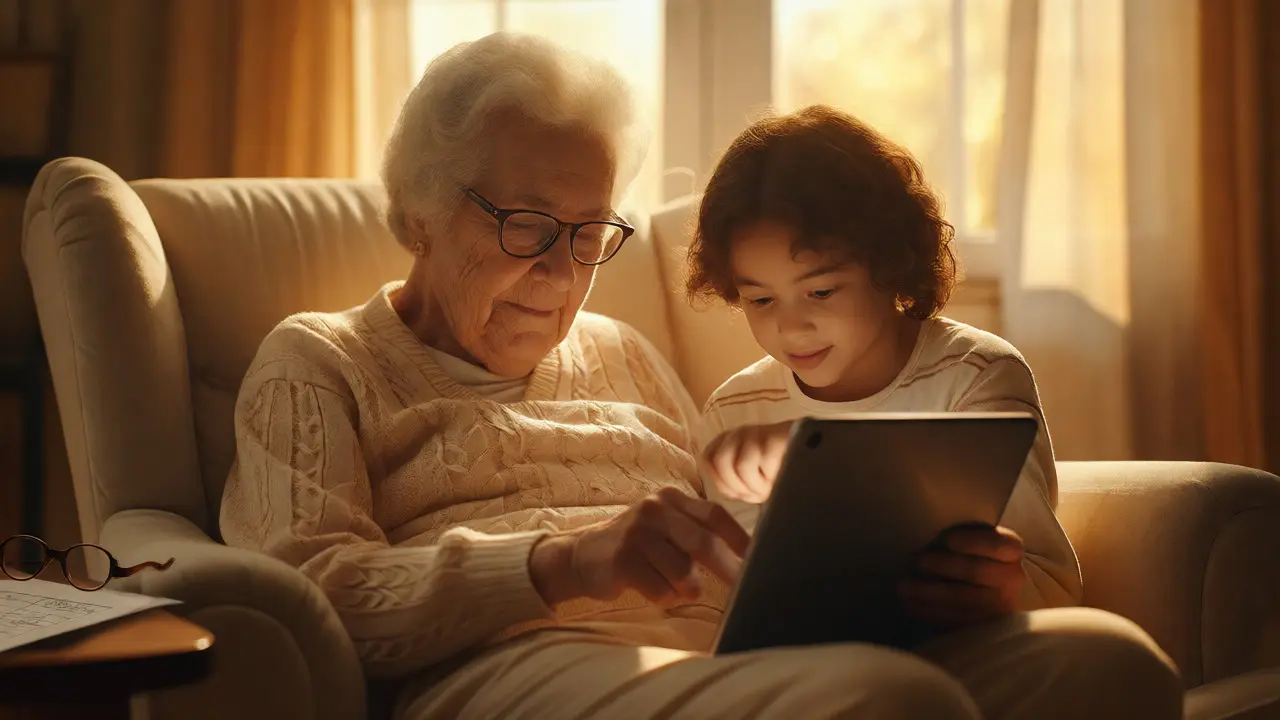
Next, choose your delivery method based on the age group’s constraints. Kids need supervision and play. Young adults need flexibility and relevance. Older adults need patience and reassurance. You can mix these strategies. For example, if you’re running a family workshop, pair grandparents with grandkids. The kids teach the tech navigation (which boosts their confidence), while the grandparents teach social etiquette or context (which grounds the lesson). This intergenerational exchange breaks down stereotypes and accelerates learning for both.
Remember, technology changes fast, but human cognition evolves slowly. A tailored approach respects those cognitive limits. Whether you’re a teacher, a manager, or a helpful neighbor, adjusting your language and pace makes all the difference. Stop blaming the user for being "bad at tech." Check your teaching method instead. Are you speaking their language? Are you addressing their fears? Are you giving them a reason to care?
By segmenting your audience and adapting your tactics, you turn frustration into fluency. It’s not about making tech simpler; it’s about making it accessible to the specific mind sitting in front of you. And honestly, that’s a skill worth mastering, regardless of your age.
Is it too late for older adults to learn programming?
Absolutely not. While younger brains may absorb syntax faster, older adults often excel at logical structuring and debugging because they bring strong analytical skills from decades of experience. Using visual block-based languages like Scratch or Blockly can ease the transition, allowing them to focus on logic rather than memorizing commands. Many seniors find coding satisfying because it provides clear, tangible results.
How do I handle resistance from teenagers who think they already know tech?
Teenagers often confuse social media proficiency with technical literacy. Challenge them with tasks that reveal gaps, such as setting up a personal website, managing file structures efficiently, or troubleshooting a network issue. Frame learning as gaining control over their digital life rather than acquiring a chore. Show them how tech skills save time or create opportunities, like monetizing a hobby online.
What is the best way to teach cybersecurity basics to different ages?
Tailor the threat model. For kids, focus on "stranger danger" online-don't share names or schools. For teens, emphasize reputation and permanence-what goes online stays online. For older adults, focus on financial security-recognizing phishing scams and protecting passwords. Avoid jargon like "two-factor authentication" initially; instead, explain it as "a second lock on your door" that requires a code from your phone.
Should I use gamification for adult learners?
It depends on the context. For young professionals, competitive leaderboards or badges can work if tied to career advancement. For older adults, excessive gamification can feel patronizing. Instead, use progress bars or completion certificates that acknowledge effort. The goal is intrinsic motivation-feeling competent-rather than external rewards like points.
How important is physical hardware in learning tech for kids?
Very important. Physical devices like tablets, keyboards, or robots provide tactile feedback that screens alone cannot. Handling a mouse helps develop fine motor skills necessary for later productivity tasks. Robotics kits also demystify hardware, showing kids that computers are machines with parts, not magic boxes. This foundation helps them troubleshoot hardware issues intuitively later in life.