You’ve probably hit that wall. You set up your first few smart home routines, and they work great. "Turn on the porch light when it gets dark." Simple. But then you try to get fancier. You want the lights to turn on only if it’s dark and someone is actually home and it’s not a holiday. Suddenly, your simple app interface looks like spaghetti code, or worse, it just doesn’t trigger at all. That’s where programming complex automations comes in. It’s not about writing Python scripts (unless you want to); it’s about understanding If-Then logic and conditional statements so your house actually thinks for itself.
Why Basic Rules Fail When Life Gets Complicated
Most entry-level automation platforms rely on single-trigger events. A door opens? Turn on the light. This works for simple tasks but falls apart quickly in real life. Imagine you have a motion sensor in your hallway. Every time your cat walks by at 3 AM, the lights blast on. Annoying, right? To fix this, you need more than one condition. You need logic that says: "If motion is detected AND the sun has set AND no humans are detected via phone presence, THEN do nothing." This requires chaining conditions together, which is the core of complex automation programming. When you stick to basic rules, you often end up with dozens of conflicting scenes. One rule turns the AC on, another turns it off because the window opened, and a third overrides both because it’s evening. The system becomes unpredictable. By learning to structure these logical flows, you stop fighting your own setup and start building reliable systems that handle edge cases-like guests staying over or power outages-without manual intervention.
The Anatomy of an If-Then Statement
At its heart, every automation is a sentence. It has a subject (the trigger), a verb (the action), and crucially, the modifiers (the conditions). In programming terms, this is called a conditional statement. Let’s break down the components using a standard Home Assistant or Hubitat style approach, which applies even to simpler apps like SmartThings or Apple HomeKit.
- Trigger: What starts the process? This could be a state change (light turned on), a time event (7:00 PM), or a sensor reading (temperature above 80°F).
- Conditions: The gatekeepers. These are checks that must return "True" for the action to proceed. Common examples include device states, time windows, or user presence.
- Action: The result. Turning on a switch, sending a notification, or adjusting a thermostat.
The magic happens in the Conditions section. Most users ignore this part, relying solely on triggers. But here’s the truth: a trigger without conditions is a liability. If you trigger a vacuum robot every time the floor vibrates, it will run constantly. Adding a condition like "only if battery > 50% and current mode is 'Away'" saves your battery and your sanity.
Mastering Logical Operators: AND, OR, and NOT
To build complex logic, you need to combine conditions. This is done using Boolean operators. If you’re new to this, think of them as filters. Here is how they work in practice:
| Operator | Function | Real-World Example |
|---|---|---|
| AND | All conditions must be true. | Turn on TV IF HDMI active AND Room Dark. |
| OR | At least one condition must be true. | Unlock Door IF Face Recognized OR Code Entered. |
| NOT | Inverts the condition. | Send Alert IF Motion Detected AND NOT Guest Mode Active. |
Using AND is strict. It reduces false positives. For example, you might want your sprinklers to run only if the soil moisture is low AND the weather forecast predicts no rain for the next 24 hours. Using OR broadens the scope. Maybe you want the garage door to open if either your car’s Bluetooth connects OR you press the button on your remote. NOT is your safety net. It’s essential for creating exceptions, like disabling security cameras when you’re cleaning the house.
State vs. Event: The Hidden Trap
This is where most beginners get burned. There is a huge difference between a state and an event. An event is a momentary occurrence, like a button click or a door opening. A state is a continuous status, like whether a light is currently on or off. Let’s say you create an automation: "If the front door opens, turn on the porch light." Sounds good. But what if the door was already open when the sun went down? The event didn’t happen again, so the light stays off. You missed the context. Instead, you should look at states combined with time conditions. Or better yet, use a "binary sensor" concept where the system tracks the duration of the state. Did the door stay open for more than 10 minutes? Then alert me. Did it just flicker open and closed? Ignore it. Many platforms allow you to track "for" durations. For instance, "If temperature remains above 85°F for 15 minutes, then activate cooling." This prevents the AC from kicking on and off rapidly due to brief spikes in temperature readings, which can damage hardware and waste energy.
Building Nested Conditions for Context-Awareness
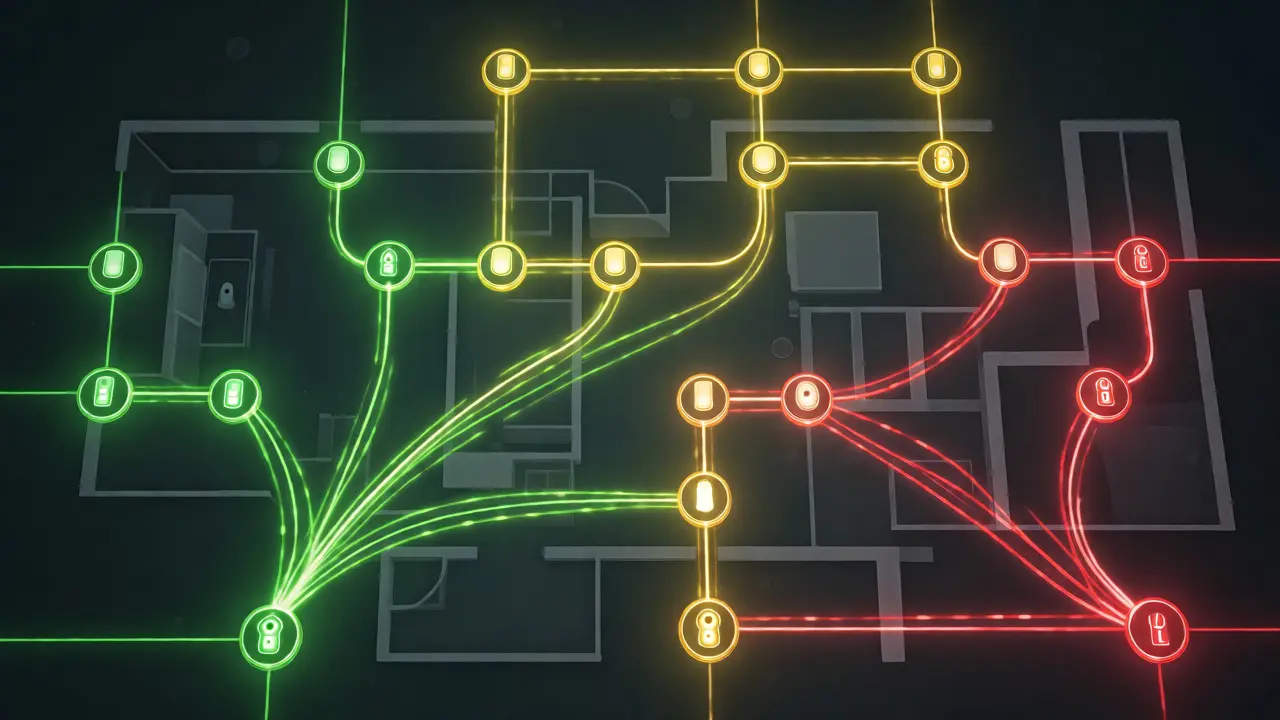
Once you’re comfortable with AND/OR, you can start nesting. Nesting means putting one logical block inside another. Think of it like an onion. The outer layer might check if anyone is home. If yes, move to the inner layer: check if it’s night. If yes, check if the bedroom is occupied. Only then, dim the lights. This hierarchy helps manage complexity. If no one is home, the system stops evaluating the inner conditions immediately, saving processing power and reducing latency. In advanced setups using Node-RED or custom YAML configurations, you can visualize these flows as trees. Even in visual builders, you can simulate nesting by using "modes" or "scenes." For example, create a "Movie Night" mode. Your automation now only needs to check: "Is Movie Night Mode Active?" instead of checking five separate device states every time.
Debugging Your Logic: Why Isn’t It Working?
You wrote the perfect logic, but the lights won’t turn on. Don’t panic. Debugging is half the battle. Start by isolating variables. Disable all conditions except the trigger. Does the action fire? If yes, add one condition back. Test. Add another. Test. This binary search method pinpoints the faulty link. Also, check your timing. Some sensors have long polling intervals. A Zigbee motion sensor might report changes every 60 seconds. If your automation expects instant reaction, it will fail. Look into the refresh rates of your devices. Furthermore, consider race conditions. If two automations try to control the same device simultaneously, the last one written usually wins. Use priority levels or locks if your platform supports them to prevent conflicts.

Practical Examples of Complex Automations
Here are three scenarios that go beyond basic tricks, demonstrating how layered logic improves quality of life.
The Smart Laundry Monitor
Instead of guessing when laundry is done, use a vibration sensor on the washer. Trigger: Vibration detected. Condition: Vibration stops for 2 minutes. Action: Send notification. But wait, add nuance. If it’s after 9 PM, don’t send a push notification; just log it. If it’s before 9 PM, notify everyone. This respects household quiet hours automatically.
The Energy-Saving Thermostat
Trigger: Temperature drops below 68°F. Condition: Someone is home AND the furnace is idle. Action: Set heat to 72°F. Now add a constraint: Check electricity rates. If peak pricing is active (e.g., 4 PM - 7 PM), delay heating unless the temperature drops below 65°F. This integrates external data sources into local logic, saving money during expensive hours.
The Security Override
Trigger: Motion detected in backyard. Condition: Time is between 11 PM and 6 AM AND Alarm is Armed. Action: Turn on floodlights and record video. Exception: If the camera detects a known pet profile (via AI object detection), suppress the alarm. This reduces false alarms caused by raccoons or stray cats, which is a common pain point for homeowners in areas like Portland, Oregon.
Tools and Platforms for Logic Programming
Not all hubs handle complex logic equally well. Here’s a quick comparison to help you choose or optimize your current stack.
| Platform | Logic Flexibility | Best For |
|---|---|---|
| Home Assistant | High (YAML + Visual) | Users who want total control and local privacy. |
| Hubitat Elevation | Very High (Groovy Scripting) | Power users needing custom code snippets. |
| SmartThings | Medium (Rules Engine) | Beginners wanting cloud-based simplicity. |
| Apple HomeKit | Low-Medium (Shortcuts) | iOS-centric households prioritizing ease of use. |
If you find yourself hitting limits in your current app, it might be time to upgrade your hub or learn a scripting language. Python is increasingly popular for bridging gaps between different ecosystems, allowing you to write custom logic that native apps can’t handle.
Frequently Asked Questions
What is the difference between a trigger and a condition?
A trigger is the specific event that starts an automation, such as a door opening or a timer expiring. A condition is a check that determines whether the automation should proceed. Triggers initiate the flow, while conditions filter it to ensure actions only happen under desired circumstances.
Can I use If-Then logic without coding knowledge?
Yes, most modern smart home platforms offer visual builders that let you drag and drop blocks for triggers, conditions, and actions. While understanding the underlying logic helps, you don't need to write code manually. However, advanced features may require some familiarity with logical operators like AND, OR, and NOT.
Why does my automation sometimes not trigger?
Common reasons include network delays, sensor polling intervals being too long, or conflicting automations overriding each other. Additionally, if a condition evaluates to false at the exact moment the trigger fires, the action will be skipped. Checking logs and ensuring device connectivity usually resolves these issues.
How do I prevent my automation from running repeatedly?
Use cooldown timers or state tracking. For example, specify that the automation can only run once per hour, or only if the device state has changed from 'off' to 'on'. This prevents rapid cycling, which can drain batteries and wear out mechanical switches.
Are complex automations harder to maintain?
They can be, if poorly documented. As logic grows, it becomes difficult to remember why certain conditions exist. Best practices include naming automations clearly, adding comments in script-based systems, and grouping related rules into scenes or modes to keep the system organized and understandable.