You’re standing in the electronics aisle, staring at a $3,000 85-inch TV and a $2,500 4K Laser Projector. One promises perfect blacks and easy installation; the other promises a massive image that makes your living room feel like a movie palace. It’s a classic dilemma. Most people assume bigger is always better, but when it comes to home entertainment, "better" depends entirely on how you watch, where you watch, and what you value more: convenience or immersion.
The truth? There is no single winner. A Large Screen TV wins if you want plug-and-play simplicity and vibrant colors in a bright room. A Home Theater Projector wins if you crave cinematic scale and have control over your lighting. This guide breaks down the real-world trade-offs so you can stop guessing and start watching.
Key Takeaways
- Size matters: Projectors offer images 100-150 inches for less money than an equivalent-sized TV, which often costs tens of thousands.
- Lighting rules: TVs handle ambient light much better; projectors require dark rooms or expensive laser models to compete.
- Setup effort: TVs are ready in minutes. Projectors need calibration, ceiling mounts, and careful distance calculations.
- Image quality: Modern OLED/QLED TVs beat most mid-range projectors on contrast and HDR impact. High-end lasers close the gap but cost significantly more.
- Longevity: LED TVs last 60,000+ hours. Lamp-based projectors need bulb replacements every 2,000-5,000 hours, though laser models last as long as TVs.
Understanding the Core Technologies
Before comparing brands, you need to know what you’re buying. The market has split into two distinct camps, each with its own strengths.
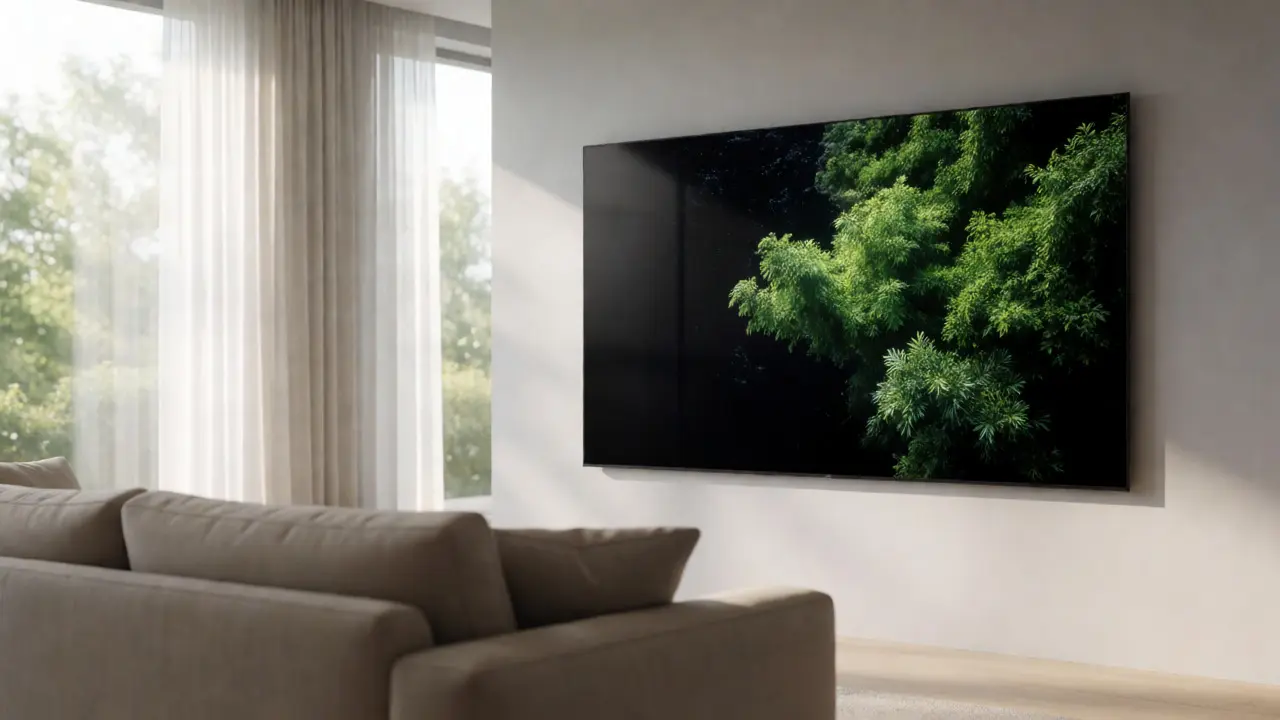
A Large Screen TV typically refers to displays 75 inches and larger, using either LED-LCD (with Mini-LED backlighting) or OLED technology. These panels emit their own light (OLED) or use precise local dimming (Mini-LED) to create contrast. They are self-contained units: hang them on the wall, plug in one HDMI cable, and you’re done.
In contrast, a Home Theater Projector projects light onto a passive surface. You choose the lens, the throw distance, and the screen material. There are three main types:
- Lamp-Based: Traditional bulbs. Cheaper upfront, but bulbs dim over time and need replacement.
- Laser Phosphor: Uses lasers to excite phosphors. Brighter, longer-lasting, and more color-accurate. More expensive.
- DLP vs. LCD: DLP uses mirrors for sharpness and contrast; LCD uses liquid crystals for color brightness. Both are mature technologies, but DLP is generally preferred for movies due to higher native contrast.
The critical difference isn’t just tech-it’s physics. A TV emits light directly into your eyes. A projector bounces light off a wall or screen. This fundamental mechanic dictates everything else: brightness limits, viewing angles, and installation complexity.
Brightness and Ambient Light Performance
This is the dealbreaker for most people. If you plan to watch during the day with curtains open, a projector will struggle unless you spend big money.
TVs, especially QLED and Mini-LED models, can hit peak brightness levels of 1,000 to 2,000 nits. This allows them to punch through sunlight and maintain vivid colors. Even OLEDs, which cap around 800-1,000 nits for highlights, manage this well because they don’t rely on external light sources.
Projectors measure brightness in lumens, not nits. A typical 100-inch image from a mid-range projector might deliver only 20-30 foot-lamberts of brightness-dim compared to a TV. In a darkened theater, this looks rich and film-like. In a sunlit living room, it looks washed out and gray.
| Environment | Large Screen TV (QLED/OLED) | Mid-Range Projector (2,500 Lumens) | High-End Laser Projector (3,000+ Lumens) |
|---|---|---|---|
| Dark Room / Night | Excellent, deep blacks | Great, cinematic softness | Superb, high dynamic range |
| Dimmed Lights | Excellent | Poor, grayish whites | Acceptable, slight washout |
| Daylight / Open Curtains | Very Good | Unusable | Struggling, needs ALR screen |
If you can’t control light, buy a TV. If you can build a dedicated media room with blackout shades, a projector becomes viable.
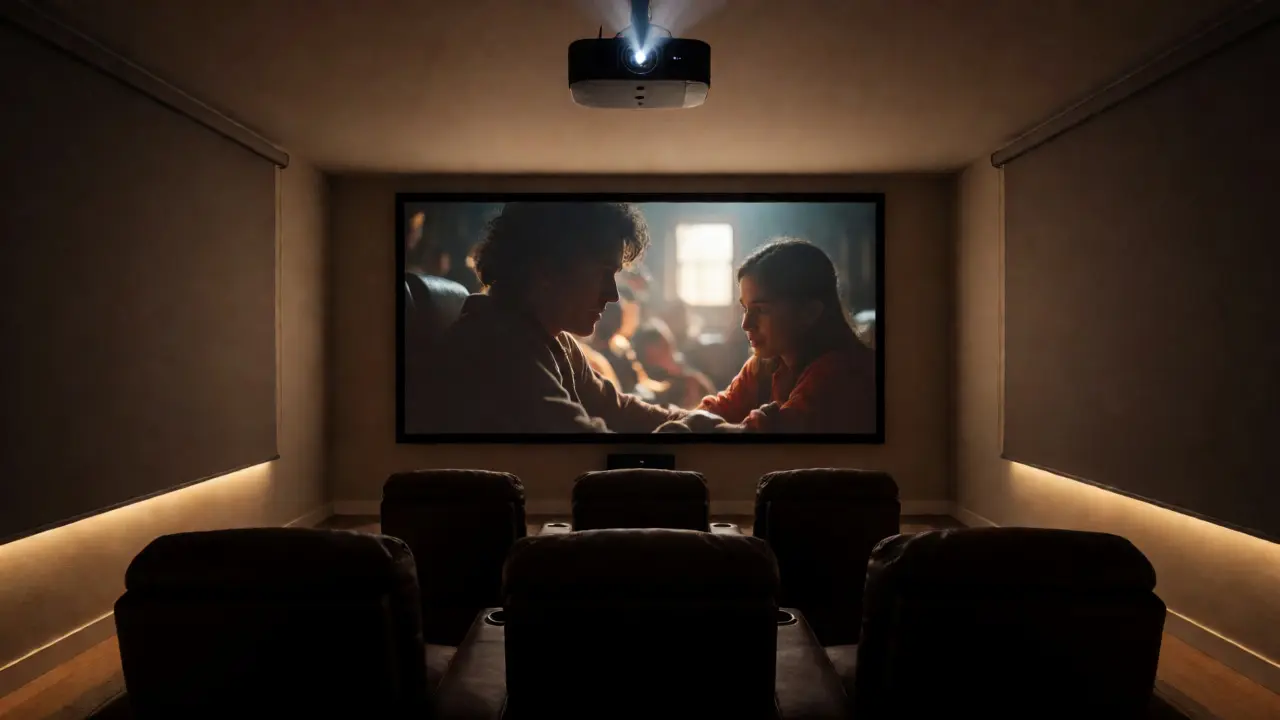
Image Size and Immersion Factor
Here is where projectors crush TVs. Once you cross the 90-inch threshold, TV prices explode exponentially. An 85-inch 4K TV might cost $2,500. A 98-inch model jumps to $6,000. A 100-inch model? Often $15,000+. And those are still limited by panel manufacturing constraints.
A projector gives you a 100-inch image for roughly $1,500-$2,500. Want 120 inches? Just move the projector back. No extra hardware cost. This scalability changes the psychological experience of watching content. A 100-inch screen fills your peripheral vision, creating a sense of presence that even an 85-inch TV can’t match. You aren’t looking at a picture; you’re inside the scene.
However, size requires space. To get a 100-inch diagonal image, you need about 10 feet of throw distance for standard lenses, or 6-7 feet for short-throw models. Measure your room before falling in love with the idea. If your couch is too close, the pixels become visible, ruining the effect.
Resolution and Picture Quality Nuances
Both formats now support 4K resolution (3840 x 2160 pixels). But how they render that resolution differs.
TVs have fixed pixel grids. Every pixel is a physical subpixel. This means text is crisp, gaming menus are legible, and motion handling is generally superior due to fast refresh rates (120Hz or 144Hz).
Projectors use shifting chips (DLP) or panels (LCD) to simulate or create 4K. Some budget "4K" projectors actually shift 1080p pixels rapidly to create a 4K-like image. While visually impressive from a distance, side-by-side comparisons reveal slightly softer edges than native 4K TVs. For movies, this softness often mimics film grain, which many viewers prefer. For competitive gaming or reading subtitles, a TV is sharper.
Color performance also varies. TVs excel at wide color gamuts (DCI-P3) and high dynamic range (HDR). Because they control light at the pixel level, they produce brighter highlights and deeper shadows simultaneously. Projectors struggle with HDR because they can’t make black areas truly black without dimming the entire lamp/laser source. You get good SDR (Standard Dynamic Range) content, but HDR feels muted unless you buy a top-tier triple-laser model costing $5,000+.
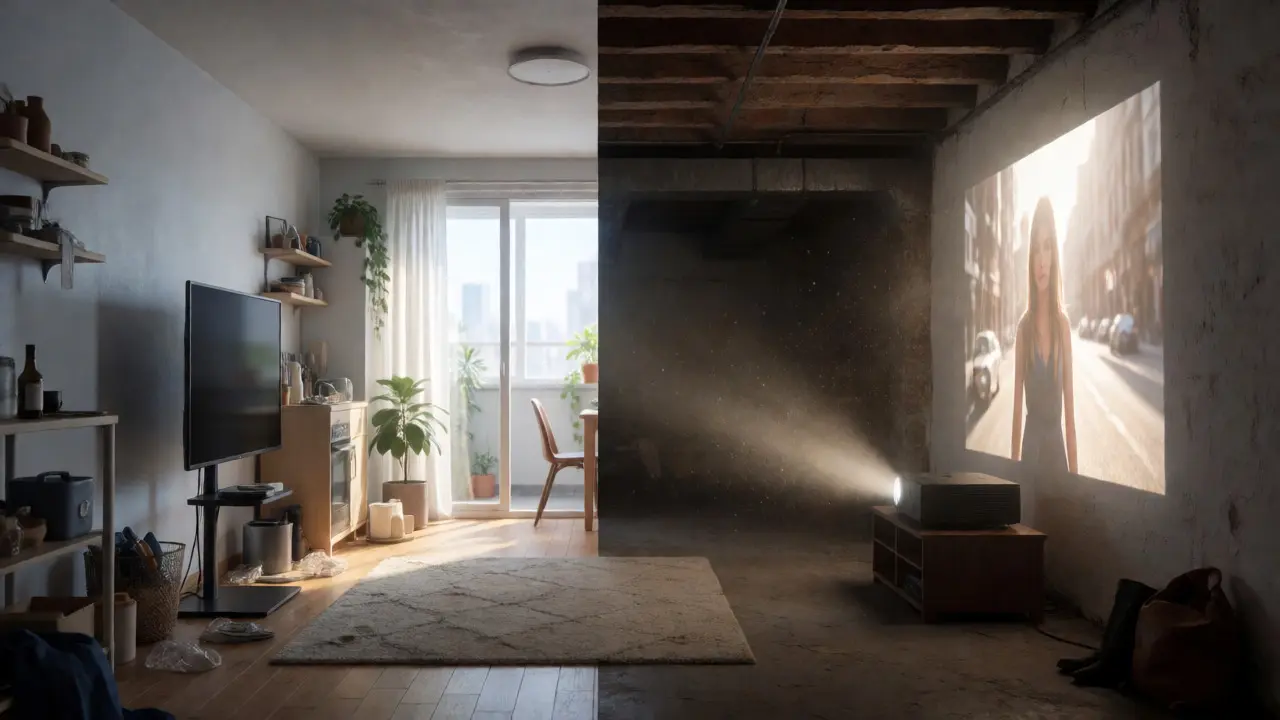
Installation Complexity and Maintenance
Buying the device is only half the battle. Installing it determines whether you’ll actually use it.
TV Installation: Fast. Mount bracket, screw into studs, hide cables behind the wall. Total time: 1-2 hours. No ongoing maintenance. No alignment issues. If you move houses, you pack it up and re-hang it.
Projector Installation: Complex. You need a ceiling mount or shelf placement. You must calculate keystone correction (though optical zoom is better than digital keystone). You need a screen-a proper acoustic-transparent or matte white fabric makes a huge difference compared to a painted wall. Wiring HDMI and power across a room can be messy. Total time: Half a weekend to a full week if hiring help.
Maintenance differs too. LED TVs last 50,000-100,000 hours. That’s decades of use. Lamp projectors need new bulbs every 2,000-5,000 hours. At $100-$300 per bulb, plus labor, this adds up. Laser projectors eliminate bulb changes but may require filter cleaning to prevent overheating. Dust is the enemy of projectors; TVs ignore dust.
Cost Analysis: Upfront vs. Long-Term
Let’s look at the numbers for a serious home theater setup.
| Component | TV Option (85") | Projector Option (100") |
|---|---|---|
| Display Unit | $2,500 (Mid-High Tier) | $2,000 (Good 4K Laser/DLP) |
| Screen/Mount | $100 (Wall Mount) | $300 (Fixed Frame Screen + Ceiling Mount) |
| Audio System | $500 (Soundbar) | $500 (Soundbar - same) |
| Total Initial Cost | $3,100 | $2,800 |
| 5-Year Maintenance | $0 | $200 (Filters/Cleaning) |
| Resale Value | Low (Depreciates fast) | Medium (Holds value better) |
Note that if you want a 100-inch TV, the cost jumps to $15,000+, making the projector option overwhelmingly cheaper for large-scale immersion. However, if you stick to 75-85 inches, the TV offers better bang-for-buck regarding image fidelity.
Who Should Buy What?
Use this decision tree to pick your path.
Choose a Large Screen TV if:
- You watch mostly during the day or in a brightly lit living room.
- You play video games (PS5/Xbox Series X) and want low input lag and VRR support.
- You live in an apartment with strict HOA rules against drilling ceilings.
- You want zero maintenance and instant startup.
- Your budget is under $3,000 and you prioritize HDR brightness.
Choose a Home Theater Projector if:
- You have a dedicated room or basement with controlled lighting.
- You prioritize screen size and immersion over absolute sharpness.
- You watch primarily movies and series, not competitive sports or news.
- You enjoy DIY projects and don’t mind calibrating settings.
- You want a cinematic aesthetic where the screen disappears when off.
Can I use a regular wall instead of a projector screen?
You can, but it’s rarely ideal. Walls absorb light unevenly and often have textures that distort the image. A basic matte white screen improves brightness uniformity and contrast. For high-end setups, acoustic-transparent screens allow speakers to sit behind the image, further enhancing immersion. If you must use a wall, paint it with specific projector paint (like Screen Goo) rather than standard latex.
Are laser projectors worth the extra cost over lamp models?
Yes, for most users. Laser light engines provide consistent brightness throughout their lifespan, whereas lamps dim significantly after 1,000 hours. Lasers also offer wider color gamuts and faster startup times. While the upfront cost is higher ($2,000+ vs. $1,000), the lack of bulb replacements and superior image stability make them better long-term investments for daily users.
Do projectors cause eye strain compared to TVs?
Generally, no. Many optometrists suggest projected images are easier on the eyes because the light reflects off a surface rather than emitting directly toward you. This indirect illumination reduces glare and blue light exposure intensity. However, poor calibration or excessive brightness in a dark room can still cause fatigue. Proper setup ensures comfort.
What is the best resolution for a home theater projector?
Native 4K is the current standard. Avoid "pixel-shifted" 4K if possible, as native 4K chips provide sharper detail. If your budget is tight, a high-quality 1080p projector can still look fantastic on a 100-inch screen, provided you sit far enough away (at least 8-10 feet). 8K projectors exist but offer negligible visual benefits over 4K at typical viewing distances and cost significantly more.
How long do modern TVs and projectors last?
Modern LED and OLED TVs typically last 60,000 to 100,000 hours before noticeable degradation. Laser projectors have similar lifespans (20,000-30,000 hours for the light engine). Lamp-based projectors require bulb changes every 2,000-5,000 hours. With average usage of 4 hours a day, a TV could last 40+ years, while a lamp projector would need multiple bulb replacements within 2-3 years.