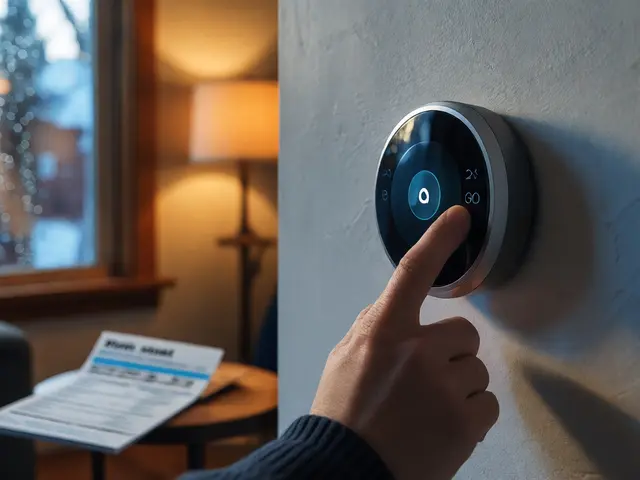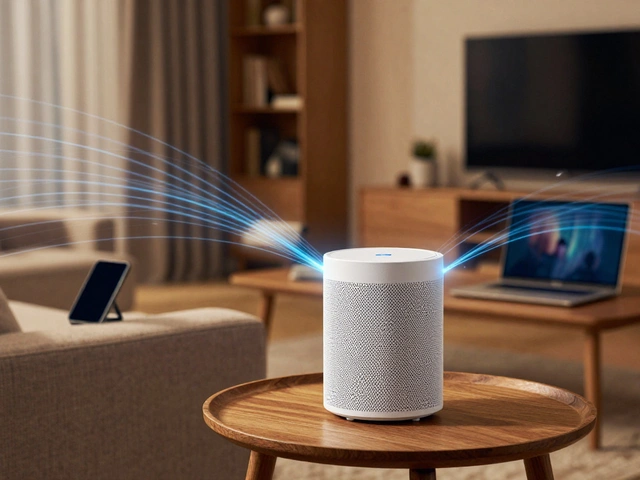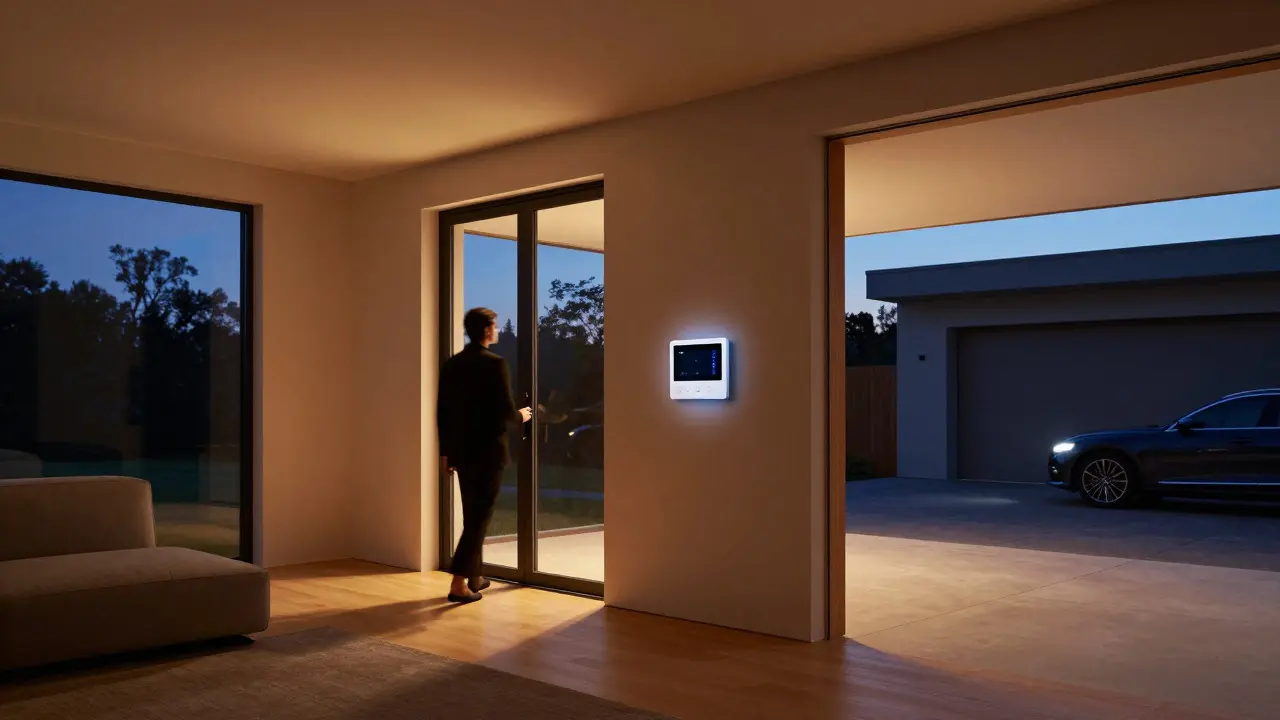
Walking into a house where the lights dim automatically as you enter, the thermostat adjusts to your sleep schedule, and the garage door opens before you even pull into the driveway feels like magic. But behind that seamless experience lies a complex web of protocols, hubs, and cloud services. Choosing the right home automation platform is no longer just about buying a smart bulb; it’s about selecting an ecosystem that can integrate disparate devices without breaking your budget or your sanity.
In 2026, the landscape has shifted significantly. The fragmentation that plagued early smart homes is giving way to more unified standards, yet legacy systems still hold strong ground. Whether you are building a new build from scratch or retrofitting an existing home, understanding the core differences between major platforms will save you years of troubleshooting. This guide breaks down the leading contenders, their strengths, their weaknesses, and which one fits your specific needs.
The Core Players in Home Integration
When we talk about smart home management, we are really talking about the "brain" of the operation. There are three primary categories of platforms: proprietary ecosystems, open-source local hubs, and hybrid cloud-local solutions. Each approach offers a different balance of convenience, control, and cost.
- Apple HomeKit is a proprietary ecosystem tightly integrated with iOS devices, focusing on security and simplicity. It uses the Thread radio standard and works best if you are already deep in the Apple universe.
- Google Home is a cloud-centric platform leveraging Google Assistant for voice control and broad device compatibility. It prioritizes ease of setup over deep local control.
- Amazon Alexa is the most widely adopted voice assistant platform, offering massive skill libraries but relying heavily on cloud connectivity.
- Home Assistant is an open-source, self-hosted hub that runs locally on a Raspberry Pi or mini-PC, offering unparalleled customization and privacy. It requires technical knowledge but provides total control.
- Samsung SmartThings is a versatile hub system that supports multiple radio frequencies including Zigbee, Z-Wave, and Wi-Fi, bridging the gap between consumer ease and pro-level features.
The choice often comes down to how much you trust the cloud versus how much you want to own your data. If you value zero-maintenance setups, the big tech giants win. If you value resilience and privacy, local-first options like Home Assistant take the lead.
Connectivity Protocols: The Invisible Backbone
Before you pick a hub, you need to understand the languages your devices speak. A platform is only as good as its support for these communication protocols. In 2026, the industry has largely standardized around a few key technologies, each with distinct trade-offs regarding range, power consumption, and speed.
| Protocol | Range (Indoor) | Power Consumption | Speed | Best For |
|---|---|---|---|---|
| Wi-Fi | 30-50 meters | High | Very Fast | Cameras, Displays, Hubs |
| Zigbee | 10-20 meters (Mesh) | Low | Moderate | Sensors, Bulbs, Switches |
| Z-Wave | 30-40 meters (Mesh) | Low | Moderate | Locks, Security Devices |
| Thread | 10-20 meters (Mesh) | Low | Fast | Low-latency Control, Matter |
| Bluetooth LE | 10-15 meters | Very Low | Slow | Short-range Pairing, Wearables |
Zigbee and Z-Wave remain the workhorses for battery-operated sensors because they use mesh networking. This means every device acts as a relay point, extending the network's reach without needing additional routers. Thread, the newer entrant, builds on IPv6 technology, making it faster and more robust for high-frequency interactions. However, not all hubs support all protocols. A common pitfall is buying a Zigbee-only sensor for a Wi-Fi-only hub, forcing you to buy a separate bridge just for one lightbulb.
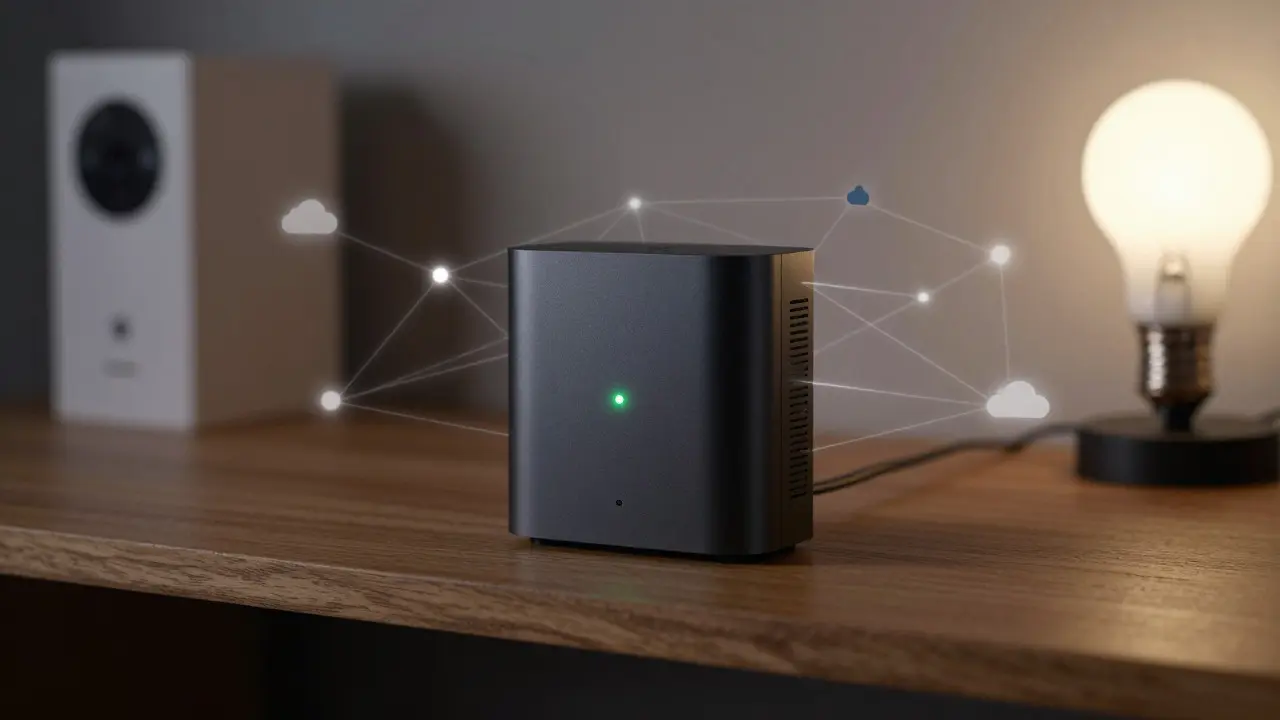
Ecosystem Lock-in vs. Open Standards
The biggest debate in home integration circles centers on openness. Proprietary ecosystems like Apple HomeKit and Amazon Alexa offer polished user experiences but often keep you tethered to their cloud servers. If Amazon goes down, do your lights go out? Usually, yes, unless you have configured local controls.
On the other hand, Matter is an industry-wide standard launched by the Connectivity Standards Alliance to unify smart home devices across brands. By 2026, Matter has become the baseline requirement for new premium devices. It ensures that a Samsung refrigerator can talk to an Apple TV without needing a specific brand's app. This reduces vendor lock-in significantly. However, Matter is not a replacement for local hubs; it is a translation layer. You still need a hub (like a HomePod, Echo Hub, or Home Assistant) to manage the local network.
For enthusiasts, the appeal of open systems like Home Assistant lies in the ability to write custom automations using YAML code or visual editors. You can create logic that says, "If the outdoor temperature drops below 5°C AND the front door motion sensor detects movement, turn on the porch light at 50% brightness." Such granular control is rare in closed ecosystems, which typically limit users to pre-set scenes or simple if-this-then-that rules.
Cost Considerations and Long-term Value
Upfront costs are only part of the equation. You must consider subscription fees, hardware obsolescence, and energy usage. Cloud-based platforms often introduce monthly fees for advanced features. For example, some video doorbell integrations require a cloud subscription to view history, while local storage options via NAS (Network Attached Storage) eliminate this cost entirely.
- Initial Setup: Proprietary hubs (Echo Hub, HomePod) are affordable ($99-$299). Open-source hubs require a mini-PC or Raspberry Pi ($50-$150) plus SD cards and cases.
- Monthly Fees: Most basic smart home functions are free. Premium cloud backups or AI insights may cost $5-$15/month per service.
- Device Cost: Matter-certified devices are generally priced similarly to proprietary equivalents. However, Z-Wave devices tend to be slightly more expensive due to licensing fees, but they offer better range reliability.
Long-term value favors modular systems. If you start with a small kit of two smart plugs and a camera, a proprietary system might be cheaper initially. But if you expand to 50+ devices, the complexity of managing multiple apps becomes a burden. A unified local hub consolidates everything into one dashboard, reducing the cognitive load and potential points of failure.
Choosing the Right Platform for Your Lifestyle
There is no single "best" platform. The right choice depends on your technical comfort level, existing device inventory, and priorities.
- If you are an Apple loyalist: Stick with HomeKit. The integration with Siri and the iPhone lock screen controls is seamless. Ensure your devices are Thread-enabled for the best performance. Avoid mixing in too many non-Matter devices, as they may require third-party bridges that lack polish.
- If you want maximum control and privacy: Go with Home Assistant. Yes, it has a learning curve. You will spend time configuring integrations. But once set up, it is incredibly stable. Use a dedicated mini-PC with an SSD for reliability. Connect it to your local network via Ethernet to avoid Wi-Fi interference.
- If you prioritize ease of use and voice control: Choose Amazon Alexa or Google Home. They handle 90% of use cases perfectly. Just be aware that most automations rely on the cloud. Keep a backup plan for internet outages, such as physical switches for critical lights.
- If you have mixed-brand devices: Look for a multi-protocol hub like Samsung SmartThings or a Home Assistant instance with USB adapters for Zigbee and Z-Wave. This allows you to keep your existing investments while adding new Matter-compatible gear.
Consider your home's layout. Large homes with thick concrete walls benefit from mesh networks (Zigbee/Z-Wave) because Wi-Fi signals degrade quickly. Small apartments can get away with Wi-Fi-only setups, provided your router is modern and supports dual-band frequencies.
Future-Proofing Your Smart Home
Technology moves fast. To ensure your investment lasts, focus on standards rather than brands. Prioritize devices that support Matter over those locked into a single manufacturer's proprietary protocol. Check if your hub supports firmware updates that add new protocol capabilities. For instance, recent updates to Home Assistant have improved Thread border router functionality, allowing it to serve as a gateway for Thread devices without extra hardware.
Also, think about scalability. Start with a central location for your hub, ideally near your main router. Run Ethernet cables if possible. Wireless connections for the hub itself can introduce latency issues during heavy traffic periods. As you add more devices, monitor your network bandwidth. Video streams from cameras consume significant resources. Allocate a separate VLAN (Virtual Local Area Network) for IoT devices to prevent them from slowing down your personal browsing or streaming.
Finally, document your setup. Keep a list of device MAC addresses, IP reservations, and automation logic. When you move houses or change ISPs, having this documentation saves hours of reconfiguration. The smart home of the future is not about flashy gadgets; it is about invisible, reliable infrastructure that serves your daily life without demanding your attention.
Do I need a hub for my smart home?
Not always. Simple Wi-Fi devices like smart plugs or bulbs can connect directly to your router. However, if you use Zigbee, Z-Wave, or Thread devices, you need a hub to translate their signals to your Wi-Fi network. A hub also enables local automations that work even when the internet is down.
Is Matter compatible with all smart home devices?
No. Matter is a new standard, so older devices and budget-friendly models may not support it. Always check the product packaging for the Matter logo. While Matter improves interoperability, it does not replace the need for a compatible hub or border router.
Which protocol is better: Zigbee or Z-Wave?
It depends on your region and existing devices. Z-Wave operates on a frequency less crowded than Wi-Fi, making it more reliable in dense urban areas. Zigbee is more widespread globally and often cheaper. Both use mesh networking. If you are starting fresh, either is fine, but try to stick to one to simplify hub requirements.
Can I use Home Assistant with Apple HomeKit?
Yes. Home Assistant has a built-in HomeKit Bridge integration. This allows you to expose your Home Assistant devices to the Apple ecosystem, letting you control them via Siri or the Home app while keeping the core logic running locally on your server.
How much does it cost to set up a full smart home?
A basic starter kit with a hub, two smart plugs, and a smart bulb can cost under $150. A comprehensive setup for a 3-bedroom house with lighting, climate control, security, and entertainment integration can range from $1,000 to $5,000 depending on device quality and whether you hire professional installation.