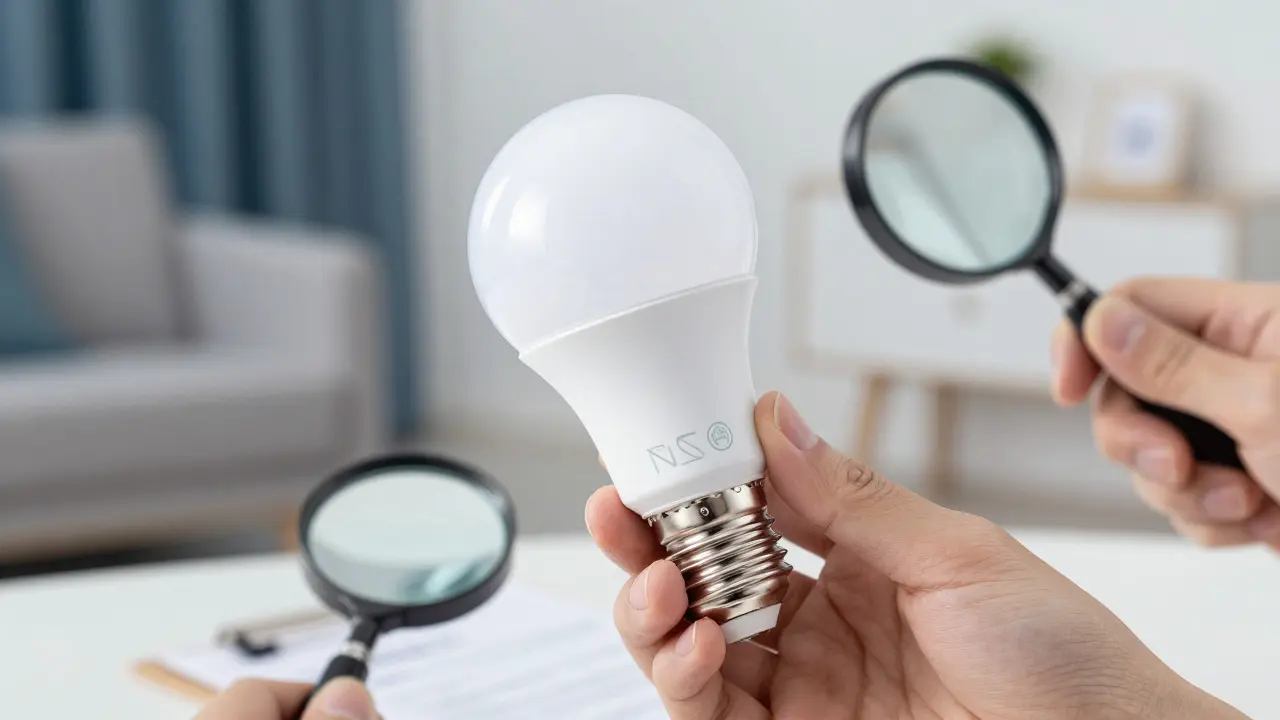
Imagine installing a sleek smart bulb in your living room, only to have an inspector flag it during a home inspection because it lacks the right safety markings. It’s a frustrating scenario that catches many homeowners off guard. The world of smart lighting moves fast, but the rules governing how we wire and power these devices move slowly, rooted in decades of fire safety data. Understanding the intersection of modern tech and old-school code is the difference between a seamless smart home and a costly retrofit.
This guide breaks down what actually matters when you’re buying or installing smart lights. We aren’t just listing regulations; we’re explaining why they exist and how to check if your gear is legit before you plug it in.
The Core Safety Certifications You Need to Check
Before you worry about app compatibility or color temperature, look at the bottom of the packaging. In North America, two acronyms dominate the landscape: UL (Underwriters Laboratories) and ETL (Intertek). These are not optional stickers; they are proof that a third-party lab tested the device against specific safety standards.
UL Certification is a mark indicating that a product has been tested by Underwriters Laboratories to meet specific safety standards. For lighting, this usually means the device can handle heat, voltage spikes, and physical stress without catching fire or shocking anyone. If you see "UL Listed" on a smart bulb, it means the entire assembly-the LED chip, the driver, and the socket-passed rigorous testing.
ETL is similar but issued by Intertek. Both are recognized by the National Fire Protection Association (NFPA). If a smart light doesn’t have either of these marks, it might be cheaper, but it’s a gamble. Unlisted devices often fail under load, leading to flickering, overheating, or even short circuits that trip breakers unexpectedly.
| Certification Body | Marking Type | What It Verifies | Regional Recognition |
|---|---|---|---|
| Underwriters Laboratories (UL) | UL Listed / UL Recognized | Fire, electric shock, and mechanical safety | North America (US, Canada) |
| Intertek | ETL Listed | Equivalent safety standards to UL | North America (US, Canada) |
| FCC | FCC ID | Radio frequency interference limits | United States |
| Energy Star | Energy Star Logo | Energy efficiency and performance | Global (varies by region) |
Notice that FCC and Energy Star are different animals. The Federal Communications Commission (FCC) ensures your smart bulb’s Wi-Fi or Zigbee radio isn’t jamming your neighbor’s internet connection. Energy Star focuses on efficiency. Neither replaces the need for UL or ETL for electrical safety. A bulb can be FCC compliant and Energy Star certified but still lack proper thermal protection, making it a fire hazard.
National Electrical Code (NEC) Requirements for Smart Devices
Once you have a certified bulb, the next hurdle is installation. The National Electrical Code (NEC) is the standard adopted by most US states and localities to ensure safe electrical wiring practices. While the NEC primarily governs wiring and fixtures, it impacts how you deploy smart lighting systems.
Article 410 of the NEC covers general lighting fixtures. For smart bulbs, the key rule is simple: the fixture must be rated for the maximum wattage of the bulb. This sounds obvious, but smart bulbs draw power differently than incandescent ones. An old chandelier designed for four 60-watt incandescents (240 watts total) might struggle with four high-output smart bulbs that each draw 15 watts but generate more heat due to their drivers. Always check the fixture’s rating plate. If it says "Maximum 60W Incandescent," stick to smart bulbs that are equivalent to 60W or lower in heat output, even if their actual wattage is lower.
Dimmers are another common pain point. Traditional triac dimmers were designed for resistive loads (like incandescent filaments). Smart bulbs use electronic drivers that can confuse these older dimmers, causing buzzing, flickering, or premature failure. The NEC doesn’t explicitly ban using them together, but Article 404 suggests using dimmers compatible with the load type. For smart lighting, you should almost always use a dedicated smart switch or a dimmer specifically labeled as "LED/Smart Bulb Compatible." Mixing incompatible components is the number one cause of smart lighting failures reported by electricians.
Wireless Protocols and Interference Standards
Smart lighting isn’t just about electricity; it’s about data. Whether your bulbs communicate via Wi-Fi, Zigbee, Z-Wave, or Thread, they operate within regulated frequency bands. The FCC sets strict limits on transmit power and bandwidth usage to prevent interference.
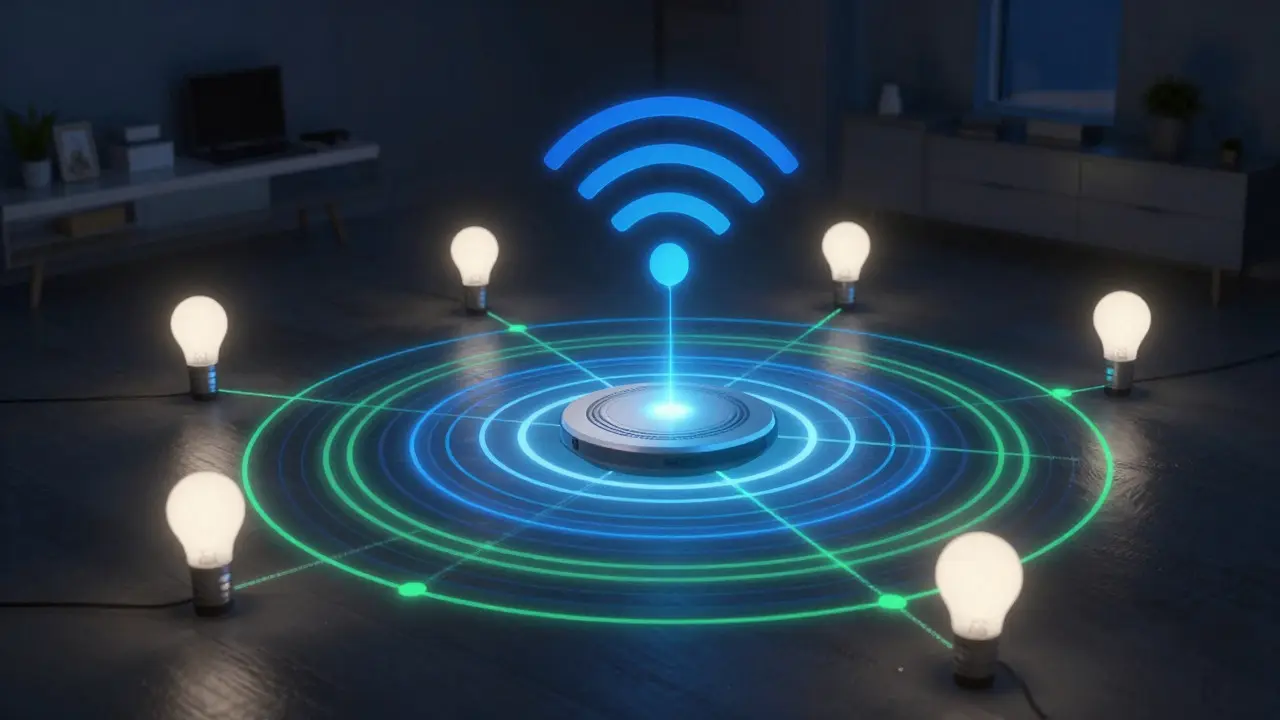
Zigbee and Z-Wave operate on the 2.4 GHz band (Zigbee) and 900 MHz band (Z-Wave), respectively. These low-power protocols are favored for smart homes because they create mesh networks where each bulb helps relay signals from others. However, they require a hub or bridge. The compliance angle here is ensuring your hub is also FCC certified. A non-compliant hub can emit noise that disrupts your home Wi-Fi, which technically violates FCC Part 15 rules for unintentional radiators.
Wi-Fi bulbs are convenient because they don’t need a hub, but they put more load on your router. If you have 20+ Wi-Fi bulbs, your network might slow down. This isn’t a code violation, but it’s a practical limitation. From a compliance standpoint, ensure your Wi-Fi bulbs support WPA3 encryption if available, as WPA2 is increasingly seen as vulnerable. While not strictly an electrical code requirement, cybersecurity is becoming part of broader safety standards discussed by organizations like the National Institute of Standards and Technology (NIST).
Local Amendments and Permitting Nuances
Here’s where it gets tricky: the NEC is a baseline, not a final law. Local jurisdictions amend the code. In Portland, Oregon, for example, local amendments might require GFCI protection in outdoor areas even beyond what the NEC mandates. If you’re installing smart floodlights or porch lights, check your local utility’s guidelines. Some utilities require specific surge protection for outdoor smart devices because lightning strikes are a known risk in certain regions.
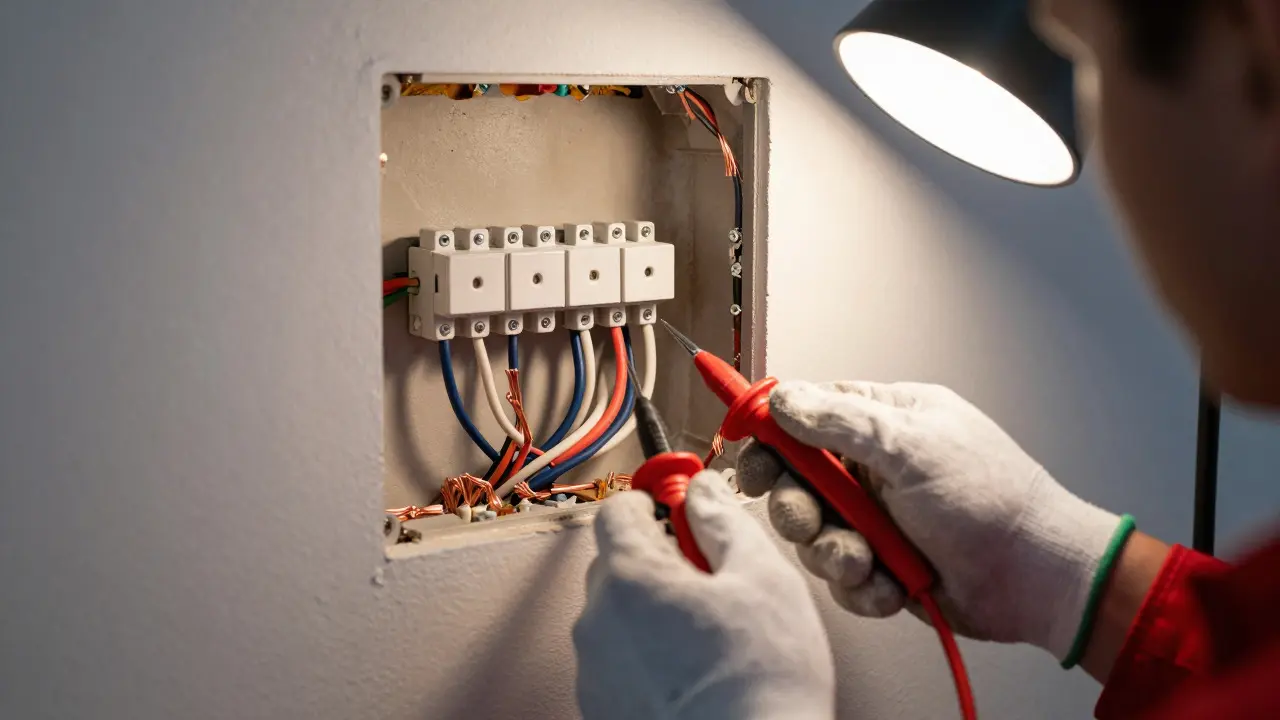
Do you need a permit to swap a regular bulb for a smart one? Usually, no. But if you’re replacing a fixture, adding new wiring, or changing the circuit breaker panel, yes. Inspectors care about grounding, wire gauge, and box fill. A smart switch, for instance, often requires a neutral wire in the junction box. Older homes built before the 1980s might not have neutrals in every switch box. If you plan to install smart switches, verify your wiring first. Using a smart switch without a neutral can lead to unstable operation or tripping breakers, which is a safety issue inspectors will flag.
Thermal Management and Heat Dissipation
LEDs run hot, and smart LEDs run hotter because of the internal electronics. Thermal management is critical for compliance. The UL 1598 standard for luminaires includes thermal tests to ensure components don’t exceed safe temperatures. When installing smart bulbs in enclosed fixtures-like those with frosted glass globes that trap heat-you reduce airflow. This can cause the bulb to overheat, dim automatically, or fail prematurely.
To stay compliant and safe, follow the manufacturer’s instructions regarding ventilation. If a smart bulb is rated for "enclosed fixtures," it has passed thermal testing for that environment. If it’s not, keep the fixture open or replace the globe with a ventilated one. Ignoring this leads to reduced lifespan and potential fire risks, especially if the bulb is left on for long periods. Regular maintenance, such as dusting the fixture, also helps heat dissipate properly.
Future-Proofing Your Installation
Technology changes faster than codes. Today’s smart lighting standards might look outdated in five years. To future-proof your setup, prioritize modular systems. Use standard screw bases (E26/E27) rather than proprietary sockets. Ensure your hubs support multiple protocols if possible, so you can mix and match devices as better options emerge. Keep an eye on updates from the American National Standards Institute (ANSI) and NFPA, as they periodically revise codes based on new technology adoption rates.
Finally, document your installations. Keep receipts and model numbers. If you ever sell your home or need insurance after an incident, having proof that you used UL-listed products and followed local codes can save you significant headaches. Compliance isn’t just about avoiding fines; it’s about building a reliable, safe foundation for your smart home.
Do I need a professional electrician to install smart bulbs?
For simple bulb swaps, no. Just twist them in. However, if you are replacing fixtures, installing smart switches that require neutral wires, or working with outdoor lighting, hiring a licensed electrician is recommended to ensure code compliance and safety.
Is FCC certification required for all smart lights?
Yes, if the light uses wireless communication (Wi-Fi, Bluetooth, Zigbee, etc.), it must have FCC certification to legally operate in the United States. Look for the FCC logo on the packaging or the device itself.
Can I use any dimmer with smart bulbs?
No. Traditional incandescent dimmers often do not work well with smart bulbs. Use dimmers specifically labeled as compatible with LED or smart bulbs, or use a smart switch that handles dimming digitally.
What happens if my smart bulb overheats?
Most quality smart bulbs have thermal cut-offs that turn them off if they get too hot. However, chronic overheating reduces lifespan and can pose a fire risk. Ensure adequate ventilation and use bulbs rated for your specific fixture type.
Are there specific code differences for outdoor smart lighting?
Yes. Outdoor fixtures must be weather-rated (IP65 or higher for direct exposure). They also often require GFCI protection in the circuit to prevent shock hazards. Check local amendments for additional surge protection requirements.