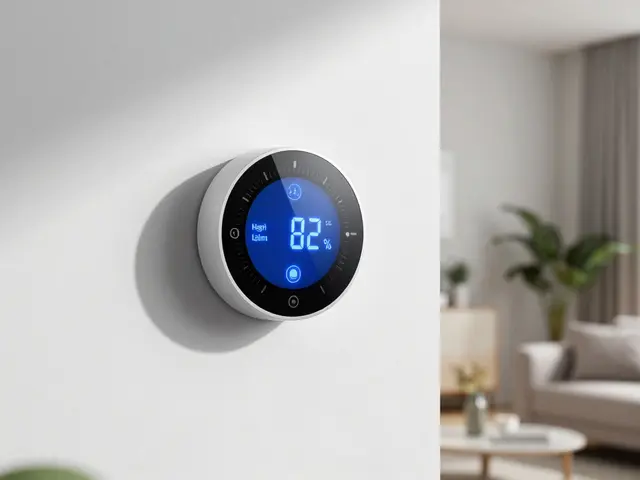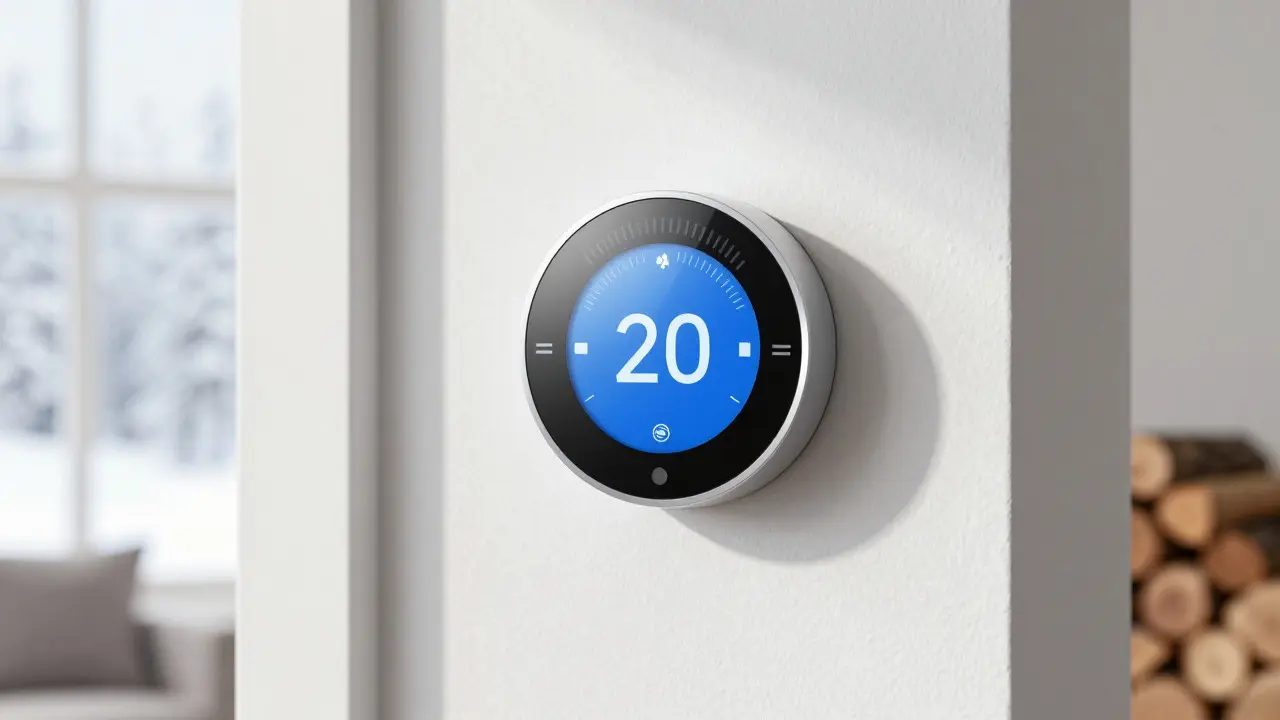
Imagine waking up to a burst pipe in your Portland home because the heater failed during a cold snap. Or worse, returning from vacation to find your kitchen scorching hot due to a stuck cooling cycle. These aren't just inconveniences; they are expensive disasters that smart thermostats are specifically designed to prevent. While we often think of these devices as tools for saving energy or remote control, their true superpower lies in safety. They act as vigilant sentinels, watching over your home's climate even when you're not there.
The core issue is simple: traditional thermostats stop working silently. If a sensor fails or a wire breaks, an old dial thermostat just sits there, doing nothing. A smart thermostat, however, communicates with your phone and cloud servers. It knows what "normal" looks like for your house. When things go wrong-like temperatures dropping below freezing or spiking dangerously high-it sends out freeze and overheat alerts. This article breaks down exactly how these alerts work, why they matter, and how to configure them so they actually protect your investment.
How Freeze Protection Works in Smart Homes
Freeze damage is one of the most common causes of water damage claims in the Pacific Northwest. Even if it doesn't snow in Portland, indoor pipes can freeze if the heat goes out during a power outage or mechanical failure. Freeze protection is a feature built into almost every major smart thermostat brand, including Nest, Ecobee, and Honeywell Home. The logic is straightforward: if the indoor temperature drops below a specific threshold (usually 55°F or 13°C) for a set period, the thermostat assumes the heating system has failed.
When this happens, the device triggers a two-step response. First, it attempts to force the furnace or heat pump to run continuously until the temperature rises back to a safe level. Second, it pushes a notification to your smartphone app. This isn't just a polite nudge; it’s a critical alert. If you live in a drafty older home, you might want to set this threshold higher, perhaps at 60°F, to give yourself more buffer time before ice forms inside copper or PEX pipes. The key attribute here is the response time. Most systems check the temperature every 15 minutes. If you have sensitive plumbing, ensure your battery backup is fresh, as a dead battery will kill the freeze protection feature entirely.
Understanding Overheat Alerts and Cooling Failures
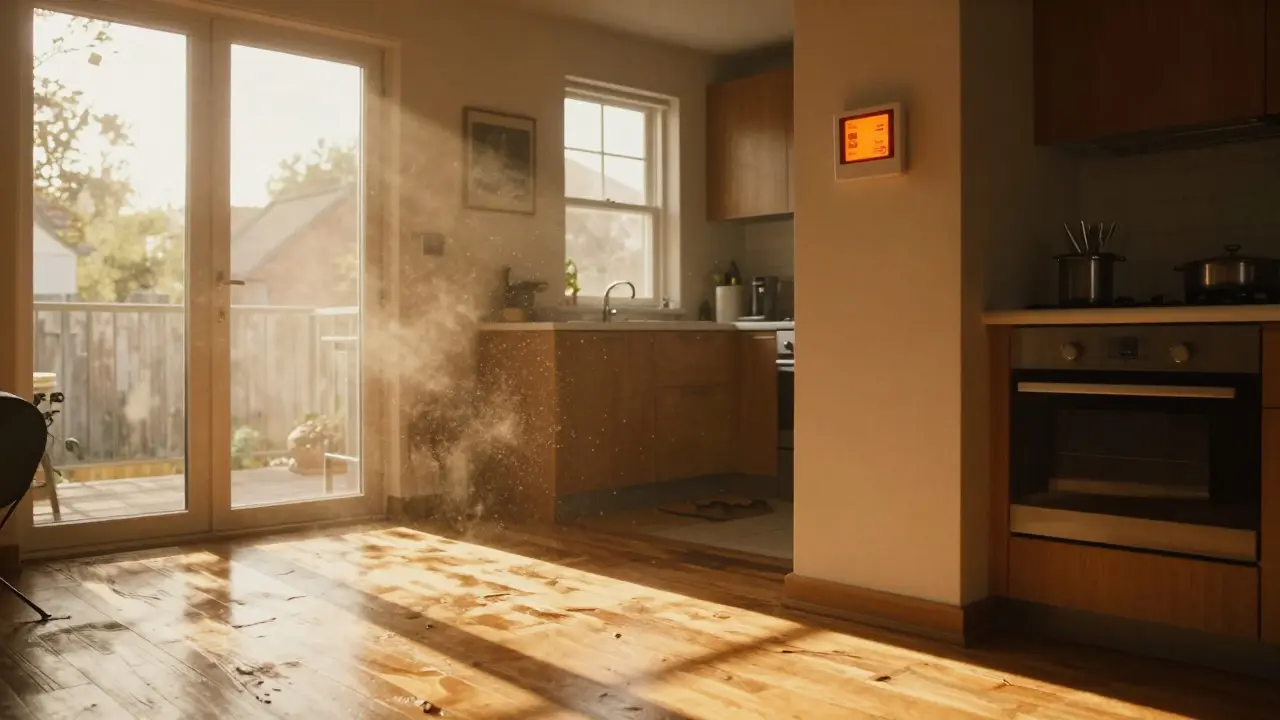
While freeze damage gets more headlines, overheating is equally dangerous, especially in summer. An overheat alert triggers when the indoor temperature exceeds a certain limit, typically 85°F or 90°F, without the air conditioner kicking in. This usually indicates a blown capacitor on your AC unit, a clogged filter restricting airflow, or a broken refrigerant line. Unlike freeze protection, which tries to fix the problem by turning the heat on, overheat alerts are primarily informational. The thermostat can’t always force a broken AC to work, so its job is to tell you immediately.
Why does this matter? Because stagnant hot air damages electronics, warps wood floors, and creates a breeding ground for mold in humid climates. In our region, while we don't get extreme desert heat, a week-long absence during a heat wave can push indoor temps past 90°F if the AC fails. The smart thermostat detects this deviation from your schedule. If you set your summer schedule to keep the house at 72°F, but the temp hits 88°F by noon, the alert fires. This gives you a chance to call a technician before the compressor burns out completely, saving you thousands in replacement costs.
Configuring Your Alerts: A Practical Guide
Many homeowners buy a smart thermostat and never touch the settings, leaving them on default. This is a mistake. Defaults are generic; your home is not. To get the most out of HVAC monitoring, you need to customize your thresholds based on your specific building envelope and local climate patterns.
- Set Conservative Thresholds: For freeze protection, don't wait until it's 40°F. Set the alert at 55°F. This gives you 10-15 degrees of margin before actual freezing occurs. For overheat, set the alert at 85°F. This is well above comfort levels but low enough to catch early failures.
- Enable Battery Backup Monitoring: Most smart thermostats run on wall power but have internal batteries. If the power goes out, the battery keeps the brain alive. Enable notifications for "Low Battery" so you know when to replace it. A dead battery means no alerts, regardless of temperature.
- Use Geofencing Wisely: If your thermostat uses geofencing to adjust schedules, make sure it doesn't conflict with safety modes. You want freeze protection to be active 24/7, even if you're away. Check your app settings to ensure "Away Mode" doesn't disable the minimum temperature floor.
- Test the System: Once a year, manually set the thermostat to a temperature that will trigger an alert (e.g., set heat to 50°F in winter). See if the notification arrives on your phone. If it doesn't, check your Wi-Fi connection and app permissions.
Comparison of Major Smart Thermostat Safety Features
Not all smart thermostats handle safety alerts the same way. Some are basic, while others offer granular control. Here is how the top contenders stack up regarding freeze and overheat protection.
| Feature | Nest Learning Thermostat | Ecobee SmartThermostat | Honeywell Home T9 |
|---|---|---|---|
| Default Freeze Alert Temp | 55°F | 55°F | 50°F |
| Default Overheat Alert Temp | 85°F | 85°F | 90°F |
| Customizable Thresholds | Yes | Yes | Limited |
| Battery Backup Duration | ~20 hours | ~12 hours | ~8 hours |
| Remote Manual Override | Yes | Yes | Yes |
Notice that Honeywell's default overheat alert is higher at 90°F. If you have valuable electronics or hardwood floors, you should lower this in the settings. Also, pay attention to battery backup duration. If you live in an area prone to rolling blackouts, a longer battery life ensures your alerts stay active longer during a power cut.
Common Pitfalls and How to Avoid Them
Even with the best hardware, configuration errors can render your safety net useless. The most common pitfall is ignoring the "Filter Change" reminder. A clogged filter reduces airflow, causing the AC to struggle and potentially triggering false overheat alerts or causing the compressor to short-cycle. Regular maintenance is part of smart home safety.
Another issue is Wi-Fi instability. Smart thermostats rely on the internet to send alerts. If your router is far from the thermostat, signal strength might be weak. Use a Wi-Fi analyzer app to check signal strength at the thermostat location. If it's below -70 dBm, consider adding a mesh node or moving your router closer. Without a stable connection, your freeze alert might arrive days late-or never.
Finally, don't ignore the "System Error" codes. Sometimes the thermostat detects a fault in the wiring before the temperature actually changes. For example, an open circuit in the heat wire (W) will show an error code. Addressing this early prevents total system failure during a cold spell.
Frequently Asked Questions
Do smart thermostats work during a power outage?
Yes, but only for a limited time. Most units have internal batteries that last between 8 and 20 hours. During this window, the thermostat can still monitor temperature and trigger alerts if the heat fails. However, once the battery dies, the display turns off, and monitoring stops. Always check your battery status monthly.
What is the safest temperature setting for freeze protection?
The industry standard is 55°F (13°C). At this temperature, most residential pipes are safe from freezing for several days. However, if you have exposed pipes in unheated areas like basements or attics, you may want to set the alert threshold to 60°F to provide a larger safety margin.
Will I get too many notifications if I enable all alerts?
Probably not, if configured correctly. Freeze and overheat alerts are rare events. They only trigger when something goes wrong. You can also group notifications in your app settings so that minor issues (like filter reminders) don't interrupt your day, while critical alerts (like freeze warnings) use high-priority sound and vibration.
Can I control my thermostat if my internet goes down?
You can still use the physical buttons on the thermostat itself to change the temperature. However, you won't be able to access it via your phone app or receive cloud-based alerts until the internet connection is restored. This is why having a reliable battery backup is crucial for safety features.
Does a smart thermostat replace the need for a separate carbon monoxide detector?
No. While some newer models include CO sensors, most do not. A smart thermostat monitors temperature and humidity, not gas leaks. You should always maintain dedicated smoke and carbon monoxide detectors throughout your home, especially near bedrooms and living areas.