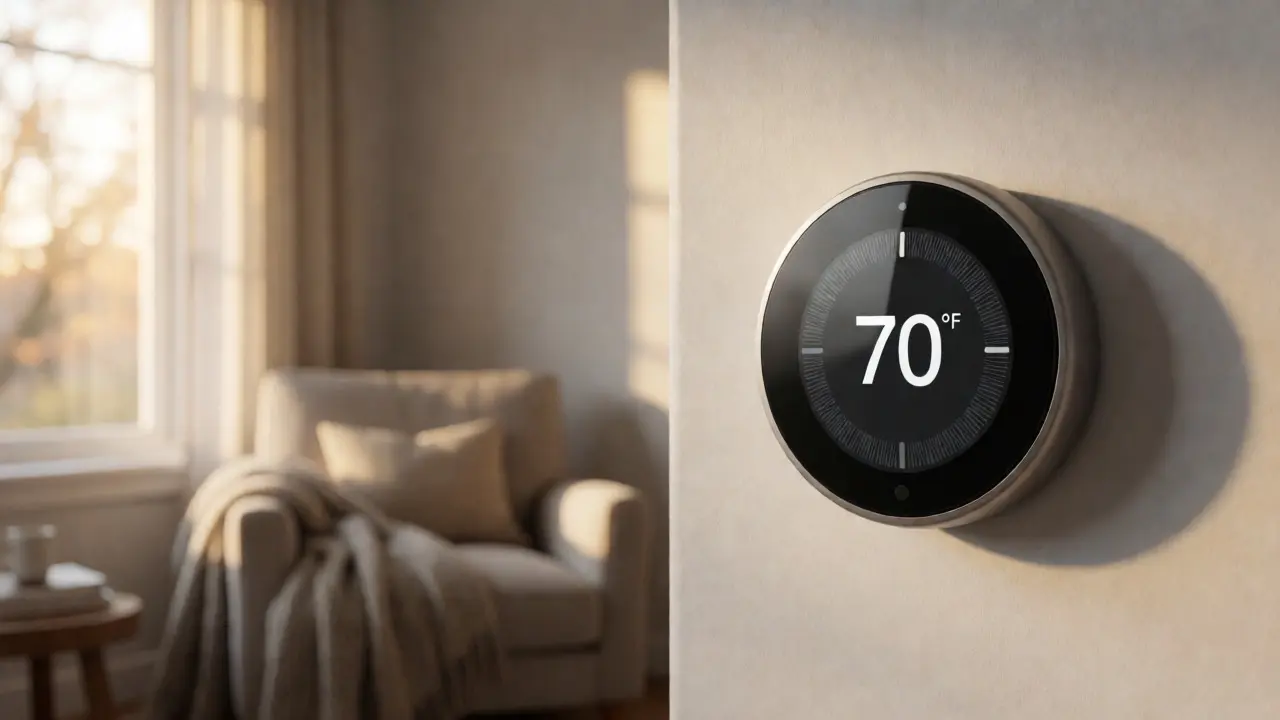
Most smart thermostats are built for people who love fiddling with apps. They assume you want to save energy, even if it means your living room feels a bit chilly at 68°F. But for older adults, that "efficient" setting often translates to discomfort or even health risks. As we age, our bodies regulate heat differently. We lose subcutaneous fat, circulation slows down, and the sensation of cold can trigger joint pain or increase blood pressure. If you are setting up a smart thermostat for a parent or yourself, you aren't just buying a gadget; you are tuning a health device.
The goal here isn't to make the house tropical. It's to find the sweet spot where comfort meets safety without breaking the bank on utility bills. In Portland, Oregon, where damp chill seeps into walls in late September, getting these settings right is crucial. Let’s break down exactly how to configure your system so it works for aging bodies, not against them.
Why Standard Energy-Saving Modes Fail Seniors
Manufacturers design default schedules around saving money. They drop the temperature by 7-10 degrees when you sleep or leave the house. For a younger person, this saves about 10% on heating costs annually. For an older adult, this drop can be dangerous. The American Geriatrics Society notes that hypothermia can set in at indoor temperatures below 65°F (18°C) for vulnerable populations. Many seniors also suffer from arthritis or neuropathy, making sudden temperature shifts painful.
When you buy a Nest Learning Thermostat or an Ecobee SmartThermostat, they try to learn your habits. But their algorithms often prioritize efficiency over consistent warmth. You need to override these defaults. Think of the thermostat not as a cost-saver, but as a climate stabilizer. Consistency matters more than peak savings. Fluctuating temperatures force the body to work harder to maintain core heat, which drains energy and stresses the cardiovascular system.
Ideal Temperature Ranges for Day and Night
So, what numbers should you actually punch into the dial? Forget the generic "68 degrees" advice. Here is a tailored approach based on physiological needs.
| Time of Day | Recommended Temp (°F) | Reasoning |
|---|---|---|
| Morning Wake-Up | 70-72°F | Prevents morning stiffness and shock upon leaving bed. |
| Daytime Activity | 68-70°F | Balances comfort with reasonable energy use during movement. |
| Sleep Hours | 66-68°F | Slightly cooler aids sleep quality, but too cold disrupts rest. |
| Away Mode | 64-65°F | Minimum safe floor to prevent pipe freezing and rapid chill. |
Notice the narrow range. Unlike younger households that might swing from 60°F to 75°F, seniors benefit from a tighter band. A drop below 65°F at night is risky. If your loved one sleeps under heavy blankets, you might get away with 66°F, but monitor them. If they wake up shivering, bump it to 68°F. It’s better to pay a few extra dollars on the gas bill than to deal with a hospital visit for a fall caused by stiff joints in a cold room.
Choosing Hardware That Doesn’t Require Fiddling
Not all smart thermostats are created equal. Some require you to download an app, create an account, update firmware, and navigate three menus to change the temperature. That is a barrier. If your parent struggles with small touchscreens or complex interfaces, hardware choice is critical.
Ecobee models come with remote sensors. This is a game-changer for larger homes or rooms with poor airflow. You place a sensor in the bedroom. The thermostat reads that sensor, not the hallway. So, even if the living room is warm because the sun hit it, the bedroom stays comfortable. This eliminates hot and cold spots, which are common complaints among seniors.
On the other hand, Honeywell Home T9 offers similar sensor capabilities but with a simpler interface. If you want to avoid cloud dependencies, look for models that allow local control via physical buttons. Avoid anything that requires Wi-Fi to function basically. If the internet goes down, the heater shouldn't stop working.
- Large Display: Look for high-contrast text. Small gray-on-gray fonts are invisible to aging eyes.
- Physical Buttons: Touchscreens can be finicky with dry skin or gloves. Mechanical dials or big rubber buttons are safer.
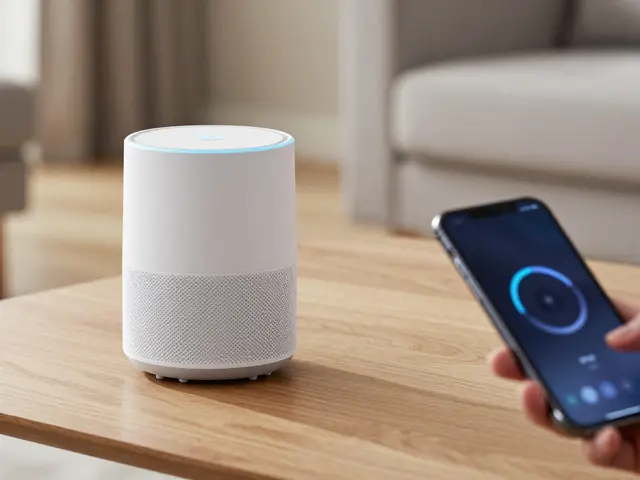
- Voice Control Compatibility: Integration with Alexa or Google Assistant allows hands-free adjustment. "Hey Google, set the heat to 70" is easier than navigating menus.
Setting Up Schedules Without Confusing Your Parent
You don’t want your parent calling you every Tuesday because the house is freezing. The solution is automation, but it has to be predictable. Use geofencing cautiously. While cool in theory, GPS drift can cause the thermostat to think someone is home when they aren't, or vice versa. For seniors who stay mostly indoors, fixed schedules are more reliable.
Create two main periods: "Active" and "Sleep." Set the Active period to start 30 minutes before they usually wake up. If they rise at 7:00 AM, have the heat ramp up at 6:30 AM. This prevents the shock of stepping onto a cold floor. During the day, keep it steady. Don't let the thermostat dip significantly if they are sedentary. Sedentary bodies generate less heat.
If they do go out frequently, use a "Vacation" or "Away" mode, but raise the minimum limit. Instead of the factory default of 55°F, set the Away temp to 65°F. This ensures that when they walk back in, the house isn't an icebox. Rapid reheating takes time, and sitting in a cold car while waiting for the furnace to catch up is miserable.
Humidity Matters More Than You Think
In places like Portland, the air gets damp in winter, but indoor heating dries it out drastically. Low humidity exacerbates respiratory issues and makes dry skin itch-two major complaints among older adults. A smart thermostat alone doesn't fix this, but some systems integrate with humidifiers.
If your HVAC system supports whole-home humidification, link it to the thermostat. Aim for 40-50% relative humidity. Below 30%, static electricity builds up, and mucus membranes dry out, increasing infection risk. Above 60%, mold grows. Some advanced thermostats, like the Ecobee, include humidity sensors. Check these readings monthly. If the air feels crisp and your parent complains of scratchy throats, add a portable humidifier to the bedroom and monitor the effect.
Troubleshooting Common Complaints
Even with perfect settings, things go wrong. Here is how to handle the usual pushback.
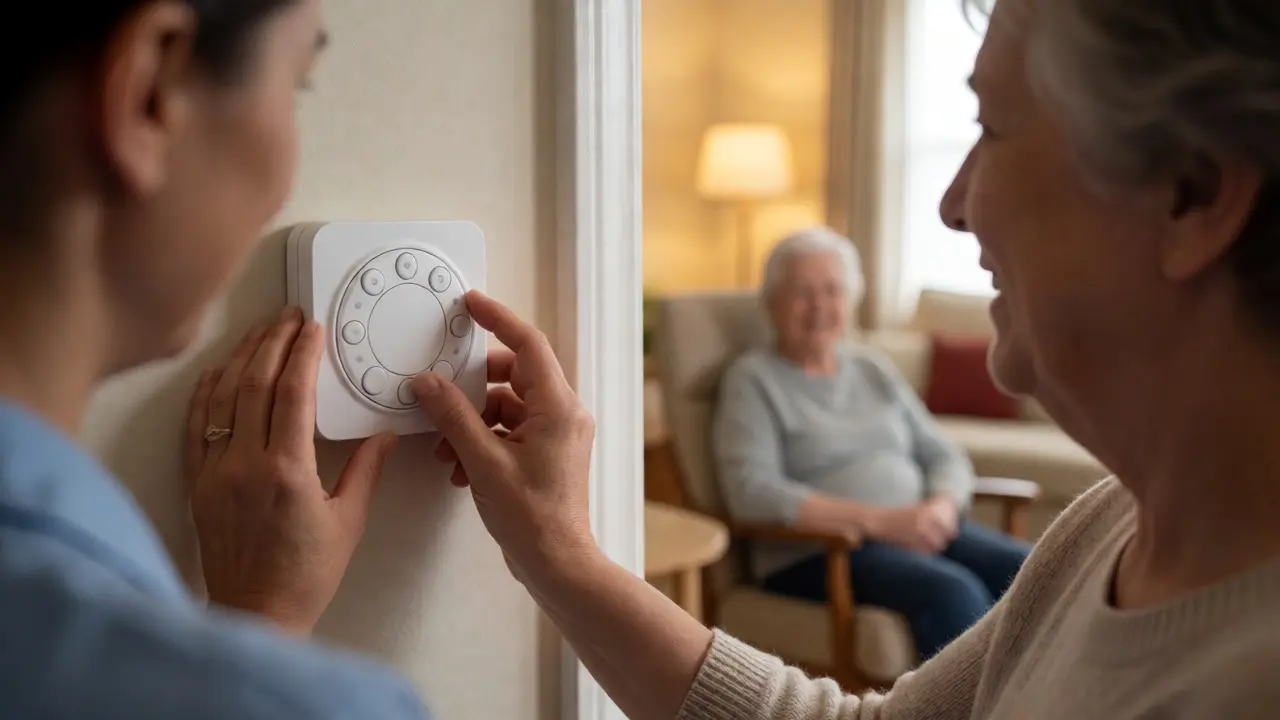
"The app is too complicated." Simplify it. Remove unused widgets. Pin only the temperature display and the +/- buttons. Hide everything else. If possible, disable notifications. Constant pings about energy usage are noise, not signal.
"It’s always too cold." Check for drafts. Smart thermostats measure air temperature at the wall, not the perceived temperature. If windows leak, the sensor might read 70°F, but the draft makes the person feel 65°F. Weatherstrip windows or use thermal curtains. Alternatively, move the thermostat location if it’s near a vent or door.
"I forgot to turn it down." This is why automation wins. Trust the schedule. If they insist on manual control, lock the range. Most thermostats allow you to set min/max limits. Prevent them from accidentally setting it to 50°F or 85°F. Limit the range to 65-75°F. This creates a safety net against accidental extremes.
Final Checklist for Installation
Before you consider the job done, run through this list. It ensures the system serves the user, not the other way around.
- Install batteries fresh, even if the old ones seemed fine. Weak power causes screen glitches.
- Test voice commands together. Ensure they know the exact phrase required.
- Write down the login credentials for the app. Store them in a physical notebook nearby, not just in a password manager.
- Check Wi-Fi signal strength at the thermostat location. Weak signals cause lag, which frustrates users.
- Disable "Auto-Away" features if the senior spends most days at home. False positives lead to unnecessary cooling.
Technology should fade into the background. When configured correctly, a smart thermostat becomes invisible-it just keeps the house comfortable. By prioritizing stability over aggressive energy savings, you protect your loved one’s health and peace of mind. Start with the higher end of the recommended ranges, then tweak down slowly if they complain of overheating. It’s easier to cool a room than to chase away a chill.
What is the safest minimum temperature for an elderly person?
The World Health Organization recommends a minimum indoor temperature of 64.4°F (18°C) for healthy adults, but for those over 65 or with chronic conditions, 68°F (20°C) is safer. Temperatures below 65°F can increase the risk of hypothermia and respiratory illness. Always err on the side of slightly warmer rather than colder.
Do smart thermostats save money for seniors?
Yes, but less aggressively than for younger households. Because seniors spend more time at home, there are fewer opportunities for deep setbacks. However, maintaining consistent temperatures prevents the furnace from working overtime to recover from extreme drops, which can still yield 5-10% savings compared to manual, erratic control.
Which smart thermostat is easiest for seniors to use?
Models with large, high-contrast displays and simple physical buttons are best. The Honeywell Home T9 and certain older Nest models with clear dial interfaces are popular. Voice control integration (Alexa/Google) is highly recommended for those with limited mobility or vision issues.
How does humidity affect comfort for older adults?
Low humidity makes air feel colder than it actually is and dries out skin and mucous membranes. Maintaining 40-50% humidity improves perceived warmth and reduces respiratory irritation. If the air feels dry, consider using a humidifier alongside the thermostat settings.
Can I lock the thermostat settings?
Yes, most smart thermostats allow you to set minimum and maximum temperature limits. This prevents accidental adjustments to extreme highs or lows. You can also restrict access via the app so only caregivers can change the schedule, while the senior retains basic temperature adjustment within safe bounds.