Imagine coming home to find your front door unlocked because a guest account you forgot to delete still had full admin rights. Or worse, a hacked smart bulb leaking data about your daily routines. These aren't sci-fi scenarios; they are the growing reality of connected living. Smart home security is the practice of managing who can access and control devices within a connected household environment using digital credentials and permission levels. It’s not just about locking the physical door; it’s about controlling the digital keys that open every light, lock, and camera in your house. Most people treat their smart home app like a single login for everything. But as your ecosystem grows from a few bulbs to dozens of sensors, hubs, and appliances, this flat approach becomes a liability. You need a structured way to define who does what. That’s where user roles is a set of predefined permissions assigned to a specific user profile that dictates which devices and actions they can perform. This guide breaks down how to build a robust permission structure that keeps your family safe without making life complicated.
Why Flat Access Fails in Modern Homes
In the early days of home automation is the use of technology to automate tasks and processes within a residential setting, most systems offered only two states: on or off, owner or guest. Today, the complexity has exploded. You might have a teenager who needs to unlock the garage but shouldn’t be able to change the thermostat schedule. You might have a cleaner who enters weekly and needs access to lights and vacuum bots but no access to video feeds. If everyone has "full control," one forgotten password or a compromised device puts the whole house at risk. The core problem is privilege escalation. In cybersecurity terms, this happens when a user gains more access than intended. In a smart home, this often looks like a child changing the alarm code or a guest adjusting the heating system while away. By implementing strict access control is a security mechanism that regulates who or what can view or use resources in a computing environment,, you limit the blast radius of any single mistake or breach. It’s about giving people exactly what they need, nothing more.
Defining Your Core User Roles
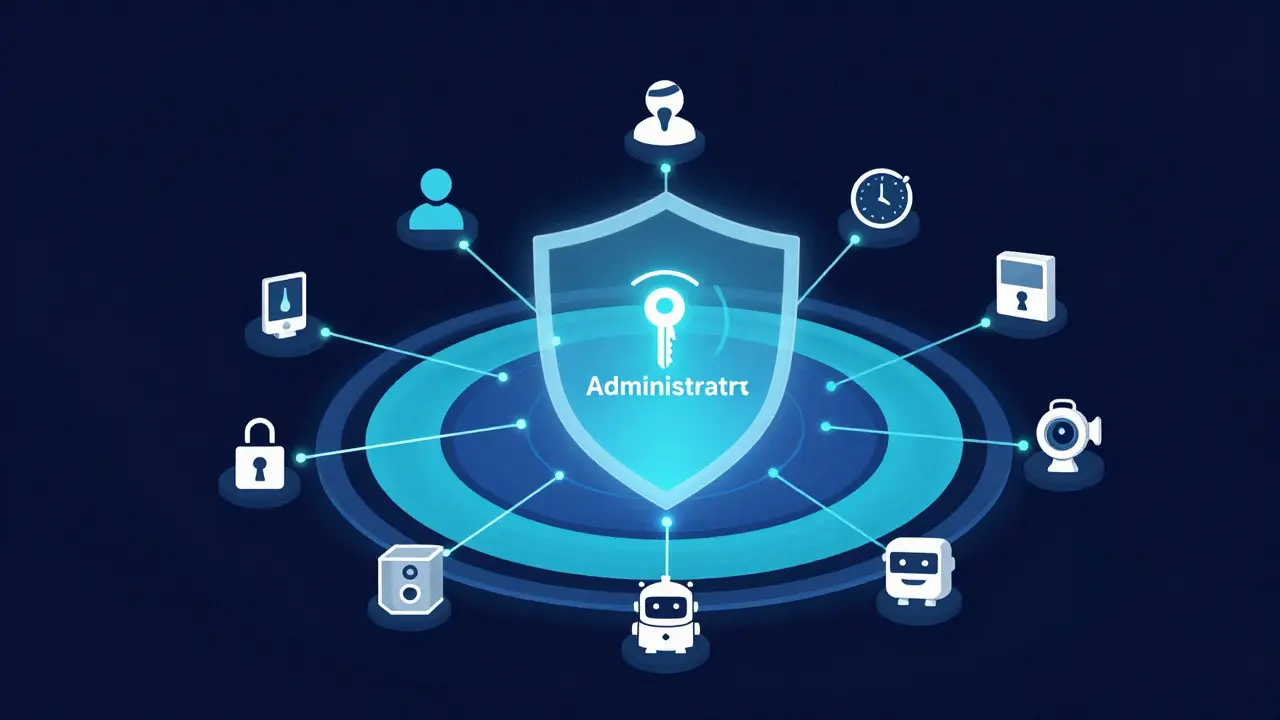
You don’t need a complex enterprise-grade matrix. Most households operate effectively with four distinct role types. Think of these as layers of trust and capability.
- Administrator: Full control over all settings, user management, and device pairing. Usually limited to 1-2 trusted adults.
- Standard User: Can control common devices (lights, locks, media) but cannot change system settings or add new users. Ideal for family members.
- Guest/Temporary: Time-limited access to specific devices. Perfect for visitors, cleaners, or sitters. Access expires automatically after a set date.
- Service Account: Non-human identities for integrations. For example, a voice assistant might need read-only access to sensor data but write access to turn on lights.
Assigning these roles requires looking at your daily habits. Who actually touches the thermostat? Who manages the security codes? Map out these interactions before you touch the app settings. This prevents the common pitfall of giving everyone admin rights because it’s easier than configuring individual permissions.
The Principle of Least Privilege in Practice
Cybersecurity experts preach the Principle of Least Privilege is a concept in information security in which a user is given the minimum levels of permission necessary to fulfill his/her job duties. In your living room, this translates to specific device-level restrictions.
For instance, consider your smart locks. Do your teenagers need to unlock the back patio door at 11 PM? Probably not. Restrict their access to the main entrance only during school hours. Now look at your smart cameras. Do you really want the neighbor who helps water your plants to see live footage of your nursery? Likely not. Grant them access to the outdoor perimeter only, or better yet, disable camera access entirely for their temporary profile.
This granular control is supported by modern IoT platforms are software ecosystems that connect Internet of Things devices to the cloud and user interfaces. Brands like Matter is an open-source standard for connecting smart home devices across different brands and platforms and Zigbee is a low-power wireless communication protocol used for short-range data transfer in smart homes now support fine-grained permission sets. You’re no longer stuck with binary choices. You can say, "User A can turn on Light X but not change its color temperature." This level of detail stops accidental changes and reduces confusion.
Managing Temporary Access Safely
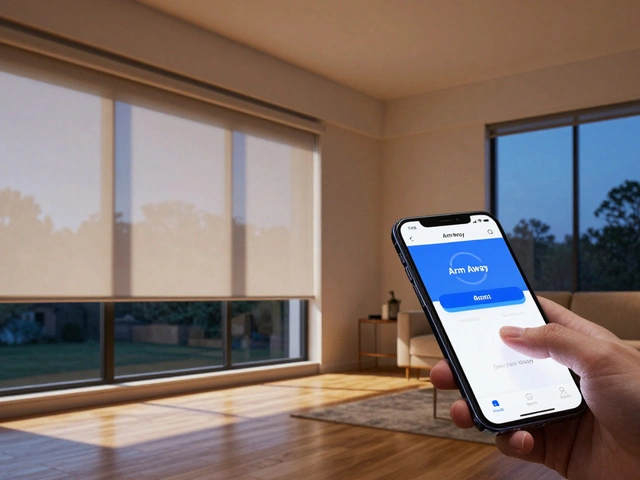
Guest access is where most security holes appear. People tend to share permanent accounts with friends or forget to remove them after a visit. Instead, use time-bound credentials. Most major smart home hubs allow you to create a profile that auto-deletes after 48 hours or a specific date. When creating these profiles, follow a simple checklist:
- Scope Limitation: Only enable the devices they absolutely need. If they’re coming over for dinner, do they need control of the HVAC system? No.
- No Admin Rights: Never give guests the ability to add new devices or change Wi-Fi passwords.
- Notification Setup: Enable push notifications for when a guest profile is active. This gives you visibility into when someone else is controlling your home.
- Revoke Immediately: If a guest leaves early, don’t wait for the expiration date. Revoke access manually. It takes ten seconds and eliminates risk instantly.
This approach turns temporary access from a security gamble into a managed event. It also creates an audit trail. If something goes wrong, you know exactly which profile was active and what devices they could touch.
Securing the Communication Layer
Permissions are useless if the communication channel is insecure. Your smart home relies on Wi-Fi networks are wireless computer networks that use radio waves to provide network connectivity between devices. and local protocols. Ensure your IoT devices are on a separate VLAN or guest network if possible. This isolates them from your primary computers and phones. If a cheap smart plug gets hacked, it shouldn’t have direct access to your laptop’s files.
Furthermore, check the encryption standards. Older devices might use WPA2, which is generally secure, but some legacy gadgets still rely on weaker protocols. Look for devices that support TLS 1.3 is a version of the Transport Layer Security protocol that provides stronger encryption and faster handshakes. for cloud communications. While this doesn’t affect local permissions directly, it ensures that the commands sent to the cloud hub are encrypted, preventing man-in-the-middle attacks where an attacker intercepts your "turn on light" command and modifies it.
Audit Logs: Your Safety Net
Even with perfect roles, mistakes happen. Someone clicks the wrong button. A device glitches. This is why audit logs are records of activities and events that occur within a system, useful for tracking changes and identifying issues are critical. Most advanced hubs keep a history of actions. Check this log weekly. Look for anomalies: Did the garage door open at 3 AM when nobody was home? Was the thermostat changed by a guest profile that should have been inactive? Regular audits help you refine your permission settings. If you notice your teenager constantly trying to override the bedtime lights, maybe they need a slightly higher tier of control for those specific fixtures. If you see frequent failed login attempts, you might have a brute-force attack on a weak password. The log tells you the story behind the noise.
Comparison of Common Smart Home Protocols for Permission Handling
| Protocol/Platform | Permission Granularity | Encryption Standard | Best For |
|---|---|---|---|
| Matter | High (Device-specific) | AES-128 / TLS 1.3 | Cross-brand compatibility and fine-tuned access |
| Zigbee | Medium (Network-wide) | AES-128 | Low-power sensors and reliable local mesh |
| Wi-Fi (Direct) | Low (App-dependent) | WPA3 / TLS | High-bandwidth devices like cameras |
| Thread | High (Mesh-based) | AES-128 | Future-proofing and decentralized control |
Note that while Matter offers the best permission handling today, it relies on a central controller. If your hub goes down, local permissions may fail unless you have a backup plan. Zigbee remains robust for basic on/off controls but lacks the nuance for complex scenes involving multiple user types.
Frequently Asked Questions
Do I need a separate app for each user role?
No. Most modern smart home hubs allow multiple user profiles within a single app. You switch profiles on your phone, or family members use their own phones logged into their specific profiles. The key is that the backend server recognizes the unique ID of each profile and applies the correct permission set.
What happens if my internet goes down? Do permissions still work?
It depends on your setup. Local protocols like Zigbee and Thread usually continue to function offline because the hub acts as a local gateway. Cloud-dependent devices might lose remote access, but local control via the hub should persist. Always test your critical security devices (locks, alarms) in offline mode to ensure they respond to local commands regardless of cloud status.
How often should I review my smart home permissions?
Quarterly is a good baseline. Life changes-new jobs, moving, seasonal guests. A quarterly review ensures you haven’t left stale accounts active. Additionally, review immediately after any significant life event, such as a break-up, a move, or hiring new regular staff.
Is biometric authentication necessary for smart home security?
Not strictly, but it adds a layer of convenience and security. Fingerprint or face recognition on your smartphone can prevent unauthorized use if your phone is lost. However, strong multi-factor authentication (MFA) on your smart home account is more critical. Biometrics protect the device; MFA protects the account.
Can I restrict a user from seeing certain rooms?
Yes, if your devices support room-level zoning. You can assign devices to virtual rooms and then restrict a user’s access to those rooms. For example, a guest might have access to the 'Living Room' zone but not the 'Master Bedroom' zone. This is particularly useful for privacy-focused setups.