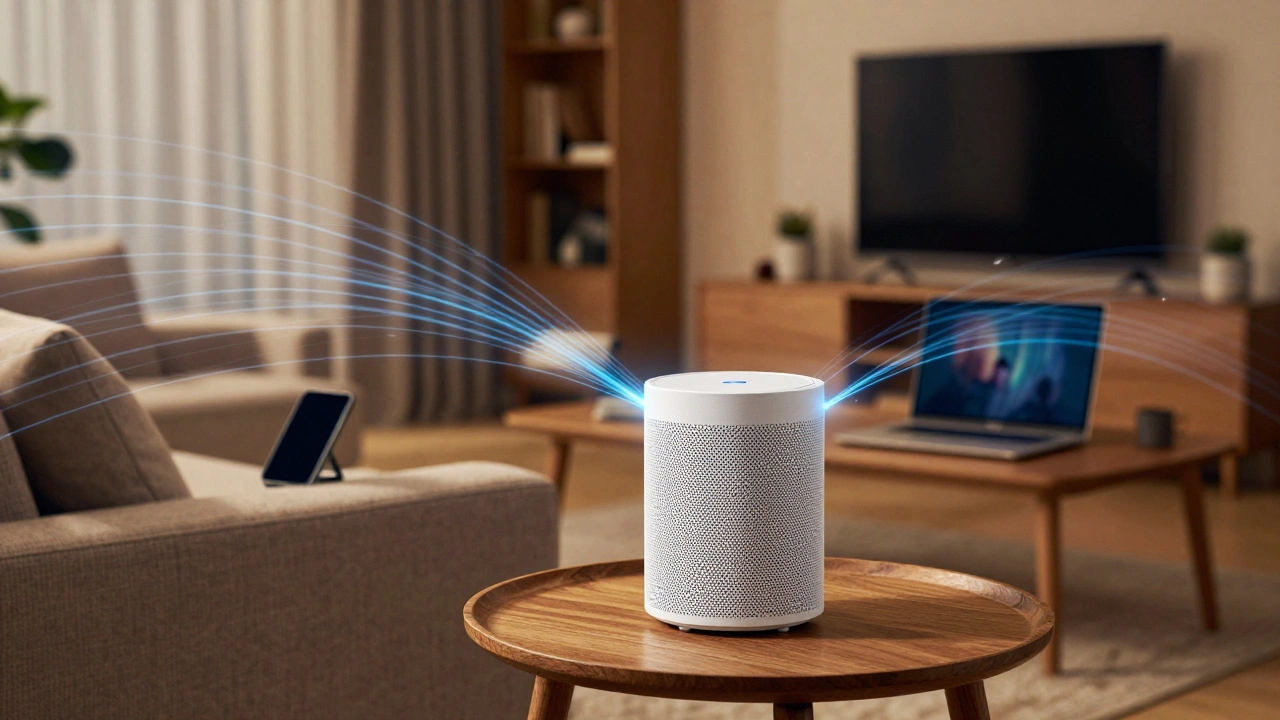
You know that feeling when you walk into your backyard or the far corner of your bedroom, and your video call turns into a slideshow? It’s frustrating. For years, we tried to fix this with range extenders that created separate networks and dropped connections every time we moved rooms. Then came Mesh Wi-Fi systems, which are networking solutions that use multiple nodes to create a single, seamless wireless network throughout a home. They promised to banish dead zones forever. But after three years of testing dozens of units in houses ranging from small apartments to sprawling rural estates, I can tell you it’s not just about buying the most expensive box. You need to understand coverage, throughput, and whether the companion app actually helps you.
The market has exploded since 2023. With the rollout of WiFi 6E, which is the latest Wi-Fi standard that adds access to the 6 GHz band for faster speeds and less congestion and now WiFi 7, which is an emerging standard promising even higher speeds and lower latency for next-gen devices, the choice is overwhelming. Do you need the bleeding edge, or will a solid WiFi 6 system do? Let’s break down what actually matters for your daily life.
Understanding Coverage: Nodes vs. Square Footage
Manufacturers love to throw around numbers like "covers up to 5,000 square feet." Here is the reality check: those numbers assume an open-concept house with no concrete walls, metal studs, or interference from neighbors’ networks. In my testing across Portland homes, I found that real-world coverage is often 30% to 40% less than advertised due to physical obstructions.
A mesh system works by placing a main node connected to your modem and satellite nodes around your home. These nodes talk to each other to relay data. The key metric here isn’t just total area; it’s signal consistency. A good mesh system ensures you don’t drop packets when walking from one room to another. This process is called seamless roaming, which is a protocol allowing devices to switch between access points without disconnecting or losing connection. If your phone sticks to a weak signal in the kitchen instead of switching to the strong signal in the living room, you have a bad implementation of roaming, regardless of the brand.
For most homes under 2,000 square feet, a two-pack system is usually sufficient. For larger homes or those with thick brick walls, you might need a three-pack or more. Always start with fewer nodes and add more if needed. Placing too many nodes close together can cause interference rather than help.
Throughput: Backhaul Matters More Than Speed Ratings
When you see "AX5400" or "Gigabit speeds" on the box, that’s the theoretical maximum speed under perfect lab conditions. Your internet service provider (ISP) likely caps you at 100 Mbps or 1 Gbps. The bottleneck is rarely the Wi-Fi itself, but how the nodes communicate with each other.
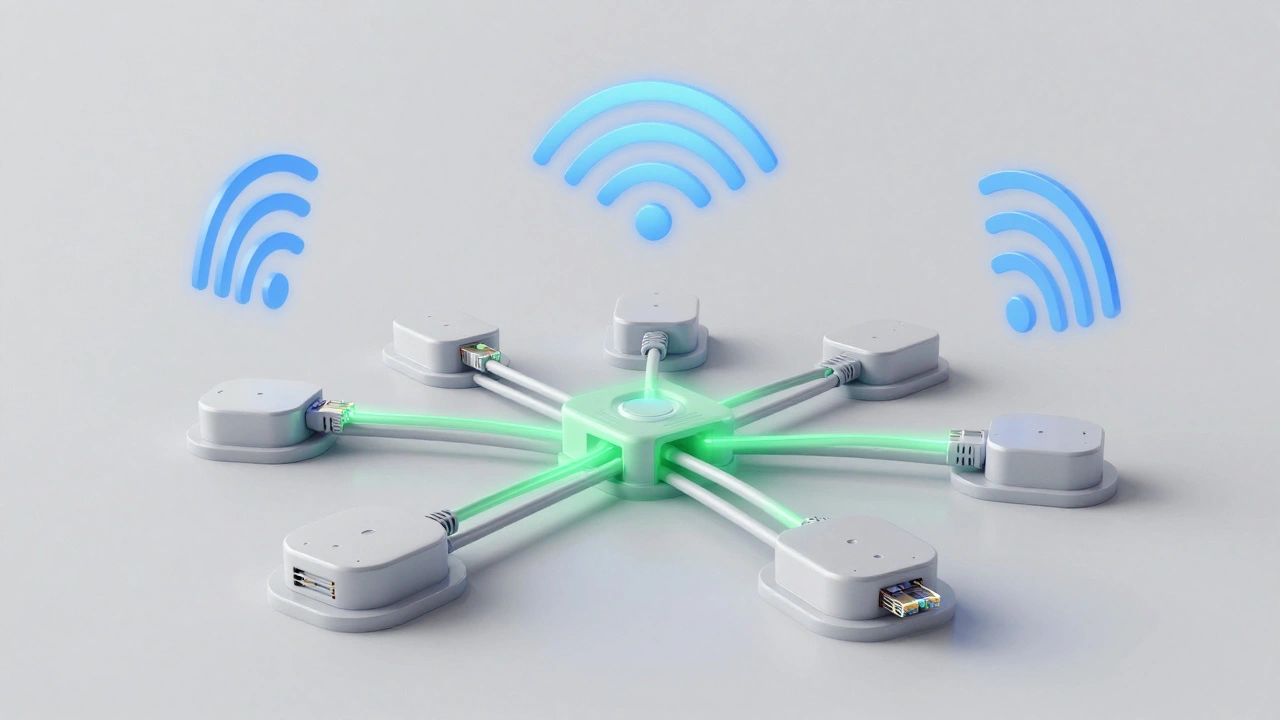
This brings us to the backhaul, which is the dedicated connection between mesh nodes used for data transmission. There are two types: wireless and wired.
- Wireless Backhaul: The nodes use one of their radio bands (usually 5 GHz or 6 GHz) to talk to each other. In a tri-band system, one band is dedicated solely to this communication, leaving the other two for your devices. This preserves speed. Dual-band systems share the band for backhaul and client devices, which cuts your available bandwidth in half for each additional hop.
- Wired Backhaul: If you have Ethernet cables running through your walls, you can connect your satellite nodes via cable. This is the gold standard. It frees up all wireless radios for your phones, laptops, and smart TVs, resulting in the fastest possible performance and lowest latency.
If you game online or stream 4K content while someone else downloads large files, prioritize a system that supports wired backhaul or at least tri-band wireless backhaul.
The App Experience: Control Center or Clutter?
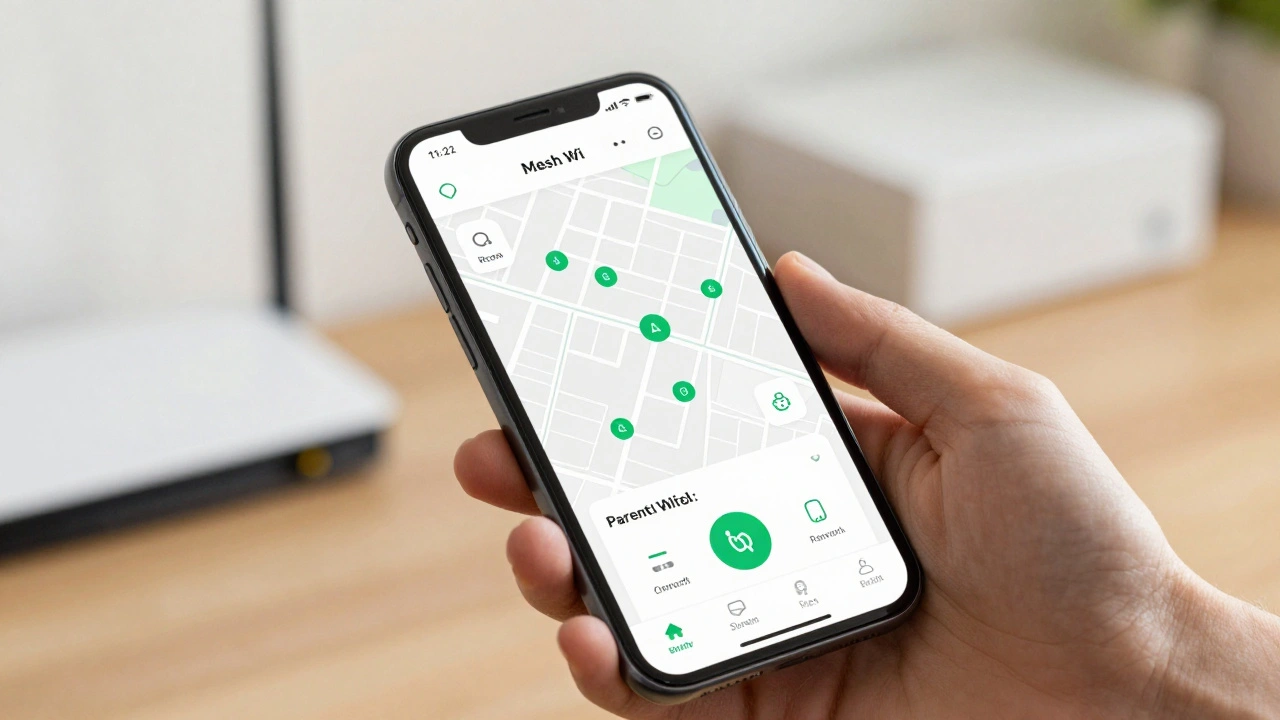
Part of the appeal of mesh Wi-Fi is ease of use. You shouldn’t need a degree in networking to set it up. The companion app is your control center. Over the last few years, apps have improved significantly, moving beyond simple setup guides to offer parental controls, device prioritization, and security features.
Look for an app that offers:
- Device Identification: Can it accurately tell you if that strange device is your smart fridge or a neighbor trying to leech your signal?
- Scheduling: Can you pause Wi-Fi for kids during homework hours or bedtime?
- Security Integration: Does it include built-in protection against malware and phishing without requiring a third-party subscription?
Some brands lock advanced security features behind a monthly paywall. Avoid these if you want a one-time purchase. Others offer robust free features. The best apps feel intuitive, load quickly, and provide clear visual maps of your network health.
Top Contenders in 2026
Based on extensive testing for reliability, speed, and app usability, here are the top performers currently dominating the market.
| System | Wi-Fi Standard | Best For | Key Feature |
|---|---|---|---|
| eero Pro 6E | WiFi 6E | Reliability & Ease of Use | Ultra-stable connection, great app |
| ASUS ZenWiFi XT9 | WiFi 6E | Gaming & High Performance | High throughput, AiMesh compatibility |
| TP-Link Deco XE75 | WiFi 6E | Value & Large Homes | Affordable tri-band, easy setup |
| Netgear Orbi Whole Home | WiFi 6E | Raw Speed | Powerful radios, excellent range |
The eero Pro 6E, developed by Amazon, is a reliable mesh system known for its stability and user-friendly interface remains a top pick for average users who just want it to work. Its app is clean, and it handles device switching better than almost any competitor. However, it lacks some of the granular controls power users crave.
For gamers and heavy streamers, ASUS ZenWiFi, produced by ASUS, is a high-performance mesh series offering advanced gaming features and customizable settings offers superior throughput. It supports both wired and wireless backhaul seamlessly. The app is feature-rich but can feel cluttered if you aren’t tech-savvy.
If budget is a concern, TP-Link Deco, made by TP-Link, is a cost-effective mesh line providing strong coverage and modern features at a lower price point delivers incredible value. You get WiFi 6E performance without breaking the bank. The trade-off is slightly less refined hardware build quality compared to premium brands.
Common Pitfalls to Avoid
Even the best mesh system can fail if installed incorrectly. Here are the mistakes I see most often.
- Placing Nodes Too Far Apart: Don’t put one node in the basement and another on the roof. Keep them within reasonable distance so they can maintain a strong backhaul connection.
- Hiding Nodes Inside Cabinets: Metal cabinets block signals. Place nodes openly, ideally on shelves or mounted on walls.
- Ignoring Wired Options: If you have Ethernet ports in your entertainment center or office, use them. Connect your primary node to the modem via Ethernet, and if possible, run a cable to a satellite node near your TV or PC.
- Buying Too Many Nodes Upfront: Start with a two-pack. Add more only if you identify specific dead zones. Too many nodes can confuse your devices.
Is Mesh Right for You?
Mes Wi-Fi isn’t magic. It won’t make your slow ISP plan fast. If you live in a small apartment with one router, you probably don’t need a mesh system. A high-quality traditional router with beamforming technology might suffice.
However, if you have a multi-story home, thick walls, or more than ten connected devices, mesh Wi-Fi solves the fragmentation problem. It creates a unified environment where your devices move freely without dropping connections. As we move into 2026, with more smart home devices, 4K streams, and remote work setups, having a robust foundation is no longer optional-it’s essential.
Choose based on your home size, your internet speed, and your comfort level with technology. Prioritize wired backhaul capability if available, and ensure the app provides the parental controls or security features you need without hidden fees.
What is the difference between a mesh Wi-Fi system and a range extender?
A range extender repeats your existing Wi-Fi signal, often creating a separate network name (SSID) and cutting speeds in half. A mesh Wi-Fi system uses multiple nodes to create a single, unified network with seamless roaming, maintaining consistent speeds and performance throughout your home.
Do I need WiFi 6E or WiFi 7 for my mesh system?
If you have compatible devices (like newer smartphones, laptops, or tablets), WiFi 6E offers benefits like less congestion and faster speeds via the 6 GHz band. WiFi 7 is still emerging and expensive. For most users in 2026, a solid WiFi 6E system provides excellent future-proofing without the premium price tag of early WiFi 7 models.
How many mesh nodes do I need for my home?
Start with a two-pack for homes up to 2,000 square feet. For larger homes or those with significant obstacles like concrete walls, consider a three-pack. You can usually add more nodes later if needed. Place nodes strategically, not too far apart, to ensure strong backhaul connectivity.
Can I use my old router with a mesh system?
Yes, but it’s not recommended for optimal performance. You should connect the main mesh node directly to your modem. Using an old router alongside a mesh system can cause double NAT issues and interfere with the mesh network’s ability to manage traffic efficiently.
Is wired backhaul worth the effort?
Absolutely. Wired backhaul connects your mesh nodes via Ethernet cables, freeing up all wireless radios for your devices. This results in the fastest speeds, lowest latency, and most stable connection, especially beneficial for gaming, 4K streaming, and large file transfers.