You just bought a slick new smart bulb. It looks great in the app. You add it to your hub, and then... nothing. Or worse, it works for two days and then drops off the network every time you microwave leftovers. Sound familiar? This is the classic smart home compatibility nightmare. We’ve all been there, staring at a blinking LED wondering why our $200 thermostat won’t talk to our $30 switch.
The truth is, the smart home industry isn’t a single unified ecosystem yet. It’s more like a room full of people speaking different languages, hoping someone has a translator. But here’s the good news: you don’t need a degree in electrical engineering to fix this. You just need to understand the basic rules of how these devices communicate. Once you get the hang of it, building a home that actually listens becomes way less frustrating.
The Three Main Languages of Smart Homes
Before you buy another gadget, you need to know which language it speaks. Most smart devices fall into one of three categories based on their wireless protocol. Think of these as the operating systems of your hardware.
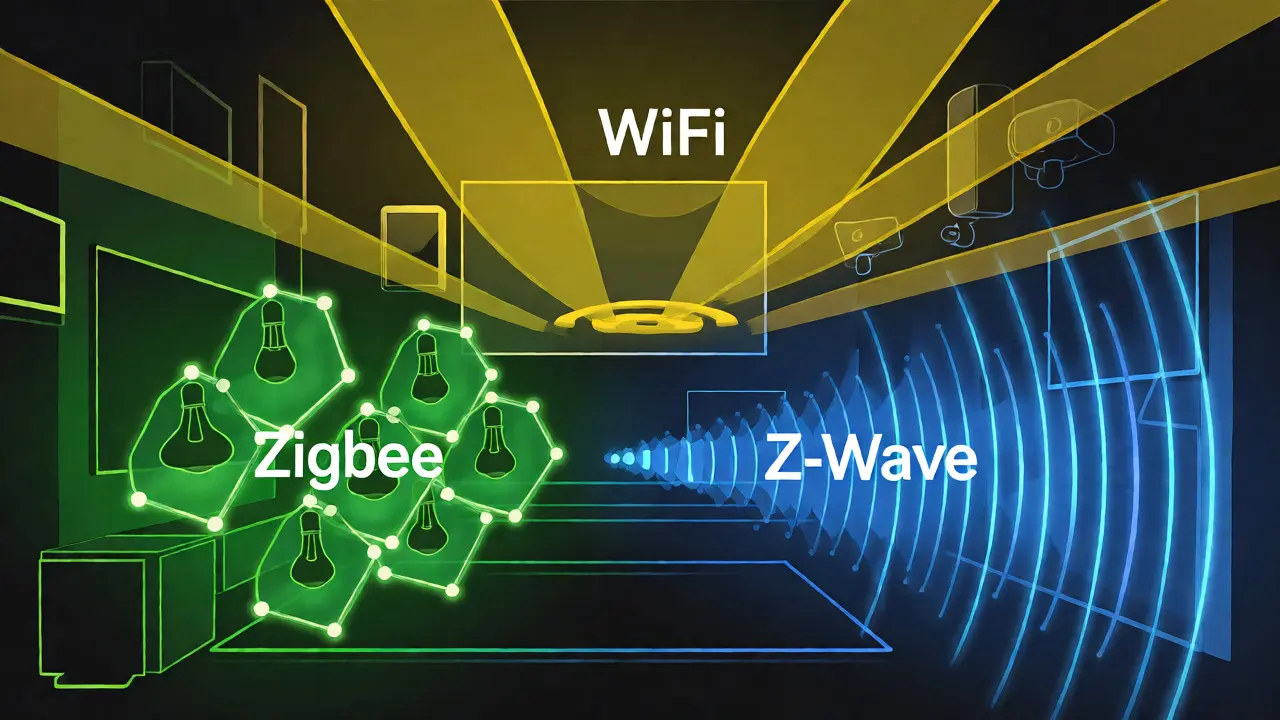
Zigbee is a low-power mesh networking protocol widely used by Philips Hue and many smart plugs. It’s fast and reliable because each device acts as a repeater, boosting the signal for others. If you have a lot of lights or sensors spread across a large house, Zigbee is usually your best bet. However, it often requires a dedicated hub, like the Samsung SmartThings Hub or the Amazon Echo Plus (which has built-in Zigbee support).
Z-Wave is another mesh network standard known for its strong penetration through walls and minimal interference with Wi-Fi. Unlike Zigbee, Z-Wave operates on sub-GHz frequencies, meaning it doesn’t clash with your router. It’s incredibly stable but tends to be pricier. Brands like Yale locks and Aeotec switches rely heavily on this. The catch? You absolutely need a Z-Wave controller. Your phone can’t do it alone.
Then there’s Wi-Fi, the high-bandwidth connection most people are already familiar with from laptops and phones. It’s easy to set up-no extra hubs needed-but it eats battery life and can clog your network if you have fifty devices trying to stream data simultaneously. It’s great for cameras and speakers, but terrible for door sensors that need to last a year on a coin-cell battery.
Matter: The New Universal Translator
If you’re shopping in late 2026, you’ll see a logo everywhere: Matter is an open-source application layer protocol designed to enable seamless communication between smart home devices regardless of manufacturer. Backed by Apple, Google, Amazon, and Samsung, Matter aims to kill the 'walled garden' problem once and for all.
Here’s how it works practically. Instead of needing a specific bridge for every brand, Matter allows devices to communicate locally over Wi-Fi or Thread. This means an Apple HomePod mini can control a generic smart plug without needing a cloud server round-trip. It’s faster, more private, and significantly less buggy.
But don’t throw out your old gear just yet. Matter relies on Thread, a low-power IPv6-based networking protocol that creates self-healing mesh networks. Many older devices don’t support Thread natively. That’s where border routers come in. Devices like the newer Amazon Echo Hub or the Apple TV 4K act as bridges, translating Matter commands into signals your older Zigbee or Z-Wave devices can understand.
How to Check Compatibility Before You Buy
Stop guessing. Here is a simple checklist to run before you swipe your credit card:
- Check the Protocol: Look at the back of the box or the product spec sheet. Does it say Zigbee, Z-Wave, Bluetooth, Wi-Fi, or Matter? Write it down.
- Audit Your Hub: What does your current hub support? An original Amazon Echo only supports Zigbee. A newer Echo Studio might support Zigbee and Matter via Thread. Know your hardware limits.
- Verify Ecosystem Locks: Some devices, like certain LIFX bulbs, work directly with Wi-Fi but may lack advanced features unless paired with a specific hub. Always check if the 'full experience' requires an extra purchase.
- Read Recent Reviews: Search for '[Device Name] + [Your Hub Name]' on Reddit or forums. Real users will tell you if firmware updates broke compatibility last month.
| Protocol | Best For | Range | Power Usage | Hub Required? |
|---|---|---|---|---|
| Zigbee | Lights, Sensors | Medium (Mesh) | Low | Yes |
| Z-Wave | Locks, Security | Long (Mesh) | Very Low | Yes |
| Wi-Fi | Cameras, Speakers | Short (Router Dep.) | High | No |
| Matter/Thread | New Devices, Cross-Platform | Medium (Mesh) | Low | Border Router* |
*Border routers are devices like smart speakers or TVs that stay plugged in and maintain the network.
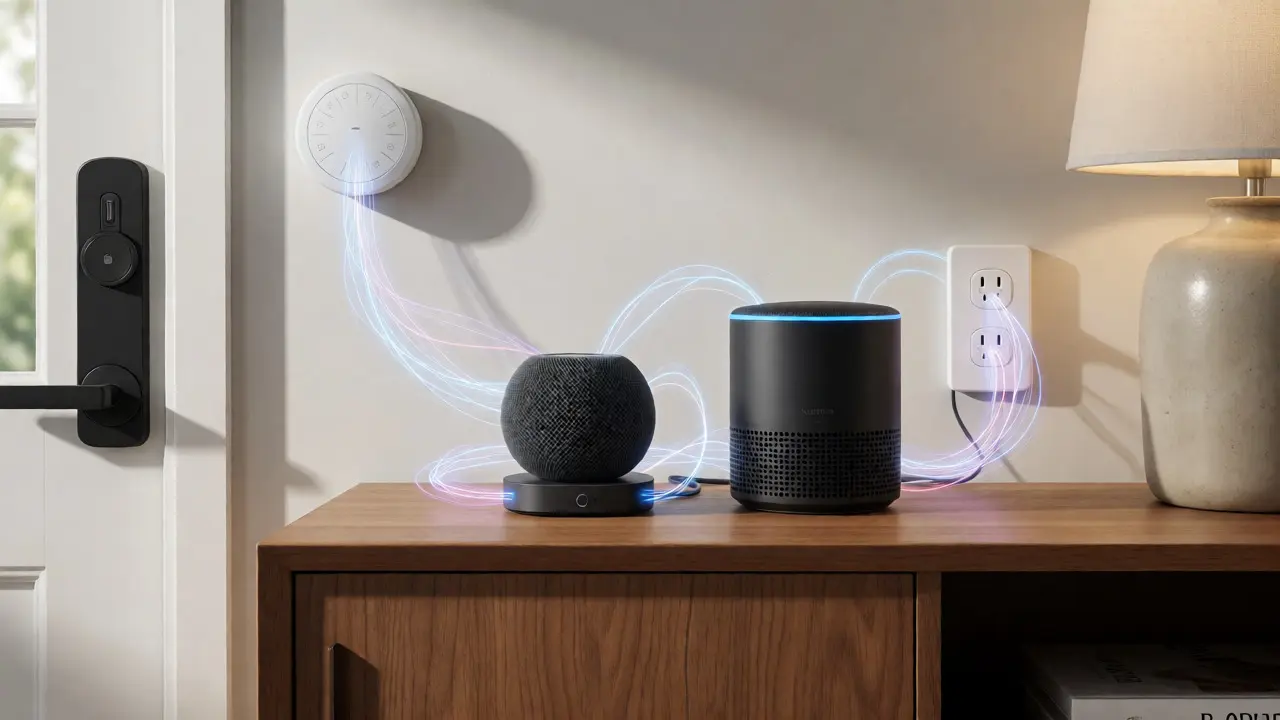
Troubleshooting Common Connection Issues
So, you bought compatible devices, but they still aren’t playing nice. Usually, it’s not the hardware; it’s the environment.
First, look at your Wi-Fi congestion. If you have twenty Wi-Fi smart bulbs, your router’s CPU might be overwhelmed. This causes latency-those annoying delays when you ask Alexa to turn on the lights. The fix? Move high-bandwidth devices (cameras) to a separate 5GHz band if your router supports it, or upgrade to a mesh Wi-Fi system like Eero or Orbi. These systems handle dozens of connected clients much better than standard ISP-provided gateways.
Second, consider physical obstructions. Zigbee and Thread signals struggle with metal studs and thick concrete. If your smart lock is in a basement corner and your hub is in the attic, the signal might drop. Try adding a 'repeater' device halfway between them. A cheap smart plug can often boost the mesh network significantly.
Finally, check for frequency interference. Microwave ovens operate around 2.4 GHz, which overlaps with Wi-Fi and Zigbee. If your lights flicker while cooking, move the hub away from the kitchen or switch critical devices to a 5 GHz Wi-Fi channel or Z-Wave (which uses 908 MHz in the US).
Building a Future-Proof Setup
You don’t need to replace everything today. Start small. Pick one area, like your living room lighting, and ensure all new purchases speak the same language. If you’re deep in the Apple ecosystem, prioritize HomeKit-certified or Matter-over-Thread devices. If you’re an Android user, lean toward Matter-compatible gadgets that work well with Google Home.
Keep an eye on firmware updates. Manufacturers push patches constantly to improve stability. Enable auto-updates in your hub’s app whenever possible. And remember, local control is king. Cloud-dependent devices fail when your internet goes down. Prioritize devices that can execute automations locally, either through a hub or via Matter’s local processing capabilities.
Can I mix Zigbee and Z-Wave devices in one hub?
Yes, but you typically need a multi-protocol hub. Devices like the Samsung SmartThings Hub v3 or the HomeSeer HS3 can handle both Zigbee and Z-Wave radios internally. Single-protocol hubs, like many basic Amazon Echo models, cannot talk to Z-Wave devices without an additional USB dongle or bridge.
Do I need a separate hub for Matter devices?
Not necessarily. If you have a modern smart speaker (like an Echo Show 10 or HomePod Mini) or a recent smart TV, it likely already acts as a Matter Border Router. This means it can manage Matter-over-Thread devices without buying extra hardware. Just ensure your firmware is up to date.
Why does my Wi-Fi smart plug disconnect randomly?
This is usually due to IP address conflicts or DHCP lease expirations. Assign a static IP address to your smart plug in your router settings. Also, ensure your router isn't using DFS channels, which some smart devices struggle to maintain connections on during radar detection events.
Is Bluetooth better than Wi-Fi for smart homes?
For direct control from your phone when you're home, Bluetooth is fine. But for remote access and automation, it's limited by range. Wi-Fi offers unlimited range via the internet but consumes more power. Mesh protocols like Zigbee and Thread offer the best balance of range, power efficiency, and reliability for stationary devices.
What happens if my internet goes out?
If your devices rely on cloud processing (common with Wi-Fi devices), they may stop working remotely or even locally depending on the setup. Devices using local hubs (Zigbee/Z-Wave/Matter) will continue to function locally. You can still flip switches and trigger scenes, but voice assistants requiring cloud servers might go silent.