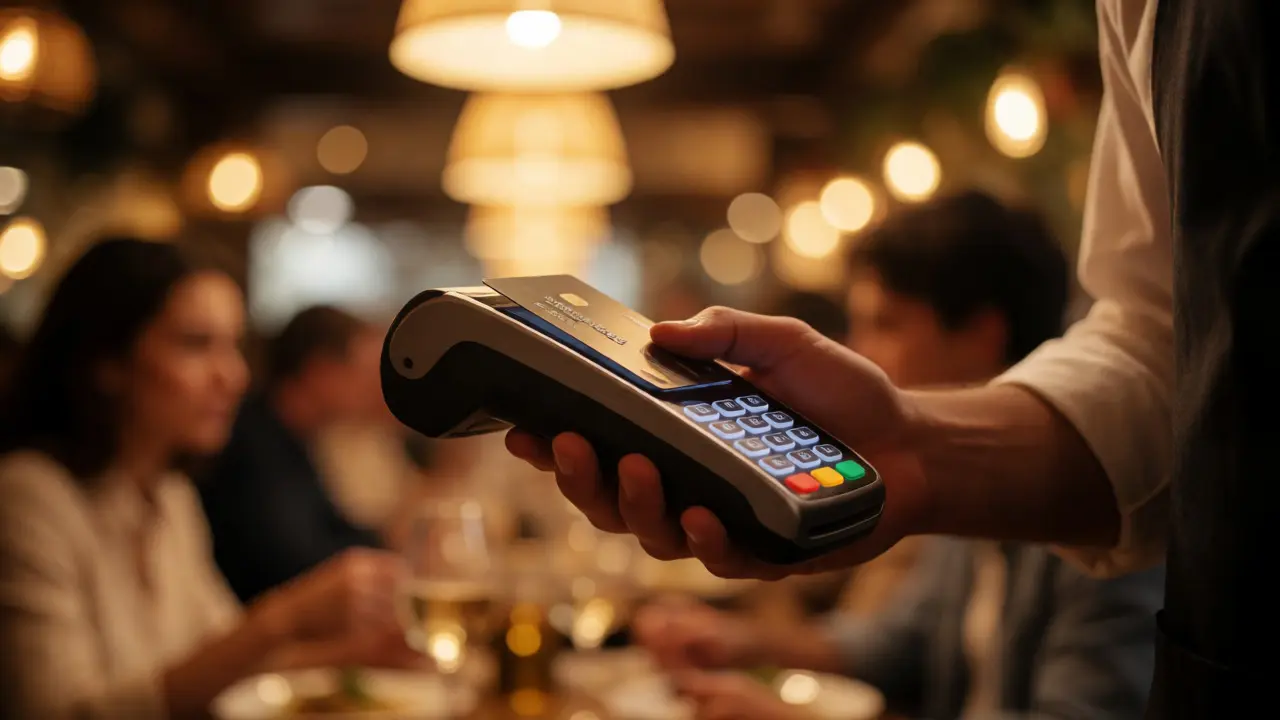
You just paid for dinner. The waiter takes your card, swipes it on a handheld device, and walks away. Simple, right? But behind that simple swipe is a complex web of rules called PCI Compliance (Payment Card Industry Data Security Standard). If you run a restaurant, this isn't just legal jargon-it's the difference between keeping your customer data safe and facing massive fines when things go wrong.
Here’s the hard truth: most small restaurant owners think they’re compliant because their credit card processor says so. They aren’t. Or worse, they are, but they don’t know why. This guide breaks down exactly what PCI means for your Point of Sale (POS) system, how to stay secure without losing your mind, and what happens if you skip the basics.
What Is PCI Compliance and Why Should You Care?
PCI DSS is a set of security standards designed to ensure that all companies that accept, process, store, or transmit credit card information maintain a secure environment. It was created by the major card brands-Visa, Mastercard, American Express, Discover, and JCB-to protect cardholder data. Think of it as the seatbelt law for digital payments. You wear it not just because it’s required, but because crashing hurts.
For restaurants, the stakes are high. You handle hundreds of transactions daily. Every single one involves sensitive data: card numbers, expiration dates, and CVV codes. If hackers breach your system, they don’t just steal money; they steal trust. And in the hospitality industry, trust is everything.
The standard applies to everyone who touches card data. That includes:
- Restaurants with physical terminals
- Cafes taking online orders
- Food trucks using mobile readers
- Delivery apps processing payments
If you take cards, you are subject to PCI DSS. Period. Ignorance doesn’t exempt you from fines.
How Your POS System Impacts Compliance
Your Point of Sale (POS) system is the heart of your restaurant’s payment security. It’s where card data enters your business ecosystem. Old cash registers didn’t worry about this. Modern smart POS systems do. The way your POS handles data determines how much work you have to do to stay compliant.
There are two main ways your POS affects your burden:
- Storing Data: Does your POS save full card numbers locally? If yes, you need heavy encryption and strict access controls. Most modern cloud-based POS systems avoid storing sensitive data entirely, shifting the risk to the processor.
- Transmission: How does data get from the terminal to the bank? If it travels over an unsecured Wi-Fi network, you’re vulnerable. Secure transmission protocols like TLS 1.2 or higher are mandatory.
Many restaurant owners assume their vendor handles everything. While vendors help, you can’t outsource responsibility completely. You must verify that your POS provider is PCI Level 1 Service Provider certified. Check their Attestation of Compliance (AOC). If they can’t show it, walk away.
The Four Levels of Merchant Classification
Not every restaurant faces the same requirements. The Visa/Mastercard council classifies merchants into four levels based on annual transaction volume. Knowing your level tells you what validation tasks you need to complete.
| Level | Annual Transactions | Validation Requirement | Who Needs It? |
|---|---|---|---|
| Level 1 | > 6 million | Annual Report on Compliance (ROC) by QSA + Quarterly ASV Scan | Large chains, franchises |
| Level 2 | 1-6 million | Self-Assessment Questionnaire (SAQ) + Annual Internal Audit | Mid-sized independent restaurants |
| Level 3 | 20k-1 million | Self-Assessment Questionnaire (SAQ) + Quarterly ASV Scan | Small local eateries |
| Level 4 | < 20k | Self-Assessment Questionnaire (SAQ) | Coffee shops, food carts |
Most independent restaurants fall into Level 3 or 4. This is good news. You likely only need to fill out a Self-Assessment Questionnaire (SAQ) once a year. But don’t let the "self" part fool you. You still need to answer honestly and accurately.
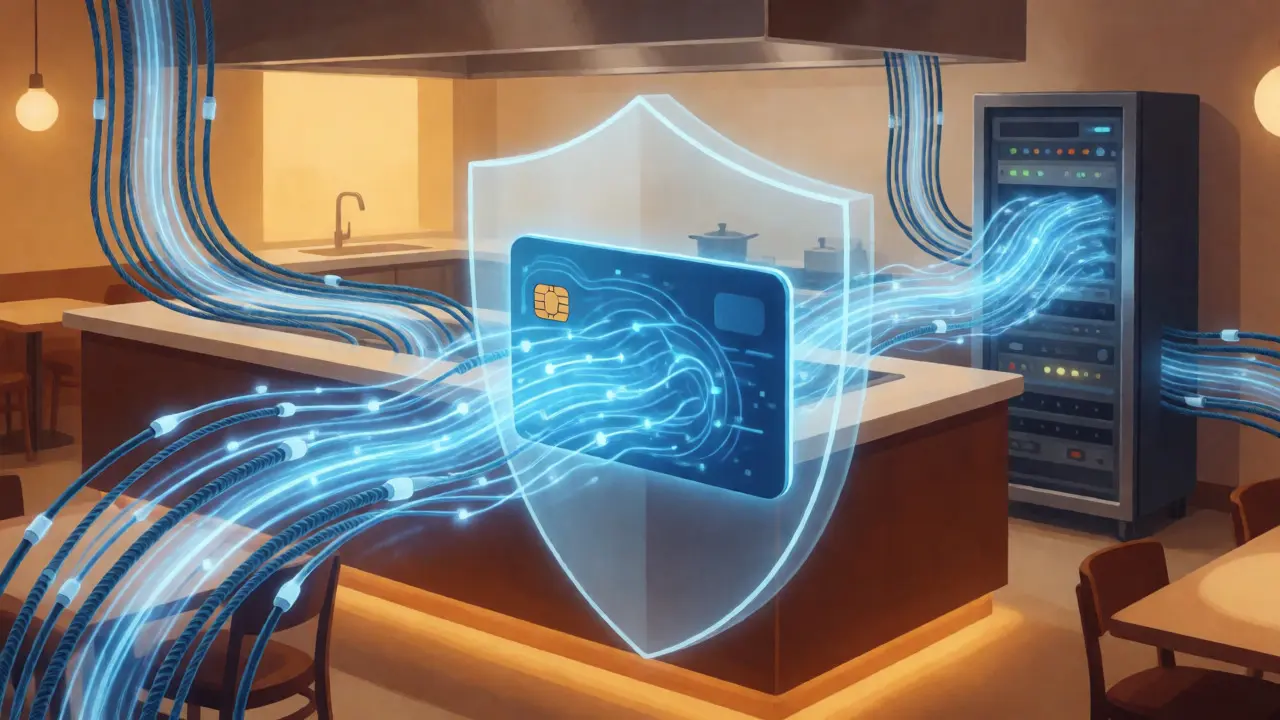
Common Pitfalls That Break Compliance
Even with a great POS, human error causes most breaches. Here are the mistakes I see constantly in restaurant settings:
Writing Down Card Numbers
A server writes a card number on a napkin for a phone order. That napkin ends up in the trash bin, then the dumpster, then potentially scanned by someone looking for receipts. Never write down full PANs (Primary Account Numbers). If you must, use a secure padlock-protected tablet or app.
Using Public Wi-Fi for Payments
Your customers love free Wi-Fi. But if your back-office computer or older POS terminal connects to the same open network, hackers can sniff traffic. Always segment your payment network. Keep guest Wi-Fi separate from the devices handling credit cards.
Ignoring Physical Security
PCI isn’t just digital. It’s physical too. Who has access to the server room? Are terminals locked down at night? Can employees swap out the chip reader with a skimmer? Yes, skimmers can be placed on handheld devices. Regular inspections matter.
Outdated Software
That old Windows XP machine running your kitchen display system? It hasn’t been patched since 2015. Unpatched software is a giant open door for malware. Update everything automatically if possible.
Step-by-Step: Getting Compliant (and Staying That Way)
You don’t need a degree in cybersecurity to start. Follow these practical steps:
- Identify Your SAQ Type: Most restaurants use SAQ B-IP or SAQ C-VT depending on whether they use standalone IP terminals or virtual terminals. Ask your processor which one fits your setup.
- Complete the Questionnaire: Go through the questions line by line. Do not guess. If you don’t know, find out. Common questions include: "Do you change default passwords?" and "Is antivirus software updated?"
- Run a Quarterly Scan (if required): For some levels, you need an Approved Scanning Vendor (ASV) to scan your external IP address. Many processors bundle this service.
- Train Your Staff: Create a simple checklist for servers. "Never read the card number aloud." "Never store the CVV code." "Report lost terminals immediately."
- Document Everything: Keep records of your scans, policies, and training sessions. If auditors come knocking, paper trails save you.

What Happens If You Get Breached?
Fines are scary, but they’re just the beginning. In 2024, average costs for a data breach in the hospitality sector hovered around $3.86 million according to IBM’s Cost of a Data Breach Report. This includes forensic investigations, legal fees, notification costs, and brand damage.
Card brands may also impose monthly non-compliance fees until you fix the issue. These can range from $5,000 to $100,000 per month depending on severity. Worse, you might lose the ability to accept cards altogether if you fail remediation deadlines.
But the real cost? Lost customers. One bad review saying "they lost my credit card info" sticks longer than ten good reviews praising your pasta.
Future-Proofing Your Payment Security
Technology moves fast. What works today might be obsolete tomorrow. Keep an eye on these trends:
- Tokenization: This replaces sensitive card data with unique identification symbols (tokens). Even if hackers steal tokens, they’re useless without the decryption key held by the processor.
- Contactless & Mobile Wallets: Apple Pay and Google Pay add layers of biometric security. Encourage customers to use them-they reduce the risk of skimming.
- End-to-End Encryption (E2EE): Ensure your terminals encrypt data the moment the card touches the reader. This protects data even if your internal network is compromised.
Don’t wait for a breach to upgrade. Talk to your POS vendor annually about new features that enhance security. It’s cheaper to prevent problems than to clean them up.
Do I need PCI compliance if I only take tips via cash?
If you never touch credit or debit card data, you generally fall outside the scope of PCI DSS. However, most restaurants mix cash and card payments. As soon as you process a single card transaction, you are in scope. If you switch entirely to cash-only operations, document this policy clearly to prove exemption during audits.
Can my credit card processor handle all my PCI compliance needs?
Processors provide tools and guidance, but they cannot guarantee your compliance. You are responsible for following their recommendations and completing your own self-assessments. Relying solely on the processor without verifying your own setup is a common mistake that leads to failed audits.
What is the difference between SAQ A and SAQ B-IP?
SAQ A is for e-commerce sites where no card data touches your servers (fully outsourced). SAQ B-IP is for merchants using standalone, PTS-approved point-of-sale devices connected via IP. Most brick-and-mortar restaurants use SAQ B-IP or similar variants because they physically handle cards at the table or counter.
How often should I update my password policies?
PCI DSS requires changing default passwords immediately upon installation. After that, enforce strong password changes every 90 days for user accounts accessing the payment environment. Use multi-factor authentication (MFA) wherever possible to add an extra layer of security against brute-force attacks.
Does using a third-party delivery app make me non-compliant?
No, but it complicates things. If the delivery app processes the payment directly on their platform, they bear the primary compliance burden for those transactions. However, if you receive reports containing masked card details or last four digits, ensure your internal storage of these reports is secure. Verify that the app provider is PCI compliant themselves.