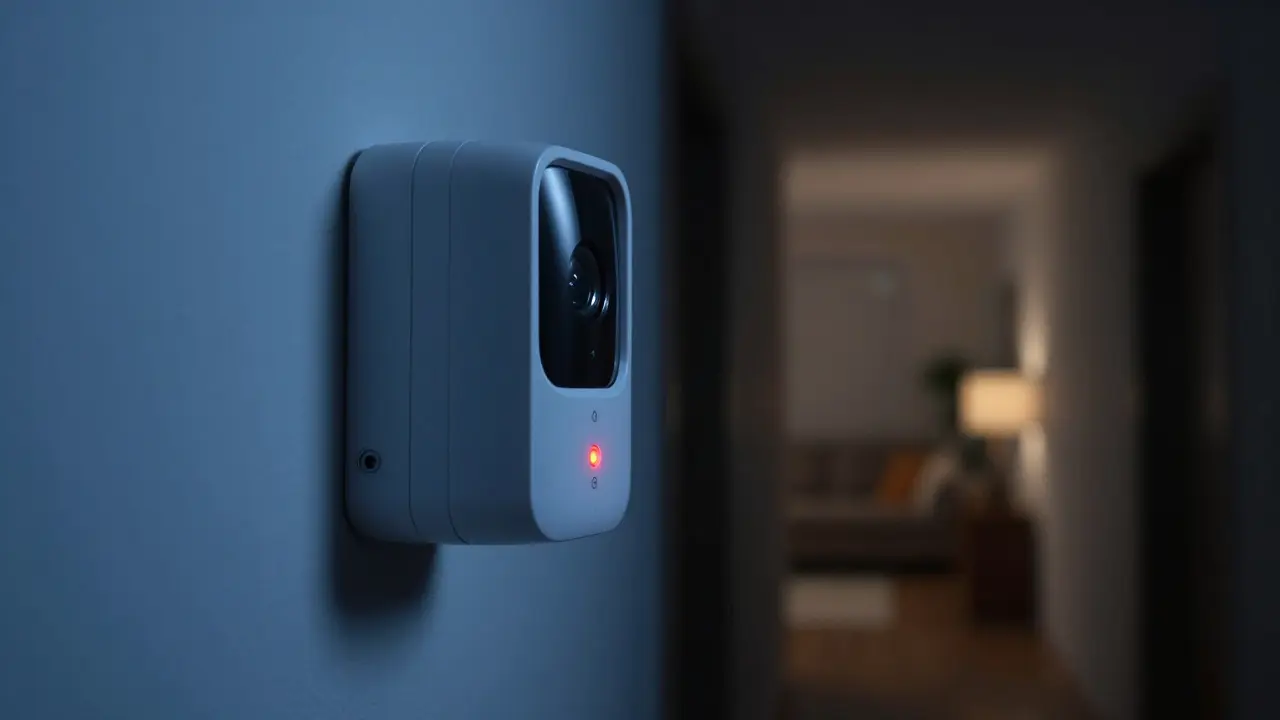
Imagine it’s 2:00 AM. You’re deep in sleep when your phone buzzes with a notification: "Motion detected in the living room." Your heart skips a beat. Is it an intruder? A raccoon in the attic? Or just a curtain blowing in the wind? This moment of uncertainty is exactly where Motion Detection Sensors are devices that detect movement within a specific area using infrared or radar technology to trigger alerts. When paired with smart Alert Notifications are digital messages sent to smartphones or other devices to inform users of security events, these tools transform passive surveillance into active defense. But getting them right isn’t just about buying hardware; it’s about configuring logic that distinguishes a threat from a household pet.
How Motion Sensors Actually Work
Most modern home security systems rely on Passive Infrared (PIR) sensors. These devices don’t emit anything; instead, they sense changes in heat signatures. When a warm body, like a human, moves across the sensor’s field of view, the temperature differential triggers the alarm. However, PIR sensors have blind spots and can be fooled by rapid air currents or large pets over 40 pounds. For more precision, Millimeter Wave (mmWave) radar sensors have gained popularity. Unlike PIR, mmWave detects actual physical movement regardless of temperature, making it far less prone to false positives from heating vents or sunlight. If you live in a drafty house or have a large dog, mmWave is often the superior choice because it tracks speed and distance, not just heat.
The Role of Smart Alert Notifications
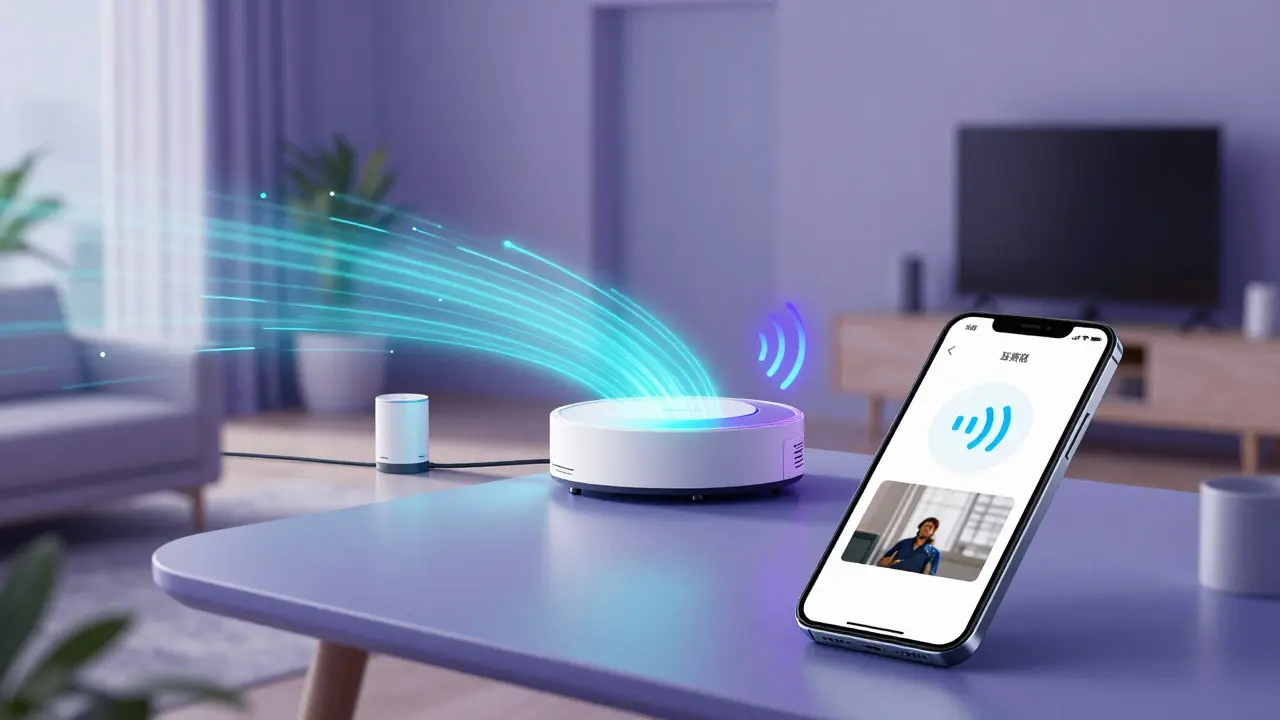
A sensor without a notification is just a silent watcher. The value lies in how quickly and accurately information reaches you. Modern systems use Wi-Fi or Z-Wave protocols to send data to a hub, which then pushes notifications to your smartphone via apps like Apple HomeKit or Google Home. The key here is latency. A good system delivers alerts within 1-3 seconds of detection. Beyond speed, context matters. Basic alerts simply say "Motion Detected." Advanced systems provide video clips, geofencing status (knowing if you’re home), and even AI-driven labels identifying whether the object is a person, vehicle, or animal. This contextual data allows you to triage threats instantly without waking up to check every camera manually.
Choosing the Right Sensor Placement
Placement determines performance more than brand name does. A common mistake is mounting sensors too high or aiming them directly at windows. Sunlight hitting a PIR lens can cause massive false alarms during summer afternoons. Instead, mount sensors between 6 and 8 feet off the ground, angled slightly downward to cover entry points like doors and hallways. Avoid pointing them at HVAC vents, as moving air disrupts heat readings. For perimeter coverage, consider outdoor-rated sensors with IP65 ratings to withstand rain and dust. Indoors, focus on chokepoints-hallways leading to bedrooms or stairs. By controlling the field of view, you reduce noise and increase the signal-to-noise ratio of your alerts.
Reducing False Alarms with Logic Rules
Even the best hardware generates noise. That’s where software logic comes in. Most smart hubs allow you to create automation rules that filter out irrelevant events. For example, you can set a rule: "If motion is detected in the garage AND no one is geofenced inside the house, send a high-priority alert. If motion is detected while everyone is home, log it silently unless triggered twice in 10 seconds." This approach drastically reduces notification fatigue. Another powerful tool is time-based scheduling. During daytime hours, when the risk of intrusion is lower, you might disable audio sirens but keep video recording active. At night, switch to full alert mode. By layering these conditions, you ensure that only genuine anomalies reach your attention.
Comparison of Common Sensor Technologies
| Technology | Detection Method | Pet Immunity | Best Use Case |
|---|---|---|---|
| PIR (Passive Infrared) | Heat Signature Change | Low (under 40 lbs) | Indoor hallways, standard rooms |
| mmWave Radar | Radio Wave Reflection | High (up to 100+ lbs) | Pets, drafty areas, precise tracking |
| Dual-Tech (PIR + Microwave) | Combined Heat & Movement | Medium-High | Entry points requiring reliability |
| Video Analytics | Camera Frame Analysis | Variable (AI dependent) | Perimeters, visual verification |
Integration with Existing Smart Home Ecosystems
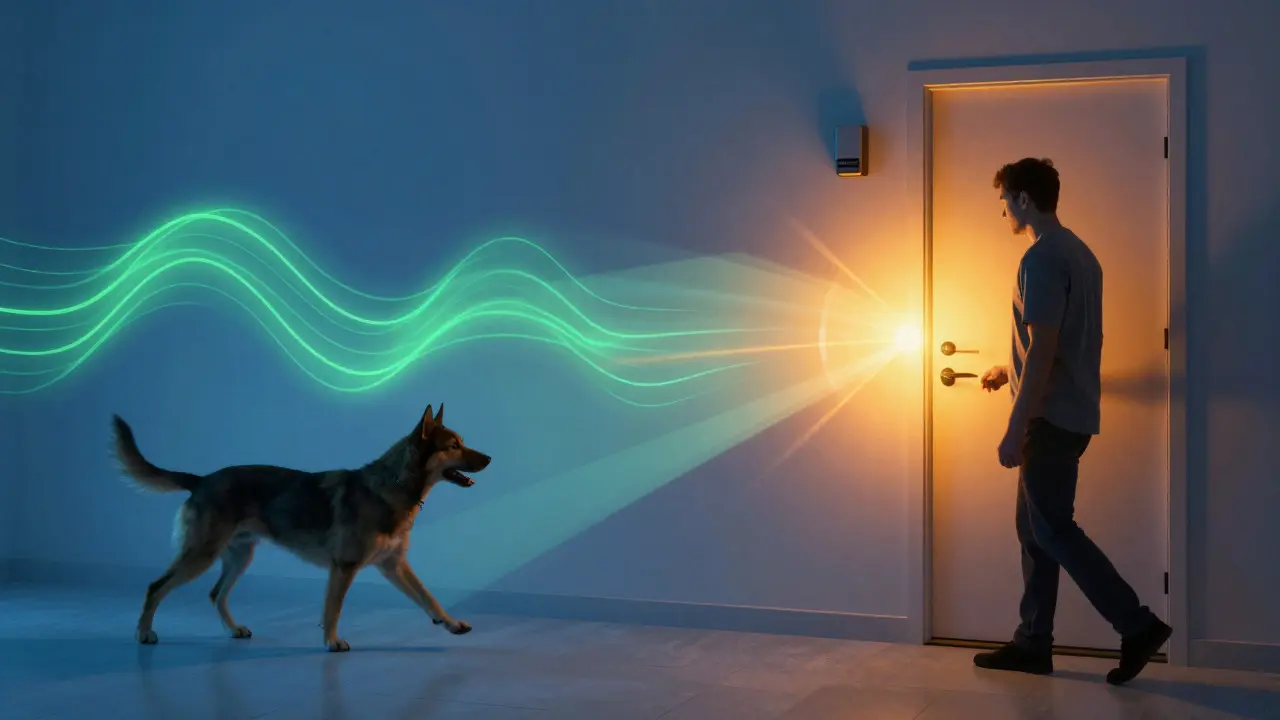
Your security system doesn’t exist in a vacuum. It should talk to your lights, locks, and cameras. Imagine this scenario: A motion sensor triggers at the back door. The hub immediately turns on the porch light, unlocks the deadbolt if you’re approaching, and sends a notification with a live camera feed. If no one arrives within 30 seconds, the system re-locks the door and archives the footage. This seamless integration requires compatible protocols. Zigbee and Z-Wave offer reliable mesh networking for low-power sensors, while Wi-Fi sensors are easier to install but consume more bandwidth. Ensure your chosen sensors support the same protocol as your hub to avoid compatibility headaches. Interoperability standards like Matter are also improving cross-brand communication, making it easier to mix and match components from different manufacturers without losing functionality.
Frequently Asked Questions
Do motion sensors work through walls?
Generally, no. PIR sensors require a clear line of sight to detect heat changes. Drywall and wood block infrared signals effectively. mmWave radar can penetrate thin drywall, but accuracy drops significantly. For wall-mounted installations, aim the sensor at open spaces rather than trying to see through barriers.
How many motion sensors do I need for a typical home?
A standard three-bedroom home usually requires 4-6 sensors. Place one at each main entrance, one in the central hallway, and one covering the primary staircase. Outdoor perimeters may add 2-4 more depending on yard size. Focus on chokepoints rather than blanket coverage to minimize cost and false alarms.
Can cats and dogs trigger motion alerts?
Yes, especially with basic PIR sensors. Cats under 15 pounds rarely trigger PIR units due to their small heat signature. Dogs over 40 pounds frequently cause false alarms. To solve this, choose pet-immune sensors specifically rated for your pet's weight or upgrade to mmWave radar, which can distinguish between human-sized objects and smaller animals based on shape and speed.
What is the battery life of wireless motion sensors?
Most quality wireless PIR sensors last 2-5 years on a single AA or AAA battery pack. mmWave sensors typically last 3-7 years due to lower power consumption. Always check the manufacturer's specs for average vs. maximum life, as frequent triggering shortens battery duration. Some newer models offer USB-C charging for convenience.
Should I pay for professional monitoring or DIY?
DIY is sufficient if you are home most of the time and trust your smartphone notifications. Professional monitoring adds a safety net for long absences, ensuring someone verifies alarms and calls police if needed. If you travel frequently or have elderly family members who might miss alerts, professional services provide peace of mind worth the monthly fee.