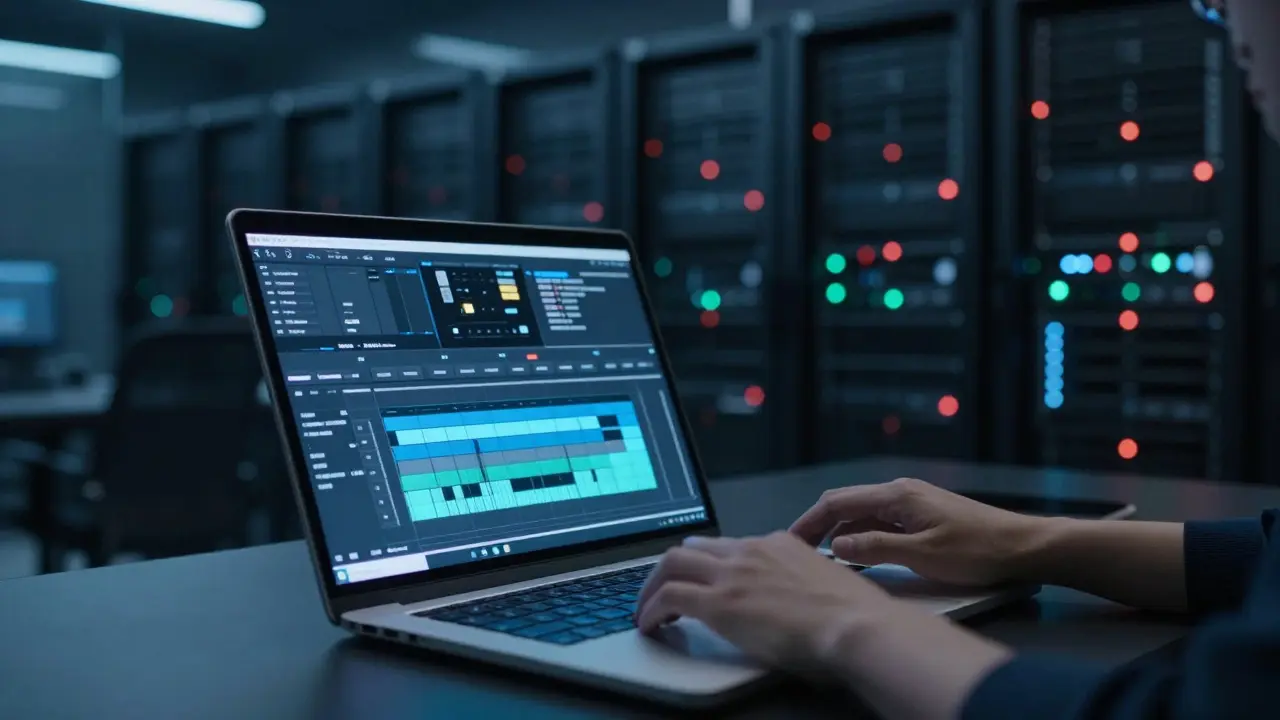
Imagine trying to edit a 4K documentary on a laptop that chokes when you open three browser tabs. You’re not alone. For teams handling terabytes of footage, the bottleneck isn’t usually the editor’s skill-it’s the data path. The solution? A two-tier system using proxy files for daily work and original masters for final delivery. This approach transforms how you manage large video libraries in the cloud, turning sluggish workflows into smooth pipelines.
Here’s the core idea: you never touch the heavy files during creative work. Instead, you transcode lightweight proxies that load instantly. When it’s time to export or archive, you pull the high-resolution originals from cold storage. This separation keeps your editing environment fast while ensuring nothing is lost in quality.
Why Proxies Are Non-Negotiable for Big Libraries
Let’s be honest-editing native 8K RAW footage locally is a nightmare. Even with a 10GbE network connection, latency can cause dropped frames if your storage array isn’t perfectly tuned. Proxies solve this by reducing file size by 90-95% without sacrificing temporal resolution. You keep the same frame rate and duration, just lower bitrates and resolutions (usually 720p or 1080p).
The real benefit? Responsiveness. Scrubbing through hours of footage becomes instant because the data transfer volume drops dramatically. In cloud environments, where egress fees and bandwidth limits exist, working with proxies means fewer bytes moving over the wire. That translates directly to cost savings and faster iteration cycles for your team.
- Reduced Network Load: Proxies require 10x less bandwidth than originals, making them ideal for remote teams.
- Faster Asset Search: Smaller files index quicker, meaning metadata searches return results in seconds, not minutes.
- Hardware Agnosticism: Editors can use mid-range laptops without needing expensive local RAID arrays.
Building Your Two-Tier Storage Architecture
You need two distinct storage tiers: hot storage for active projects and cold storage for archives. Hot storage should be high-performance object storage or block storage optimized for random read/write operations. Cold storage is where your original masters live-think Amazon S3 Glacier, Azure Archive, or similar low-cost, durable options.
The key is automation. When an editor starts a project, a script should automatically pull the relevant originals from cold storage, generate proxies, and upload them to hot storage. When the project wraps, the originals move back to cold storage, and proxies are deleted or archived. This lifecycle management prevents your hot storage bill from exploding as your library grows.
| Attribute | Hot Storage (Proxies/Active) | Cold Storage (Originals/Archive) |
|---|---|---|
| Access Speed | <10ms latency | Minutes to hours (retrieval) |
| Cost per GB/Month | $0.02 - $0.10 | $0.004 - $0.01 |
| Best For | Daily editing, previewing, collaboration | Long-term archiving, legal compliance, master copies |
| Data Redundancy | High (replicated across zones) | Extremely High (erasure coding) |

Choosing the Right Transcoding Pipeline
Not all proxies are created equal. You need a codec that balances quality, file size, and compatibility. H.264 remains the standard for most collaborative workflows because every NLE (Non-Linear Editor) supports it natively. However, for color-critical work, consider ProRes 422 Proxy or DNxHD. These intermediate codecs offer better color fidelity but come at a higher bitrate cost.
Where does the transcoding happen? You have two main options: client-side or server-side. Client-side transcoding uses the editor’s CPU/GPU to create proxies before uploading. This saves server costs but slows down the initial setup phase. Server-side transcoding happens in the cloud using services like AWS Elemental MediaConvert or Azure Media Services. It’s faster for the user but adds processing fees. For teams with more than five editors, server-side is almost always worth the extra cost due to the time saved.
Maintaining Sync Between Proxies and Originals
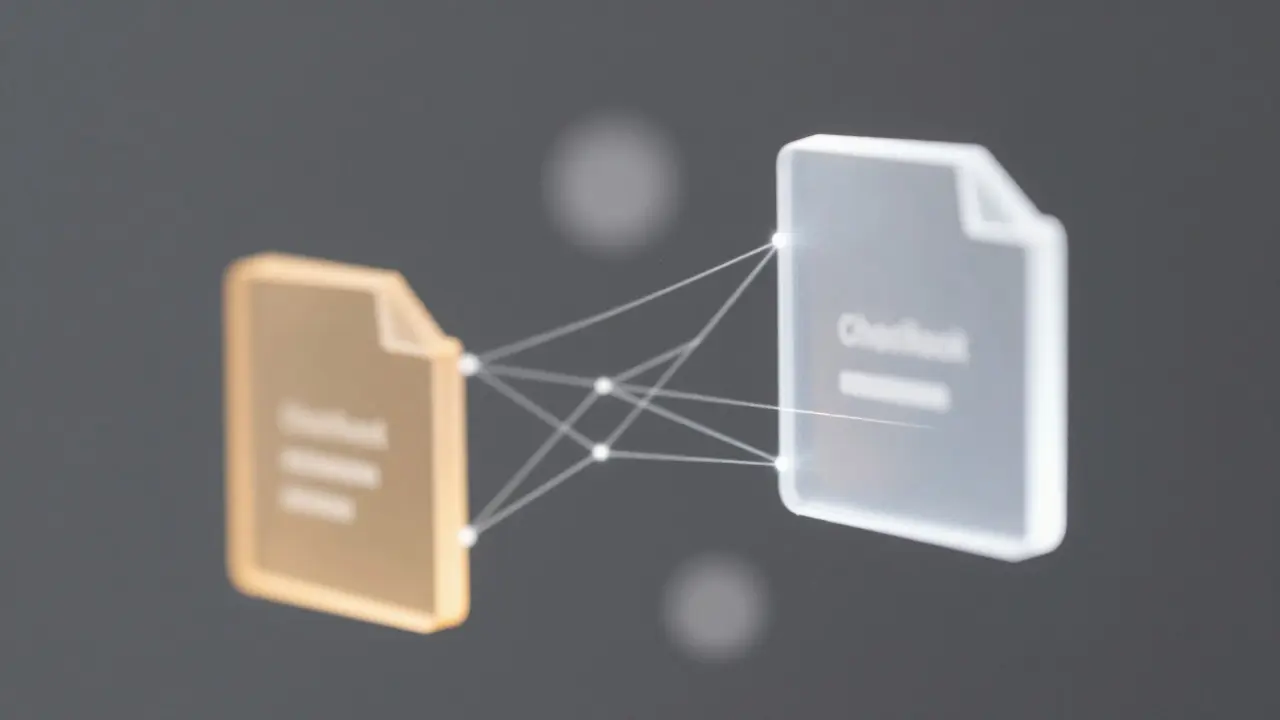
Here’s where many workflows fall apart: losing track of which proxy belongs to which original. If you rename a file or move it, the link breaks. To prevent this, use a robust Media Asset Management (MAM) system or a database that tracks checksums (MD5 or SHA-256) of both files. The MAM acts as the single source of truth. When an editor requests a clip, the system verifies the checksum matches the original before serving the proxy. This ensures you’re never editing a corrupted or mismatched file.
Additionally, implement version control. If an editor re-shoots a scene, the new original must trigger a new proxy generation. Old proxies should be flagged as deprecated, not deleted immediately, in case you need to roll back. Most professional MAMs handle this automatically, but if you’re building a custom pipeline, write scripts that enforce these rules.
Common Pitfalls and How to Avoid Them
Don’t make the mistake of storing proxies in the same bucket as originals without proper lifecycle policies. Without automation, you’ll end up paying hot storage rates for files you haven’t touched in months. Set up automated rules that move inactive files to cold storage after 30 days.
Another trap: ignoring audio. Many teams focus on video proxies but forget to ensure audio channels remain synchronized. If your proxy has 48kHz stereo audio but the original is 96kHz 5.1 surround, you might face sync issues during final conforming. Always verify audio specs match between proxy and original, or use a consistent audio format across both tiers.
Finally, test your retrieval times. Before trusting your cold storage for critical deadlines, run a stress test. Pull a 1TB batch of originals and measure how long it takes to restore them. If it takes longer than your deadline allows, you may need a hybrid approach where recent projects stay in warm storage (standard tier) rather than deep archive.
Scaling Your Workflow for Future Growth
As your library grows, so will your complexity. Start simple: one project, one bucket, basic scripting. As you add more teams or geographies, introduce multi-region replication for disaster recovery. Consider edge caching if your editors are distributed globally, so they don’t have to download full proxies from a distant data center.
The goal isn’t just to store video-it’s to make it accessible. A well-designed proxy/original workflow turns your cloud storage from a digital attic into a dynamic production hub. You get the speed of local editing with the safety and scalability of the cloud. And when your next big project comes in, you won’t be scrambling to buy more hardware. You’ll just click “Start Project” and let the pipeline do its magic.
What is the best codec for video proxies?
H.264 is the most compatible choice for general editing workflows. For color-critical work, ProRes 422 Proxy or DNxHD are preferred due to their higher quality and easier decoding performance in professional NLEs.
How much storage space do proxies save compared to originals?
Typically, proxies reduce file size by 90-95%. For example, a 10GB 4K original might become a 500MB-1GB proxy, depending on the codec and bitrate settings used.
Should I transcode proxies locally or in the cloud?
For small teams (1-3 users), local transcoding may be sufficient and cheaper. For larger teams or those prioritizing speed, cloud-based transcoding services are recommended as they offload processing power and provide consistent results regardless of local hardware.
How do I ensure proxies stay synced with originals?
Use a Media Asset Management (MAM) system or database that tracks file checksums (MD5/SHA-256). This creates a unique fingerprint for each file, allowing the system to verify integrity and maintain links between proxies and their corresponding originals.
Is it safe to delete proxies after a project ends?
Yes, provided the originals are securely stored in cold storage. However, consider keeping proxies for 30-90 days in case of quick revisions. After that, automate their deletion to save on hot storage costs.