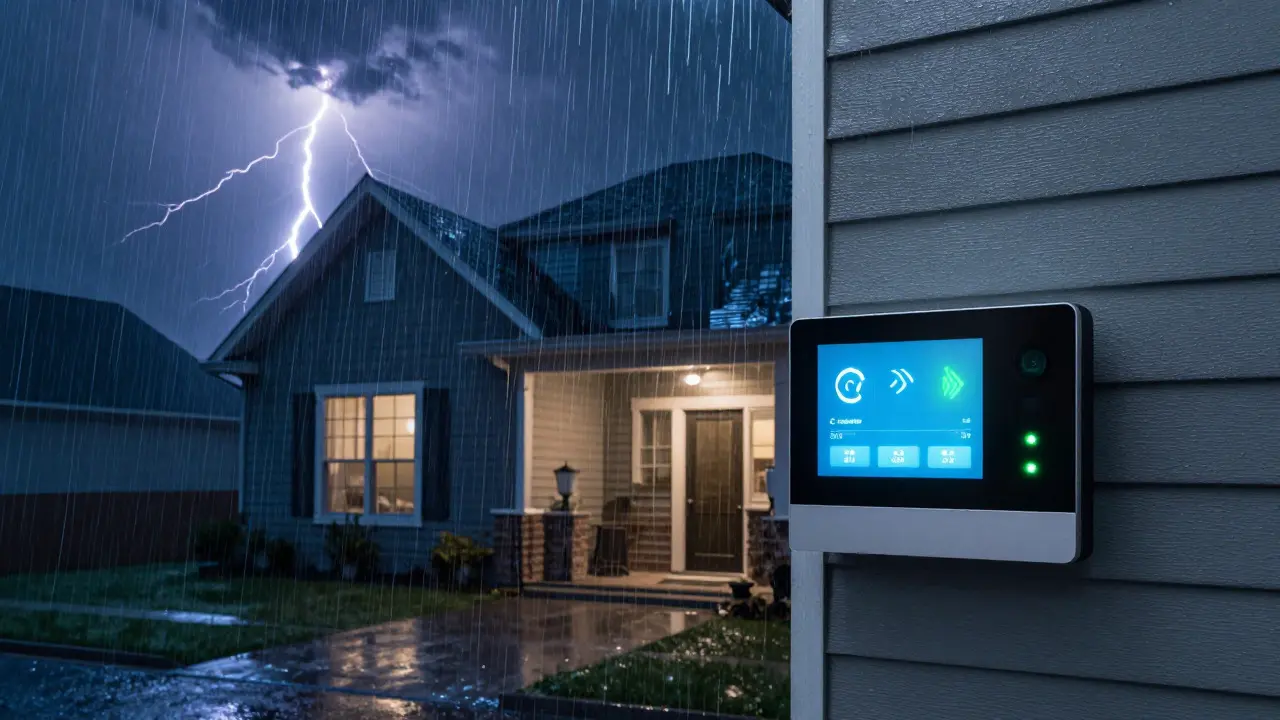
Imagine this: it’s 2:00 AM, a storm is raging outside, and the power flickers. Your Wi-Fi router dies. The internet goes down. If your home security system relies solely on that broadband connection to send alerts to the monitoring center, you’re effectively blind. This is exactly why cellular backup has become the non-negotiable standard for modern smart security. It’s not just a "nice-to-have" feature; it’s the safety net that ensures your alarm signals reach professionals even when your primary communication line fails.
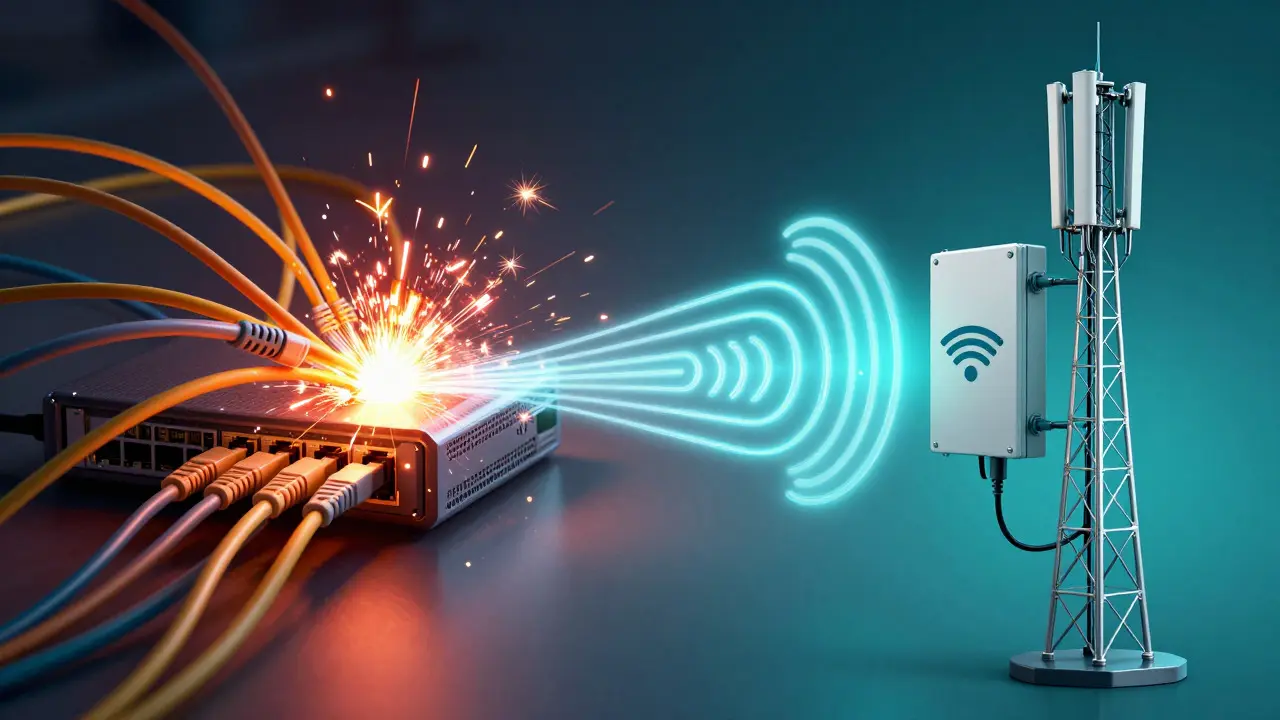
Most homeowners assume that if their phone works, their security system will too. But they often run on different networks. Your smartphone uses cellular data (LTE or 5G), while your home security panel typically uses IP-based broadband (Ethernet or Wi-Fi). When the ISP cuts the cord-whether due to a storm, construction accident, or provider outage-your IP connection vanishes. Cellular backup bridges this gap by switching your alarm panel to a dedicated cellular radio, ensuring continuous two-way communication with your monitoring station.
How Cellular Backup Actually Works
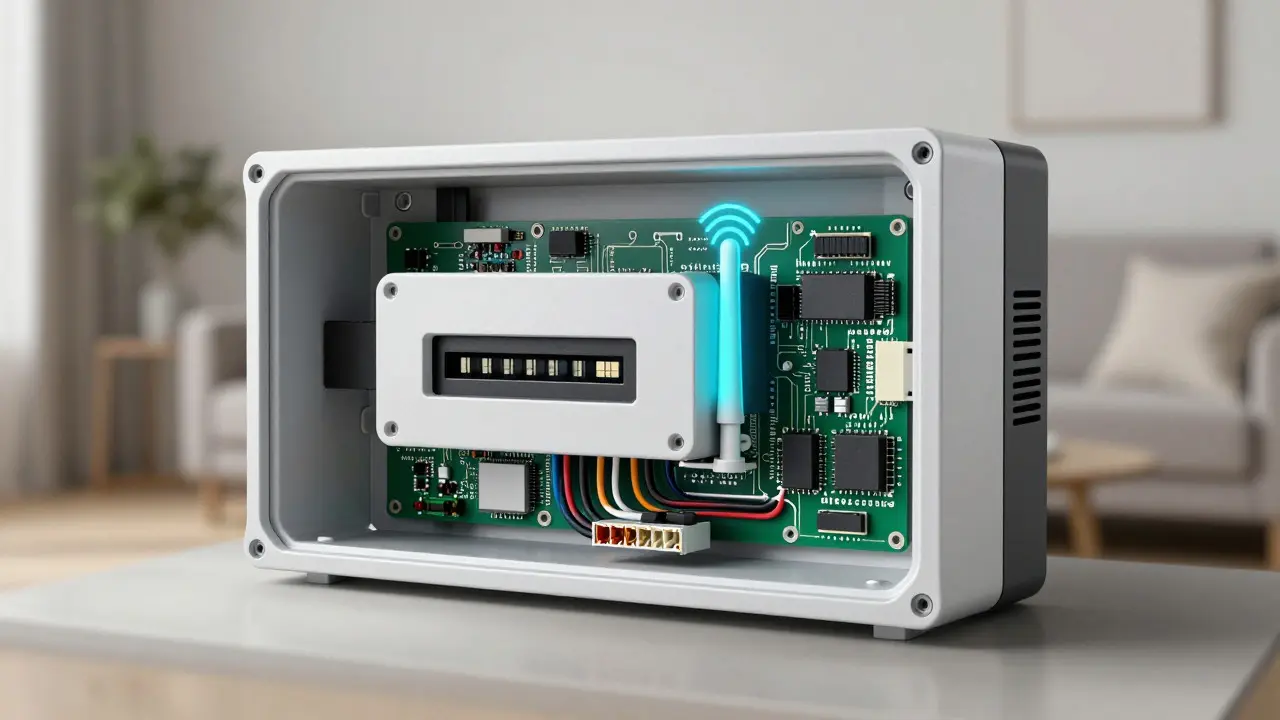
To understand its value, you need to see what happens under the hood. A modern security panel, such as those from ADT, Honeywell, or Qolsys, contains a built-in cellular communicator. Think of it as a dedicated SIM card slot inside your control panel. Unlike your home Wi-Fi, which depends on external hardware like modems and routers, this cellular module connects directly to the nearest cell tower.
Here is the sequence of events during an outage:
- Detection: The panel monitors the status of the IP connection. If packets stop flowing for a set duration (usually 30-60 seconds), it flags the line as down.
- Switching: The panel automatically switches its transmission mode from IP to Cellular. This process takes less than a second.
- Transmission: Alarm signals (intrusion, fire, medical) are packaged and sent over the cellular network to the central monitoring station.
- Confirmation: The monitoring center acknowledges receipt, ensuring the alert was heard.
This redundancy means that even if your router is unplugged, your modem is fried, or the fiber optic cable in your street is cut, your security system remains online. For businesses, this translates to uninterrupted loss prevention. For homes, it means peace of mind during the inevitable infrastructure hiccups.
The Critical Difference Between IP and Cellular Connections
Many people conflate "internet" with "connectivity." They are not the same. An IP connection is like a dedicated phone line that runs through a specific building. If that building loses power or the line is severed, the connection dies. A cellular connection is like a mobile phone signal-it travels through the air via towers that have their own independent power sources and backup batteries.
| Feature | IP Connection (Wi-Fi/Ethernet) | Cellular Backup (LTE/5G) |
|---|---|---|
| Dependency | Requires working Router/Modem & ISP Service | Requires Cell Tower Signal & Panel Battery |
| Outage Risk | High (Storms, Construction, ISP Failures) | Low (Redundant Network Infrastructure) |
| Latency | Variable (Can spike during congestion) | Consistent (Dedicated Data Channel) |
| Cost Model | Included in Monthly Monitoring Fee | Often Included, or Small Add-on Fee |
| Power Requirement | Panel Battery + Main Power | Panel Battery + Main Power |
Notice that both require the panel’s internal battery if main power fails. However, the cellular path removes the single point of failure associated with your home network. In Portland, Oregon, where we experience frequent windstorms that take down power lines, this distinction is particularly relevant. A downed transformer kills your Wi-Fi, but the cell tower across the street likely stays up on diesel generators.
Why Smart Home Integration Makes This Essential
If you only use a basic burglar alarm, cellular backup is still good practice. But if you have a full smart security ecosystem, it becomes critical. Modern panels integrate with smart locks, video doorbells, thermostats, and cameras. When the internet drops, these devices might go offline, but the core security functions-motion detection, door sensors, and siren activation-must remain active.
Consider a scenario: You are away on vacation. A window sensor triggers. Without cellular backup, if your internet is down, the alarm might sound locally, but no one at the monitoring center knows. Police might not be dispatched until a neighbor calls. With cellular backup, the signal goes straight to the monitoring center via LTE. They verify the event via camera footage (if the camera has local storage or cellular capability) and dispatch authorities immediately.
Furthermore, cellular backup supports two-way audio. This allows the monitoring agent to talk to you through the panel speaker, even if your internet is dead. You can arm/disarm the system remotely using your smartphone app, which connects to the cloud via *your* phone’s cellular data, while the panel communicates back via its own cellular link. This creates a robust, independent loop of communication.
Common Myths About Cellular Reliability
Skepticism is natural. People worry that cellular networks are congested or unreliable. Let’s bust three common myths:
- Myth 1: "Cellular networks crash during emergencies." While major disasters can strain networks, cellular providers prioritize emergency services and have extensive redundant infrastructure. In urban and suburban areas like Portland, coverage is dense and reliable. Rural areas may have weaker signals, so checking local coverage maps before installation is wise.
- Myth 2: "It drains the panel battery quickly." Cellular modules are designed for low-power standby. They only transmit significant data when an alarm event occurs or during periodic check-ins. The impact on battery life is negligible compared to running a video stream.
- Myth 3: "I don’t need it because my ISP is reliable." No ISP is 100% reliable. Even the best fiber providers have maintenance windows and unexpected faults. Relying on a single communication path is a risk management error. Redundancy is the cornerstone of security engineering.
Choosing the Right Plan and Hardware
Not all cellular backups are created equal. When selecting a system, look for these specifications:
- Network Compatibility: Ensure the panel supports the dominant carriers in your region (AT&T, Verizon, T-Mobile). Multi-carrier support is ideal, as it allows the panel to switch between networks if one experiences local issues.
- Data Plan Type: Most security companies include unlimited cellular data for alarm signals in their monthly monitoring fee. Avoid plans that charge per message unless you have a very small system. Alarm signals are tiny packets of data, so "unlimited" is standard and safe.
- Signal Strength Indicator: Good panels display the strength of the cellular connection (e.g., -70dBm is strong, -100dBm is weak). If your reading is consistently below -95dBm, consider installing an external antenna or moving the panel closer to a window.
For DIY enthusiasts, brands like Qolsys IQ Series and Honeywell Resideo offer panels with integrated cellular communicators. Professional installers from ADT or Brinks also provide this as a standard tier upgrade. The cost difference is usually minimal-often $0 to $5 per month more than a basic IP-only plan-but the value proposition is massive.
Troubleshooting and Best Practices
Even with cellular backup, you should test your system regularly. Here is a simple routine to follow quarterly:
- Check Status LEDs: Look for the cellular indicator light on your panel. It should be solid green or blue (indicating connected). If it’s blinking red, there’s a signal issue.
- Simulate an Outage: Unplug your router for 10 minutes. Wait for the panel to detect the loss. Then, trigger a test alarm. Verify that the monitoring center receives it. Most apps will show a log entry confirming "Sent via Cellular."
- Monitor Battery Health: Since cellular backup relies on the panel’s battery during power outages, ensure your backup battery is healthy. Batteries typically last 3-5 years. Replace them proactively to avoid surprises.
Finally, keep your firmware updated. Manufacturers release updates that improve cellular handshake protocols and fix bugs related to network switching. An outdated panel might struggle to reconnect after a brief signal drop, whereas an updated one handles it seamlessly.
Frequently Asked Questions
Does cellular backup work if the power is out?
Yes, provided the panel’s internal battery is charged. When main power fails, the panel switches to battery power. The cellular module continues to operate on this battery, allowing alarms to be transmitted. However, if the outage lasts longer than the battery capacity (typically 8-24 hours depending on model), the panel will eventually shut down.
Is cellular backup included in most monitoring plans?
In 2026, most professional monitoring contracts include cellular backup as a standard feature. It is considered a baseline requirement for certified monitoring stations. Some budget DIY plans may exclude it, charging an extra $2-$5/month, but it is widely available and recommended.
Will cellular backup slow down my internet speed?
No. The cellular backup operates on a separate radio frequency band from your home Wi-Fi. It does not share bandwidth with your streaming, gaming, or browsing activities. It is a completely independent data channel dedicated solely to security signals.
What happens if both internet and cellular fail?
This is extremely rare. If both fail, the alarm will still sound locally (sirens, strobes). Many modern panels also store alarm events locally and attempt to resend them once any connection is restored. For critical protection, some high-end systems add a third layer: hardwired phone line backup, though this is becoming obsolete.
Do I need a special SIM card for my alarm panel?
Usually, no. Most security companies provide a pre-programmed M2M (Machine-to-Machine) SIM card installed in the panel. These SIMs are optimized for low-data usage and automatic network selection. You do not need to manage it like a personal phone SIM.