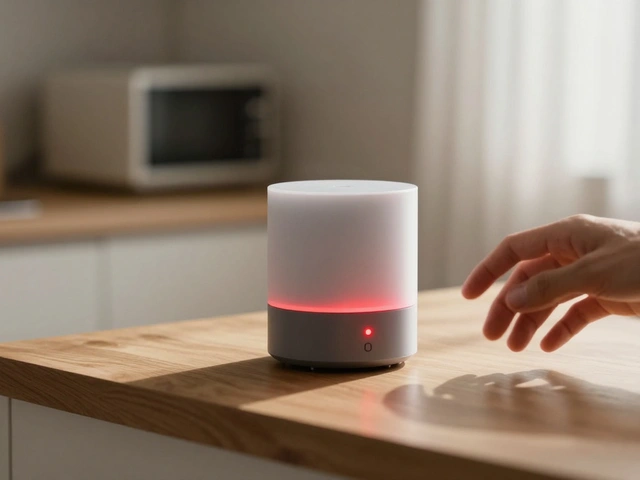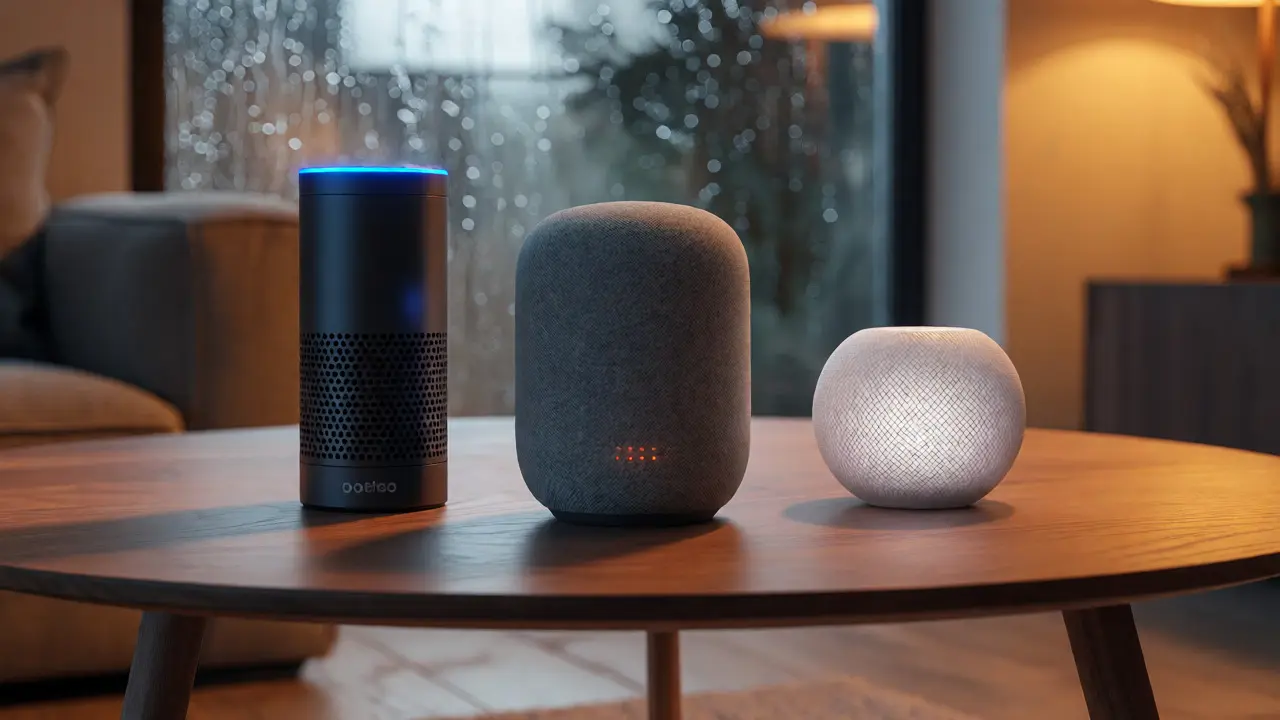
You’re standing in your living room, holding a new smart speaker box. It’s sleek, it’s expensive, and it promises to change how you interact with your house. But there’s a catch: you have to pick a brain for it. Do you go with Alexa, the veteran of the smart home wars? Or do you lean toward Google Assistant, the search engine giant’s answer to voice control? Maybe you’re an Apple devotee eyeing Siri on a HomePod.
Picking wrong means more than just a bad joke or two. It means fighting with devices that don’t talk to each other, missing out on specific features, or realizing six months later that your "smart" home is actually pretty dumb because you picked the wrong ecosystem. As someone who has lived with all three in Portland, Oregon-where the rain keeps me indoors testing routines-I’ve seen where each one shines and where they stumble. Let’s cut through the marketing noise and figure out which assistant actually fits your life.
The Ecosystem Lock-In Reality
Here is the hard truth nobody puts on the box: voice assistants are gatekeepers. They aren’t just software; they are the keys to your digital kingdom. If you live entirely inside the Apple universe-iPhone, Mac, iPad, Apple Watch-Siri offers a seamless experience that the others can’t touch. Handoff works perfectly. You can start a reminder on your phone and hear it on your HomePod instantly. The privacy policies are generally stricter, too. Apple processes most requests on-device, meaning your audio doesn’t always fly off to a server farm in Nevada. For many users, this peace of mind is worth the higher price tag of the hardware.
But if you use Android phones, Samsung TVs, or Chromebooks, Google Assistant feels like coming home. It integrates deeply with your calendar, email, and location history. Ask Google to "add milk to my shopping list," and it remembers what you bought last week at Kroger. It knows your commute time from your actual GPS data, not just a static address. This level of contextual awareness makes daily tasks feel less like commands and more like conversations.
Alexa sits in the middle. It plays nice with almost everything. Whether you have an iPhone or an Android, Alexa works. It supports the widest range of third-party smart home devices-think cheap light bulbs from brands you’ve never heard of. If your goal is maximum compatibility with existing gadgets, Alexa is the safe bet. But it lacks the deep personal context of Google and the tight security loop of Apple. It’s the generalist of the group.
Smart Home Device Compatibility
Let’s get specific about hardware. This is usually the deciding factor for people building a smart home from scratch. You need to know which lights, locks, and thermostats play well with which assistant.
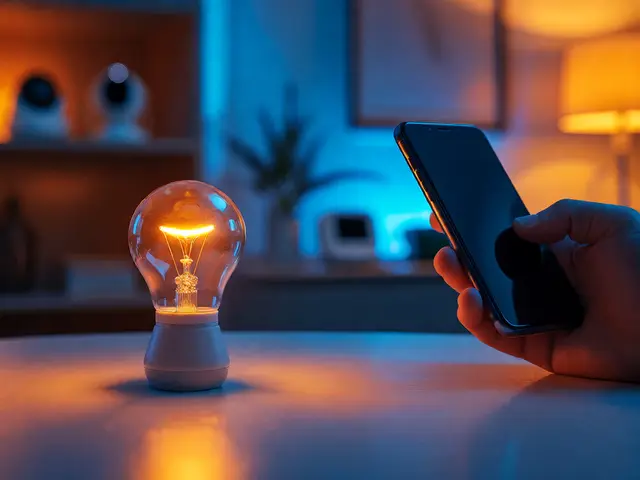
Alexa has the largest library of supported devices. According to Amazon’s own listings, over 80,000 devices work with Alexa. That includes budget-friendly options like Wyze cameras or LIFX bulbs that might skip native Google support. If you love hunting for deals on weird smart gadgets, Alexa’s marketplace is unmatched. However, setup can be clunky. You often need to download separate apps for each brand (the Philips Hue app, the Ring app) before linking them to Alexa. It’s a fragmented experience.
Google Assistant has been catching up fast. It now supports the Matter standard, a new universal protocol designed to end compatibility headaches. If you buy a Matter-certified device, it should work with Google, Alexa, and Apple HomeKit equally well. But outside of Matter, Google still lags slightly behind Amazon in sheer volume. You might find that certain niche sensors only work with Alexa. Check the box before you buy. If it says "Works with Alexa" but not "Works with Google," believe it.
Apple’s HomeKit is the most restrictive but arguably the most reliable. Once a device is in the Home app, it rarely drops connection. Apple curates its partners strictly, so you won’t find $10 smart plugs from unknown brands. You’ll pay more for Philips Hue or Eve Energy, but they just work. No cloud servers, no lag when you ask Siri to turn off the lights. It’s local processing magic. If you hate troubleshooting connectivity issues, HomeKit via Siri is the premium choice.
| Feature | Alexa | Google Assistant | Siri (HomeKit) |
|---|---|---|---|
| Device Support Volume | Highest (80k+ devices) | High (Growing with Matter) | Moderate (Curated List) |
| Phone Integration | Good (iOS & Android) | Best (Android Native) | Best (iOS Only) |
| Privacy Model | Cloud-heavy, opt-out available | Data-driven, personalized | On-device, strict privacy |
| Setup Complexity | Medium (Multiple apps) | Low (One app mostly) | Low (Home App only) |
| Price of Entry | Low ($25 Echo Dot) | Medium ($49 Nest Mini) | High ($299 HomePod mini) |
Intelligence and Natural Language Processing
How smart are they really? I asked all three assistants a complex question: "If it rains tomorrow morning, tell me when I need to leave for work."
Google nailed it. It checked my calendar for the meeting time, pulled the weather forecast for Portland, calculated traffic patterns for Tuesday mornings, and gave me a departure window. It understood context without me specifying "for work" twice. Google’s strength is information retrieval. It connects dots across your data sources effortlessly.
Alexa struggled. It told me the weather, then reminded me of my first meeting, but didn’t combine them into a logical recommendation. I had to say, "Alexa, add 30 minutes to my alarm if it rains." It’s literal. It does exactly what you say, nothing more. This predictability is good for simple tasks like timers and lists but bad for proactive help.
Siri was surprisingly capable but limited by scope. It knew the weather and my schedule, but it couldn’t access real-time traffic data as fluidly as Google unless I used Apple Maps specifically. Siri is improving with on-device AI models, especially in iOS 17 and beyond, but it still feels like a tool rather than an assistant. It waits for instructions instead of anticipating needs.
If you want a concierge that manages your day, pick Google. If you want a reliable servant for specific commands, pick Alexa. If you want a private butler that sticks to basics, pick Siri.
Audio Quality and Hardware Considerations
Voice quality matters if you listen to music. Don’t let the specs fool you; size dictates sound. The Echo Dot is tiny and sounds tinny. The Nest Audio is better balanced. But the HomePod dominates in pure audio fidelity. Apple invested heavily in computational audio. Even the smaller HomePod mini punches above its weight, filling a room with clear vocals and decent bass.
Amazon has stepped up with the Echo Studio, which rivals high-end speakers. Google’s Nest Audio is solid for podcasts and background music. But if you care about listening experiences, test them in person. Sound is subjective. Bring your favorite playlist to Best Buy and compare. In my experience, HomePods blend together beautifully in stereo pairs. Echoes can sometimes phase-cancel if placed poorly due to their omnidirectional drivers.
Also, consider microphones. If you plan to whisper commands while sleeping, Google’s far-field mics are superior. They pick up quiet voices better than Alexa’s older generations. Newer Echo devices have improved, but Google still leads in wake-word detection accuracy in noisy environments.
Decision Framework: Which One Fits You?
Stop trying to make one fit everyone. Use this quick decision tree:
- Choose Alexa if: You have a mixed-device household (some iPhone, some Android), you want the cheapest entry point, or you already own lots of Amazon-exclusive smart home gear like Ring doorbells.
- Choose Google Assistant if: You use Android, you rely heavily on Google Calendar and Search, or you want the best integration with YouTube Music and Spotify.
- Choose Siri if: You are fully committed to Apple products, you prioritize privacy, or you want the highest quality audio for music listening.
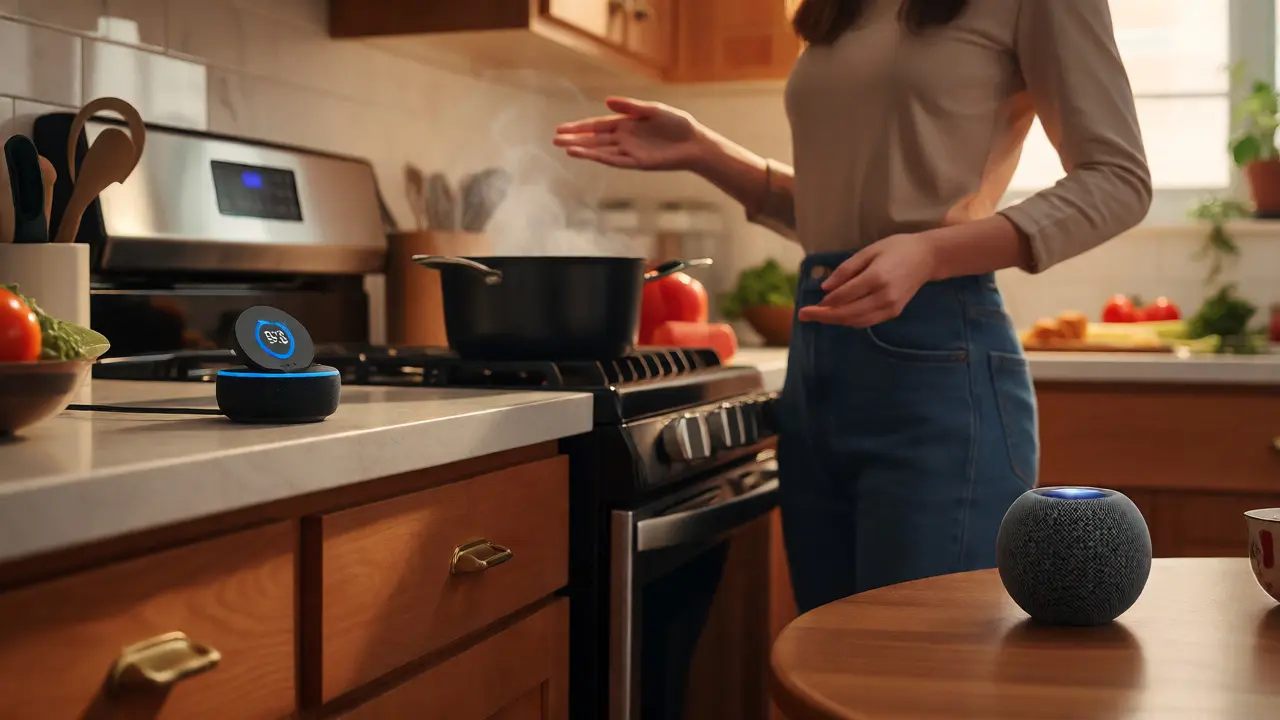
What if you can’t decide? Many people run two. I keep an Echo Dot in the kitchen for cooking timers and a HomePod in the bedroom for music and privacy. They don’t interfere with each other. Just be careful not to trigger both simultaneously. You can set different wake words or mute one when using the other.
Remember, technology changes. In 2026, Matter adoption is widespread, reducing compatibility fears. Generative AI is making these assistants smarter at handling multi-step requests. Whichever you choose today, ensure it supports Matter updates so you aren’t stranded when new standards emerge.
Frequently Asked Questions
Can I use Alexa and Google Assistant in the same house?
Yes, absolutely. Many households use both. You can assign different rooms or functions to each. For example, use Google for general queries and Alexa for controlling specific smart home devices. Just be mindful of accidental triggers if they are in the same room.
Which voice assistant is the most private?
Siri is generally considered the most private because it processes many requests directly on your device rather than sending data to the cloud. Apple also has stricter data retention policies compared to Amazon and Google, which build detailed user profiles based on voice interactions.
Do I need a subscription for Alexa, Google, or Siri?
No, the core voice assistant features are free. However, streaming services like Amazon Music Unlimited, YouTube Premium, or Apple Music require subscriptions. Some advanced smart home features may also require paid tiers depending on the manufacturer.
What happens if my internet goes out?
Most basic commands fail without internet. Timers, alarms, and local smart home controls (like turning off lights) often still work, especially with HomeKit and newer Echo devices. However, questions requiring cloud processing (weather, news, searches) will not function.
Is Matter compatible with all three assistants?
Yes, Matter is designed to be cross-platform. Devices certified with Matter can be controlled by Alexa, Google Assistant, and Apple HomeKit. This reduces the risk of buying a device that becomes obsolete if you switch ecosystems.