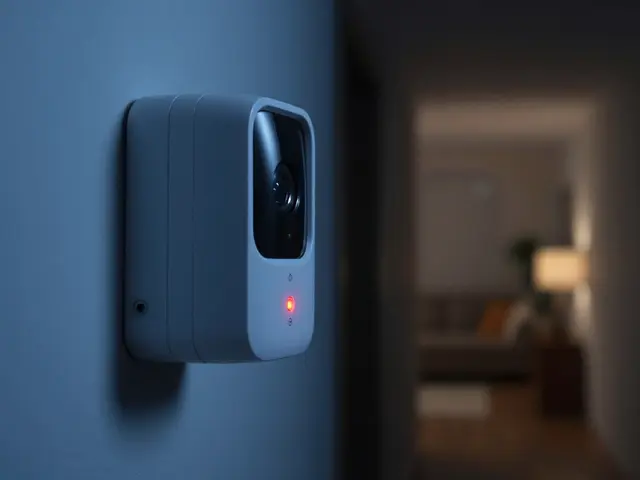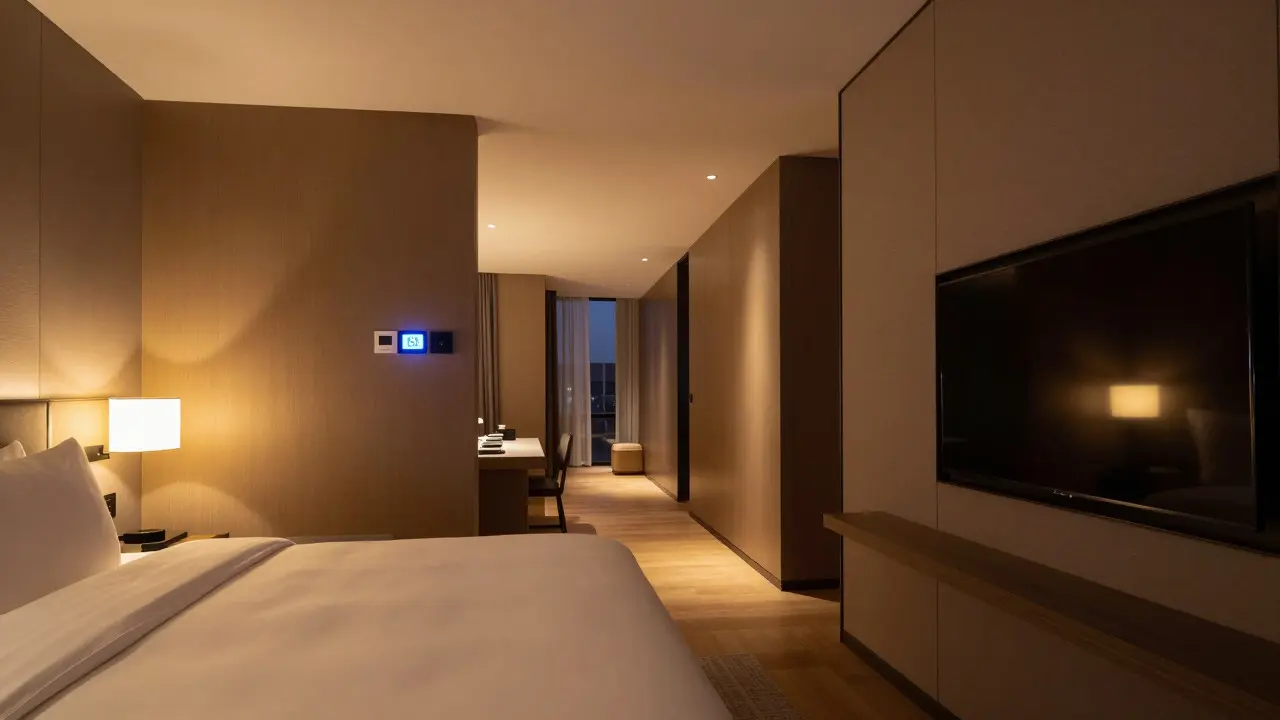
Imagine a guest walking into their hotel room. The lights fade to a warm amber, the thermostat adjusts to their preferred 68 degrees, and the TV displays a personalized welcome message. No key card fumbling, no clicking through remote controls. This isn't science fiction; it's the new standard for luxury and mid-scale properties that have adopted smart room control integrated with a dedicated mobile application for seamless guest services. For hotel operators, the shift from static amenities to dynamic digital experiences is no longer optional. It’s a competitive necessity. But building or choosing the right app ecosystem can feel like navigating a maze of vendors, hardware costs, and technical jargon. Let’s break down what actually works in 2026, how these systems talk to your Property Management System (PMS), and why the "cool factor" needs to be backed by operational efficiency.
The Core Value Proposition: Why Guests Care
Before diving into specs, understand the driver. Guests don’t want technology for technology’s sake. They want frictionless comfort. A study by Phocuswright indicated that 74% of travelers expect digital self-service options at hotels, not just as an alternative, but as a primary interaction channel. When you remove the need to call the front desk for a simple request-like extra towels or a late checkout-you reduce wait times by up to 40%. More importantly, you give guests a sense of agency. They are in control of their environment without waiting for staff intervention.
The two main pillars of this ecosystem are guest services (communication, housekeeping requests, concierge) and smart room control (IoT devices). While they often live in the same app, they solve different problems. One solves the "I need something" problem; the other solves the "I want my space to feel like home" problem.
Anatomy of a Modern Hotel App
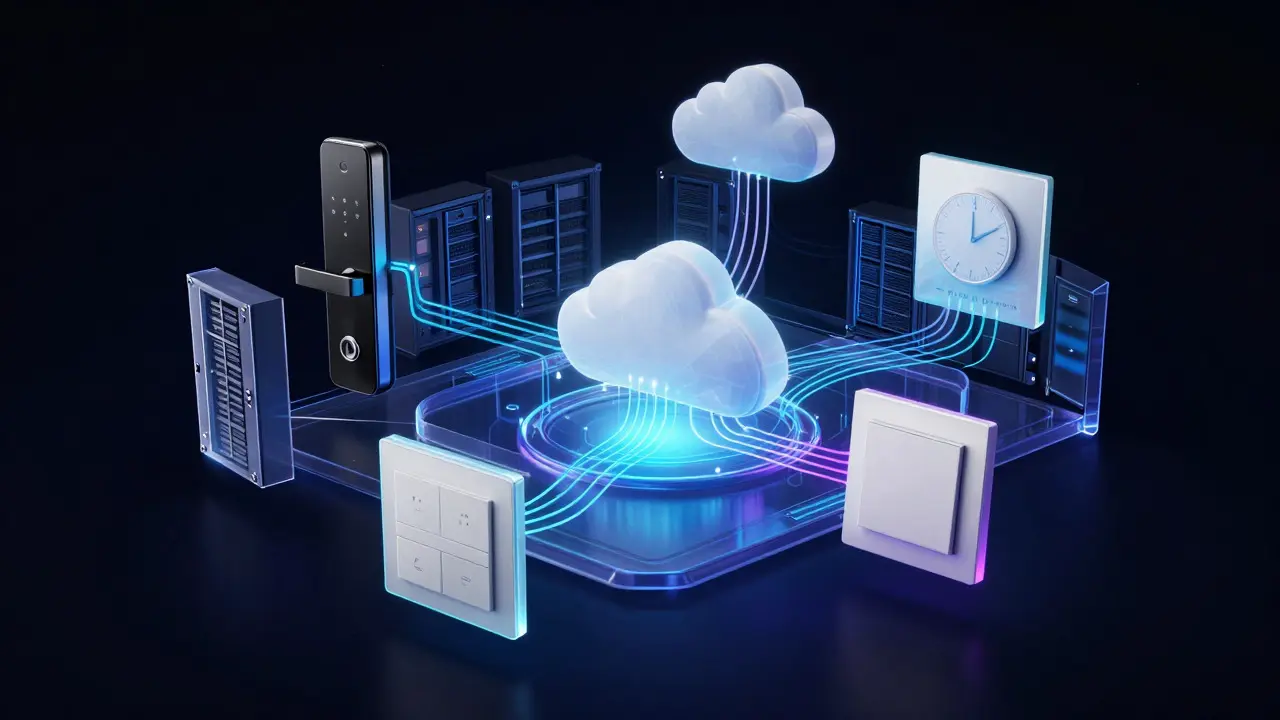
A robust hotel mobile app in 2026 is more than a brochure with a booking button. It acts as a central hub connecting three distinct layers:
- The Guest Interface: A clean, intuitive UI accessible via QR code on arrival or pre-download. It must work offline for basic functions if Wi-Fi drops.
- The Backend Integration Layer: This is the brain. It connects the app to your PMS (like Opera, Cloudbeds, or Mews) and your IoT gateway.
- The Hardware Layer: Smart locks, thermostats, lighting panels, and audio systems that receive commands from the cloud.
The magic happens in the middle. If your app doesn’t sync real-time status with your PMS, you’ll have guests checking out while the room is still marked occupied, or housekeepers entering rooms that guests think are private. Real-time data synchronization is non-negotiable.
Smart Room Control: Beyond Light Switches
Let’s get specific about what "smart" means in a hotel context. You’re not looking for a consumer-grade smart home setup where every bulb is a separate entity. You need centralized, scalable control.
| Component | Primary Function | Integration Complexity | Guest Impact Score |
|---|---|---|---|
| Smart Thermostat | Climate control, energy saving | Medium (Requires HVAC API) | High |
| Keyless Entry Locks | Access control, audit trail | Low (Standard protocols) | Very High |
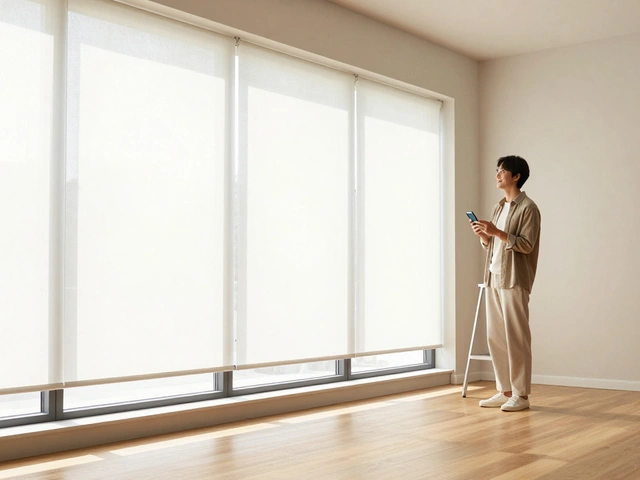
| Lighting Scenes | Mood setting, wake-up lights | Low (Zigbee/Z-Wave) | Medium |
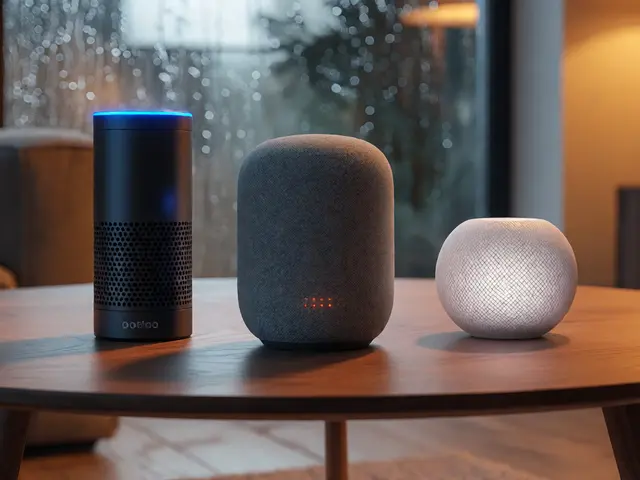
| Audio Systems | Music, announcements, wake-up calls | High (Custom APIs often needed) | Medium |
Notice the "Integration Complexity" column. Keyless entry is usually the easiest win. Most modern electronic locks support standard protocols like RFID or BLE (Bluetooth Low Energy) that integrate smoothly with major PMS platforms. Lighting is also straightforward using Zigbee or Z-Wave gateways. However, audio systems are tricky. Many legacy hotel TVs use proprietary IR blasters that don’t play nice with modern IP-based networks. Upgrading to IP-enabled AV systems is a significant capital expenditure but offers the highest return in perceived value.
Energy management is another hidden benefit. By linking smart thermostats to occupancy sensors, you can automatically set rooms to "eco-mode" when guests leave. This can reduce HVAC energy consumption by 15-20%, a substantial cost saver for large properties.
Guest Services: The Digital Concierge
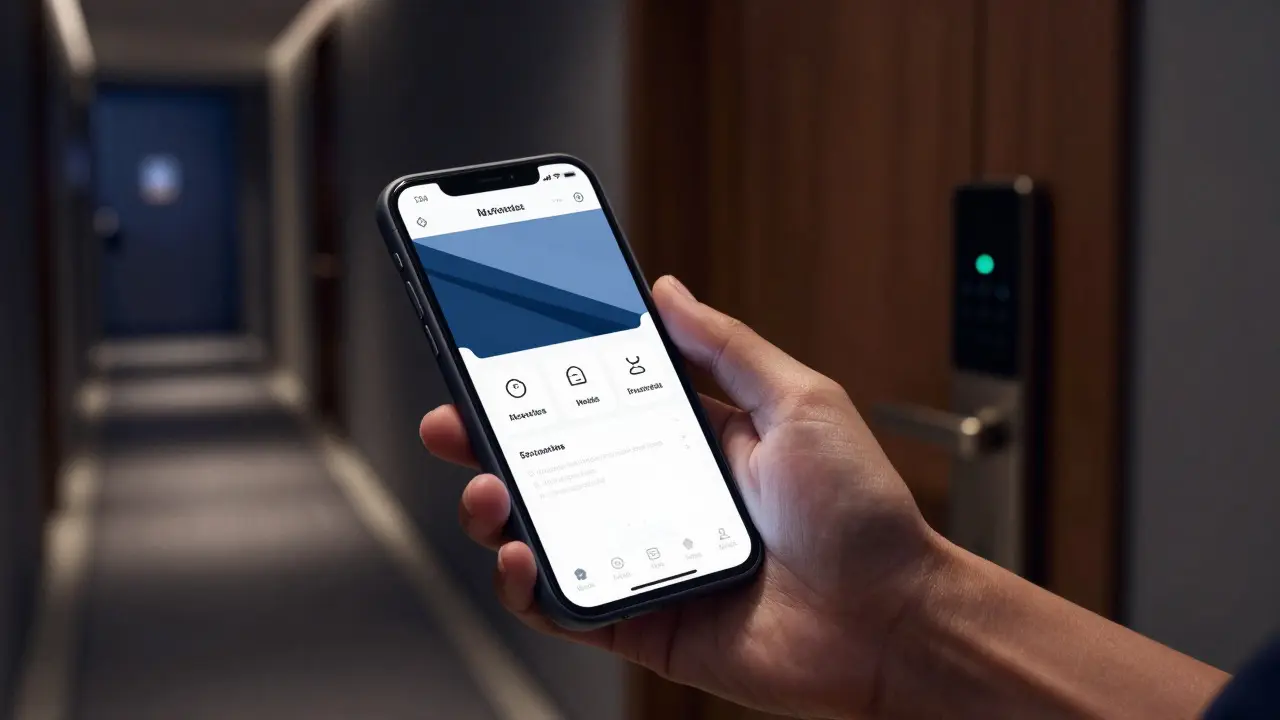
While smart controls handle the physical room, the app’s service layer handles the human element. Think of it as a 24/7 digital concierge. Key features include:
- Chat-Based Requests: Instead of calling, guests tap "Need Towels" or "Room Service." These tickets route directly to housekeeping or F&B staff tablets, ensuring accountability and speed.
- Digital Amenities Guide: An interactive map of local attractions, restaurant menus, and spa bookings. This drives ancillary revenue. For example, a one-click booking for a spa treatment earns the hotel a commission or direct revenue share.
- Pre-Arrival Check-in: Guests upload ID, select preferences (pillow type, floor preference), and receive a digital key before they even reach the lobby. This reduces front desk queue times by up to 30%.
The goal is to make the app the single source of truth. If a guest orders breakfast through the app, it should appear in the POS system in the restaurant instantly. No paper slips, no miscommunications. This level of integration requires a middleware platform that translates between the app’s JSON data and the older, often clunky, interfaces of legacy POS and PMS systems.
Choosing Your Tech Stack: Build vs. Buy
This is the critical decision point for any General Manager or IT Director. Do you build a custom app or buy a SaaS solution?
Buy (SaaS Platforms): Companies like Oracle Hospitality, Amadeus, or specialized startups offer white-label apps. Pros: Fast deployment (4-8 weeks), lower upfront cost, vendor-managed updates. Cons: Monthly recurring fees, limited customization, dependency on vendor roadmap.
Build (Custom Development): Hire an agency or internal team to create a bespoke app. Pros: Full control over UX/UI, deep integration with unique internal tools, no per-user licensing fees. Cons: High initial cost ($50k-$150k+), long development time (6-12 months), ongoing maintenance burden.
For most independent hotels and small chains, buying is the smarter move. You need reliability, not novelty. Custom builds only make sense for large resorts with complex, unique ecosystems that off-the-shelf solutions can’t handle. If you choose to buy, look for platforms that offer open APIs. Closed ecosystems lock you in and make future migrations painful.
Implementation Pitfalls to Avoid
Even with the best software, bad implementation kills ROI. Here are the top three mistakes we see:
- Ignoring Staff Training: If housekeepers don’t know how to mark a room as "clean" on their tablet, the app’s status will be wrong. Train staff as rigorously as you train developers.
- Poor Wi-Fi Infrastructure: Smart devices rely on stable connectivity. Before installing IoT devices, audit your Wi-Fi coverage. Dead zones in hallways or bathrooms will cause device dropouts and frustrated guests.
- Lack of Feedback Loop: Launching the app is just the start. Monitor usage analytics. Are guests using the chat feature? Are they adjusting the thermostat? If engagement is low, simplify the interface. Don’t assume users are lazy; sometimes the design is just confusing.
Remember, technology should be invisible. The best smart room is the one where the guest never thinks about the tech-they just enjoy the comfort. If they have to read a manual to turn on the TV, you’ve failed.
Frequently Asked Questions
How much does it cost to implement a hotel mobile app with smart room control?
Costs vary widely. A SaaS subscription for guest services typically ranges from $2 to $5 per room per month. Adding smart room hardware (locks, thermostats, lighting) can add $1,000 to $3,000 per room depending on the scope. A full custom build might start at $50,000 for development plus hardware costs.
Do guests need to download the app before arriving?
Ideally, yes, but it’s not mandatory. Best practice is to send a link via email after booking. On arrival, provide a QR code on the room door or welcome card that opens the web version of the app in the browser. This ensures access even if the guest forgot to download the native app.
What happens if the internet goes down in the hotel?
This is a critical failure point. Choose a system with local caching capabilities. Basic functions like unlocking doors (via BLE) and adjusting thermostats should work locally even if the cloud connection drops. Ensure your IT team has a backup plan for network redundancy.
Is smart room control secure?
Yes, if implemented correctly. Use end-to-end encryption for data transmission. Ensure that digital keys are tied to individual user profiles and expire upon checkout. Regularly update firmware on all IoT devices to patch security vulnerabilities. Avoid using default passwords on any hardware.
Can existing hotel infrastructure support smart room control?
Often, partial support exists. Legacy lighting may need retrofitting with smart switches. Older thermostats might require replacement. Conduct a technical audit to identify which systems can be connected via APIs and which need hardware upgrades. This helps budget accurately.