You’ve mapped out the perfect smart home. The client loves the demo, signs the contract, and you start pulling wires. Then, three days into rough-in, they ask if the motorized shades can also control the garage door. Or maybe they decide the keypad needs to be moved from the hallway to the kitchen island. Suddenly, your labor hours are blown, materials are wrong, and the profit margin on that job is evaporating faster than a puddle in July.
This isn’t just bad luck; it’s scope creep. In residential tech, where every device talks to another and user preferences shift like the weather, change orders aren’t an exception-they’re the rule. If you treat them as annoyances rather than a core part of the business model, you’ll end up working for free. Let’s look at how to handle these shifts without losing your mind or your money.
Why Smart Homes Are Prone to Scope Creep
Unlike installing a standard light switch, a Smart Home System is an integrated network of devices requiring specific configuration, interoperability testing, and user customization. You can’t just swap a bulb and walk away. Every new request ripples through the system. A simple addition of a sensor might require a new hub, different wiring, or a complete reconfiguration of automation scenes.
Homeowners often don’t realize the technical debt behind their "small" requests. They see a button on an app; you see IP addressing, subnet conflicts, and firmware compatibility checks. When a client asks, "Can we add voice control?" they think it’s a toggle. You know it means integrating with Amazon Alexa or Google Assistant, mapping entities, and testing latency. This gap between perception and reality is where projects bleed cash.
The Anatomy of a Valid Change Order
A verbal agreement is worthless when the invoice comes due. To protect yourself, every deviation from the original plan needs a formal Change Order is a documented modification to the original contract terms regarding scope, price, or timeline. But what makes one valid? It’s not just scribbling a number on a napkin.
First, define the trigger. What exactly changed? "Added two motion sensors" is vague. "Added two Philips Hue Motion Sensors in the master bedroom closet, including wiring and Hub integration," is precise. Second, outline the impact. Does this delay the final walkthrough by two days? Does it require a trip back to the supplier? Third, state the cost clearly. Include parts, labor, and any markup. If you skip this, you’re donating your time.
| Component | Description | Example |
|---|---|---|
| Project ID | Links the order to the main contract | #SH-2026-104 |
| Description of Work | Specific tasks added or removed | Add Zigbee repeater in basement |
| Material Cost | Cost of hardware plus markup | $45.00 |
| Labor Hours | Time required for install/config | 1.5 hours @ $85/hr |
| Total Impact | Sum of costs and schedule delay | $172.50 + 1 day delay |
Communication: The First Line of Defense
Most scope creep happens because the installer didn’t explain the boundaries early enough. During the initial consultation, don’t just show them cool gadgets. Show them the constraints. Explain that moving a thermostat location after drywall is up means patching paint, which isn’t included in the electrical quote. Set expectations before the first screw goes in.
Use visual aids. A simple diagram showing "Included" vs. "Not Included" zones helps homeowners visualize the scope. For instance, clarify that while you program the lighting scenes, you do not troubleshoot their Wi-Fi router issues unless specified. When a client understands that adding a fourth smart lock requires a new battery replacement cycle and potential bridge updates, they’re less likely to ask for five locks on a whim.
Pricing Strategies That Protect Your Margin
How you charge for changes matters as much as tracking them. Hourly billing is common, but it can lead to disputes over efficiency. Did it take two hours because the wiring was messy, or because you were slow? Clients often question the second scenario even if it’s the first.
Consider a fixed-price menu for common changes. Create a rate card for frequent additions: "Add Smart Switch: $150," "Extend Automation Scene: $75," "Network Audit: $200." This removes ambiguity. The client knows exactly what a new device costs before saying yes. It speeds up decision-making and prevents haggling. For complex structural changes, stick to time-and-materials, but provide a not-to-exceed estimate so the client feels secure.
Digital Tools for Tracking Changes
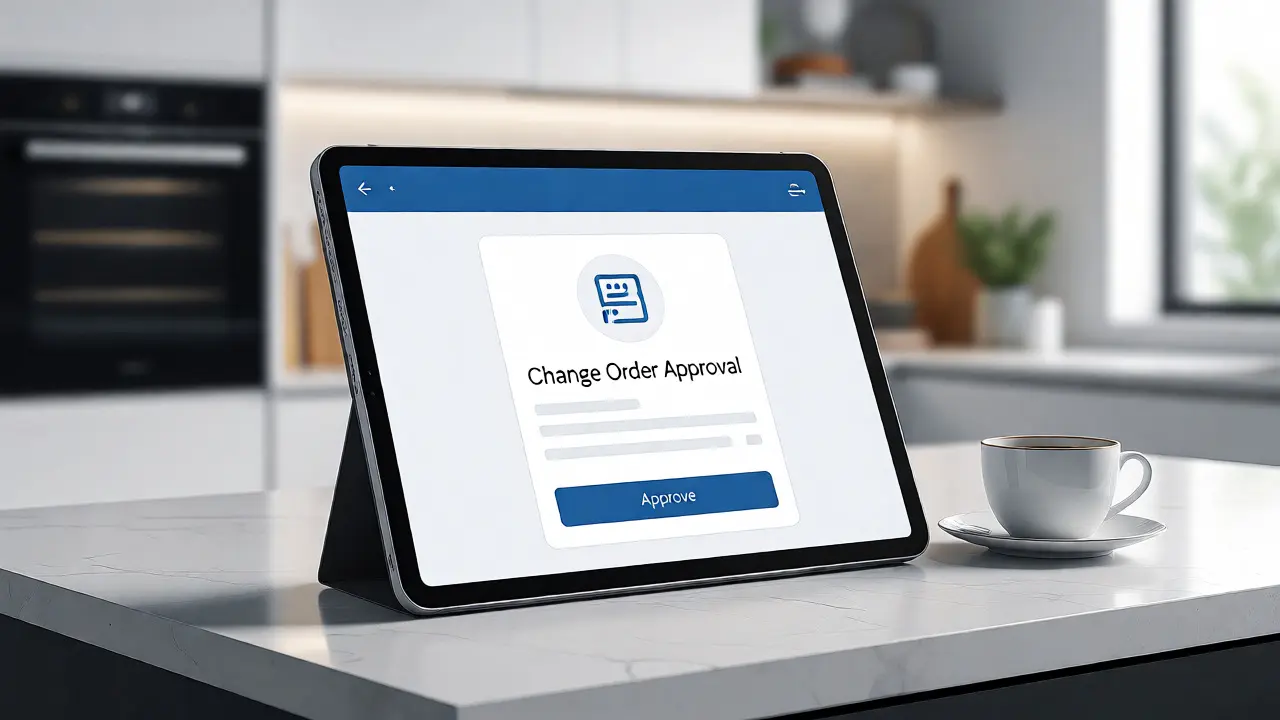
Pen and paper work, but they get lost. Using specialized software for Field Service Management is software solutions designed to track technician schedules, jobs, and invoicing in real-time. platforms like ServiceTitan, Housecall Pro, or even a robust CRM can automate the change order process. When a technician adds an item via tablet, the client gets a text link to approve it instantly. No more "I thought I said yes" arguments later.
These tools also help with historical data. If you notice that 80% of your clients add smart thermostats after seeing the app demo, adjust your initial proposal to include a thermostat option by default. You’re anticipating the change order before it happens, turning a reactive task into a proactive sales opportunity.

Handling Client Resistance to Costs
Sometimes, clients push back. "It’s just a wire," they say. Here’s where education pays off. Don’t argue about the price; explain the value. Remind them that proper termination ensures signal integrity. Poor connections cause lag, which ruins the user experience they paid for. Frame the change order not as a penalty, but as quality assurance.
If the budget is tight, offer alternatives. Can’t afford the Lutron Caseta dimmer now? Suggest a compatible third-party alternative that fits the current phase, noting that future upgrades might require additional labor. Give them agency. People resist paying for things they feel forced into, but they happily pay for choices they understand.
Documentation Best Practices
Keep everything in writing. Even if the change is agreed upon verbally on-site, follow up with an email summary within 24 hours. "Per our conversation today, we will add X for Y cost, delaying completion by Z days." Get a reply. This creates a paper trail. If a dispute arises months later during warranty claims, you have proof that the modification was authorized and paid for.
Also, update your as-built drawings. If you moved a junction box, mark it. Future technicians (or you, returning for support) need to know what actually exists versus what was planned. Accurate documentation reduces troubleshooting time on callbacks, saving you money in the long run.
What is the difference between a change order and a punch list?
A punch list consists of minor corrections or unfinished items from the original scope (e.g., tightening a loose faceplate). A change order involves new work or material outside the original contract, such as adding a new device or relocating equipment. Punch list items are typically covered under the base contract; change orders incur additional costs.
How should I price emergency change orders?
Emergency change orders, especially those requiring immediate return trips or overtime, should include a premium. A common practice is to add a 15-20% surcharge to labor rates or apply a flat "rush fee." Clearly communicate this policy in your initial contract so clients know that last-minute changes cost more than planned ones.
Can I refuse a change order request?
Yes, if the request falls outside your expertise or safety standards. For example, if a homeowner wants to install high-voltage line-voltage fixtures that require an electrician's permit you don't hold, you can decline. Always refer them to a qualified professional and document why you declined to maintain professionalism.
How do I handle clients who ignore signed change orders?
Stop work immediately if significant unpaid change orders accumulate. Communicate clearly: "We cannot proceed to Phase 2 until Change Order #3 is approved and paid." This leverages the project timeline as motivation. Most clients prefer to keep the momentum going rather than stall the entire installation.
Do wireless devices reduce the need for change orders?
Wireless devices simplify physical installation but increase configuration complexity. While you avoid running new wires, you still need to manage network load, interference, and battery maintenance. Change orders may shift from hardware/labor to software/configuration fees. Wireless doesn't eliminate scope creep; it just changes its nature.