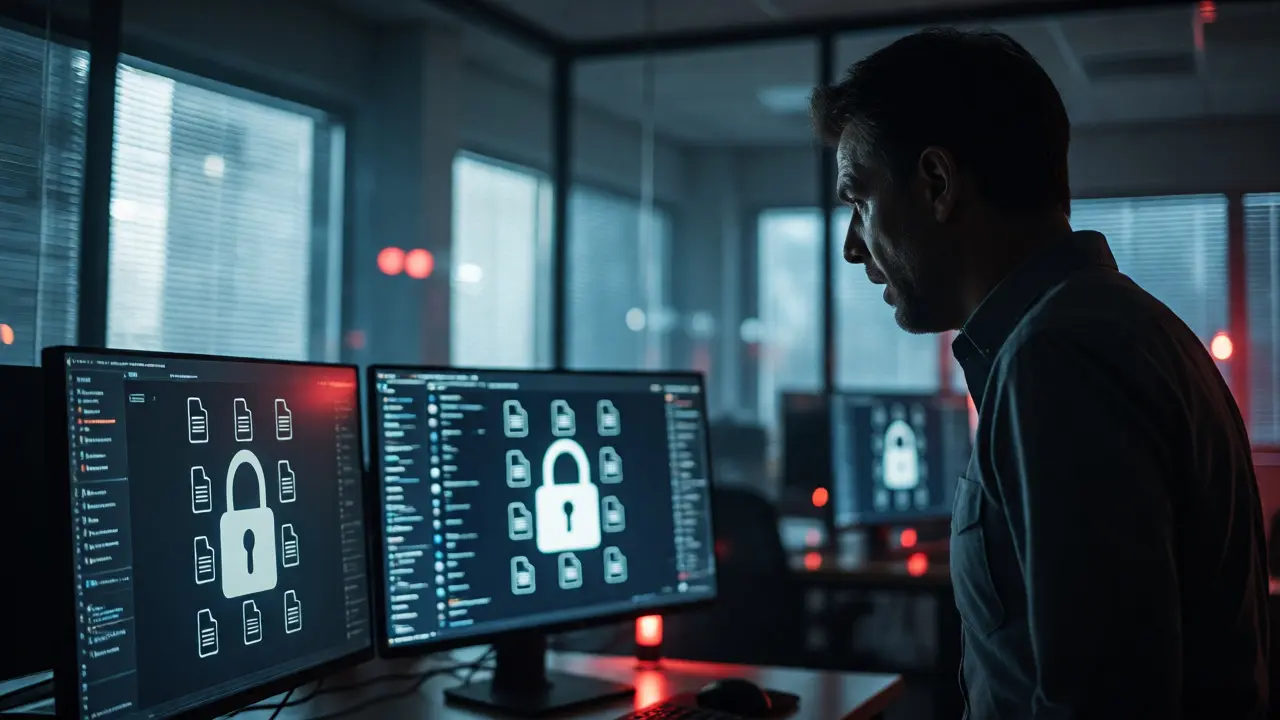
You think you’re safe because your antivirus is green. Then one Tuesday morning, every file on your network turns into a locked box with a strange extension. The pop-up isn’t asking for money politely; it’s demanding payment in Bitcoin within 48 hours or threatening to leak your customer database to the public. This is ransomware, and it has evolved from simple file encryption into a brutal double-extortion scheme that targets both your data and your reputation.
For small business owners and IT managers, the fear of ransomware isn't just about downtime-it's about survival. In 2026, attackers don't care if you're a Fortune 500 company or a local dental practice. They use automated tools to scan the internet for weak spots. If you can't pay quickly, they leak sensitive info. So, how do you actually stop this? It’s not about buying one magic software. It’s about building layers of defense that make you too much trouble to bother with.
The Modern Ransomware Landscape
Gone are the days when ransomware was just a virus that encrypted your Word documents. Today’s threats are sophisticated operations run by organized crime groups. These groups often operate like businesses, offering "Ransomware-as-a-Service" (RaaS) where affiliates buy the malware and split profits with the developers. The primary goal isn't just to lock files; it's to exfiltrate data first. If you restore from a backup but they have your emails and financial records, they still win by threatening to publish them.
This shift means traditional defenses fail. You might have backups, but if your firewall didn't catch the initial intrusion, the damage is already done. Attackers spend weeks inside your network before pulling the trigger, mapping out your systems and identifying critical servers. They disable backup solutions specifically designed to undo their work. Understanding this timeline-reconnaissance, lateral movement, data theft, then encryption-is key to fighting back.
Layered Defense Strategies
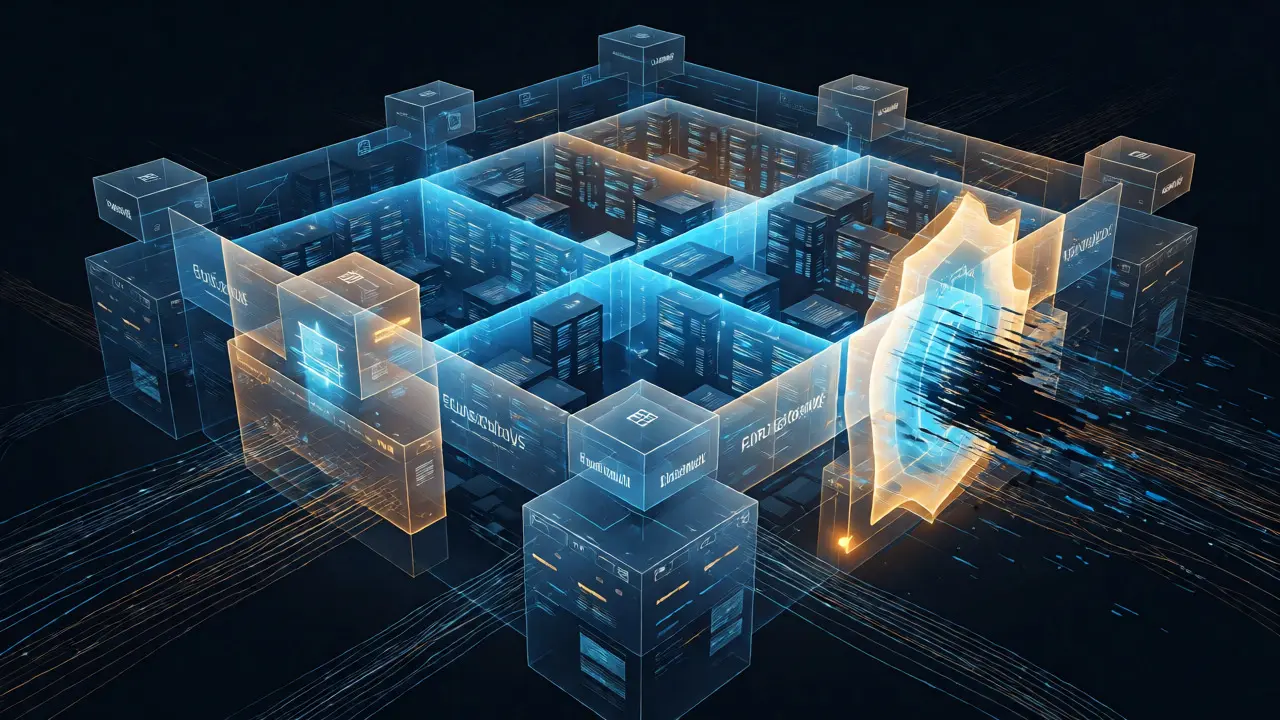
You need a strategy that works even if one layer fails. Think of it like a castle with multiple walls. Here is what actually works in the field:
- Endpoint Detection and Response (EDR): Standard antivirus looks for known bad signatures. EDR watches behavior. If a process suddenly tries to encrypt thousands of files in seconds, EDR kills it immediately, even if it doesn't recognize the specific virus name.
- Network Segmentation: Don't let everything talk to everything. Segment your network so that if a receptionist’s laptop gets infected, the malware can't jump to the main server room. Use VLANs and firewalls to create internal borders.
- Privileged Access Management (PAM): Admin accounts are gold mines. Limit who has admin rights and require multi-factor authentication (MFA) for every single login, especially for remote access via RDP or VPN.
- Email Security Gateways: Phishing remains the top entry point. Advanced gateways use AI to detect subtle changes in sender domains or unusual attachment types that bypass standard spam filters.
The 3-2-1 Backup Rule (And Why It Fails)
You’ve heard it a thousand times: keep three copies of your data, on two different media, with one offsite. But here is the trap most people fall into: their offsite backup is connected to the network. When ransomware hits, it scans mapped drives and cloud sync folders. If your backup is always online, it gets encrypted too.
To fix this, you need an immutable backup solution. This means once data is written, it cannot be changed or deleted for a set period, regardless of who tries to delete it-even an admin. Cloud providers now offer object-lock features that enforce this immutability. Test your restores quarterly. A backup you haven't tested is just a hope, not a plan. If restoring takes ten days instead of ten hours, you’ll likely pay the ransom anyway.
| Strategy | Risk Level | Recovery Speed | Cost Efficiency |
|---|---|---|---|
| Local NAS (Always On) | High (Malware sees it) | Fast | Low |
| Cloud Sync (Dropbox/OneDrive) | Very High (Syncs corruption) | Medium | Medium |
| Air-Gapped Tape/Drive | Low (Disconnected) | Slow | High |
| Immutable Cloud Storage | Low (Locked objects) | Fast | Medium-High |
Human Error: The Weakest Link
Tech fixes tech problems, but humans cause most breaches. An employee clicking a fake invoice link is still the number one way ransomware enters a company. Training needs to move beyond annual PowerPoint slides. Run simulated phishing campaigns monthly. If someone clicks, give them immediate, gentle feedback-not punishment. Teach them to hover over links to see the real URL. Encourage a culture where reporting a mistake is praised, not shamed. If people are afraid to admit they clicked a link, they won't tell you until it's too late.
What To Do During An Attack
If your screens go black and demand appears, panic is your enemy. Follow this checklist:
- Isolate Immediately: Unplug Ethernet cables or turn off Wi-Fi on affected machines. Do not shut down the computer if possible, as this might destroy evidence needed for forensics, but stopping the spread is priority one.
- Assess Scope: Determine which servers and departments are hit. Is it just HR, or is the entire domain compromised?
- Contact Experts: Call your cyber insurance provider or a digital forensics firm. Do not contact the attackers directly yourself. Let professionals handle the negotiation if you decide to pay.
- Check Backups: Verify your most recent clean backup. Ensure it wasn't corrupted during the attack window.
- Notify Stakeholders: Depending on your industry and location (like Oregon’s breach notification laws), you may need to inform customers and regulators within specific timeframes.

Paying the Ransom: Yes or No?
Should you pay? Statistically, paying doesn't guarantee you get your data back. Some gangs take the money and disappear, or they provide a decryptor that only works for half the files. Plus, paying funds future attacks. However, if your business relies on real-time data and downtime costs exceed the ransom amount, paying might be the cheaper option. Always consult legal counsel first. Sanctions lists change, and paying certain sanctioned entities can lead to fines from government bodies like OFAC in the US.
How quickly does ransomware encrypt files?
It varies. Older strains took minutes per folder. Modern variants can encrypt terabytes of data in under an hour using parallel processing threads. That’s why rapid detection via EDR is critical-you have mere minutes to stop it before it locks everything.
Can I recover files without paying?
Yes, if you have uncorrupted backups. Also, some older ransomware strains have free decryptors available from security firms like Kaspersky or Emsisoft. Check if your specific variant is listed in these databases before considering payment.
Does Mac OS get ransomware too?
Absolutely. While Windows is the bigger target due to market share, macOS ransomware exists and is growing. Apple’s sandboxing helps, but user-installed apps and browser extensions remain vulnerable points. Never assume your platform is immune.
What is double extortion?
Double extortion means attackers steal your data before encrypting it. If you refuse to pay for decryption, they threaten to publish the stolen data on a dark web leak site. This pressures companies that have good backups but fear reputational damage or regulatory fines.
Is cyber insurance worth it for ransomware?
Generally, yes. Good policies cover ransom payments, forensic investigation, legal fees, and PR costs. However, insurers are tightening requirements. They now often mandate MFA, EDR, and offline backups as conditions for coverage. Read your policy exclusions carefully.
Final Thoughts
Ransomware protection isn't a product you buy; it's a habit you build. Start today by enabling MFA everywhere. Check your backups right now-try to restore a single file. If that feels scary, you know exactly where to focus next. Stay vigilant, keep your software updated, and remember: the best attack is the one that never happens.