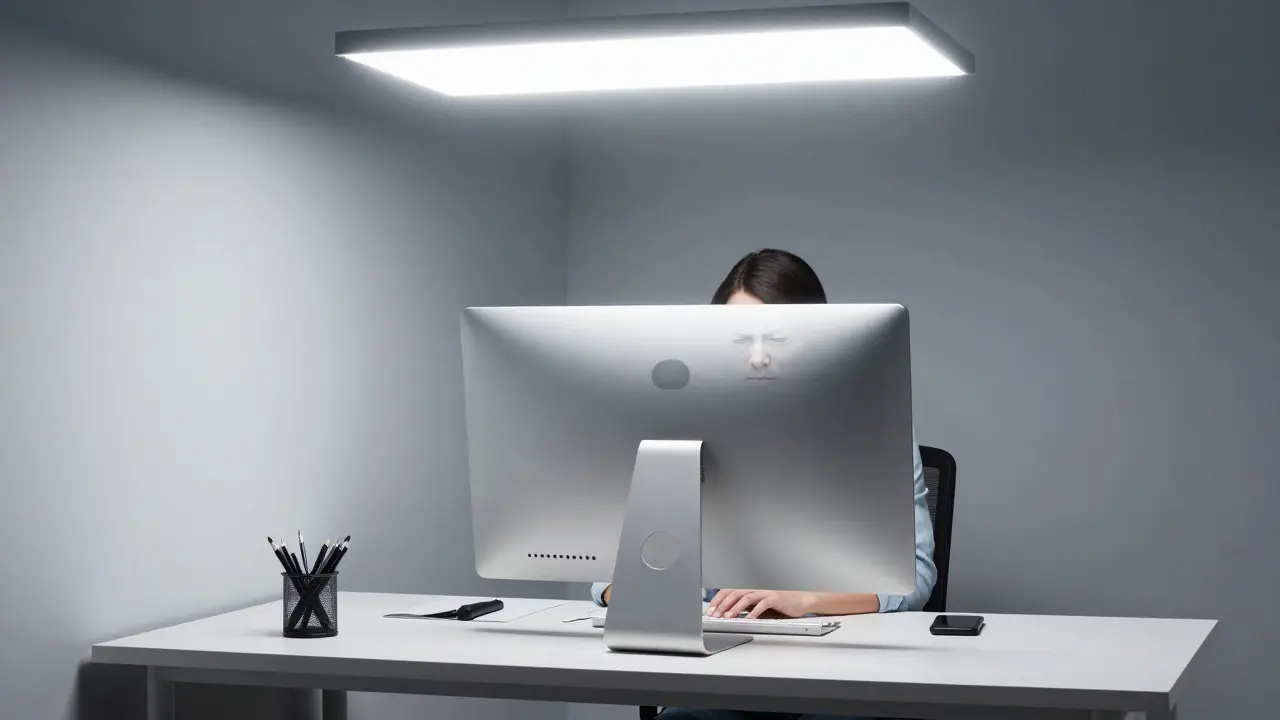
Staring at a glowing screen while harsh overhead lights reflect off your monitor is a recipe for eye strain and headaches. If you work from home, you know the struggle: the light is either too dim to see your keyboard clearly or so bright that it creates distracting reflections on your laptop. The solution isn't just buying a brighter lamp; it's about engineering a low-glare environment using smart controls.
A well-designed smart lighting plan doesn't just illuminate your desk-it adapts to the time of day, the task you're performing, and the angle of sunlight coming through your windows. By combining specific hardware choices with automated scenes, you can eliminate visual fatigue without sacrificing productivity. This guide walks you through the exact steps to build a system that feels natural, looks professional, and keeps your eyes comfortable from morning stand-ups to late-night coding sessions.
Understanding Glare in a Digital Workspace
Glare isn't just about brightness; it's about contrast and direction. Direct glare happens when a light source shines directly into your eyes. Indirect glare, which is far more common in home offices, occurs when light reflects off a glossy surface-like a computer monitor, glass table, or polished floor-into your line of sight. To fix this, you need to control two variables: the intensity of the light and its angle relative to your screen.
The human eye works best when the luminance ratio between the brightest and darkest parts of your field of view stays under 3:1 during focused work. In a typical setup, a white ceiling light might be 500 lux, while the shadowed area under your desk is only 50 lux. That 10:1 ratio forces your pupils to constantly adjust, leading to rapid eye muscle fatigue. Smart lighting allows you to break this cycle by layering light sources instead of relying on a single central fixture.
Choosing the Right Hardware for Glare Control
Not all bulbs are created equal when it comes to reducing reflections. You need fixtures that offer precise control over both brightness (dimming) and color temperature (tinting). Here’s what to look for:
- Smart LED Bulbs Bulbs that support tunable white spectrum (2700K to 6500K) and fine-grained dimming via Zigbee, Z-Wave, or Wi-Fi. These allow you to shift from warm evening tones to crisp daylight whites without changing physical bulbs.
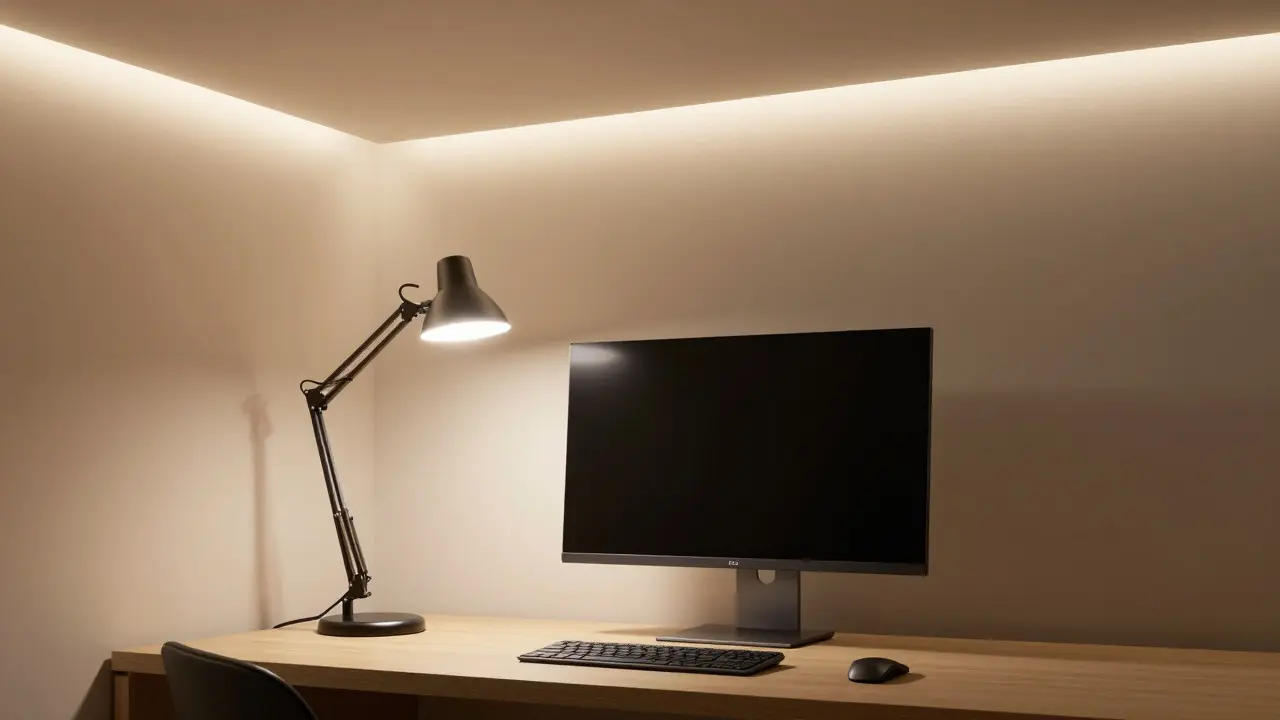
- Indirect Light Fixtures Cove lighting, wall washers, or floor lamps that direct light upward or sideways rather than downward. Indirect light bounces off ceilings and walls, creating a soft ambient glow with zero direct reflection on screens.
- Task Lighting with Adjustable Heads Desk lamps with articulated arms and diffusers that can be positioned behind or beside the monitor. Placing a lamp behind your head casts light onto the back of the screen, eliminating front-facing reflections entirely.
Avoid bare-bulb fixtures or exposed filament LEDs near your workspace. Their point-source nature creates sharp, high-contrast spots that are easy for the eye to lock onto, increasing strain. Instead, opt for fixtures with frosted shades or linear LED strips hidden behind shelves.
Strategic Placement: The Three-Layer Approach
Professional interior designers use a three-layer lighting model: ambient, task, and accent. In a low-glare home office, each layer has a specific job. Ambient lighting provides general illumination, task lighting focuses on your work surface, and accent lighting highlights architectural features or artwork. The key to minimizing glare is ensuring these layers don't compete with each other.
- Ambient Layer (The Base): Use indirect cove lighting or a dimmable ceiling fixture set to 40-50% brightness. This sets the overall mood and prevents the room from feeling cave-like. It should never be the primary source of light for reading or typing.
- Task Layer (The Focus): Position a smart desk lamp so the light hits your keyboard and documents, not your face. Ideally, the lamp arm extends from the side opposite your dominant hand, angled slightly away from the monitor. This ensures your hands are lit, but your eyes aren't staring into a light source.
- Accent/Fill Layer (The Balancer): Place a small smart bulb or strip light behind your monitor or on a shelf facing the wall. This "fill light" reduces the contrast between the bright screen and the darker surroundings. It’s particularly effective in rooms with large windows where sunlight creates uneven patches of light.
This layered approach allows you to turn down the main overheads completely during deep work sessions, relying only on the task and fill lights. The result is a uniform, shadow-free workspace with minimal reflective hotspots.
Leveraging Circadian Rhythm with Tunable White
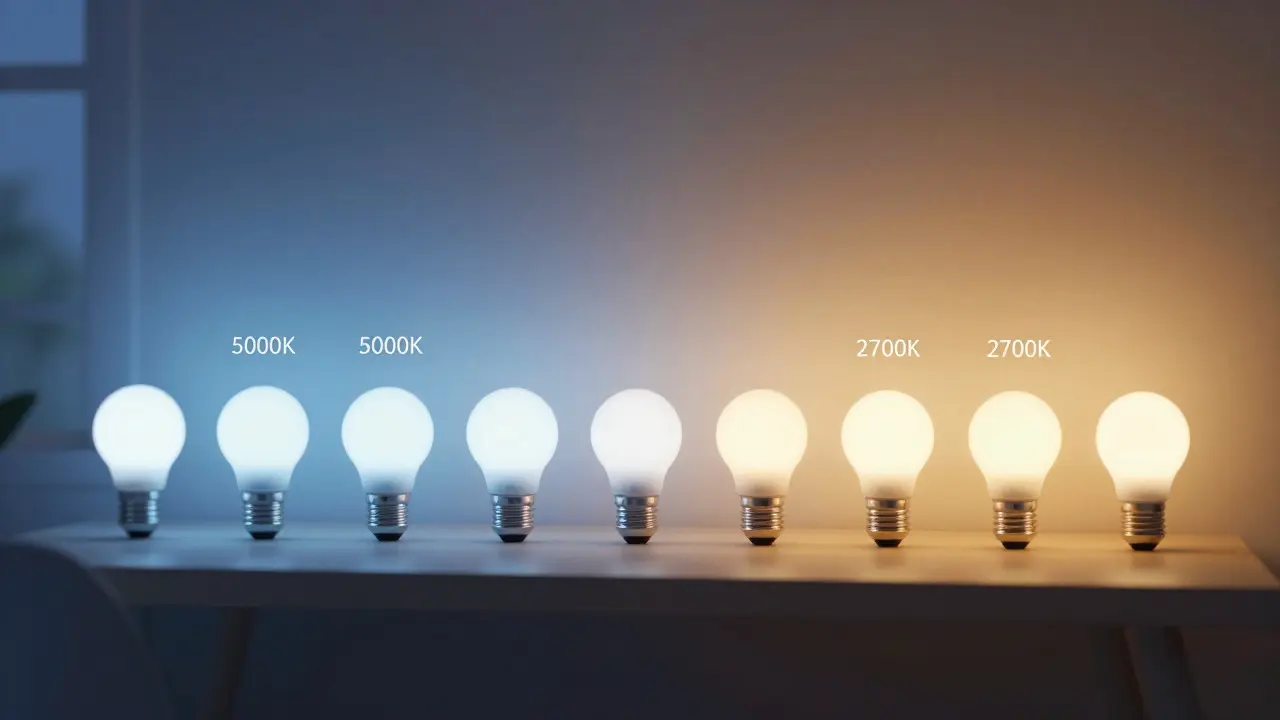
Your body’s internal clock, or circadian rhythm, responds strongly to light color. Blue-rich light (cooler temperatures around 5000K-6500K) suppresses melatonin and boosts alertness, making it ideal for mornings and midday tasks. Warm light (2700K-3000K) mimics sunset, signaling to your brain that it’s time to wind down. Most people keep their office lights at a static 4000K all day, which can lead to afternoon energy crashes and difficulty sleeping at night.
Smart lighting systems like those from Lutron, Philips Hue, or Nanoleaf allow you to program daily schedules that automatically shift the color temperature. For example, a typical schedule might look like this:
| Time of Day | Color Temperature | Brightness Level | Purpose |
|---|---|---|---|
| 7:00 AM - 9:00 AM | 5000K (Cool White) | 80-100% | Wake-up boost, high alertness for planning |
| 9:00 AM - 12:00 PM | 4000K (Neutral White) | 60-70% | Sustained focus for deep work |
| 12:00 PM - 2:00 PM | 3500K (Soft White) | 50% | Post-lunch dip mitigation, lower intensity |
| 2:00 PM - 5:00 PM | 4000K (Neutral White) | 60% | Second wind for collaborative tasks |
| 5:00 PM - 8:00 PM | 2700K (Warm White) | 30-40% | Transition to relaxation, reduced blue light |
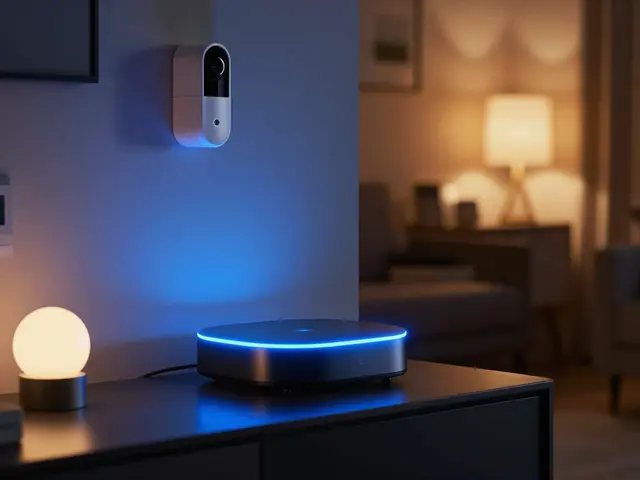
You can automate this entire sequence using a hub-based system. The lights will fade smoothly between states, avoiding the jarring flicker of instant switches. This subtle shift often goes unnoticed consciously but significantly improves your energy levels and sleep quality over time.
Automating Scenes for Different Work Modes
While circadian scheduling handles the broad strokes, scene automation addresses specific activities. A "Meeting Mode" might require brighter, cooler light to project energy on video calls. A "Reading Mode" needs softer, warmer light to reduce strain on printed materials. And a "Focus Mode" might dim the ambient light to 20% while boosting the task lamp to 80%, creating a spotlight effect that minimizes distractions.
Most smart lighting platforms allow you to create these scenes with a single tap on a smartphone app or voice command. Consider integrating sensors to make the system truly intelligent. Motion sensors can ensure the lights turn on as you enter the room and off after 15 minutes of inactivity. Daylight sensors (or virtual ones based on geolocation data) can automatically dim artificial lights when the sun is streaming in, preventing the room from becoming over-lit and causing new glare issues.
For video calls, position a small smart light behind your camera, aimed at the wall or ceiling. This adds a soft rim light to your face, separating you from the background and reducing the flat, washed-out look that occurs when your only light source is the screen itself. This technique, borrowed from studio photography, dramatically improves how you appear on Zoom or Teams without adding any visible glare to your own view.
Common Mistakes to Avoid
Even with the right hardware, poor placement can ruin a low-glare setup. Here are the most frequent errors we see in home offices:
- Placing lights directly above the monitor: This creates a vertical reflection strip across the screen. Always offset task lighting to the side or behind the user.
- Ignoring window reflections: If your desk faces a window, sunlight will bounce off your screen during certain hours. Use sheer curtains or blinds to diffuse incoming light, and rely on smart lighting to compensate for the loss of natural brightness.
- Using mismatched color temperatures: Mixing a 2700K bulb with a 5000K bulb in the same zone creates a disorienting yellow-blue clash. Stick to one temperature per functional area, or use tunable bulbs that sync perfectly.
- Over-dimming: While low light is good for relaxing, it’s bad for reading small text. Ensure your task light provides at least 300-500 lux on the work surface, regardless of the ambient setting.
Regularly check your setup from different angles. Sit in your chair and look at your monitor. Are there any bright spots reflecting? Adjust the lamp angle or add a matte screen filter if necessary. The goal is a seamless blend of light where no single source dominates your visual field.
Frequently Asked Questions
What is the best color temperature for a home office?
For most daytime work, 4000K (neutral white) offers the best balance of clarity and comfort. Use 5000K+ for early morning alerts and 2700K-3000K for evening tasks to support your circadian rhythm.
Do I need a hub for smart lighting?
Wi-Fi bulbs work without a hub but can clutter your network. Zigbee or Z-Wave bulbs require a hub for reliable performance, complex automations, and faster response times. If you have more than five bulbs, a hub is recommended for stability.
How do I stop my monitor from reflecting the ceiling light?
Angle your desk so the monitor is perpendicular to the light source. If that’s not possible, use indirect lighting (cove or wall-wash) instead of direct ceiling lights, or apply an anti-glare film to your screen.
Is natural light better than smart lighting?
Natural light is excellent for mood and health, but it’s inconsistent. Smart lighting complements it by filling in shadows during cloudy days and reducing glare when the sun is intense. The best setup uses both in harmony.
Can I use regular LED bulbs with smart switches?
Yes, but you lose color temperature control. Smart switches only handle on/off and dimming. For full circadian benefits, you need tunable white smart bulbs, not just smart switches controlling fixed-color LEDs.