Quick Takeaways
- Hardwired connections (Ethernet) offer the highest stability and speed, ideal for high-bandwidth devices like cameras.
- Wireless options (Wi-Fi, Zigbee, Z-Wave) provide flexibility and easy installation but can suffer from interference.
- A hybrid approach is usually the best bet for most homeowners.
- Hardwiring is significantly more expensive and labor-intensive to install in existing homes.
The Concrete Foundation: Hardwired Connections
When we talk about hardwiring, we're usually talking about Ethernet is a system of cabling and networking hardware that allows devices to communicate in a wired local area network (LAN). It uses physical cables-typically Cat6 or Cat6a-to move data. Think of it like a dedicated private highway for your data. There is no traffic from other devices, and there are no signal drops because a wall is in the way.
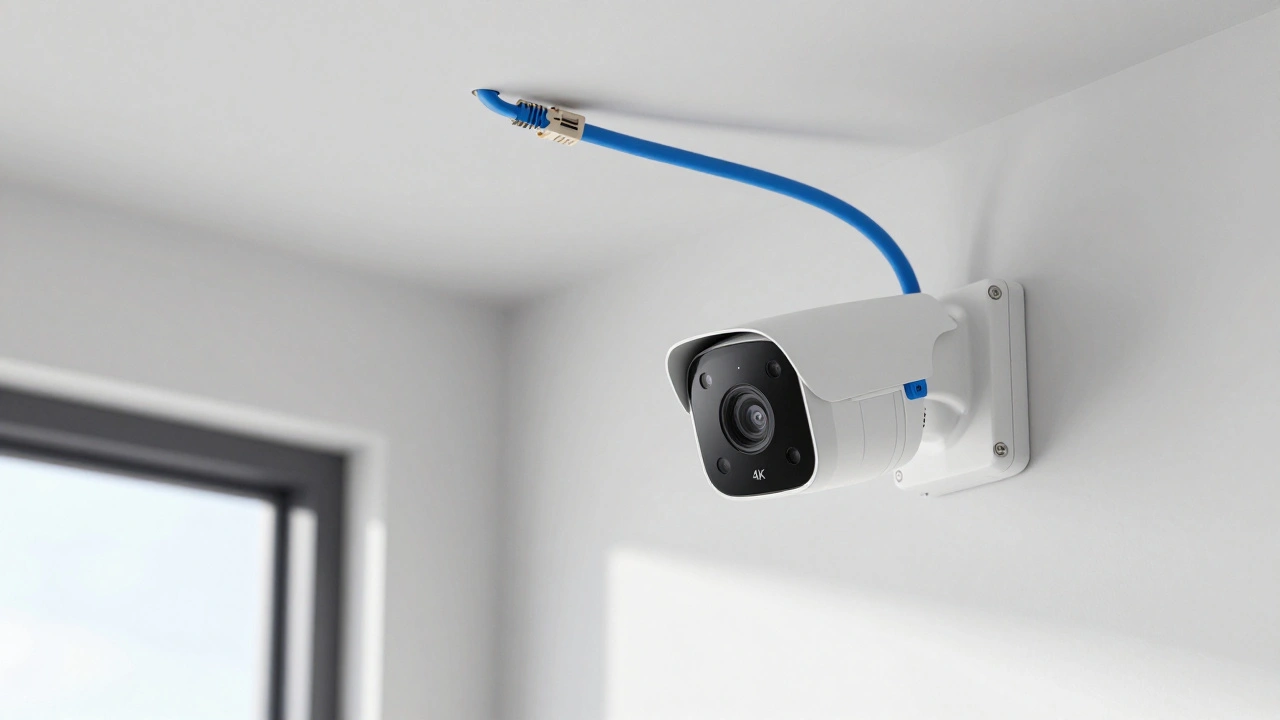
Hardwiring is the gold standard for anything that moves a lot of data. Take a 4K security camera, for example. If you use Wi-Fi, you might see "stuttering" or delayed footage because the wireless spectrum is crowded. With a wired connection, the stream is constant and crystal clear. It's also a massive security win; it's much harder for someone to intercept data traveling through a physical cable than it is to sniff a wireless signal from the driveway.
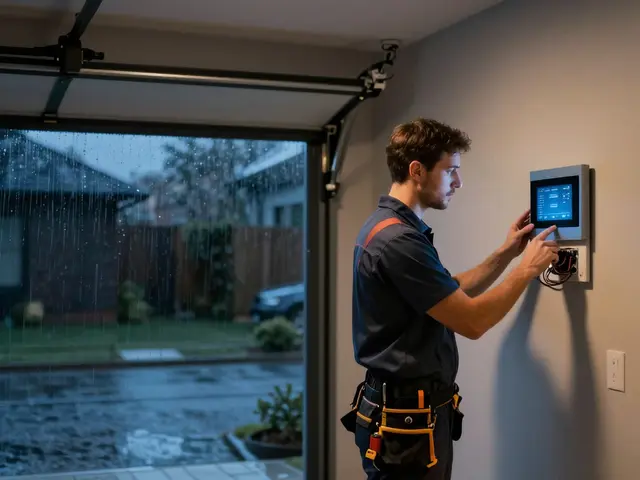
The downside? The installation is a pain. If you aren't living in a house with pre-installed conduits, you're looking at drilling holes, fishing wires through attics, and potentially paying a professional electrician. For many, the cost of labor outweighs the benefit of a slightly more stable connection for a simple smart light bulb.
The Invisible Web: Wireless Protocols
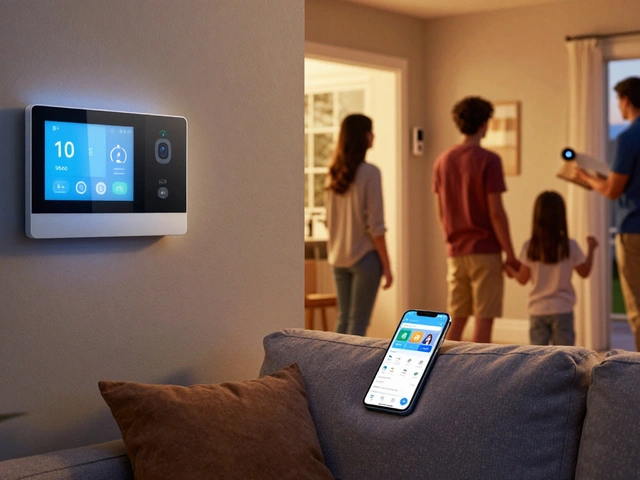
Wireless devices are the heartbeat of the modern smart home because they don't require you to tear up your drywall. However, not all wireless connections are created equal. Most people confuse "wireless" with "Wi-Fi," but in a professional smart home setup, Wi-Fi is just one of several tools. While it's great for high-bandwidth tasks, it's actually quite power-hungry, which is why your battery-operated sensors don't use it.
This is where low-power mesh protocols come in. Zigbee is a low-power, wireless mesh networking standard based on IEEE 802.15.4, designed to carry small amounts of data over short distances. Similarly, Z-Wave is a wireless communications protocol used primarily for home automation, operating on a different frequency than Wi-Fi to avoid interference. These aren't meant for streaming video; they are meant for "trigger" events, like a motion sensor telling a light to turn on.
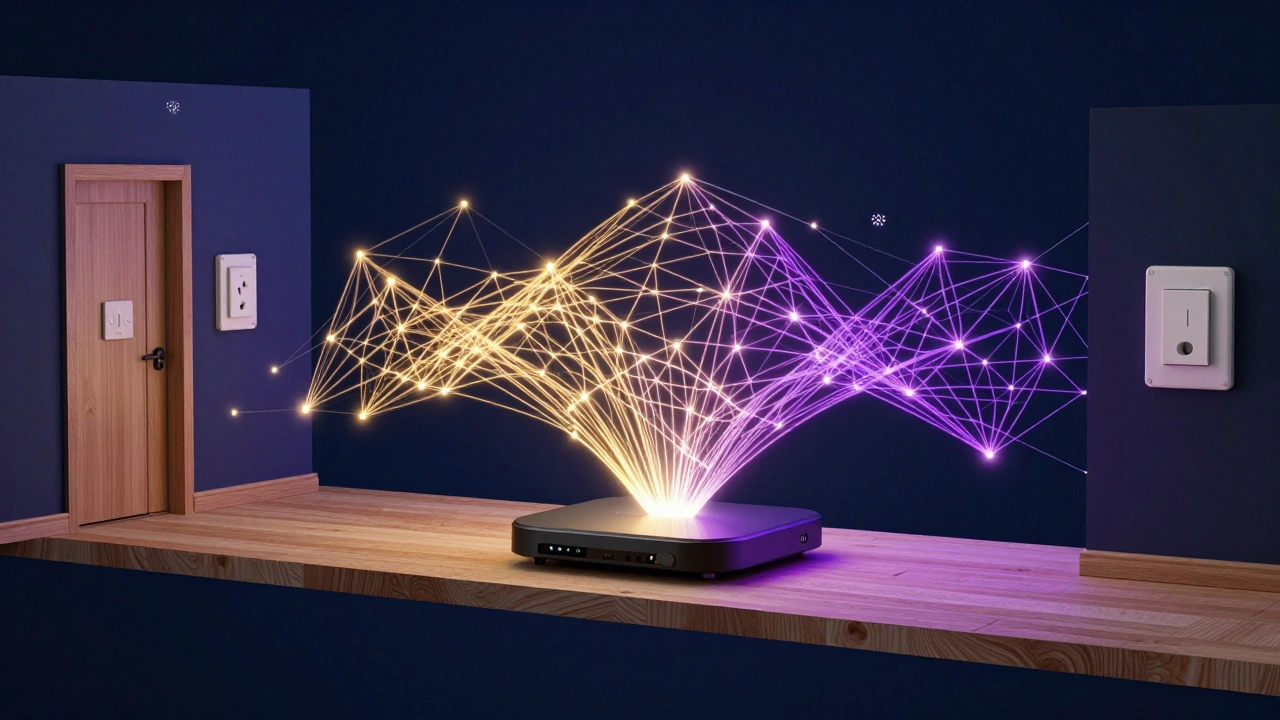
The magic of these protocols is the "mesh" capability. In a standard Wi-Fi setup, every device must talk directly to the router. If a device is too far away, it loses connection. In a Zigbee or Z-Wave mesh, each plugged-in device acts as a repeater. Your smart plug in the hallway helps the signal reach the sensor in the bedroom. This effectively expands your network's reach without needing a more powerful router.
| Feature | Ethernet (Hardwired) | Wi-Fi (Wireless) | Zigbee/Z-Wave (Wireless) |
|---|---|---|---|
| Reliability | Highest | Moderate | High (in mesh) |
| Installation Effort | Very High | Low | Low |
| Power Consumption | N/A (Plugged in) | High | Very Low |
| Bandwidth | Huge | High | Very Low |
| Interference Risk | None | High | Low |
Where the Battle is Won: Choosing the Right Method
You don't have to pick just one. In fact, the most stable homes use a smart home connection methods strategy that mixes and matches based on the device's job. The rule of thumb is simple: if it's stationary and needs a lot of data, wire it. If it's small, battery-powered, or moves around, go wireless.
For your "core" infrastructure, lean on wires. Your smart home hub, your main TV, and your primary security cameras should be on Ethernet. This clears up the "airtime" on your Wi-Fi for things that actually need it, like your laptop or smartphone. If you clog your 2.4GHz Wi-Fi band with 50 different smart bulbs and plugs, you'll notice your internet speed dropping and your devices becoming unresponsive.
For the "periphery"-things like door sensors, leak detectors, and light switches-use Zigbee or Z-Wave. These devices don't need to send megabytes of data; they just need to send a tiny "on" or "off" signal. Because they operate on different frequencies (Z-Wave especially), they don't fight with your Netflix stream for priority.
Common Pitfalls and Performance Killers
One of the biggest mistakes people make is relying on "range extenders" for wireless devices. These often just repeat a degraded signal, creating a bottleneck. If you're struggling with wireless dead zones, look into a Mesh Wi-Fi System, which uses multiple nodes to create a seamless blanket of coverage. It's a middle ground between a single router and a fully wired home.
Another issue is "signal shielding." Materials like concrete, brick, and foil-backed insulation act as shields. If you have a basement with thick concrete walls, a wireless hub in the living room will never reach your basement sensors. In this specific case, running a single Ethernet cable to a wireless access point in the basement is the only real solution. You're essentially "hardwiring the wireless," which gives you the best of both worlds.
Future-Proofing Your Setup
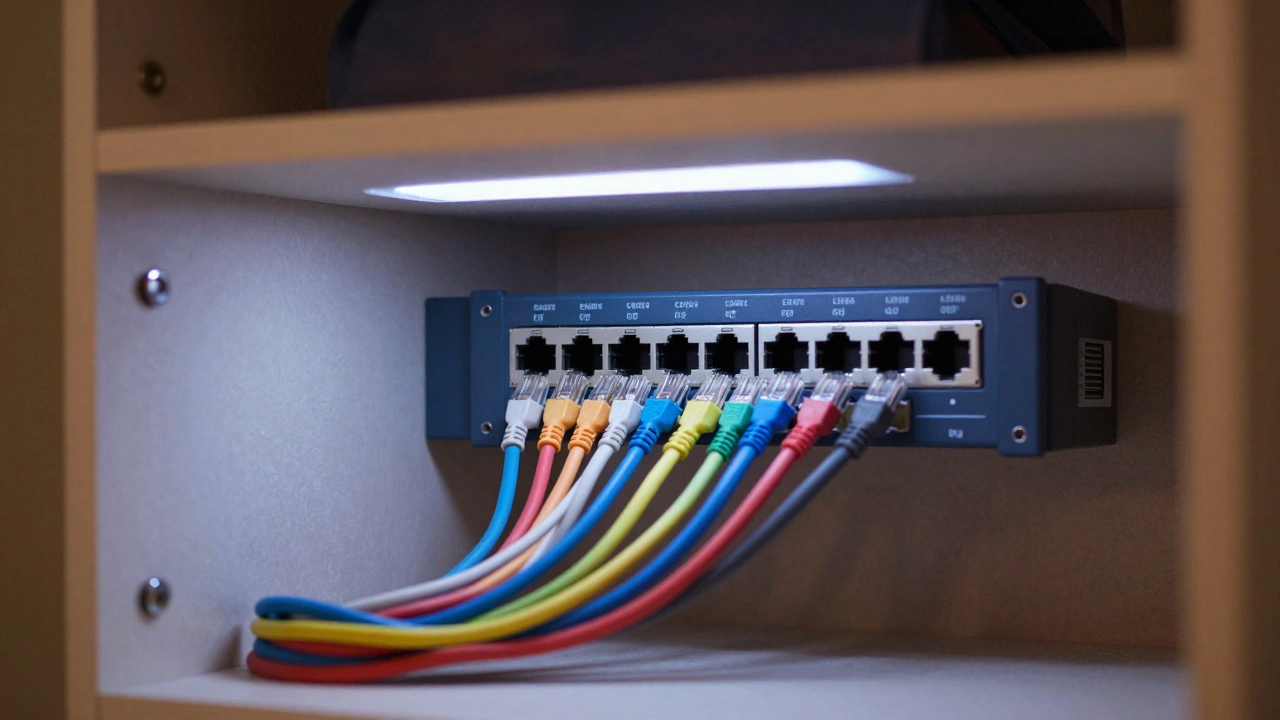
If you're renovating or building, do yourself a favor: run Cat6a cable to every room. Even if you don't think you need it now, the cost of adding a wire during construction is pennies compared to the cost of adding it later. We're seeing a shift toward Matter, a new unifying standard that aims to make all these different protocols work together. While Matter often uses Thread (a wireless mesh protocol), having a strong wired backbone ensures that the controllers managing these devices never go offline.
The goal isn't to have the most expensive tech; it's to have a system that you don't have to think about. When your lights turn on exactly when they should and your cameras never buffer, you've succeeded. The secret is simply matching the connection method to the device's needs. Stop trying to force Wi-Fi to do the job of a cable, and stop trying to wire things that were meant to be invisible.
Will hardwiring my devices make my internet faster?
It won't increase the speed provided by your ISP, but it will eliminate the "overhead" and interference of Wi-Fi. This means your devices will reach their maximum possible speed and respond faster (lower latency), making the internet feel snappier.
Is Zigbee better than Z-Wave?
Neither is strictly "better," but they have different strengths. Zigbee is generally faster and more common in cheaper devices, while Z-Wave operates on a lower frequency, meaning it typically has better range through walls and experiences less interference from other electronics.
Do I need a special hub for hardwired devices?
For Ethernet devices, you need a network switch or a router with multiple LAN ports. This acts as the traffic cop, directing data between your wired devices and the internet.
Can I convert a wireless device to hardwired?
Usually, no. If a device was designed for Wi-Fi or Zigbee, it lacks the physical Ethernet port required for a hardwired connection. You would need to buy a version of that device specifically designed for PoE (Power over Ethernet) or wired LAN.
What is PoE and is it a form of hardwiring?
Yes, PoE (Power over Ethernet) is a brilliant form of hardwiring. It allows a single Ethernet cable to provide both a data connection and electrical power to a device, meaning you don't need a separate power outlet for things like security cameras or Wi-Fi access points.
Next Steps for Your Home
If you're feeling overwhelmed, start by auditing your current setup. List every device that frequently disconnects or lags; those are your primary candidates for hardwiring or moving to a mesh protocol. If you're renting and can't drill holes, look into "flat" Ethernet cables that can run under rugs or along baseboards.
For those moving into a new space, talk to your builder about "structured wiring." Ask for a central hub-usually in a closet-where all the home's Ethernet cables terminate. This makes upgrading your router or adding a new smart home controller as simple as plugging in a cord, rather than hunting for a signal through a concrete slab.