Your laptop might look fine, but is it actually running the code you think it is? In the world of modern cybersecurity, the most dangerous threats often hide in plain sight, deep within the hardware layers that most users never see. This is where firmware signing and secure boot come into play. These mechanisms act as the first line of defense, ensuring that your device only runs software that has been verified by a trusted authority before the operating system even loads.
If you've ever wondered why a simple malware infection can be so hard to remove, or why some devices feel more "locked down" than others, the answer usually lies in how they handle firmware. Let's break down what these technologies actually do, why they matter for your daily security, and how they protect you from sophisticated attacks that bypass traditional antivirus software.
The Core Problem: Trusting the Hardware
To understand why we need these protections, we have to look at how computers start up. When you press the power button, the processor doesn't know anything about Windows, macOS, or Linux yet. It executes a small piece of code stored in non-volatile memory on the motherboard. This initial code is part of the firmware. If an attacker can modify this code, they can take complete control of the machine before your operating system even boots, rendering most user-level security tools useless.
This scenario describes a class of threat known as a rootkit. Unlike standard viruses that live in RAM or on the hard drive, rootkits embed themselves in the firmware. They survive reformatting the disk and reinstalling the OS because they reside in a layer below the operating system. Without a way to verify that this firmware hasn't been tampered with, you are essentially trusting a black box every time you turn on your computer.
How Firmware Signing Works
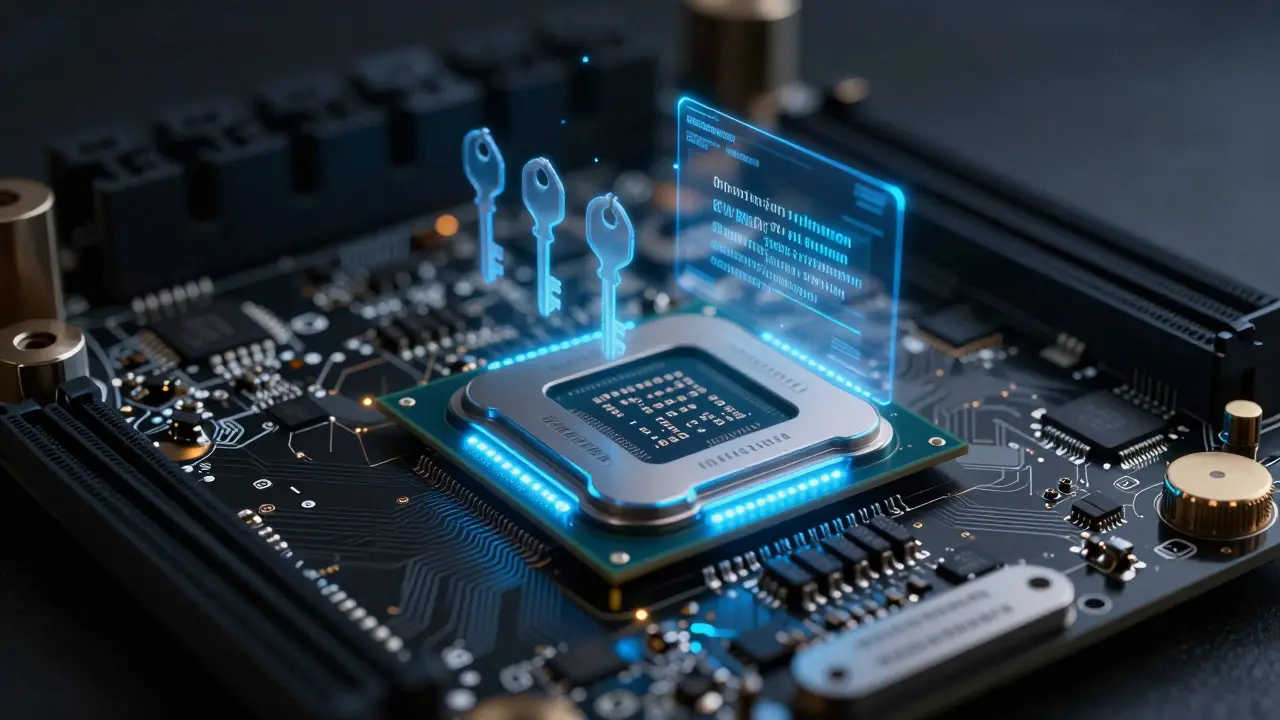
Firmware signing is the process of applying a digital signature to firmware images using cryptographic keys. Think of it like wax seals on ancient letters. If the seal is broken, you know someone opened the letter. In digital terms, the manufacturer creates a private key to sign the firmware update. The public key is embedded directly into the chip's read-only memory (ROM) or a protected area of the flash memory.
When the device starts up, the hardware checks if the firmware image matches the expected cryptographic hash generated by the manufacturer's private key. If the match fails, the device refuses to boot or enters a recovery mode. This ensures integrity. You don't just hope the firmware is safe; you mathematically prove it is exactly what the manufacturer intended.
This process relies heavily on asymmetric cryptography. Specifically, algorithms like Elliptic Curve Digital Signature Algorithm (ECDSA) or RSA are used to generate signatures that are computationally expensive to forge but easy to verify. This asymmetry is crucial because the verification step happens on low-power hardware during boot, while the signing happens on powerful servers at the factory.
Secure Boot: The Chain of Trust
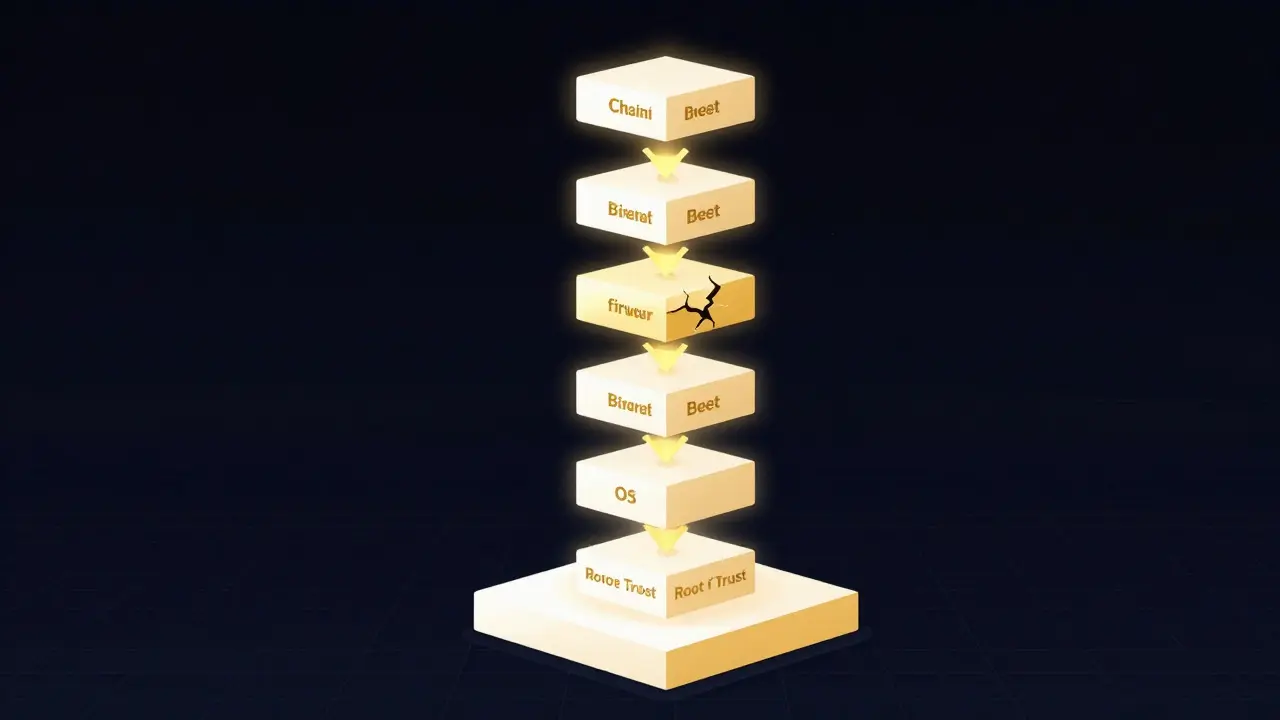
Firmware signing verifies the firmware itself, but Secure Boot is a specification introduced by UEFI Forum that establishes a chain of trust from the hardware to the operating system loader. It works by creating a hierarchy of trust. The hardware trusts the firmware because it is signed. The firmware trusts the Unified Extensible Firmware Interface (UEFI) drivers because they are signed. The UEFI drivers trust the bootloader (like GRUB for Linux or Windows Boot Manager) because it is signed. Finally, the bootloader trusts the kernel.
At each stage, the next component must present a valid digital certificate. If any link in this chain is broken-for example, if you try to install an unsigned third-party driver-the boot process halts. This prevents malicious code from injecting itself between the hardware and the OS.
| Stage | Traditional BIOS Boot | Secure Boot (UEFI) |
|---|---|---|
| Initial Code Execution | Unverified legacy code | Signed firmware verified by ROM |
| Driver Loading | No signature check | Certificate validation required |
| Bootloader Verification | None | Mandatory signature check against DB |
| Attack Surface | High (open to modification) | Low (closed loop) |
The Role of the Root of Trust
All of this verification hinges on one critical concept: the Root of Trust. This is the ultimate source of authority that the hardware trusts unconditionally. In most modern PCs, the Root of Trust is a tiny, immutable block of code burned into the CPU or chipset during manufacturing. This code contains the public key needed to verify the main firmware.
Because this root key is hardcoded in silicon, it cannot be changed by software. This makes it extremely difficult for an attacker to compromise the entire chain. To break secure boot, an attacker would need to physically replace the chip or find a vulnerability in the verification logic itself, both of which are significantly harder than simply uploading a bad file via USB.
However, this also raises questions about vendor lock-in. If the manufacturer goes out of business or decides to stop supporting your device, who holds the private keys needed to sign future updates? This is a practical concern for long-term device maintenance, especially in enterprise environments where devices are kept in service for many years.
Real-World Implications for Users and Admins
For regular users, secure boot is mostly invisible. You turn on your laptop, and it works. But there are scenarios where it becomes visible. For instance, dual-booting with Linux distributions can sometimes trigger secure boot warnings if the distribution's bootloader isn't properly signed or enrolled in your system's database. Similarly, installing custom BIOS modifications, often done by enthusiasts for overclocking or debugging, requires disabling secure boot, which opens the door to potential vulnerabilities.
For IT administrators, firmware signing is a critical part of endpoint security strategy. Tools like Intel vPro or AMD Platform Security Processor allow remote management of firmware updates. Ensuring that all endpoints have consistent, signed firmware reduces the risk of supply-chain attacks, where compromised hardware arrives at your office already infected.
Consider the case of a recent supply-chain attack where a vendor shipped network switches with backdoored firmware. Because these devices lacked robust secure boot enforcement, the backdoor persisted through multiple OS reinstalls. Had the devices enforced strict firmware signing with a hardware root of trust, the unauthorized code would likely have been detected during the boot verification phase.
Challenges and Limitations
Despite its strengths, secure boot is not a silver bullet. One major limitation is that it only protects the boot path. Once the operating system is loaded and running, the kernel takes over, and secure boot no longer actively monitors memory. This is where other technologies like Kernel Address Space Layout Randomization (KASLR) and Memory Management Unit (MMU) protections become essential.
Another challenge is compatibility. Older operating systems or specialized industrial software may rely on unsigned drivers. While modern versions of Windows and major Linux kernels support secure boot seamlessly, niche applications might require workarounds, such as enrolling specific certificates in the system's authorized database. This adds administrative overhead but is generally manageable for most organizations.
Furthermore, the speed of cryptographic verification can impact boot times. While modern CPUs are fast enough to make this delay negligible for desktop users, it can be noticeable in high-throughput server farms or embedded systems with slower processors. Engineers often optimize the verification process by pre-computing hashes or using faster elliptic curve algorithms to mitigate this latency.
Best Practices for Implementing Firmware Security
If you are managing a fleet of devices or setting up a new workstation, here are some practical steps to maximize your protection:
- Enable Secure Boot by Default: Don't disable it unless absolutely necessary for specific hardware testing. Keep the chain of trust intact.
- Monitor Firmware Updates: Use centralized management tools to ensure all devices receive signed firmware updates promptly. Delayed updates leave windows of vulnerability.
- Audit Driver Signatures: Regularly review which third-party drivers are loaded at boot. Remove any that are unnecessary or from unknown vendors.
- Use TPM Chips: Pair secure boot with a Trusted Platform Module (TPM). The TPM can store encryption keys securely and provide additional attestation that the system state is valid.
- Test Recovery Procedures: Ensure you have a reliable method to recover from failed firmware updates. A bricked device without a recovery path is a total loss.
By combining these practices, you create a layered defense that makes it exponentially harder for attackers to gain persistent access to your hardware. It shifts the burden of proof from "assume safety" to "prove safety," which is a much stronger foundation for cybersecurity.
Frequently Asked Questions
Does Secure Boot prevent all malware?
No, Secure Boot primarily prevents boot-time malware and rootkits that operate below the operating system. Once the OS is running, you still need traditional antivirus solutions, firewalls, and user awareness to protect against runtime threats like phishing or zero-day exploits in applications.
Can I use Linux with Secure Boot enabled?
Yes, most major Linux distributions now ship with signed bootloaders that work seamlessly with Secure Boot. Distributions like Ubuntu, Fedora, and openSUSE include Microsoft's third-party CA certificate or their own signed keys to pass verification. You may need to enroll additional keys if you install custom kernels or drivers.
What happens if a firmware update fails verification?
The device will typically refuse to boot into the new firmware and revert to the last known good version if available. If no backup exists, the device may enter a recovery mode requiring manual intervention, such as connecting to a flashing tool via USB or JTAG port. This fail-safe mechanism is designed to prevent bricking the device entirely.
Is Firmware Signing the same as Disk Encryption?
No, they serve different purposes. Firmware signing ensures the code running on the hardware is authentic and unmodified. Disk encryption (like BitLocker or LUKS) protects data at rest so that if the hard drive is stolen, the files cannot be read without the key. Both are important, but they address different layers of the security stack.
How does the TPM interact with Secure Boot?
The TPM extends its measurement registers (PCRs) with the hash of each component loaded during the boot process. This creates a cryptographic log of the boot state. Remote systems can query the TPM to verify that the device booted in a known, trusted configuration, adding a layer of remote attestation to the local secure boot checks.