You just hired a pro to turn your house into a smart home. You’re probably wondering if they’ll be drilling holes in every wall or if you need to sit there for three days watching them work. The truth is, a professional smart home installation is less about construction and more about choreography. It’s a structured process designed to minimize disruption while maximizing performance.
If you’ve ever tried to set up Wi-Fi cameras yourself, you know the frustration of dead zones and apps that won’t connect. Hiring an expert solves those headaches, but it requires your cooperation. Knowing what happens behind the scenes helps you prepare your space, manage your expectations, and actually enjoy the result instead of stressing over the process.
The Pre-Installation Site Survey
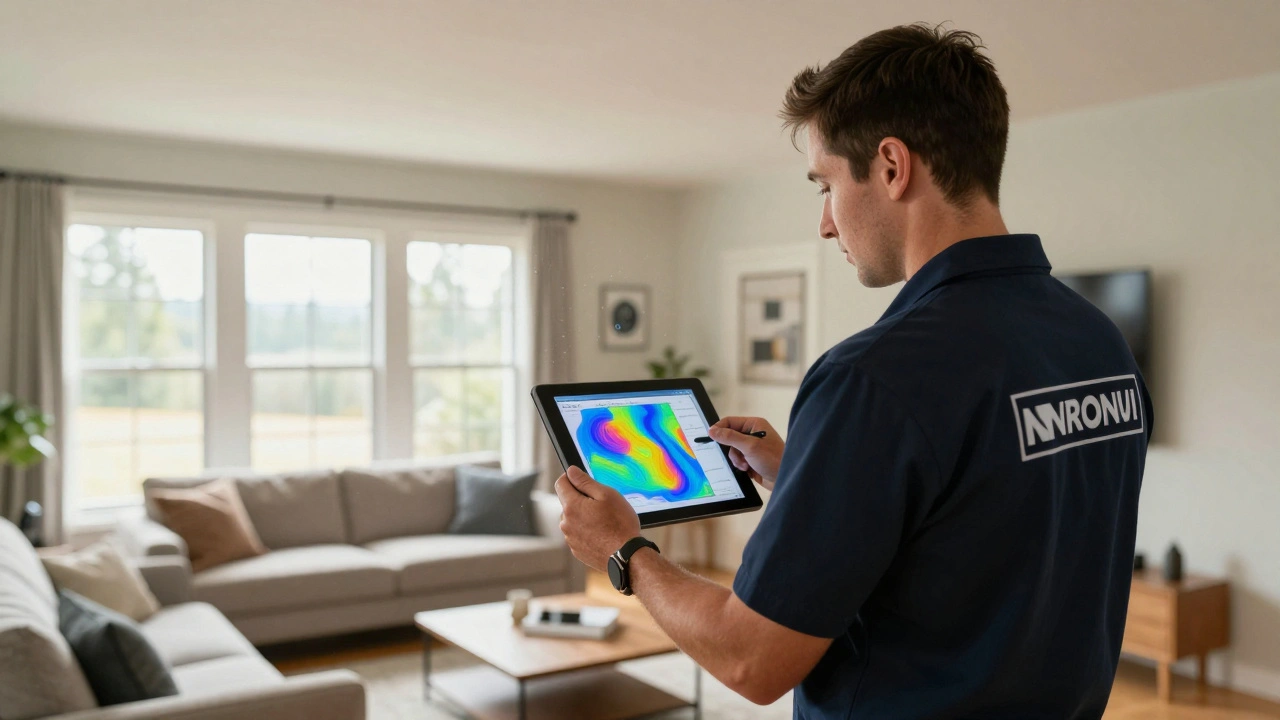
Before a single device arrives at your door, the pros come out for a walkthrough. This isn’t just a quick glance; it’s a technical audit of your home’s digital backbone. They are looking at your electrical panels, your network topology, and your physical layout.
In Portland, where older homes often have thick plaster walls that block signals, this step is critical. The technician will use tools like heat maps to identify where your current Wi-Fi drops off. They aren’t guessing; they are measuring signal strength in decibels (dBm) to ensure your new devices get a solid connection. If your main router is tucked away in a closet, they might recommend moving it or adding access points.
This phase also covers your specific goals. Do you want automated lighting? Security cameras with local storage? Voice control throughout the house? The survey turns your wishlist into a technical blueprint. You should expect to spend about an hour here, answering questions about how you live in the space. Are you home during the day? Do you have pets that trigger motion sensors? These details dictate where sensors go.
Network Infrastructure Upgrade
Most people think smart homes run on batteries and Bluetooth. In reality, they run on data. A professional install almost always starts with the network. If your internet is slow or unstable, no amount of fancy gadgets will fix the lag when you try to unlock your door remotely.
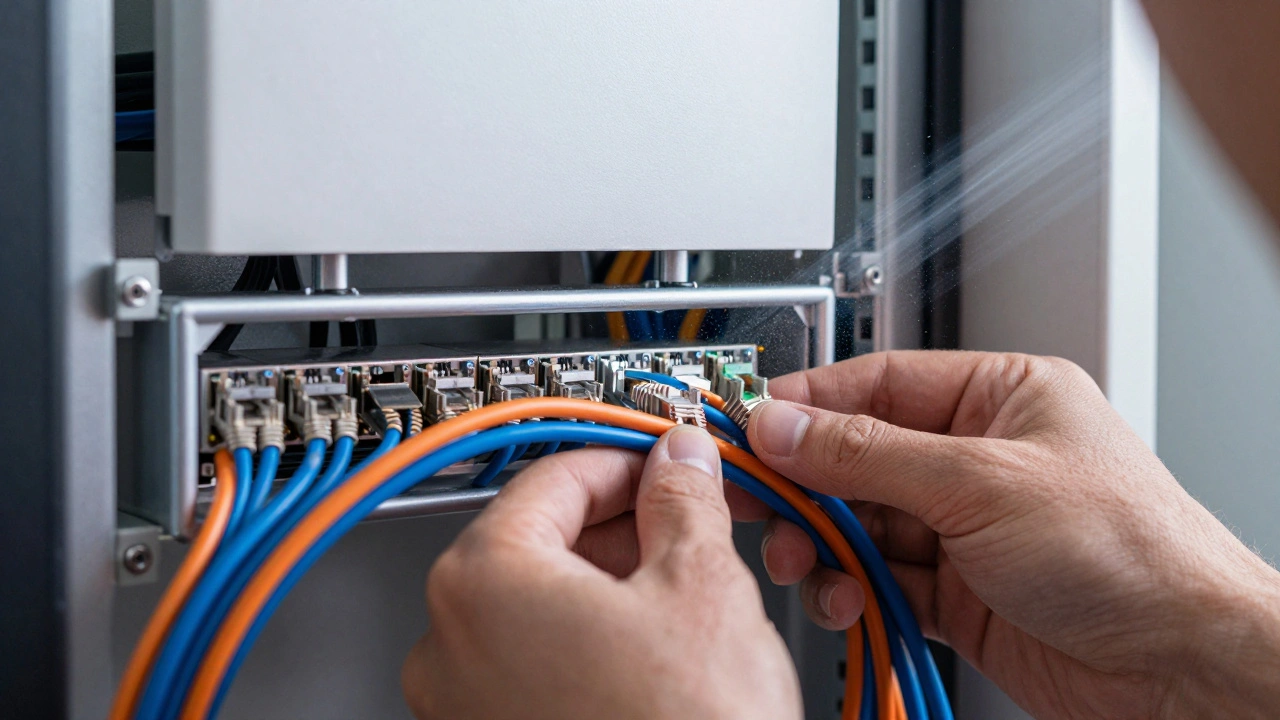
Technicians typically install enterprise-grade hardware rather than consumer boxes from the ISP. Think Ubiquiti or Netgear Orbi systems. They will likely run Ethernet cables-Cat6 or Cat6a-to key locations like the garage, backyard, and media room. Yes, this means some drywall patching, but pros are good at hiding these lines. They might use existing conduit or drill small holes behind baseboards.
The goal is a mesh network that provides seamless coverage. When you walk from the living room to the bedroom, your phone shouldn’t drop packets. This foundation supports everything else: video streaming, security feeds, and voice assistants. Without this step, your smart home is just a collection of toys waiting to fail.
Device Placement and Hardwiring
Once the network is humming, the real fun begins. This is where lights, locks, and sensors appear. Professional installers prefer hardwired solutions over battery-powered ones whenever possible. Why? Because hardwired devices don’t need charging and offer faster response times.
- Lighting: They replace standard switches with smart dimmers. This keeps your existing fixtures but adds control. You can schedule lights to fade in at sunrise or sync them with your TV.
- Security: Doorbells and cameras are mounted at optimal heights. Pros check power sources and ensure cables are concealed so burglars don’t see easy targets to cut.
- Climate: Thermostats are swapped out. Technicians verify compatibility with your HVAC system, especially if you have a multi-stage furnace or heat pump common in Pacific Northwest homes.
For wireless devices like motion sensors or leak detectors, placement is strategic. A motion sensor isn’t just stuck anywhere; it’s placed to avoid false triggers from sunlight or pets. A water sensor goes near the water heater and under sinks, not just randomly in the basement.
System Integration and Programming
Installing the hardware is only half the job. The magic happens in the software. Your devices need to talk to each other. This is called integration. A pro doesn’t just give you five different apps to open every morning. They unify them into one ecosystem.
Platforms like Home Assistant, Hubitat, or Samsung SmartThings act as the brain. The technician configures "scenes" and "automations." For example, a "Good Morning" scene might raise the blinds, start the coffee maker, and read out the weather forecast. A "Away" mode arms the security system and lowers the thermostat.
This stage involves testing. They will simulate events to ensure reliability. Does the garage door close when you leave? Does the front light turn on when motion is detected after sunset? If something lags, they tweak the code or adjust the sensor sensitivity. This is where experience matters-a novice might set up basic rules, but a pro anticipates edge cases, like what happens if the internet goes down.
Training and Handover
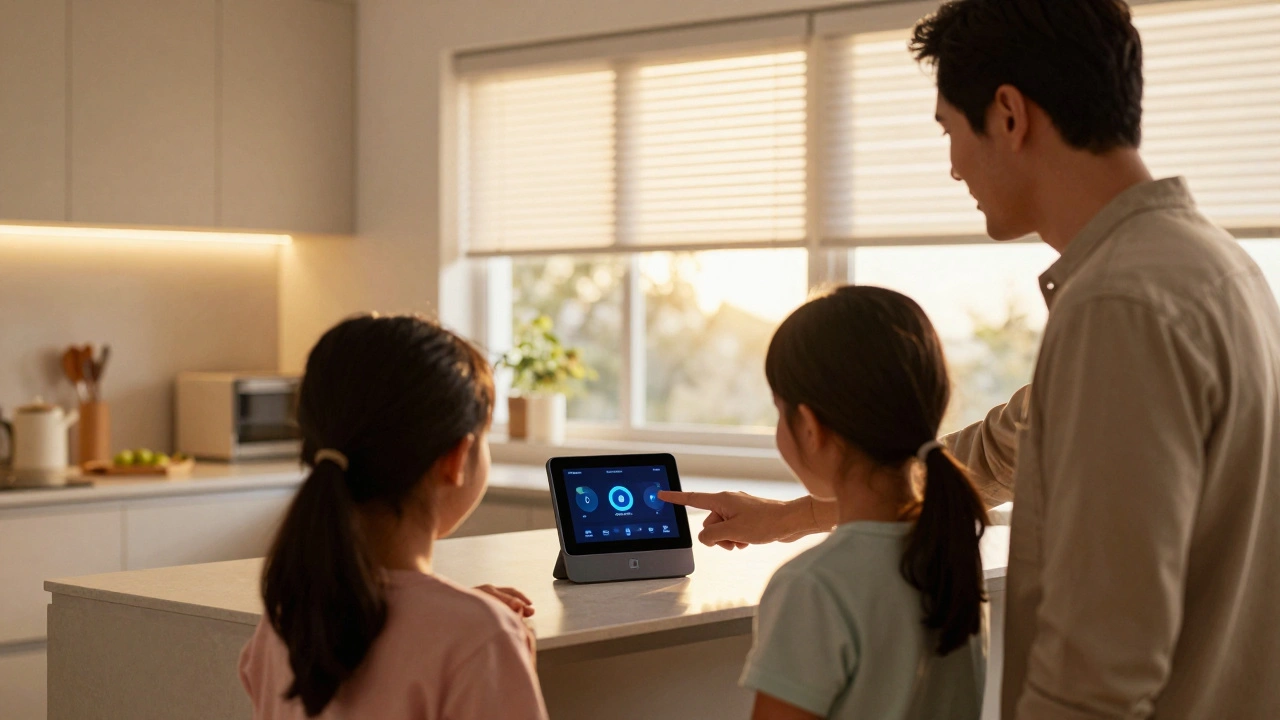
The final step is teaching you how to use your new home. Many users buy smart tech and then revert to manual controls because the interface is confusing. A professional handover includes a dedicated training session.
You’ll learn how to create routines, add family members to the app, and troubleshoot minor issues. Good installers provide documentation or a custom guide tailored to your setup. They explain which devices are offline-capable and which require cloud connectivity. This empowers you to make changes without calling support for every light bulb change.
| Feature | DIY Setup | Professional Installation |
|---|---|---|
| Network Quality | Consumer-grade routers, potential dead zones | Enterprise mesh, wired backhaul, optimized coverage |
| Device Reliability | Battery-dependent, frequent maintenance | Hardwired options, low maintenance, higher uptime |
| Integration | Siloed apps, limited automation | Unified platform, complex logic, offline capabilities |
| Aesthetics | Visible wires, haphazard placement | Concealed cabling, strategic positioning |
| Support | Online forums, manufacturer chat | Dedicated technician, warranty on labor |
Common Pitfalls to Avoid
Even with pros, things can go sideways if you aren’t prepared. One major issue is scope creep. You might decide halfway through that you want whole-house audio too. While possible, adding features mid-install delays the project and increases costs. Stick to the plan agreed upon in the survey.
Another pitfall is ignoring your internet service provider (ISP). Some ISPs throttle bandwidth or use outdated modems. Ensure your ISP plan supports the number of devices you’re adding. A smart home with 50+ devices needs robust upload speeds, especially for video streaming.
Also, consider future-proofing. Ask your installer about Zigbee, Z-Wave, or Thread protocols. These local wireless standards are more reliable than Wi-Fi for sensors. If they only push Wi-Fi devices, you might face congestion later. A knowledgeable pro will mix protocols to keep your network clean.
How long does a professional smart home installation take?
A typical residential installation takes 1 to 3 days. Simple setups with few devices might finish in a day, while comprehensive systems involving wiring, network upgrades, and complex automation can span a week. The site survey usually happens a few days prior to the actual install.
Do I need to be home during the entire installation?
You should be present for the initial survey and the final handover/training. During the middle days, you may not need to stay, but someone should be available to answer questions or grant access to locked areas. Pets should be secured to allow technicians to move freely.
Will the installation damage my walls or decor?
Professional installers aim for minimal impact. They use thin cables and hide them behind trim or baseboards. Any necessary holes are patched and painted to match your walls. However, running new Ethernet lines may involve minor cosmetic repairs, which are typically included in the service.
Can I add more devices later after the professional install?
Yes, most systems are scalable. However, it’s best to plan for future expansion during the initial survey. Adding devices later is easier if the network infrastructure is already robust. You can usually add plug-and-play devices yourself, but complex integrations may require a follow-up visit.
What happens if my internet goes down?
A well-designed professional system prioritizes local control. Lights, locks, and sensors should still function via local hubs (like Zigbee or Z-Wave) even without internet. Cloud-dependent features like remote monitoring will pause until connectivity is restored. Ask your installer about offline capabilities.