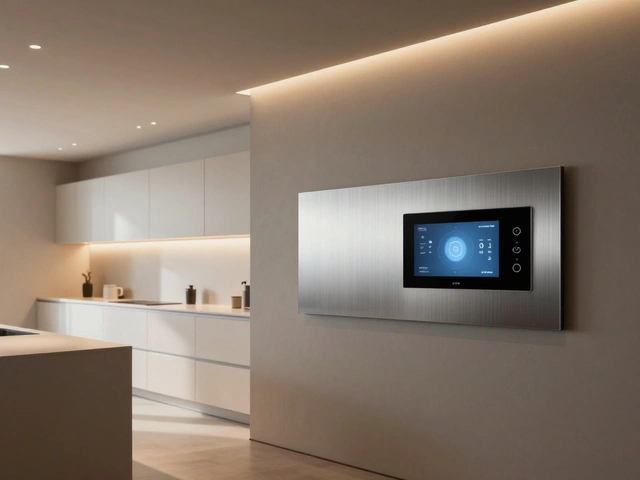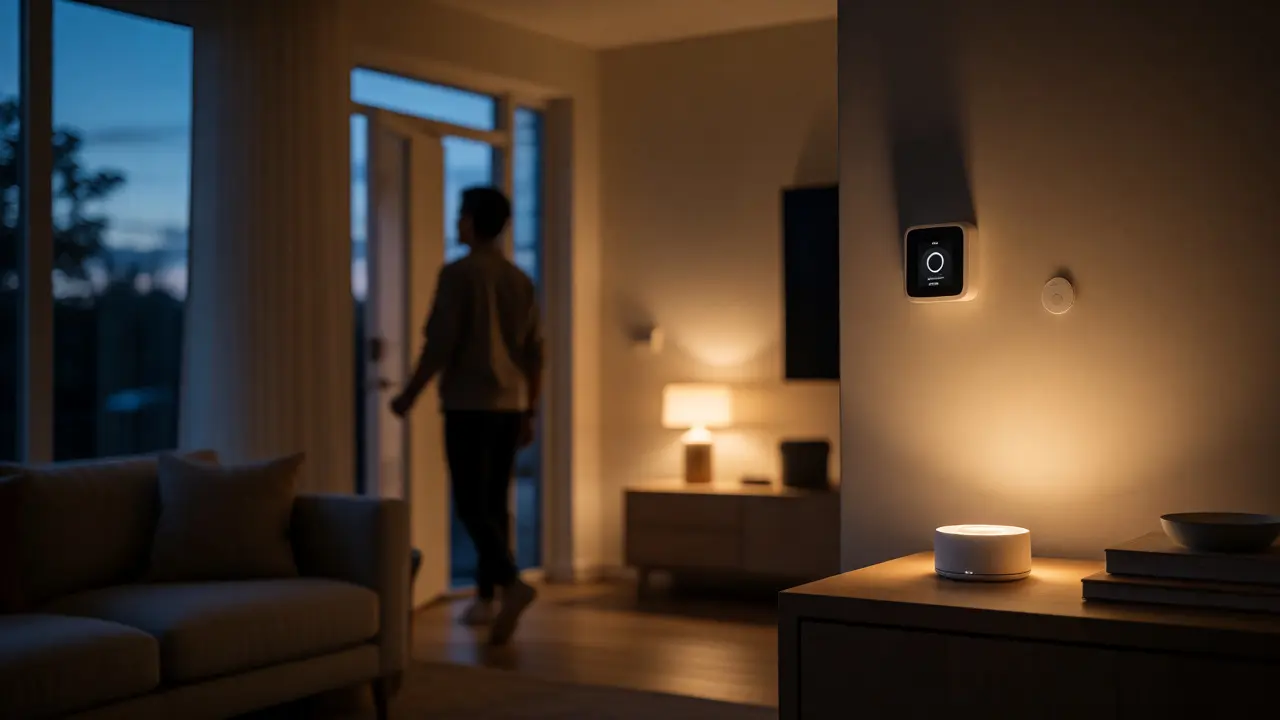
You walk into your house, and the lights turn on automatically. The thermostat adjusts to your preferred temperature before you even take off your coat. Your coffee maker starts brewing because it knows you’re home. This isn't science fiction from a 1990s movie; it's a standard Smart Home setup in 2026. But if you've ever stared at a pile of boxes labeled "Wi-Fi," "Zigbee," or "Matter" and felt completely lost, you're not alone.
The confusion usually stems from one question: How does this actually work? Do I need a robot butler? Do I need to rewire my entire house? The answer is simpler than most marketing brochures let on. A smart home is just a network of connected devices that communicate with each other and you. It’s about convenience, energy savings, and security. Let’s break down exactly what makes a home "smart" and how these systems talk to each other without turning your living room into a tech support nightmare.
The Core Components of a Smart Home
At its heart, a smart home consists of three main layers: sensors, actuators, and controllers. You might have heard terms like "IoT" (Internet of Things), which is just the umbrella term for physical objects embedded with electronics, software, sensors, and network connectivity. In your house, this translates to specific hardware.
Sensors are the eyes and ears of your system. They detect changes in the environment-motion, temperature, humidity, light levels, or door openings. For example, a motion sensor doesn't control anything directly; it just reports that someone walked into the hallway. These devices are passive until triggered.
Actuators are the hands and feet. They perform actions based on commands. A smart lock unlatches a door. A smart bulb changes color or brightness. A smart plug cuts power to a coffee machine. Actuators do the physical work.
Then there are the Controllers, often called hubs or bridges. These are the brains. They receive data from sensors, process it according to rules you set (or AI algorithms), and send commands to actuators. Some controllers are dedicated hardware devices like a Samsung SmartThings hub or an Apple HomePod. Others are cloud-based services managed by companies like Amazon or Google. Without a controller, your devices are just isolated gadgets that don't know how to work together.
How Devices Communicate: The Language of Smart Homes
This is where most people get stuck. Your Wi-Fi router connects to the internet, but do all your smart bulbs use Wi-Fi? Absolutely not. Using Wi-Fi for every single device would clog your bandwidth and drain battery-powered sensors quickly. Instead, smart homes rely on various communication protocols.
Think of these protocols as different languages. If your light bulb speaks Zigbee and your speaker only understands Bluetooth, they can't talk unless you have a translator (a hub) in between.
| Protocol | Best Use Case | Range | Power Consumption | Pros | Cons |
|---|---|---|---|---|---|
| Wi-Fi | High-bandwidth devices (cameras, speakers) | Long (house-wide) | High | No extra hub needed; direct internet access | Can congest network; high power draw |
| Zigbee | Sensors, lights, locks | Medium (mesh network extends range) | Very Low | Battery efficient; reliable mesh network | Requires a compatible hub |
| Z-Wave | Security systems, lighting | Medium (mesh network) | Low | Less interference than Wi-Fi; robust | Slower speed; proprietary licensing fees |
| Bluetooth | Short-range control (locks, remotes) | Short | Low | Direct phone connection; no hub needed | Limited range; poor for large homes |
| Matter | New universal standard (2024-2026 era) | Varies (uses Thread/Wi-Fi) | Varies | Interoperability across brands | Still maturing; requires compatible ecosystem |
Notice the entry for Matter. Launched widely in 2023 and fully adopted by major players by 2025, Matter is a unified application layer protocol. It allows devices from different manufacturers to work together seamlessly. Before Matter, buying a Philips Hue bulb meant you were locked into the Hue ecosystem or needed a specific bridge. Now, if both your bulb and your voice assistant support Matter, they should just work. It’s a game-changer for avoiding vendor lock-in.
The Role of Hubs and Ecosystems
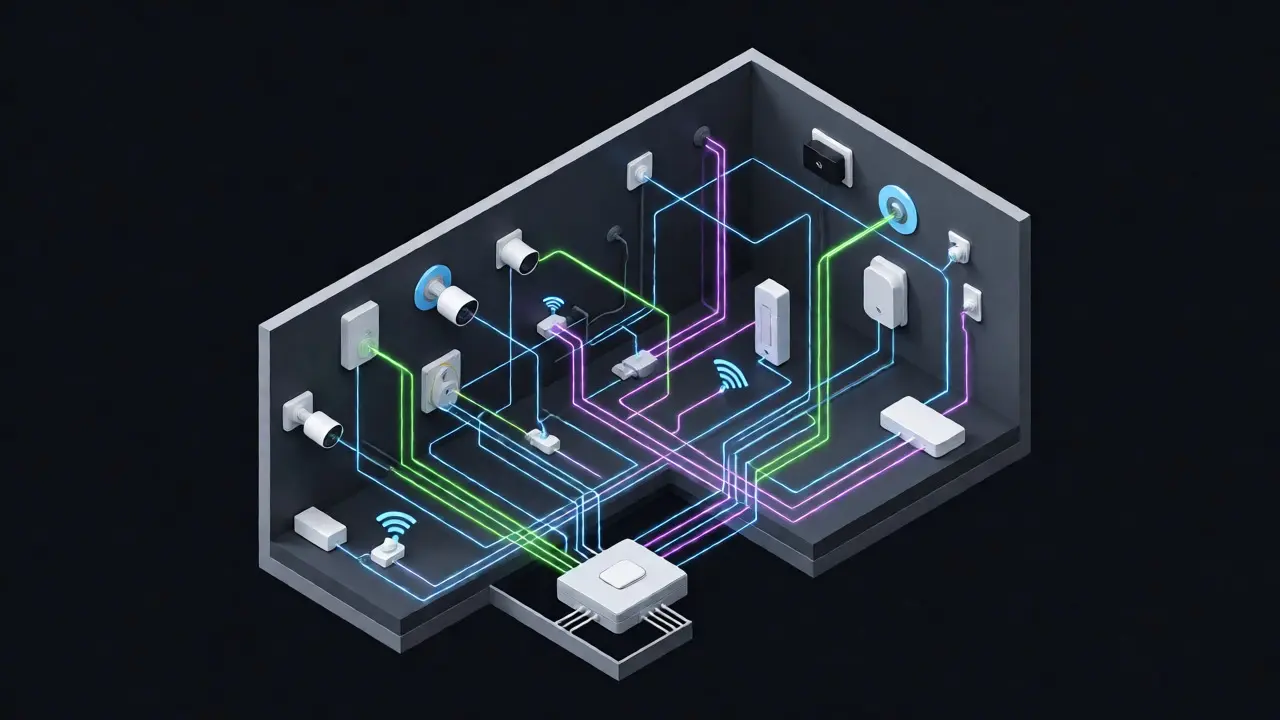
You might wonder, "Do I really need a hub?" The answer depends on your ecosystem choice. An Ecosystem is the platform that ties everything together, such as Apple HomeKit, Amazon Alexa, Google Home, or SmartThings.
Apple HomeKit traditionally required accessories to be certified and often used a central hub like an Apple TV or HomePod Mini for remote access. However, newer HomeKit Secure Video cameras and Matter-compatible devices reduce the need for complex setups. Amazon Alexa and Google Home are more flexible, allowing many devices to connect directly via Wi-Fi or Bluetooth without a dedicated hub, though performance can suffer if you have dozens of devices.
A dedicated hub offers local processing. This means if your internet goes out, your motion sensor can still tell your lights to turn on. Cloud-only systems fail when the connection drops. For critical functions like security alarms or garage door controls, local processing via a hub is significantly more reliable. Plus, hubs often support multiple radio frequencies (Zigbee, Z-Wave, Thread), acting as a universal translator for mixed-brand devices.
Automation: Making Your Home Proactive
Controlling devices manually via an app is fine, but true smart home magic happens with automation. This is where you define rules: "If X happens, then do Y."
Let’s look at a real-world scenario. You want your porch light to turn on when it gets dark and someone approaches. You’d set up a rule using two entities:
- Trigger: Ambient light sensor detects darkness AND motion sensor detects movement.
- Action: Turn on the smart porch light.
- Condition: Only if the time is after sunset.
Without this logic, you’d either leave the light on all day (wasting energy) or forget to turn it on at night. Advanced automations go deeper. Imagine your smoke detector triggers. The smart system doesn’t just sound an alarm; it unlocks the front door for firefighters, turns on all interior lights for visibility, and sends a push notification to your phone with a live video feed from your doorbell camera.
Geofencing is another powerful feature. By linking your smartphone’s GPS location to your home system, the house knows when you’re leaving or arriving. As you drive away, the thermostat switches to Eco mode, and the security system arms itself. When you’re five minutes from home, the AC kicks on so you walk into a cool house. This saves significant energy compared to running HVAC systems all day.
Security and Privacy Concerns
Connecting your toaster to the internet sounds convenient, but it introduces risks. Every connected device is a potential entry point for hackers. Remember the case where a hacker remotely controlled a fish tank thermometer in a casino? While rare, it highlights that weak security on IoT devices can compromise larger networks.
To protect yourself, follow these best practices:
- Change Default Passwords: Never leave devices on "admin/admin." Create unique, strong passwords for each device.
- Use Guest Networks: Keep smart devices on a separate Wi-Fi SSID from your laptop and phone. If a cheap smart bulb is hacked, the attacker can’t easily reach your personal files.
- Update Firmware: Manufacturers release patches for security vulnerabilities. Enable auto-updates whenever possible.
- Check Data Policies: Does the manufacturer sell your usage data? Some voice assistants record snippets of audio to improve accuracy. Review privacy settings regularly.
Encryption matters too. Modern standards like WPA3 for Wi-Fi and TLS 1.3 for web traffic ensure that data traveling between your device and the server is scrambled. Older protocols like WEP are obsolete and vulnerable.
Getting Started: A Beginner’s Roadmap
If you’re new to this, don’t buy ten devices at once. Start small to learn the quirks of your chosen ecosystem.
Step 1: Pick an ecosystem. If you own an iPhone, start with Apple HomeKit. If you use Android, Google Home is intuitive. If you already have Echo dots everywhere, stick with Alexa. Mixing ecosystems is possible but adds complexity.
Step 2: Buy a starter kit. A smart plug and a smart bulb are low-cost ways to test compatibility. Ensure they support Matter or your chosen ecosystem natively.
Step 3: Set up basic scenes. Create a "Good Morning" scene that turns on lights and reads your calendar. Test reliability over a week before expanding.
Step 4: Expand strategically. Add sensors next. Motion sensors are great for closets or hallways. Door/window sensors help with security. Then consider comfort upgrades like smart thermostats (e.g., Nest Learning Thermostat or Ecobee), which offer measurable ROI through energy savings.
By November 2026, the market has stabilized around Matter-compatible devices. Look for the Matter logo on packaging. It guarantees interoperability across Apple, Google, Amazon, and Samsung platforms. This reduces the risk of buying a device that becomes useless if you switch phones.
Do I need internet for my smart home to work?
Not always. Local automations (like motion-triggered lights) often work without internet if processed by a local hub. However, remote access (controlling devices while away) and voice assistant responses typically require an active internet connection. Cloud-dependent features will fail during outages.
What is the difference between Wi-Fi and Zigbee devices?
Wi-Fi devices connect directly to your router and consume more power, making them suitable for plugged-in devices like cameras. Zigbee devices use a low-power mesh network, requiring a hub but offering better battery life and less congestion for sensors and lights.
Is Matter better than existing smart home standards?
Matter improves interoperability, allowing devices from different brands to work together without extra bridges. It doesn't replace Wi-Fi or Zigbee but acts as a common language on top of them. For new purchases in 2026, choosing Matter-compatible devices future-proofs your setup.
Can smart home devices be hacked?
Yes, any connected device can be targeted. Risks increase with outdated firmware or weak passwords. Mitigate this by using strong credentials, updating software regularly, and isolating IoT devices on a separate network segment.
How much does a basic smart home cost?
A starter setup with a hub, two smart bulbs, and a smart plug can cost under $100. A comprehensive system with security cameras, locks, thermostats, and sensors can range from $500 to several thousand dollars depending on brand preferences and installation complexity.