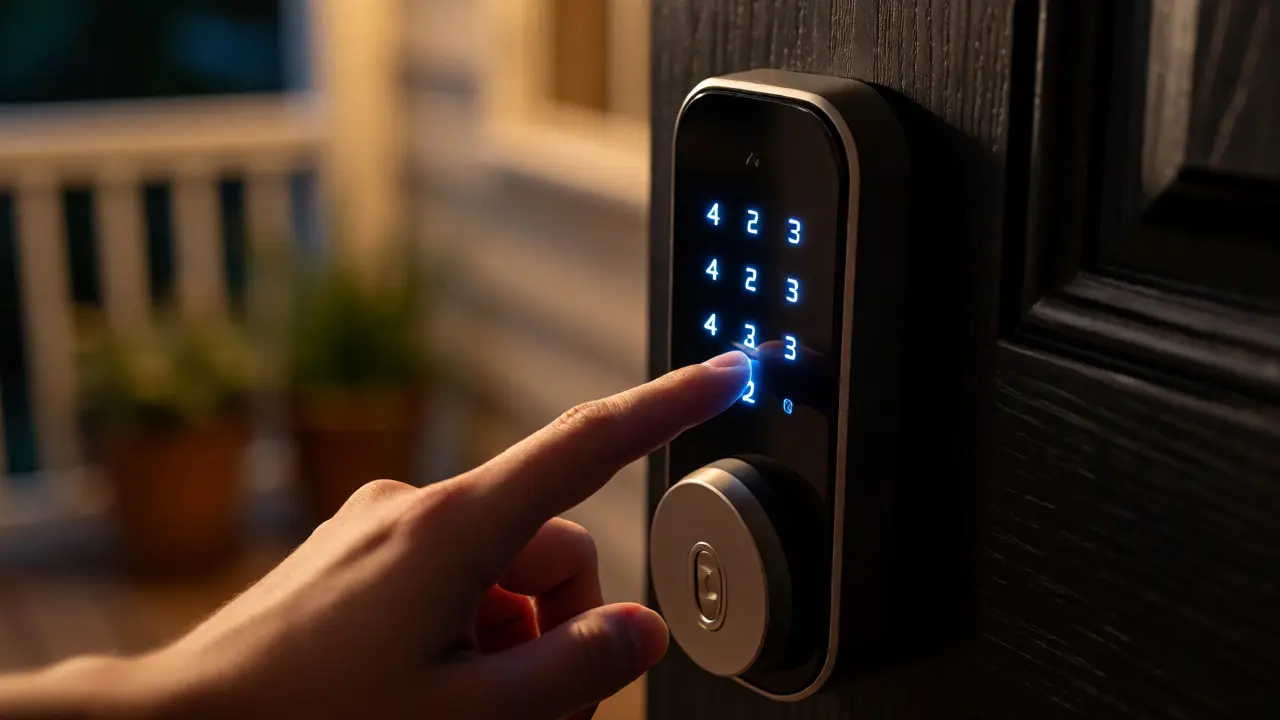
You know that moment when your Airbnb guest texts you at 2 AM because they can't find the spare key under the mat? Or when the delivery driver leaves a note saying they "tried to deliver" but actually just walked past your door? Traditional keys are a logistical nightmare for anyone hosting guests, hiring cleaners, or expecting packages. You end up with a ring of fobs, a hidden box on the porch, and a constant worry about who has access to your home.
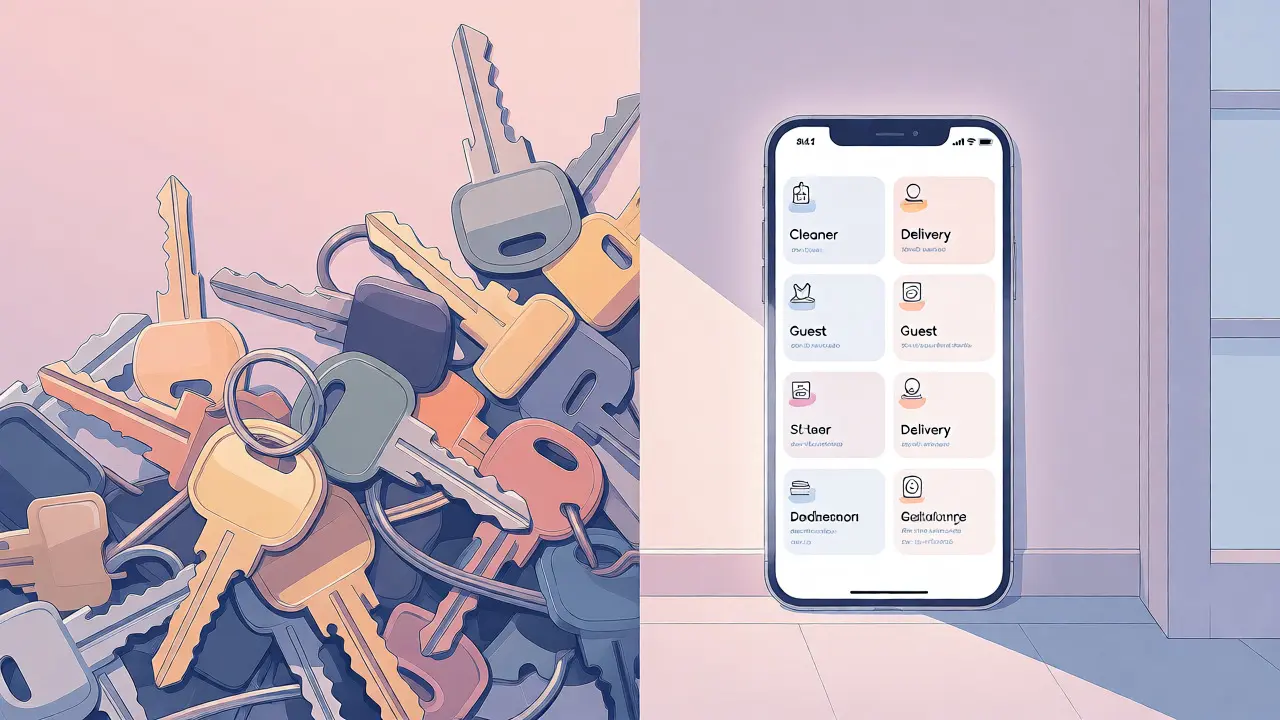
Smart lock access codes solve this by turning your front door into a programmable interface. Instead of handing over physical metal, you generate unique digital keys-PINs, mobile credentials, or temporary passes-that expire automatically. This isn't just about convenience; it's about control. You decide exactly who enters, when they enter, and how long their access lasts. Whether you're managing a rental property in Portland or just want to let the dog walker in without being home, understanding how to configure these codes is essential for modern home security.
The Anatomy of Smart Lock Credentials
Not all access methods are created equal. When you set up a smart lock, you're usually choosing between three main credential types, each serving a different purpose. Knowing which one to use prevents security gaps and user frustration.
- Permanent PINs: These are static 4-6 digit codes assigned to family members or trusted staff like housekeepers who visit weekly. They don't expire unless you manually delete them. Best for people you trust long-term.
- Temporary/One-Time PINs: Generated for specific windows (e.g., Tuesday 10 AM-12 PM). Once used or expired, the code becomes invalid. Perfect for Airbnb check-ins or one-off deliveries.
- Mobile Keys: Bluetooth or Wi-Fi based credentials sent via an app (like August Connect or Yale Access). These require the user to have the app installed and often rely on their phone's battery. Great for tech-savvy users but risky if their phone dies.
Most homeowners make the mistake of using permanent PINs for short-term guests. If your plumber uses code #1234 today, does he still have access next year? Probably, unless you remember to change it. Temporary codes eliminate this "ghost access" problem entirely.
Setting Up Guest and Cleaner Workflows
Managing recurring service providers requires a balance between ease of use and security. Your cleaner shouldn't need to download a complex app every time she visits, but you also don't want her having 24/7 access to your bedroom at midnight.
Here’s a practical setup strategy for regular staff:
- Create a Named Profile: In your lock's app (whether it's Schlage Encode, Aqara, or Level), create a profile named "Cleaner - Maria."
- Assign a Unique PIN: Generate a random 6-digit code. Avoid birthdays or sequential numbers like 123456, which are easy to guess if someone watches you type it.
- Set Time Restrictions: Configure the schedule so the code only works Monday-Friday between 9 AM and 5 PM. If Maria tries to enter at 8 PM, the lock stays shut.
- Enable Auto-Lock: Ensure the lock engages automatically after 30 seconds. This prevents the door from staying ajar if the cleaner carries boxes inside.
This approach gives you an audit trail. Most apps log every entry attempt. If the log shows an entry at 7:45 PM on a Saturday, you know something’s off. Did she work late? Did someone else try the code? The data tells the story.
Handling One-Time Deliveries and Contractors
Deliveries are trickier because timing is unpredictable. Amazon drivers, FedEx couriers, or furniture installers might arrive ten minutes early or two hours late. Giving them a fixed window often fails.
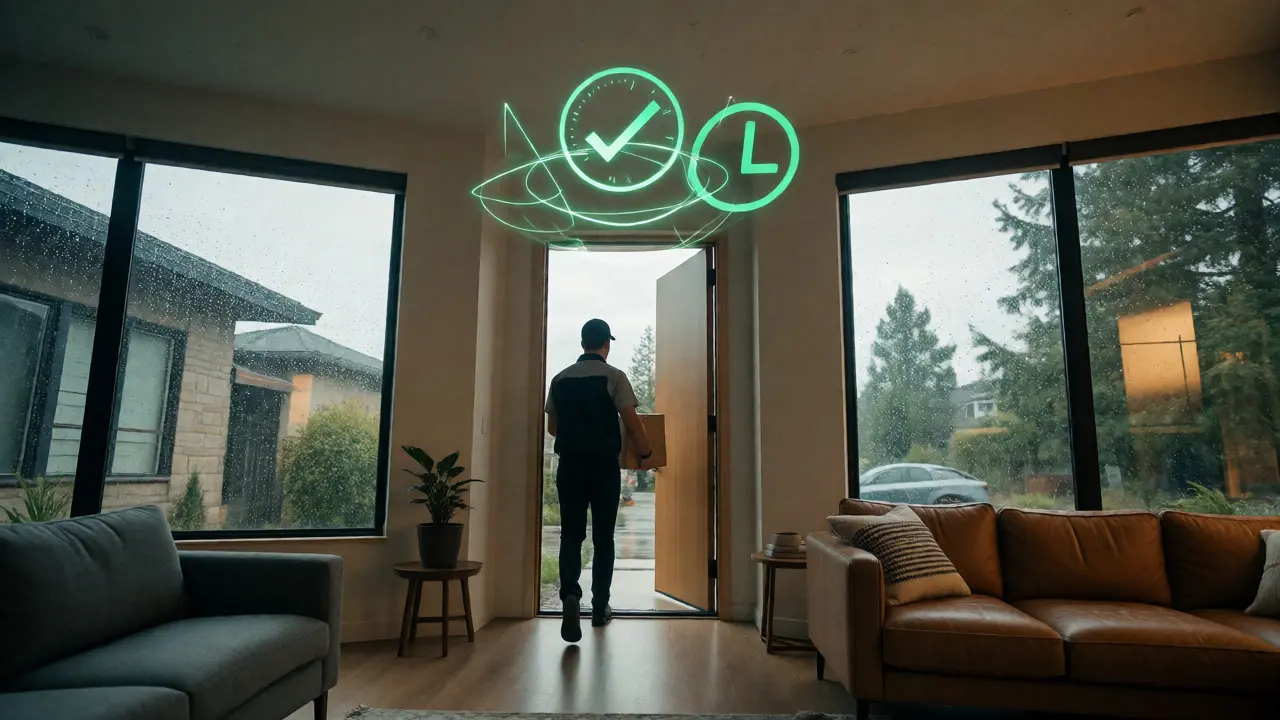
For these scenarios, use expiring single-use codes. Many modern locks allow you to generate a code that works once within a broad timeframe (e.g., valid for 24 hours). Here’s why this matters:
- Security: The code cannot be reused. Even if the driver writes it down, it won’t open the door next week.
- Flexibility: If the delivery slips to tomorrow, you can regenerate a new code instantly without changing the whole system.
- No App Dependency: Drivers rarely download homeowner-specific apps. A simple numeric keypad entry is universal.
A pro tip: For high-value deliveries, combine a temporary code with a camera trigger. Set your smart doorbell to send a notification when the code is entered. This lets you verify who is entering in real-time. If you see an unfamiliar face using your temporary code, you can remotely unlock or lock the door depending on your comfort level.
Security Pitfalls and How to Avoid Them
Smart locks introduce new vulnerabilities that traditional deadbolts don't have. The biggest risk isn't hacking-it's human error.
| Risk Factor | Description | Mitigation Strategy |
|---|---|---|
| Code Shoulder Surfing | Guests or neighbors watching you type the code. | Use longer codes (6+ digits) and enable "fake touch" features where available. |
| Stale Access | Former tenants or contractors keeping old codes. | Rotate master codes quarterly; use expiring codes for non-residents. |
| Battery Failure | Lock runs out of power while locked. | Install low-battery alerts; keep a mechanical backup key or USB-C emergency port. |
| Wi-Fi Dropouts | Remote commands fail during internet outages. | Ensure local Bluetooth functionality remains active for in-range access. |
Another critical issue is code sharing fatigue. If you give five different guests the same code, you lose the ability to revoke access individually. Always assign unique codes per person or per event. It takes ten extra seconds to generate a new code, but saves you from guessing who left the door unlocked last night.
Integration with Home Ecosystems
Your smart lock doesn't live in isolation. It should talk to other devices to create seamless experiences. This is where automation shines.
If you use Apple HomeKit, Google Home, or Amazon Alexa, you can build routines that react to code entries. For example:
- Welcome Routine: When the "Guest Code" is entered, turn on the foyer lights, adjust the thermostat to 72°F, and play a welcome playlist.
- Cleaner Mode: When the "Cleaner Code" is entered, activate robot vacuums and disable motion sensor alarms in living areas to prevent false triggers.
- Delivery Alert: When a temporary code is used, send a text message to your phone with a timestamp and snapshot from the doorbell camera.
In Portland, where rain is frequent, integrating your lock with weather-based automations can be useful. Some advanced setups lock the door tighter if wind speeds exceed certain thresholds, though this is more niche. The primary benefit remains visibility and control.
Troubleshooting Common Issues
Even the best systems glitch. Here are quick fixes for common complaints:
- "The code didn't work": Check if the lock is jammed physically. Sometimes debris in the strike plate prevents full latching, causing the motor to stall. Clean the mechanism with dry lubricant, not WD-40.
- App says 'Offline': If your Wi-Fi bridge disconnects, Bluetooth may still work if you're standing near the door. Restart the router first, then re-pair the lock if necessary.
- Delayed Entry: Some locks have a slight lag between typing the code and the bolt retracting. Wait for the green light or audio confirmation before pulling the handle.
Regular maintenance extends the life of your lock. Replace batteries every six months, even if they show 20% charge. Lithium batteries perform better in cold climates than alkaline ones, which is relevant for Oregon winters.
Frequently Asked Questions
Are smart lock codes secure against hacking?
Yes, provided you use reputable brands with AES-256 encryption. Most hacks occur due to weak passwords or unpatched firmware, not brute-force attacks on the keypad itself. Keep your app updated and avoid default codes.
What happens if my phone battery dies?
You can still enter via PIN. Additionally, many locks offer a physical key override or a portable battery pack connection (like USB-C) to temporarily power the lock and open it.
Can I share access codes with neighbors?
Absolutely. This is great for pet sitters or friends watering plants. Create a "Neighbor" profile with restricted hours so they can't enter unexpectedly late at night.
Do smart locks work without Wi-Fi?
Yes, local functions like PIN entry and Bluetooth unlocking work offline. However, remote monitoring and notifications will pause until connectivity is restored.
How do I revoke access for a former tenant?
Simply delete their profile in the app. If they had a permanent code, removing the profile deletes the code instantly. No need to reprogram the entire lock.