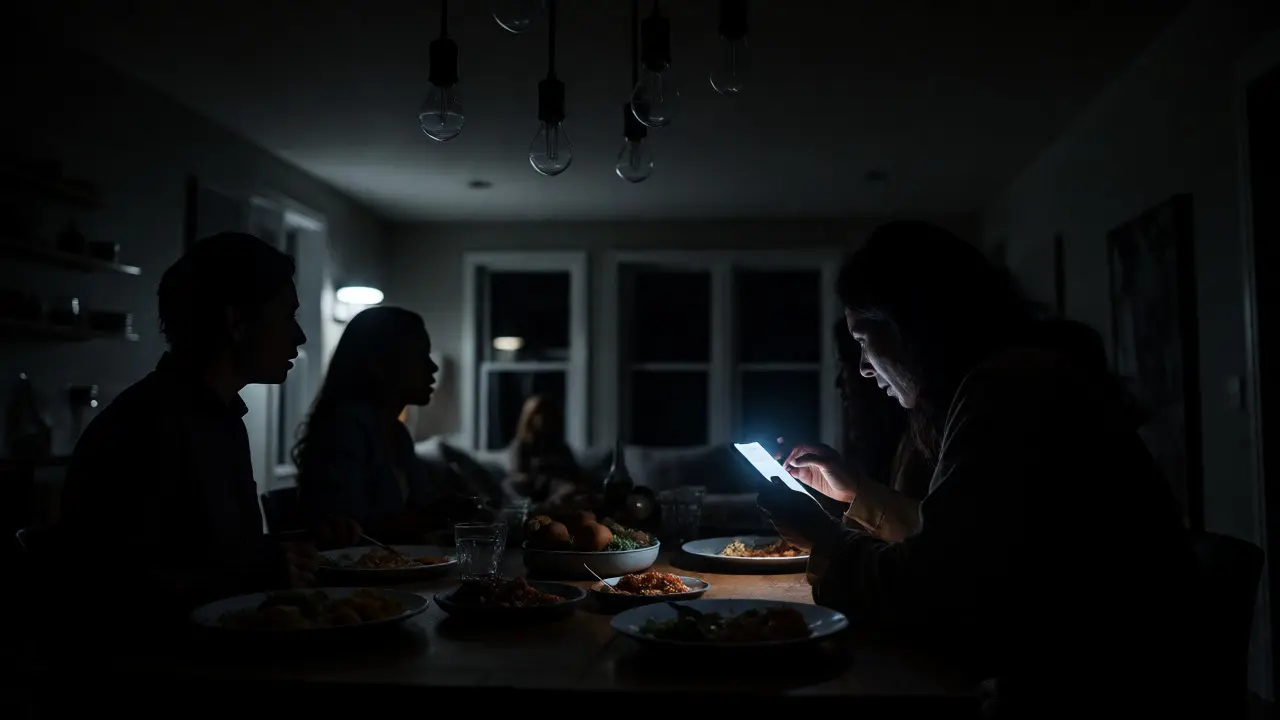
You’re halfway through dinner when the lights flicker and die. The house goes pitch black. In the old days, you’d fumble for a flashlight or a candle. Today, you might instinctively reach for your phone to turn on the smart bulbs via an app, only to realize the Wi-Fi router is down, the hub has no power, and your expensive Philips Hue bulbs are completely unresponsive. This scenario isn’t just annoying; it’s a genuine safety risk. If your family relies on smart lighting for security and navigation, understanding how these systems behave during a blackout is critical.
| Lighting Type | Behavior During Outage | Reboot Time | Control Method | Safety Risk Level |
|---|---|---|---|---|
| Wi-Fi Bulbs | Total failure (no local control) | 2-5 minutes | App/Cloud (unavailable) | High |
| Zigbee/Z-Wave Bulbs | Depends on Hub Battery | Instant if hub powered | Local Switch/Hub | Medium |
| Thread/Matter Bulbs | Depends on Border Router | Instant if router powered | Local Switch/App | Low-Medium |
| Hardwired Smart Dimmers | Failsafe mode (usually ON) | N/A (Mechanical) | Physical Switch | Low |
The Hidden Vulnerability in Your Smart Home
Most people buy smart lights for convenience-voice commands, scheduling, and mood lighting. We rarely think about what happens when the grid fails. The core issue is dependency. A standard incandescent bulb needs one thing: electricity. A smart light is a networked lighting device that requires both electricity and data connectivity to function optimally needs two things: electricity and a functioning communication protocol. When the power goes out, you lose both. Even if you have a battery-powered backup for your router, many smart bulbs don't have their own batteries. They rely entirely on the wall socket. If the hub loses power, the bulbs become dumb glass bricks until the grid returns.
This creates a dangerous gap in home safety. Imagine waking up at 3 AM to use the bathroom. In a traditional home, you flip a switch, and the hallway illuminates. In a poorly configured smart home, you might need to unlock your phone, open an app, wait for a cloud connection that doesn't exist, and hope the bulb remembers its last state. That friction causes trips and falls, especially for elderly residents or young children. It’s not just about comfort; it’s about preventing injury when visibility is compromised.
Understanding Protocol Dependencies
Not all smart lights fail equally. How your system reacts depends heavily on the wireless protocol it uses. Let's break down the big three: Wi-Fi, Zigbee/Z-Wave, and Thread.
Wi-Fi lighting connects directly to your home router using standard internet protocols is the most common entry point because it doesn't require a separate hub. However, it’s also the most fragile during outages. Wi-Fi bulbs usually lack local processing power. They wait for instructions from the cloud or your phone. If your router dies, the bulb has no brain. You can’t even turn it off manually unless you cut power at the breaker, which defeats the purpose. Some newer Wi-Fi bulbs offer a "local fallback" where they default to a specific brightness level if they can't connect, but this is rare and often unreliable.
In contrast, Zigbee and Z-Wave are low-power mesh networking protocols that rely on a central hub for coordination operate differently. These bulbs talk to each other and to a central hub. If your hub has a built-in battery backup (like some models from Samsung SmartThings or Hubitat), the mesh network stays alive as long as the bulbs themselves have power. But here’s the catch: the bulbs still need wall power. So, while the *logic* survives, the *light* doesn’t. Unless you pair these with uninterruptible power supplies (UPS) for the hubs and potentially small inverters for key fixtures, you’re still in the dark.
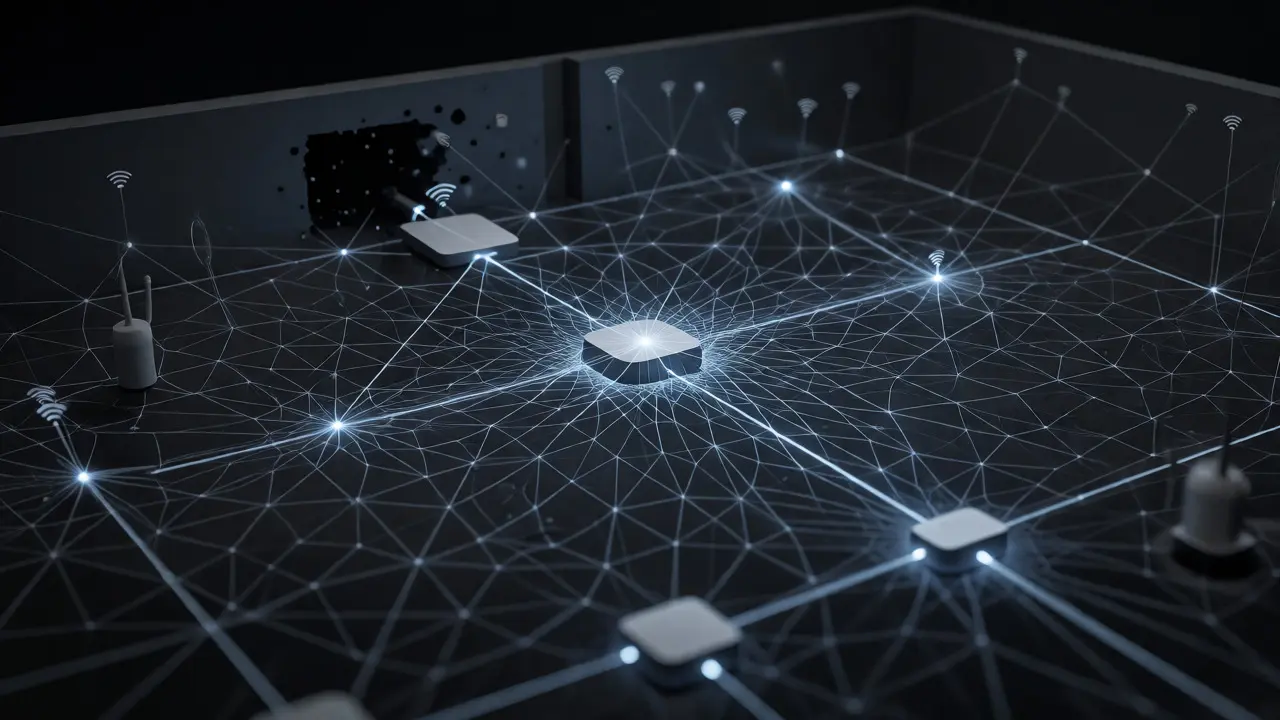
Thread is a modern IPv6-based mesh protocol designed for Matter devices, offering robust local control without a single point of failure changes the game slightly. Because Thread networks are decentralized, if one border router (like an Apple TV or Nest Hub) loses power, another device in the mesh can take over the routing duties. This redundancy means that if you have multiple Thread-enabled devices plugged into different circuits, your lighting logic is more likely to survive a partial outage. Still, remember: Thread handles the data, not the power. The bulbs still go dark if the circuit is dead.
Hardware Solutions for True Reliability
If you want your smart lights to actually work when the power goes out, you need to change your hardware strategy. Relying solely on software features like "auto-on" schedules won't save you. You need physical infrastructure that bridges the gap between the grid and your devices.
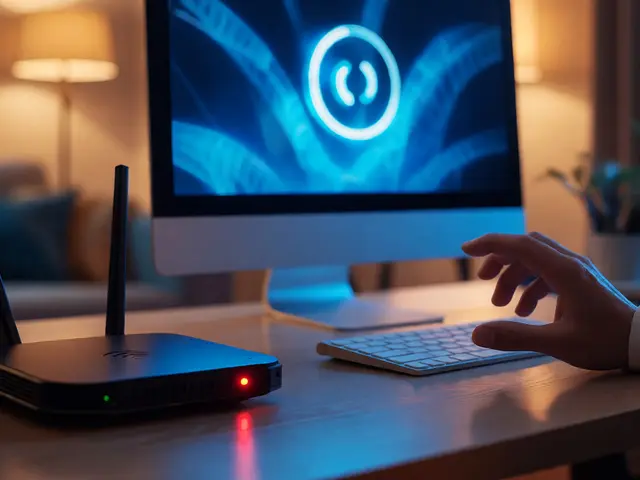
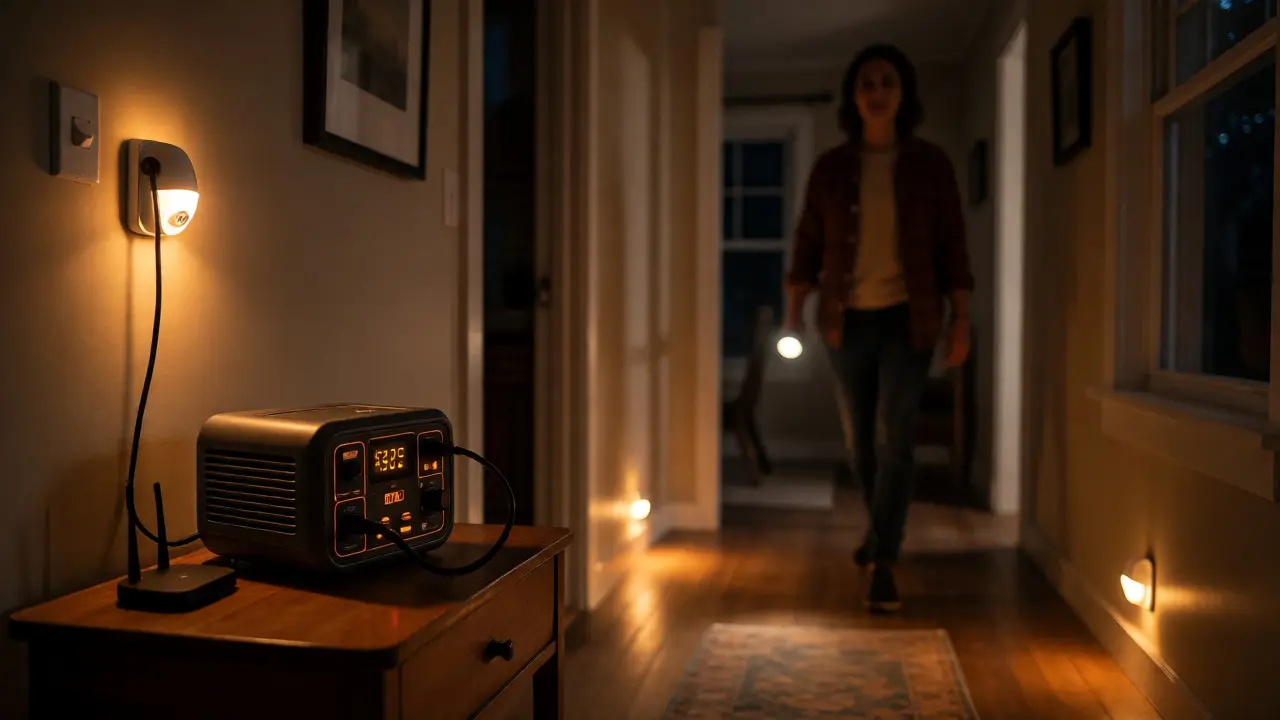
First, consider Uninterruptible Power Supplies (UPS) battery backup units that provide instant power to connected electronics during outages. Plugging your smart hub and main router into a UPS ensures that the "brain" of your smart home stays online. For Zigbee or Thread users, this is step one. However, this doesn't help the bulbs themselves. To keep lights on, you need a larger solution, like a whole-home generator or a portable power station (e.g., EcoFlow or Jackery) connected to specific circuits. This allows you to keep essential hallways and bathrooms lit via smart switches that remain active.
Another effective approach is hybrid switching. Instead of replacing every wall switch with a smart dimmer, install standard mechanical switches for critical paths (stairs, exits) and use smart bulbs only for ambient or decorative lighting. Mechanical switches always work, regardless of network status. If you must use smart switches, look for models with "failsafe" modes. Brands like Lutron Caseta offer hardwired solutions that default to "On" when power is restored, ensuring you aren't stumbling into a dark room after the outage ends. Unlike Wi-Fi switches, Lutron’s Clear Connect technology works locally and doesn't depend on the internet, making it far more resilient.
Configuring Emergency Scenes
Software configuration plays a huge role in safety. Most smart home apps allow you to create scenes, but few people configure them for emergencies. You should set up a dedicated "Power Outage" scene or automation trigger.
- Trigger: Use a smart plug with energy monitoring on your fridge or furnace. If it detects a loss of voltage, it triggers the automation.
- Action: Turn on all available battery-powered smart lights (if any) or send a push notification to your phone saying "Power Outage Detected."
- Post-Outage Reset: Configure automations so that when power returns, lights do not blast back on at 100% brightness. This prevents startling anyone sleeping and saves energy. Set them to fade in slowly or stay off until manually toggled.
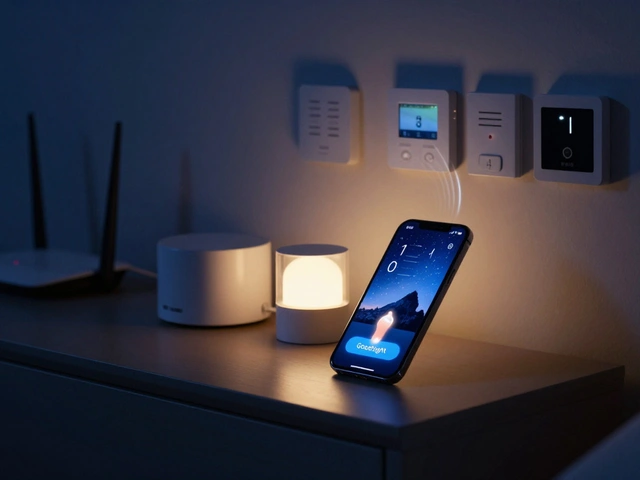
For those using voice assistants, test your routines. Can you say "Alexa, goodnight" if the internet is down? Often, yes, because Echo devices process simple commands locally. But complex scenes requiring cloud integration will fail. Keep your emergency commands simple: "Turn on living room lights" rather than "Activate Movie Mode." Simplicity equals reliability.
Best Practices for Nighttime Navigation
The biggest danger during an outage is moving around in the dark. Here are practical steps to mitigate this risk within a smart home ecosystem.
- Motion Sensors with Battery Backups: Install motion sensors in hallways and near bedrooms. Choose sensors that can send alerts via cellular or radio frequencies (like Z-Wave Long Range) that don't rely on Wi-Fi. Pair these with battery-operated smart nightlights that activate automatically upon motion detection.
- Dumb Fallbacks: Keep traditional flashlights in every bedroom. Don't rely on your phone’s flashlight app exclusively, as phones die quickly and screens drain battery faster than LEDs.
- Labeled Breakers: Ensure your electrical panel is clearly labeled. Knowing which breaker controls the kitchen vs. the living room helps you restore power selectively if you have a generator.
- Test Your System: Once a year, pull the main breaker for 10 minutes. See what happens. Do your cameras record? Do your locks stay engaged? Do your lights turn off instantly? Document the failures and fix them before the next storm hits Portland.
Remember, a smart home is only as safe as its weakest link. By combining robust hardware choices with thoughtful software configurations, you transform your lighting system from a convenient gadget into a reliable safety net.
Do smart bulbs turn on by themselves when power is restored?
It depends on the brand and settings. Many Wi-Fi bulbs revert to their factory default (often fully on) when they reboot. Others may stay off until commanded by the app. Zigbee bulbs usually follow the last state stored in the hub, but if the hub lost power too, they might default to on. Check your specific manufacturer's documentation for "power-on behavior."
Can I use my phone to control smart lights during a power outage?
Generally, no. If the router and hub are unplugged due to the outage, your phone cannot communicate with the bulbs. If you have a UPS powering the router and hub, you can use local IP control via some apps, but cloud-dependent apps will fail. Always assume you cannot control lights via phone during a blackout unless you have a verified local control setup.
Which smart lighting protocol is best for power outages?
No protocol solves the power issue alone, but Thread and Zigbee offer better local resilience than Wi-Fi. If paired with a UPS-backed hub, Zigbee and Thread maintain network integrity better. However, hardwired systems like Lutron Caseta are superior for reliability because they don't rely on wireless signals for basic on/off functionality and have excellent failsafe modes.
Should I get a generator for my smart home?
If you rely on smart locks, security cameras, and lighting for safety, yes. A small portable power station can keep routers, hubs, and a few key LED lights running for hours. This keeps your smart home "alive" and functional, allowing you to monitor your home and navigate safely without relying on candles or flashlights.
How do I prevent smart lights from flashing when power returns?
Many smart bulbs perform a self-test or reset sequence when they regain power, causing a brief flash or color cycle. This is normal. To minimize disruption, ensure your smart home automation includes a "wait" delay after power restoration before turning lights on, or configure bulbs to start in a dimmed state rather than full brightness.