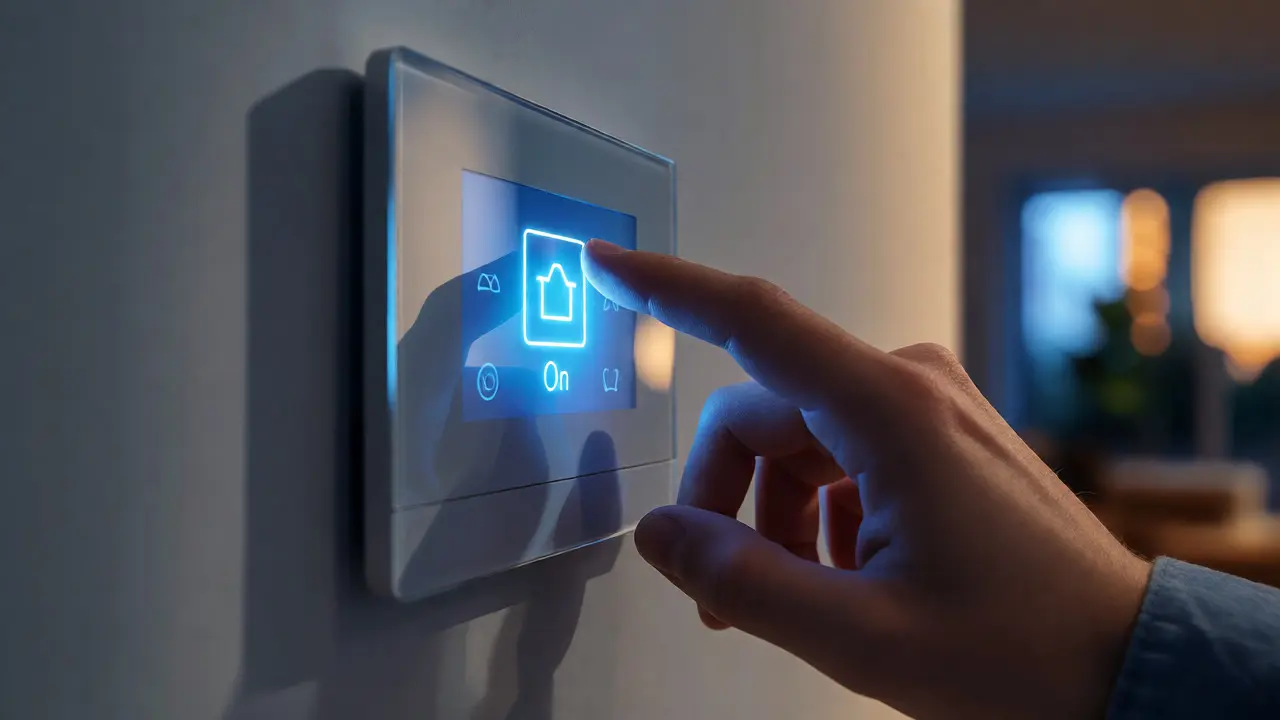
You’ve spent thousands on a sleek new smart home remote or a glass-fronted wall-mounted control panel. It looks like something from a sci-fi movie. But the moment you tap "Lights On," there’s a half-second delay. Or worse, you have to navigate three menus just to adjust the thermostat. That friction kills the magic of automation faster than any buggy firmware update.
Most reviews obsess over specs-battery life, Zigbee vs. Z-Wave, voice assistant compatibility. They rarely talk about what actually matters when you’re standing in your living room at 10 PM with cold hands: how fast does it respond, and can my brain figure out how to use it without reading the manual? This guide breaks down the real-world usability and latency issues plaguing modern smart home interfaces, helping you choose gear that feels instant rather than sluggish.
The Hidden Cost of Latency in Smart Controls
Latency isn’t just a tech buzzword; it’s the difference between feeling like you live in the future and feeling like you’re fighting with a slow computer. In human-computer interaction, anything under 100 milliseconds feels instantaneous. Between 100 and 300 milliseconds, users notice a slight lag but tolerate it. Above 400 milliseconds, the experience starts to feel broken.
Why do some panels drag their feet? It usually comes down to the communication protocol and processing power. A dedicated RF (radio frequency) remote talking directly to a receiver often hits sub-50ms response times because it’s a single-hop, low-data transaction. Contrast this with a Wi-Fi-based tablet interface sending commands through a cloud server, then back to a hub, then to the device. That round-trip can easily spike to 800ms or more during network congestion.
| Control Type | Average Latency | Reliability Factor | Best For |
|---|---|---|---|
| Dedicated RF Remote | 20-60 ms | High | Lighting scenes, AV controls |
| Local Hub Panel (Zigbee/Z-Wave) | 100-250 ms | Medium-High | Thermostats, locks, sensors |
| Wi-Fi Cloud Interface | 400-900+ ms | Variable | Remote access, non-critical tasks |
If you prioritize speed, look for systems that process commands locally. Hubitat Elevation and Home Assistant setups, for example, keep logic on your local network. Even if your internet goes down, your wall panel still flips the lights instantly. Cloud-dependent systems like early generations of Philips Hue bridges struggled here, though newer versions have improved significantly.
Usability: The Cognitive Load Problem
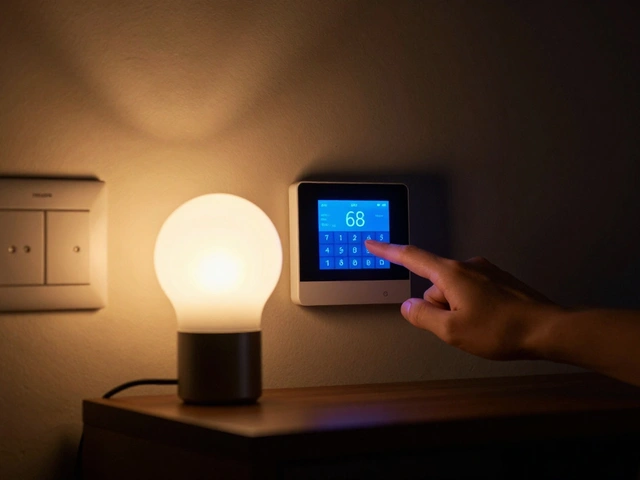
Speed is useless if you can’t find the button. Many smart home panels suffer from what designers call high cognitive load. You walk into a room, see a touchscreen, and freeze. Is "Living Room" a tab? Is the dimmer slider hidden behind a long-press? Does the icon for "Fan" look too much like "Ventilation"?
Physical buttons beat touchscreens for muscle memory. Think about your car dashboard. You don’t look at the climate control icons while driving; you reach for them blindly. The same principle applies to your home. A panel with distinct tactile feedback-clicks, ridges, or separate physical keys for common actions-allows you to operate it without looking. Touchscreens require visual attention, which means you have to stop what you’re doing, look at the wall, find the target, and press it.
Here’s a quick heuristic for evaluating interface complexity before buying:
- The Two-Click Rule: Can you perform your most frequent action (e.g., turning off all lights) in two clicks or fewer? If not, the UI is too deep.
- Icon Clarity: Are the symbols universally understood, or do they rely on brand-specific jargon? A lightbulb is clear. A stylized hexagon might not be.
- Feedback Loops: Does the screen change color or show a spinner immediately upon tapping? Without visual confirmation, users tend to double-tap, causing command conflicts.
I recently tested a popular glass-panel controller that looked stunning but failed the usability test. To lower the blinds, I had to wake the screen, select the "Blinds" tab, wait for the state to sync from the hub, and then drag a slider. Total time: 4 seconds. My old plastic keypad did it in one click. Beauty doesn’t always equal utility.
Hardware Form Factors: Handheld vs. Wall-Mounted
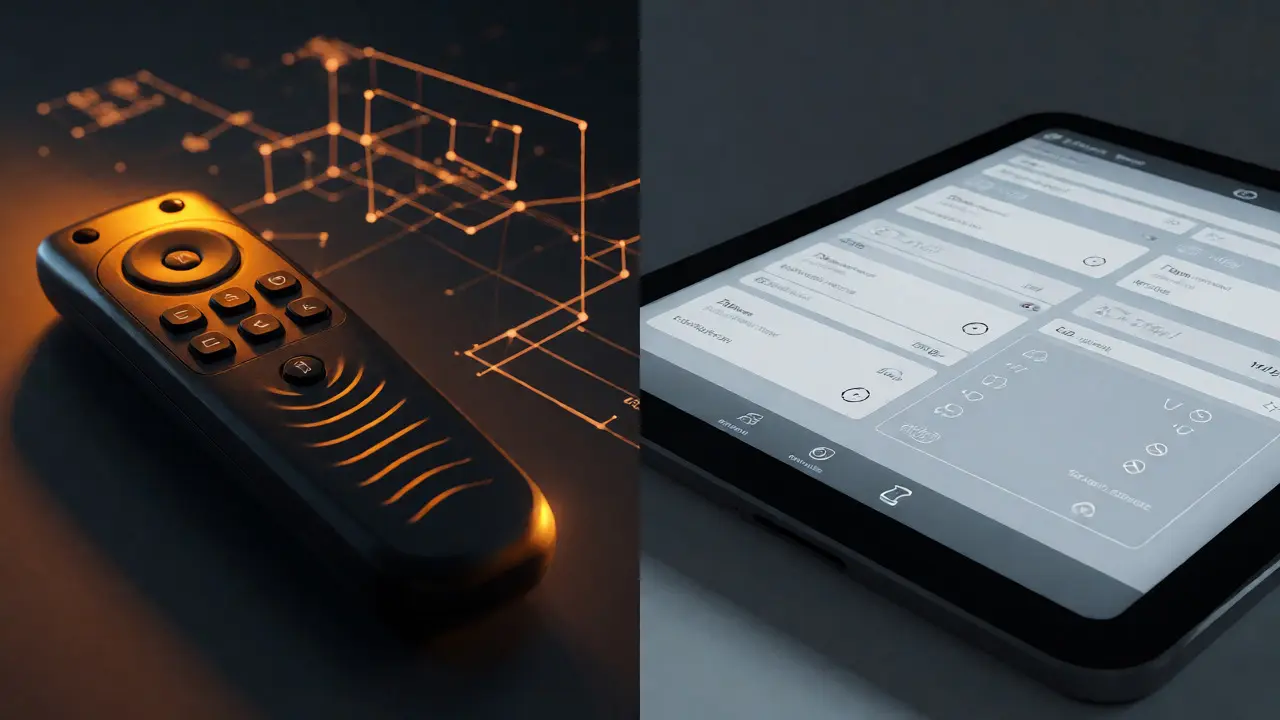
The debate between handheld remotes and fixed wall panels isn’t just about aesthetics; it’s about context. Handheld remotes offer flexibility. You can turn off the TV from bed or adjust the heat from the kitchen. However, they are prone to getting lost, running out of batteries, and being dropped. More importantly, they lack the permanence that encourages habitual use.
Wall panels, on the other hand, become part of the architecture. They are always where you expect them to be. This predictability reduces friction. When you leave a room, you instinctively glance at the doorframe for the switch. If that switch is a smart panel, you’ll use it. If it’s buried in an app on your phone, you’ll likely skip it and leave the lights on.
Consider hybrid approaches. Some manufacturers, like Lutron Electronics, offer wall keypads that pair with handheld remotes. The wall unit handles static zones (lights, shades), while the remote manages dynamic content (volume, source selection). This division of labor keeps each interface simple and focused.
Protocol Impact on User Experience
The underlying wireless technology dictates how your panel behaves. Understanding these protocols helps you troubleshoot lag and connectivity drops.
| Protocol | Range & Penetration | Network Effect | UX Risk |
|---|---|---|---|
| Zigbee | Moderate range, mesh networking improves coverage | Adds devices to strengthen signal | Slower data rates can cause slight delays in complex scenes |
| Z-Wave | Longer range, less interference (sub-GHz) | Limited node count per network | Proprietary nature limits third-party panel options |
| Wi-Fi | High bandwidth, poor penetration through walls | Congestion slows down all devices | High latency during peak usage hours |
| Bluetooth LE | Short range, direct connection | No mesh support typically | Requires proximity; bad for whole-home control |
Zigbee and Z-Wave generally provide a smoother experience for wall panels because they are designed for low-power, reliable signaling rather than high-bandwidth data streaming. Wi-Fi panels are convenient because they don’t need a hub, but they are vulnerable to router bottlenecks. If your family is streaming 4K video while you try to lock the doors via a Wi-Fi panel, expect lag.
Integration and Voice Control Synergy
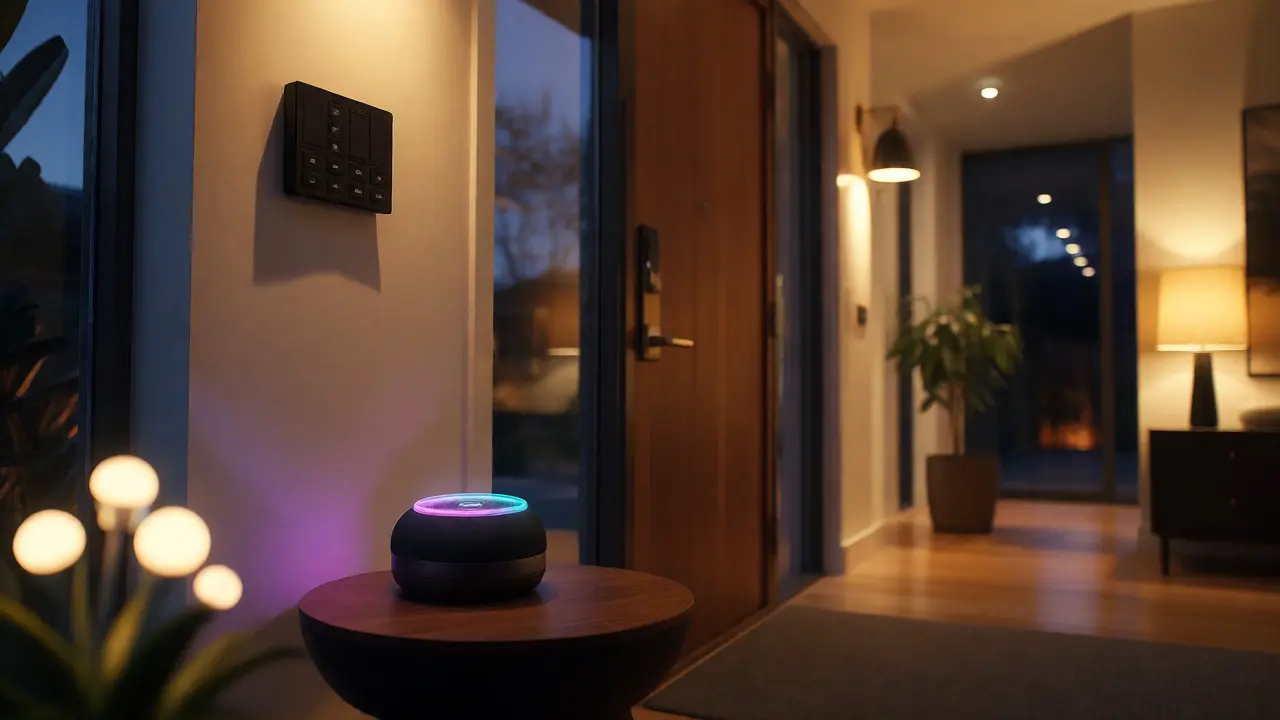
Modern panels rarely work in isolation. They are often gateways to broader ecosystems. The usability question shifts from "Does this button work?" to "How well does this integrate with my voice assistant?"
Voice control solves many latency complaints because it bypasses the visual search entirely. Saying "Alexa, set scene to Movie" is faster than navigating a menu. However, voice has its own usability pitfalls. Misinterpretations happen. If you have to repeat yourself twice, the perceived latency skyrockets. Furthermore, voice isn’t private or polite in shared spaces.
The best setups combine both. Use voice for broad commands (turn everything off) and panels for precise adjustments (dim to 40%). Ensure your panel supports the same ecosystem as your voice assistant. A Apple HomeKit panel works seamlessly with Siri Shortcuts, allowing you to create custom buttons that trigger complex automations. Android users might prefer open-source solutions that allow deeper customization, though the setup curve is steeper.
Troubleshooting Common Latency Issues
If your current setup feels sluggish, don’t rush to buy new hardware. Try these fixes first:
- Check Signal Strength: Move your hub closer to the center of the house. Weak signals cause packet loss, leading to retries and delays.
- Reduce Network Congestion: If using Wi-Fi panels, move them to a dedicated IoT VLAN or a separate 2.4GHz band if possible.
- Firmware Updates: Manufacturers often patch latency bugs. Check the app for updates regularly.
- Clear Cache: On tablet-based panels, clearing the browser or app cache can resolve UI freezes.
- Hard Reset: Sometimes a device gets stuck in a loop. A factory reset and re-pairing can restore snappy performance.
Remember, a smart home should serve you, not the other way around. If you find yourself waiting for the interface to catch up, it’s time to rethink your layout or upgrade your infrastructure. Prioritize local processing, tactile feedback, and simple interfaces. Your future self, standing in the dark trying to find the light switch, will thank you.
Why is my smart home panel slower than my smartphone app?
Panels often run on less powerful processors than smartphones and may rely on different network paths. Additionally, if the panel uses a specific protocol like Zigbee while your phone uses Wi-Fi, the translation layer between the two adds latency. Local hubs usually mitigate this better than cloud-based bridges.
Do battery-powered remotes have higher latency than wired panels?
Not necessarily. Battery-powered remotes using RF or Zigbee can be extremely fast because they send small, efficient packets. Wired panels might be slower if they depend on a congested Wi-Fi network or a busy cloud server. The bottleneck is usually the network path, not the power source.
Is a touchscreen wall panel worth it over physical buttons?
Touchscreens offer flexibility and cleaner aesthetics but lack tactile feedback, requiring visual attention. Physical buttons are faster for repetitive tasks due to muscle memory. For high-traffic areas like entryways, physical buttons or hybrid keypads are often more usable than pure touchscreens.
How does local processing improve usability?
Local processing eliminates the round-trip to the cloud. Commands execute within your home network, reducing latency to milliseconds and ensuring reliability even if your internet connection fails. This makes the interface feel responsive and dependable.
Can I reduce latency by adding more smart devices?
In mesh networks like Zigbee or Z-Wave, adding devices can sometimes improve signal strength and thus reliability, potentially reducing dropouts. However, too many devices on a single channel can cause interference. It’s a balance; optimize placement rather than just quantity.