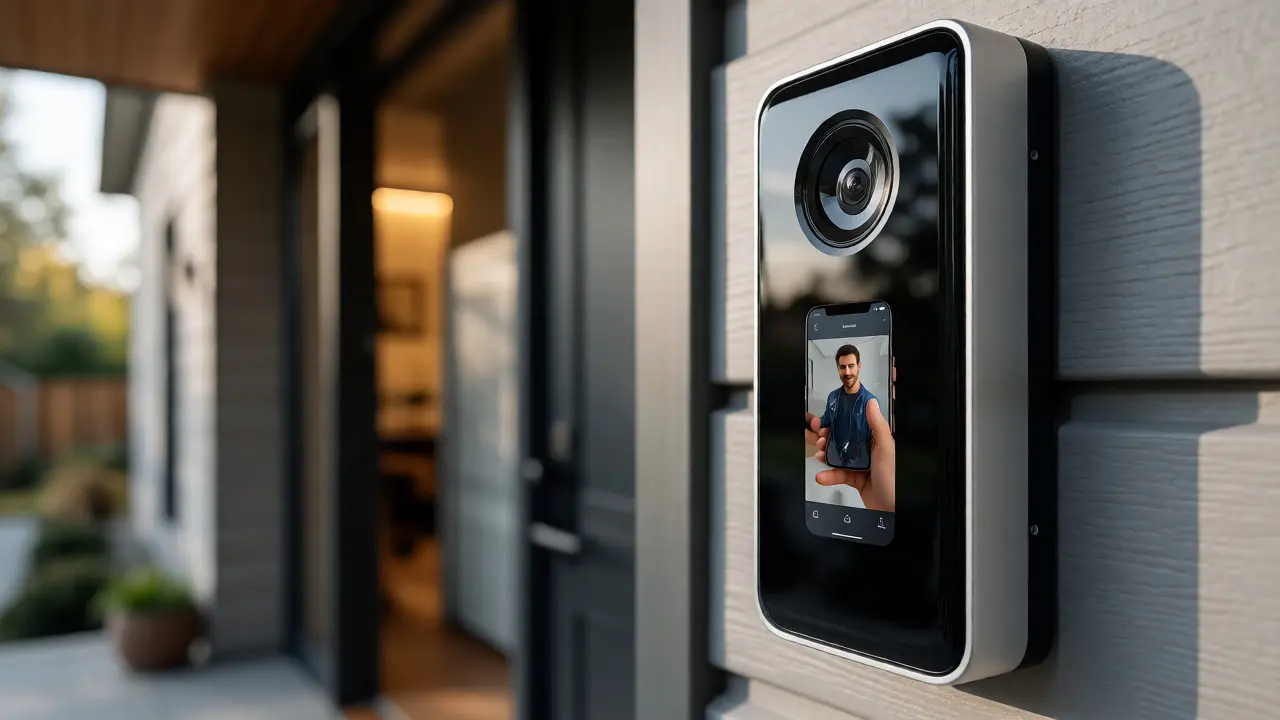
You just installed a new video doorbell. It looks sleek, it works perfectly, and you feel safer knowing you can see who’s at your front door from your phone. But have you ever stopped to think about where that video goes? Who else has access to it? And what happens if the company behind the camera gets hacked?
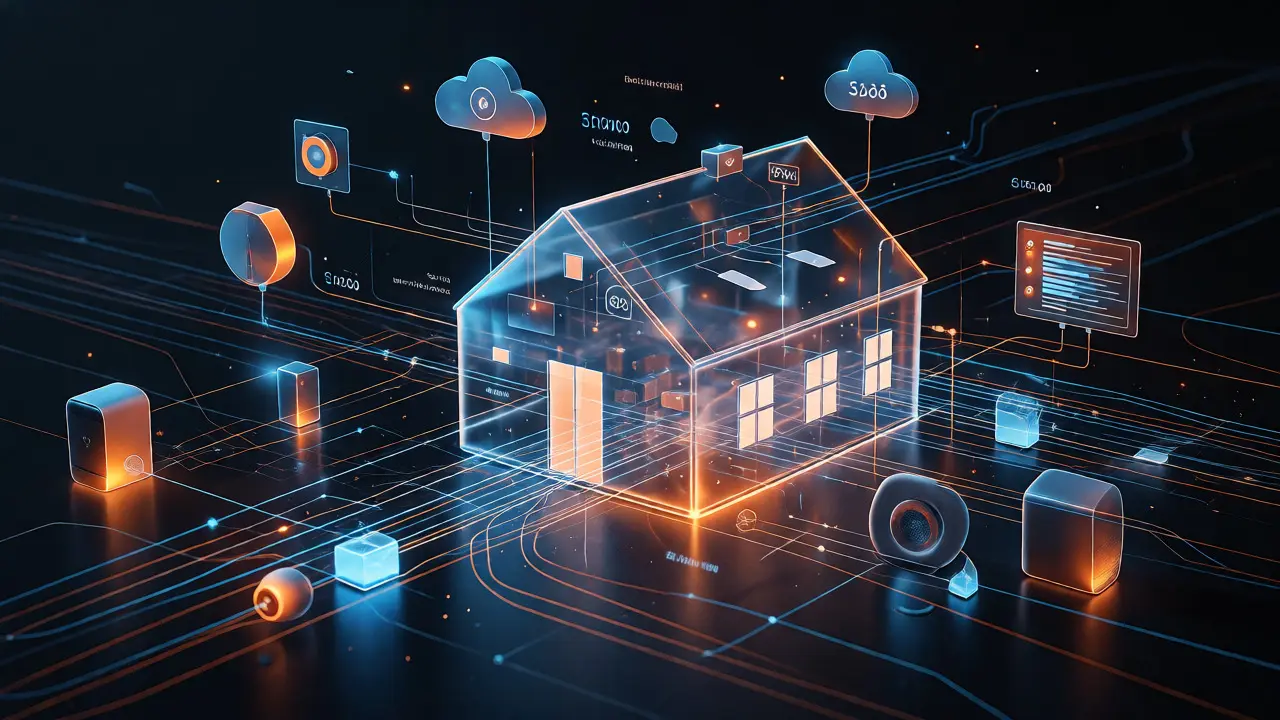
For most homeowners, Smart Home technology is all about convenience. We love turning off lights with our voices and locking doors remotely. But this convenience comes with a hidden cost: the potential loss of personal privacy and increased vulnerability to cyberattacks. Unlike your toaster or your couch, your smart devices are connected to the internet, meaning they can be watched, listened to, and controlled by strangers if you aren't careful.
This isn't just fear-mongering. In recent years, we've seen major breaches involving popular brands like Ring and Wyze, where user data leaked or cameras were hijacked. The problem isn't always the device itself; it's often how we set it up and how we manage our home networks. If you're living in a place like Portland, Oregon, where tech adoption is high but privacy laws are strict, understanding these risks is crucial for protecting your digital sanctuary.
The Invisible Data Trail Your Devices Leave Behind
Every time you speak to your voice assistant or adjust your thermostat, you generate data. This isn't just about the commands you give; it's about the metadata surrounding those commands. When your Amazon Echo hears a wake word, it sends audio snippets to Amazon's servers for processing. Even if you delete the recording later, that data existed on their servers for a period. For many users, this feels intrusive, especially when considering that these companies use this data to improve their algorithms-and sometimes to build advertising profiles.
Beyond audio, consider your Smart Thermostat, such as the Nest Learning Thermostat. It doesn't just track temperature; it tracks when you leave the house, when you return, and even your daily routines. This behavioral pattern is valuable. It tells advertisers whether you're likely to buy heating oil in winter or travel during specific months. The device knows your schedule better than your neighbors do. Do you really want that level of detail accessible to third-party partners?
Then there are the Smart Cameras. These are the most obvious privacy concern. They capture visual data of your interior and exterior spaces. While cloud storage offers easy access, it also means your footage lives on remote servers. If those servers aren't encrypted properly, or if an employee has unauthorized access, your private moments could become public knowledge. Local storage options exist, but they require more technical know-how to set up securely.
Network Vulnerabilities: The Front Door to Your Digital Life
Your Wi-Fi router is the gatekeeper of your smart home. Most homeowners use the default settings provided by their Internet Service Provider (ISP). This is a mistake. Default passwords are often weak, predictable, and shared across millions of devices. If a hacker guesses your Wi-Fi password, they don't just get free internet; they gain entry to every device connected to that network.
Once inside, they can sniff traffic between devices. Imagine your Smart Lock communicates with your hub via Bluetooth or Zigbee. If the encryption is weak, a neighbor with a simple radio scanner might intercept the signal used to unlock your door. More sophisticated attacks involve Man-in-the-Middle (MitM) techniques, where the attacker inserts themselves between your phone and your smart bulb, potentially changing the light color or reading the command without you noticing.
A common pitfall is connecting all devices to the same main network. Your laptop, which handles sensitive banking information, shares the same airwaves as a cheap smart plug that hasn't been updated in three years. If that plug gets compromised because of outdated firmware, hackers can pivot from the plug to your laptop. This lateral movement is how small vulnerabilities turn into big disasters.
Vendor Trust and Data Ownership
Not all smart home companies treat your data equally. Some prioritize privacy as a core feature, while others view data collection as a business model. Before buying any device, check the vendor's history. Have they had security breaches? How do they handle data deletion requests? Under regulations like the California Consumer Privacy Act (CCPA), you have the right to ask companies what data they hold on you and request its deletion. But exercising this right can be tedious if you have dozens of devices from different manufacturers.
Consider the difference between a closed ecosystem and an open one. Apple HomeKit, for instance, processes much of the Siri data locally on your device rather than sending it to the cloud. This design choice significantly reduces the risk of external interception. On the other hand, many budget-friendly devices rely heavily on cloud processing to keep hardware costs low. You save money upfront but pay with your privacy.
Also, look out for "data sharing" clauses in the Terms of Service. Many agreements allow vendors to share anonymized data with third parties. "Anonymized" sounds safe, but studies have shown that with enough data points, individuals can often be re-identified. If your smart fridge logs your grocery habits and your smart watch logs your heart rate, combining these datasets could reveal health conditions or lifestyle choices you didn't intend to share.
Practical Steps to Harden Your Smart Home
You don't need to be a cybersecurity expert to protect your home. A few strategic changes can drastically reduce your risk profile. Start with the basics: change the default admin password on your router immediately. Use a long, complex passphrase that includes letters, numbers, and symbols. Enable WPA3 encryption if your router supports it; it's the current standard and offers better protection against brute-force attacks than the older WPA2.
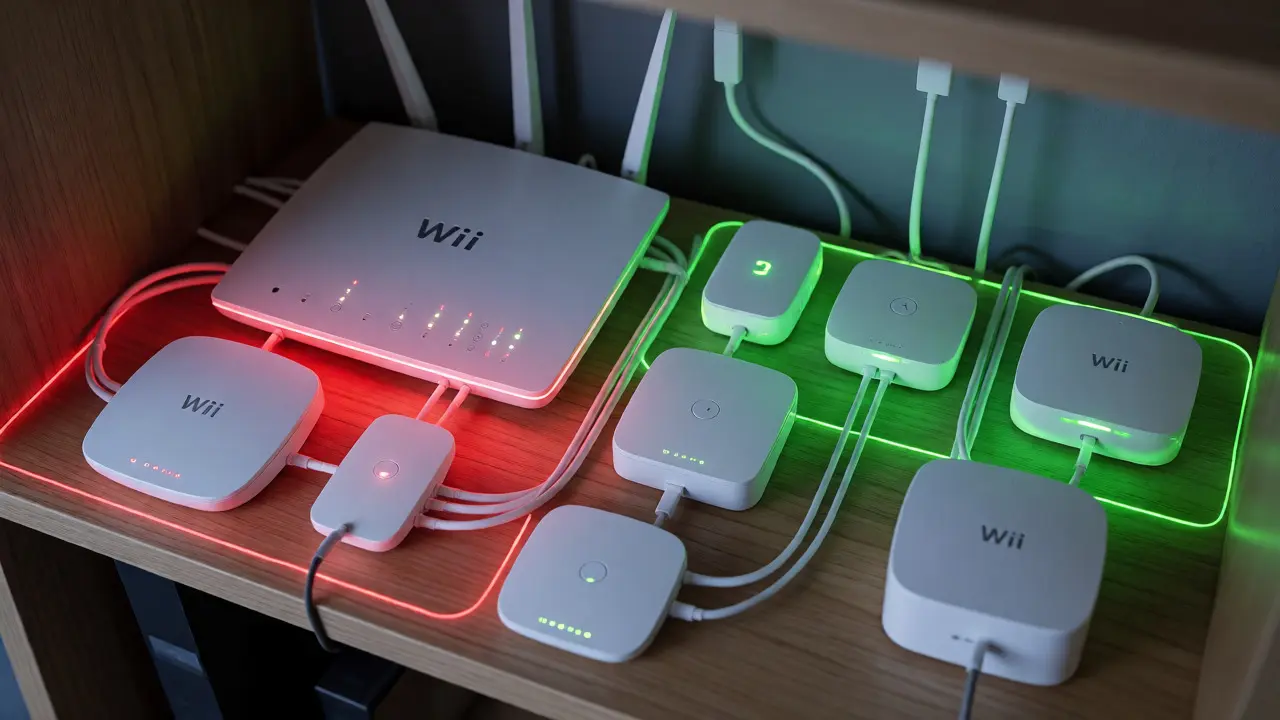
Next, create a separate guest network for your IoT devices. Most modern routers allow this feature. By isolating your smart bulbs, speakers, and cameras on a different subnet, you prevent them from communicating directly with your personal computers and phones. If a hacker compromises your smart TV, they won't automatically have access to your file server or banking session. This segmentation is one of the most effective defenses available to homeowners.
Regularly update your device firmware. Manufacturers release patches not just for new features, but to fix security holes. Set a reminder once a month to check for updates on your critical devices-locks, cameras, and hubs. If a device stops receiving updates after a few years, consider replacing it. End-of-life devices are sitting ducks for attackers exploiting known vulnerabilities.
| Protocol | Security Level | Range | Power Consumption | Best For |
|---|---|---|---|---|
| Wi-Fi | Moderate (depends on router) | Medium | High | Cameras, Hubs |
| Zigbee | High (AES-128 encryption) | Short/Mesh | Low | Sensors, Lights |
| Z-Wave | High (S2 framework) | Medium/Mesh | Very Low | Locks, Switches |
| Bluetooth | Variable | Short | Low | Wearables, Proximity |
Managing Voice Assistant Risks
Voice assistants are convenient, but they are always listening. The microphone stays active until it detects the wake word. To mitigate privacy concerns, most devices offer a physical mute button. Use it. When you're having a sensitive conversation or discussing financial matters, press the mute button on your speaker. This cuts power to the microphone, ensuring no audio is recorded or transmitted.
Additionally, review your voice history regularly. Both Amazon and Google allow you to listen to past recordings. You might be surprised to find that background noise, television audio, or accidental triggers have created hundreds of unnecessary entries. Deleting these records reduces the amount of data stored on their servers. Make it a habit to clear this history quarterly.
Be cautious with third-party skills or actions. Not all apps integrated with Alexa or Google Assistant are created equal. Some may request excessive permissions, such as access to your contacts or location, which they don't strictly need. Review these permissions and revoke access for any skill you no longer use. Less exposure means less opportunity for misuse.
Physical Security Still Matters
Digital threats dominate the conversation, but physical security remains relevant. Smart locks are electronic, but they still have mechanical components. Ensure your deadbolts are sturdy and properly aligned. A smart lock cannot compensate for a flimsy door frame. Furthermore, consider battery backup. If your power goes out, will your smart lock still work? Most quality models include a key override or a USB-C emergency port. Test these features before you actually need them.
Camera placement is another physical consideration. Point outdoor cameras away from neighbors' windows and towards areas of interest, like driveways or entrances. Respect local ordinances regarding surveillance. In some jurisdictions, recording audio from public sidewalks without consent can lead to legal issues. Check your local laws in Portland or your specific municipality to stay compliant.
Frequently Asked Questions
Do I need a separate router for my smart home devices?
You don't necessarily need a second physical router, but you should definitely use a separate VLAN or Guest Network on your existing router. This isolates IoT devices from your primary computing devices, preventing cross-contamination if one device is compromised.
Are expensive smart home devices more secure than cheap ones?
Generally, yes. Reputable brands invest in ongoing software support and security audits. Cheap, unbranded devices often lack regular firmware updates, leaving known vulnerabilities unpatched for years. However, price alone isn't a guarantee; always check for recent security updates and community reviews.
What happens if my smart home hub loses internet connection?
Most modern hubs operate locally, meaning automations and manual controls continue to work offline. However, remote access via smartphone apps and voice assistant responses that require cloud processing will fail until connectivity is restored.
How often should I change my Wi-Fi password?
There is no hard rule, but changing it annually or after suspecting a breach is wise. More importantly, ensure it is strong initially. Frequent changes can be annoying if you have many devices that require re-entry of credentials.
Can hackers really hack my smart refrigerator?
Yes, though it's rare for a fridge to be the primary target. Hackers usually exploit it as an entry point to the wider network. If the fridge runs an outdated operating system and shares the main Wi-Fi band, it can serve as a bridge for attackers to reach more valuable targets like laptops.