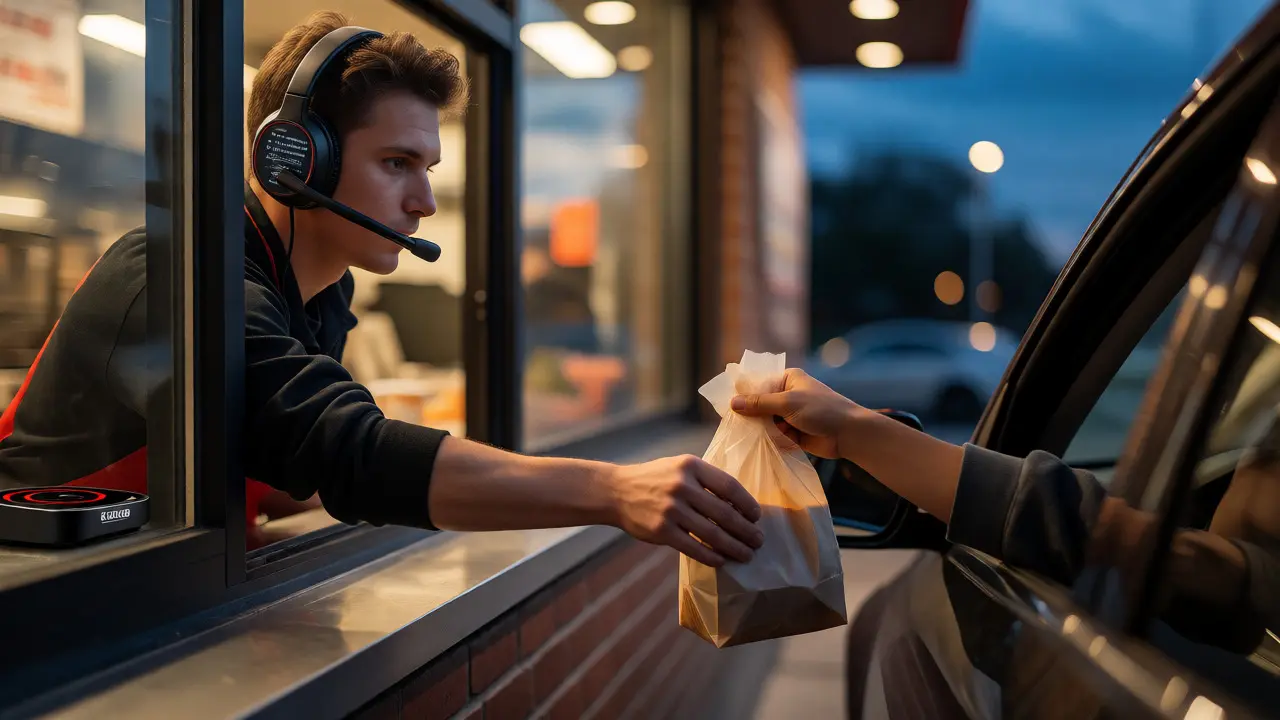
You know the feeling. You're in a hurry, you pull up to the window, and the speaker crackles with static. The voice on the other end sounds like they're talking from inside a wind tunnel. You repeat your order three times. By the time you get your food, it's cold, wrong, or both. That frustration isn't just bad luck; it's a failure of infrastructure.
For quick-service restaurants (QSRs), the drive-thru is not just a lane-it's a revenue engine that accounts for up to 70% of sales for major chains. Yet, many operators still rely on tech that feels stuck in the 1990s. If you run a location or manage operations, ignoring the hardware stack-specifically headsets, timers, and cameras-is leaving money on the table. It’s costing you speed, accuracy, and sanity.
| Component | Primary Function | Key Benefit | Common Pitfall |
|---|---|---|---|
| Digital Headsets | Voice communication | Clear audio, noise cancellation | Battery life issues, pairing failures |
| Drive-Thru Timers | Speed tracking | Data-driven staffing decisions | Gaming the system, ignoring context |
| HD Cameras | Order verification & security | Dispute resolution, training | Poor lighting, storage costs |
The Audio Crisis: Why Old Headsets Kill Sales
Let’s be real about audio. In a drive-thru, if the customer can’t hear you clearly, they don’t buy more. They just leave. Traditional analog headsets are prone to interference from microwaves, Wi-Fi routers, and even other cars’ electronics. When an employee has to shout "Did you say extra pickles?" five times, the transaction time balloons. Every second counts.
Modern digital headsets solve this by using DECT 6.0 or Bluetooth 5.0+ protocols. These aren't just buzzwords; they offer wider bandwidth and better noise suppression. For example, brands like Jabra and Plantronics (now Poly) dominate this space because their units filter out the constant hum of idling engines and HVAC systems. But here’s the catch: wireless freedom comes with a battery tax. If your staff forgets to dock their headsets, they die mid-shift. A dead headset means a manager running outside with a walkie-talkie, which looks unprofessional and slows everything down.
You need a charging strategy. Some newer systems use induction docks that charge the headset while it hangs on the wall. Others use replaceable batteries. Which is better? If you have high turnover, swappable batteries might seem easier, but they often lead to inconsistent power levels. Induction charging is cleaner but requires strict discipline to ensure devices are actually seated correctly. Test both in your specific kitchen environment before buying in bulk.
Timers: Measuring What Actually Matters
A timer seems simple. Start when the car hits the loop, stop when they leave. But raw numbers lie. If your average service time drops from 4 minutes to 3 minutes, did you get faster, or did you start cutting corners on order accuracy? This is where integrated POS (Point of Sale) integration becomes critical.
Standalone timers give you speed data. Integrated timers give you context. They link the clock to the specific order complexity. A burger combo takes less time than a large catering order. If your timer doesn't account for order size, you're punishing your crew for serving complex customers. Look for systems that segment data by daypart, weather, and menu mix. A Tuesday morning rush looks nothing like a Friday night line.
Also, consider the psychological impact on staff. When employees know every second is tracked, stress spikes. This can lead to "gaming," where crews skip greeting steps or rush payment processing just to beat the clock. To counter this, pair your timer data with mystery shopper scores. If speed goes up but satisfaction drops, your timer metrics are misleading. Use the data to coach, not just punish.
Cameras: Your Eye in the Sky and at the Window
Remember the days when you had to trust the word of a teenager who said, "I definitely gave them the ketchup packets"? Those days are over. High-definition IP cameras are now standard for two reasons: dispute resolution and operational visibility.
First, disputes. Customers claim they didn't get their napkins or got the wrong drink. Without video, it’s he-said-she-said. With a camera pointed at the pickup window, you can review the last 30 seconds in seconds. This protects your staff from false accusations and helps identify training gaps. Did the cashier forget to ask for the loyalty number? The video will tell you.
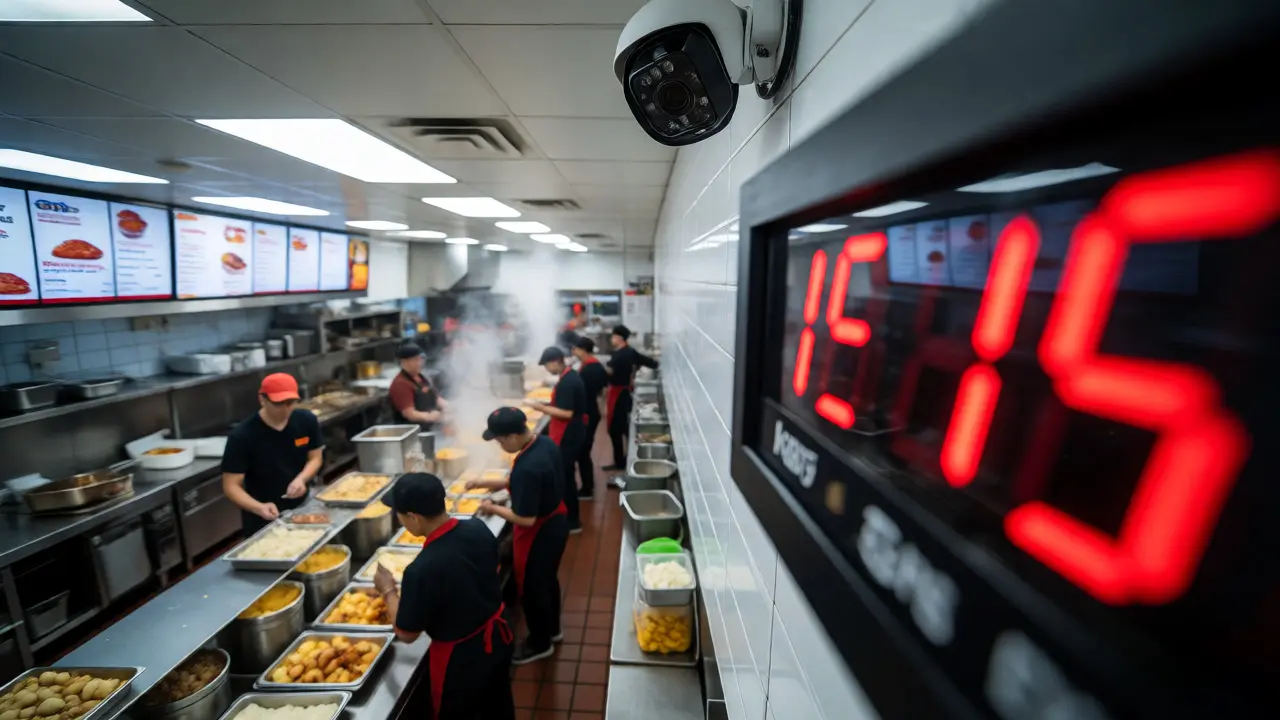
Second, workflow optimization. Cameras aren't just for the window. Place them at the prep station and the assembly line. You’ll see bottlenecks instantly. Maybe the fries basket is always empty at peak hours, causing delays. Maybe one employee is consistently slower at assembling sandwiches. Video evidence is objective. It removes bias from performance reviews.
However, privacy laws vary by state. In Oregon, where I live, recording audio without consent can be tricky in public-facing areas, though visual-only recording is generally fine. Always check local regulations. Also, storage adds up. Recording 24/7 in HD eats terabytes fast. Most modern systems only record on motion detection or during active transactions to save space.
Integration: The Glue That Holds It Together
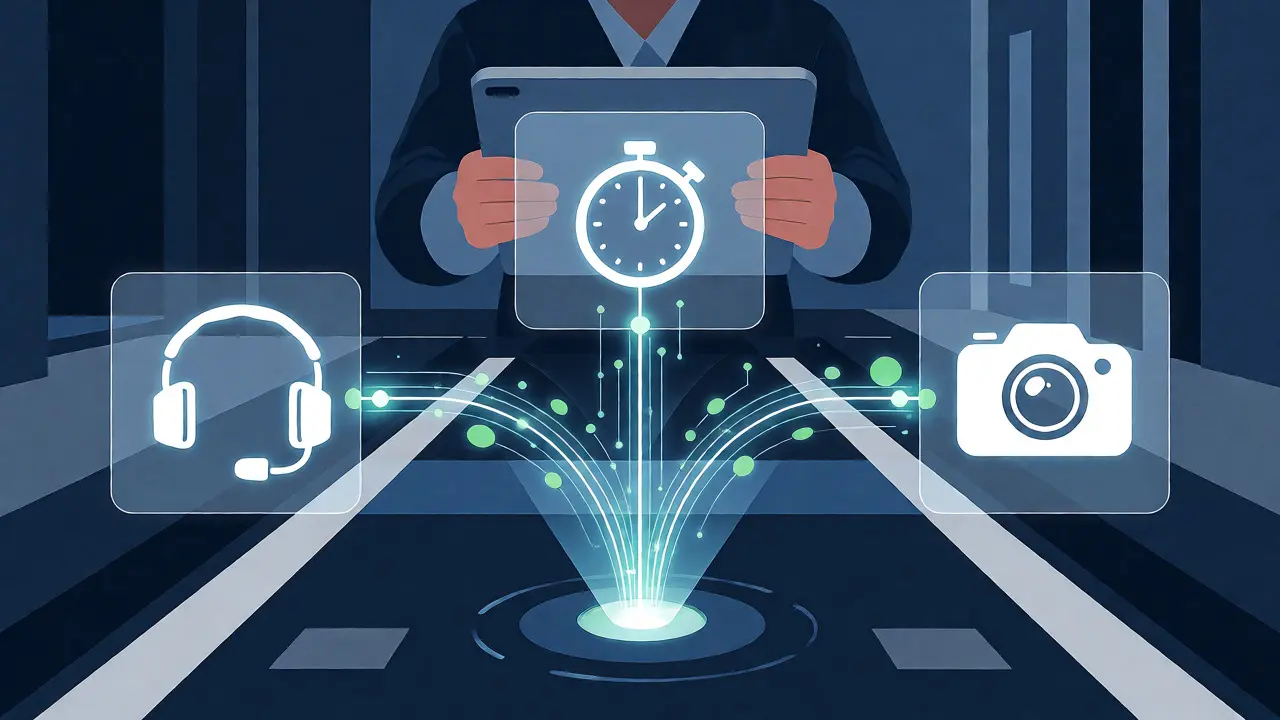
Having great headsets, accurate timers, and sharp cameras is useless if they don't talk to each other. Siloed tech creates double work. Imagine manually entering timer data into a spreadsheet at the end of the shift. That’s a waste of labor hours.
Look for platforms that aggregate this data into a single dashboard. Systems like NCR Aloha, Toast, or specialized drive-thru software like iQ or Lumenate offer these integrations. When the headset detects a long pause, the timer should flag it. When the camera sees a car waiting too long, the system should alert the manager. This proactive approach prevents problems before they escalate.
Cloud-based solutions are becoming the norm. They allow you to monitor multiple locations from one screen. If you’re managing three stores in Portland, you don’t want to drive between them to check logs. You want real-time alerts on your phone. Ensure the vendor provides a robust API so you can connect these tools to your existing HR and inventory systems.
Implementation Checklist for Operators
Before you sign a contract, run through this checklist. It saves headaches later.
- Audit your current setup: How many complaints do you get about order errors? What is your current average service time?
- Test connectivity: Does your Wi-Fi reach the farthest point of the drive-thru lane? Dead zones kill digital headsets.
- Check lighting conditions: Can your cameras capture clear images at night and during glare-heavy afternoons?
- Evaluate support contracts: If a headset fails at 6 PM on a Saturday, how fast can you get a replacement? Downtime costs thousands per hour.
- Train your team: New tech fails if staff hates it. Involve them in the selection process. Let them test the headsets.
One often overlooked aspect is maintenance. Headsets get gross. They collect sweat, grease, and crumbs. Establish a weekly cleaning protocol. Replace ear pads monthly. Dirty equipment signals poor management to customers, even if they don't explicitly notice it.
Cost vs. ROI: Is It Worth It?
Upgrading this tech isn't cheap. A full overhaul can cost $5,000 to $15,000 per lane depending on brand and features. But let’s look at the math. If you improve order accuracy by just 2%, you reduce remakes. A remake costs you food, labor, and potential customer loss. If you shave 15 seconds off service time, you increase throughput by roughly 5-8% during peaks.
Consider a busy location doing $1 million in annual revenue. A 5% increase in throughput due to better tech equals $50,000 in additional sales. Subtract the upgrade cost, and you’re looking at a payback period of under six months. Plus, happier employees stay longer, reducing hiring costs. Turnover in QSRs is notoriously high, often exceeding 100% annually. Retention is a hidden ROI factor.
Don’t buy the most expensive gear if it doesn’t fit your needs. A small coffee shop doesn’t need enterprise-level AI analytics. It needs clear audio and reliable timers. Match the solution to the volume. Over-engineering wastes capital; under-equipping loses sales.
Frequently Asked Questions
Do drive-thru timers really improve speed?
Yes, but only when paired with proper coaching. Data alone doesn't change behavior. Managers must use timer reports to identify specific bottlenecks, such as slow payment processing or kitchen delays, rather than just pressuring staff to go faster indiscriminately.
What is the best type of drive-thru headset?
Digital wireless headsets with noise-canceling microphones are currently the industry standard. Brands like Jabra and Poly offer models specifically designed for high-noise environments. Look for features like automatic muting when the employee speaks to the customer and long battery life with easy docking stations.
How do cameras help with order accuracy?
Cameras provide visual proof of what was handed to the customer. This resolves disputes quickly and serves as a powerful training tool. Managers can review footage to see if employees followed correct procedures, such as confirming orders verbally before handing over bags.
Is it difficult to integrate new drive-thru tech with old POS systems?
It depends on the age of your POS. Modern cloud-based POS systems like Toast or Square easily integrate with third-party drive-thru tools via APIs. Older legacy systems may require middleware or custom development, which can increase implementation costs and time.
How often should drive-thru equipment be maintained?
Daily checks for functionality, weekly cleaning of headsets and camera lenses, and quarterly professional inspections are recommended. Regular maintenance prevents unexpected breakdowns during peak hours, which can significantly impact revenue.