You bought the fancy fridge that tells you when your milk expires. You got the washer that texts you when the load is done. Now you're staring at three different apps on your phone, wondering why these "smart" devices feel so dumb to use together. It’s a common frustration in Portland homes right now. The hardware works, but the integration? That’s where things get messy.
Here is the truth: Smart Appliances are not plug-and-play magic. They require a deliberate strategy to actually talk to each other. If you just buy them randomly, you end up with isolated islands of technology instead of a connected home. This guide breaks down how to integrate washers, fridges, and ovens so they work as a team, not as separate annoyances.
The Reality Check: Why Integration Is Harder Than It Looks
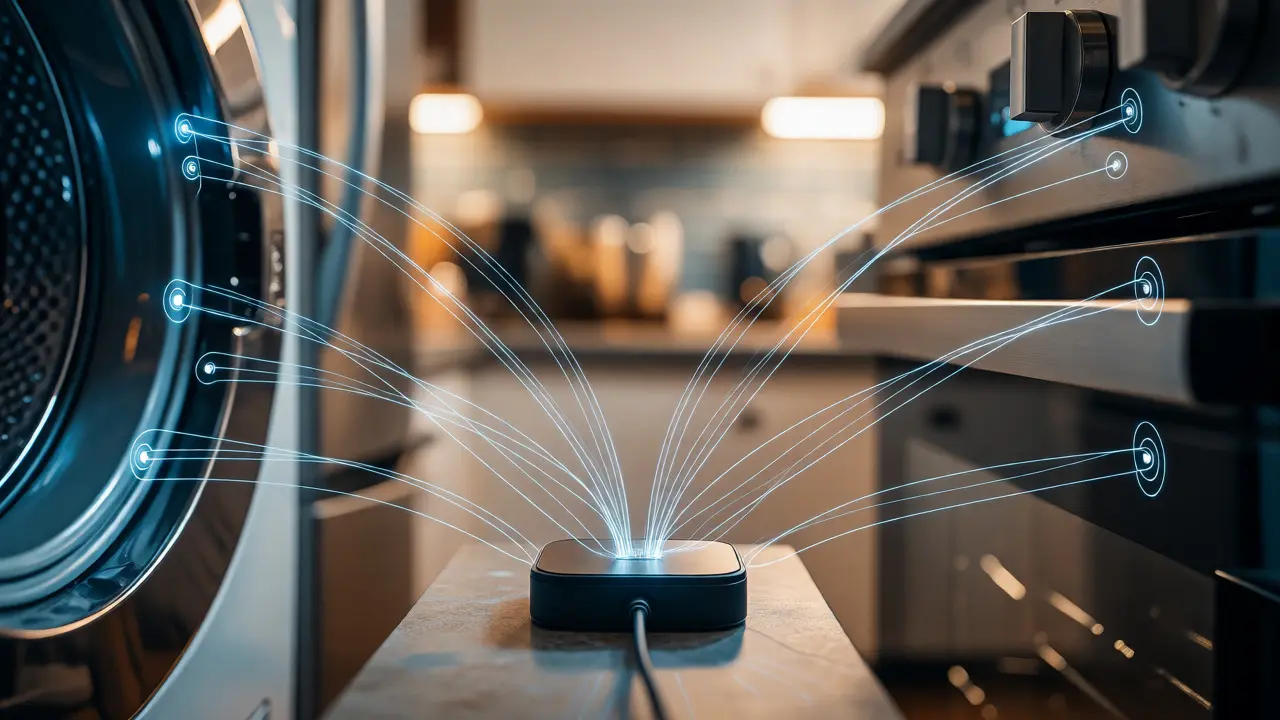
Most people assume that because two devices have Wi-Fi, they can communicate. That is false. A Samsung fridge does not naturally know what a Bosch dishwasher is doing unless you build a bridge between them. The core issue lies in communication protocols. Some devices use Wi-Fi, others use Bluetooth, and some rely on proprietary hubs like Zigbee or Z-Wave.
Think of it like language barriers. Your fridge speaks Korean (Samsung ecosystem), your oven speaks German (Bosch Home Connect), and your washer speaks American English (Whirlpool). Without a translator-usually a hub or a cloud service-they cannot share data. Before you buy another appliance, ask yourself: What ecosystem am I already committed to? If you live in an Apple household, adding Android-centric appliances will double your app fatigue.
| Ecosystem | Primary Brands | Best For | Integration Ease |
|---|---|---|---|
| Apple HomeKit | Bosch, LG, Whirlpool, Hafele | iOS Users, Privacy-focused setups | High (if certified) |
| Google Home | Nest, GE, Samsung (partial), Bosch | Android Users, Voice Control | Medium-High |
| Amazon Alexa | GE, Whirlpool, Maytag, KitchenAid | Voice Commands, Broad Compatibility | High |
| Proprietary Apps | Samsung SmartThings, LG ThinQ | All-in-one Brand Loyalty | Low (Cross-brand) |
Step One: Audit Your Current Network and Hub
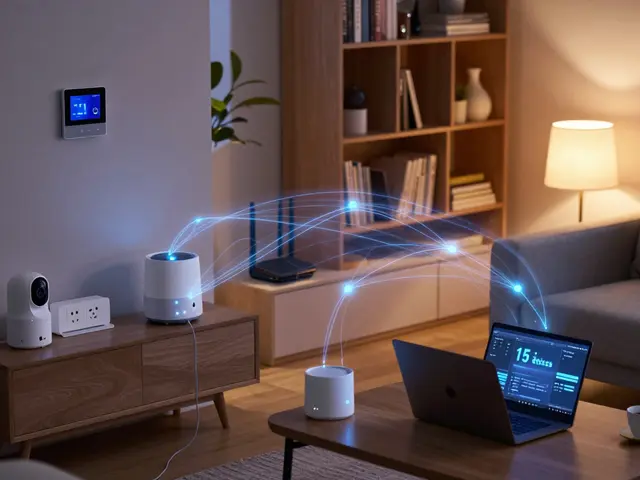
Before integrating new devices, check your router. Older routers struggle with more than 15-20 connected devices. If you add a smart fridge, washer, and oven, plus lights and locks, your bandwidth might choke. In my Portland apartment, switching to a mesh system solved constant disconnections from the smart oven.
You also need to decide on a central hub. While many appliances connect directly to Wi-Fi, a dedicated hub often provides better stability. SmartThings is a popular choice because it bridges Zigbee and Z-Wave devices while also handling Wi-Fi connections via cloud services. However, if you stick to major brands like Samsung or LG, their native apps often provide deeper functionality than third-party hubs allow.
- Check Signal Strength: Use a Wi-Fi analyzer app to ensure your kitchen and laundry room have strong signals. Concrete walls in older homes block signals easily.
- Dedicated Band: Many smart appliances prefer the 2.4GHz band for range, while phones use 5GHz for speed. Ensure your router broadcasts both.
- Firmware Updates: Update every appliance before pairing. Outdated firmware causes 80% of integration failures.
Integrating the Refrigerator: The Data Hub
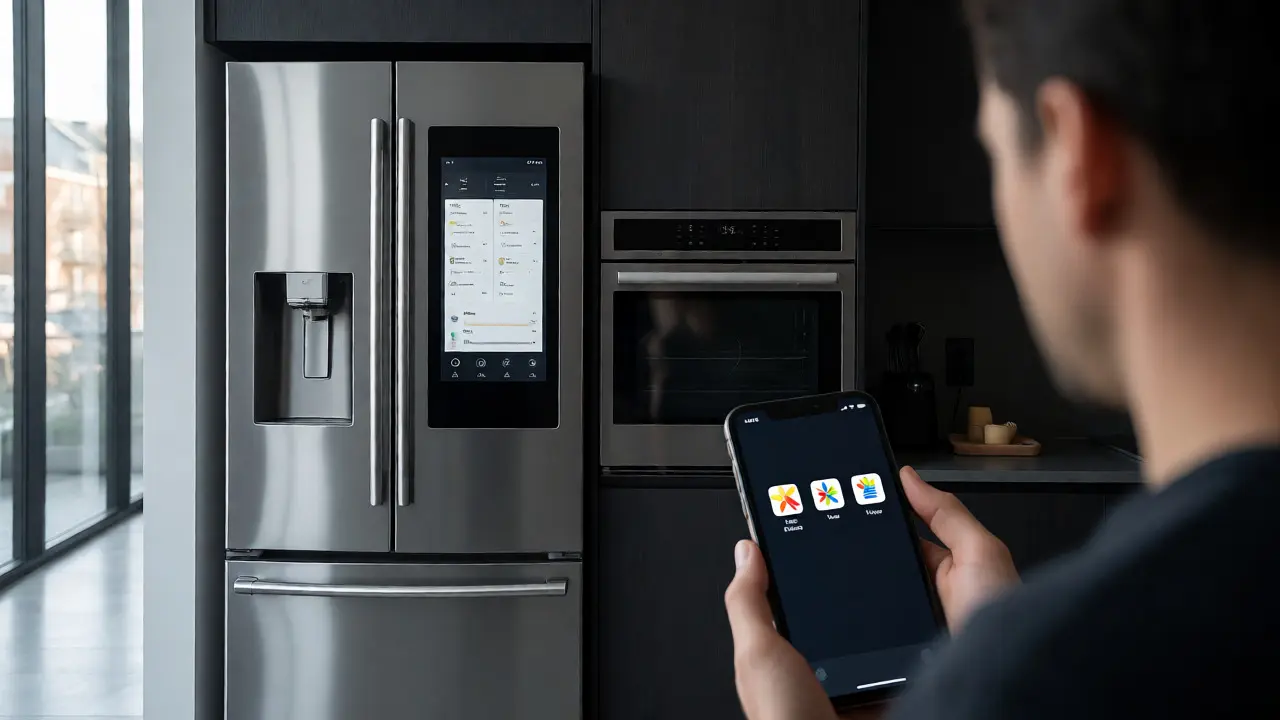
Your fridge is the brain of the kitchen. Modern models from brands like Samsung Family Hub or LG InstaView do more than keep food cold. They track expiration dates, suggest recipes based on available ingredients, and even let you order groceries.
To integrate this effectively, link your fridge to your grocery list app. Most smart fridges sync with Amazon Fresh or Walmart Grocery. When you scan an item into the fridge inventory, it should appear on your shared family list. If you use Google Home, you can say, "Hey Google, add eggs to the shopping list," and it appears on the fridge screen. This seamless flow reduces mental load. You stop worrying about what’s missing; the fridge handles it.
Pro Tip: Don’t over-scan. Manually entering every yogurt cup gets tedious. Set up auto-sync for frequent items and only manually scan unique purchases. This keeps the system usable rather than burdensome.
The Oven: Preheating and Recipe Syncing
A smart oven shines when paired with recipe apps. Imagine reading a recipe on your tablet, tapping "Send to Oven," and having the temperature and timer set automatically. This feature exists in high-end models from GE Profile and Bosch. But it requires a compatible app connection.
If you cook frequently, look for ovens that support Wi-Fi Direct or robust cloud APIs. Test the preheat function remotely. Can you start the oven from your car on the way home? Yes, but latency matters. Some systems take 30 seconds to register the command; others take two minutes. For time-sensitive cooking, speed is critical.
Also, consider safety features. Remote activation means you must trust the device won’t turn on accidentally. Look for ovens with child locks that remain active even when controlled remotely. This prevents pets or kids from triggering the heating element.
The Washer: Status Alerts and Maintenance
Unlike the fridge and oven, the washer’s main value isn’t remote control-it’s notification. You rarely need to start a load from work. You need to know when it’s finished so clothes don’t sit damp and smell. Smart washers excel here by sending push notifications to your phone or watch.
Integration with home automation routines adds value. If your washer finishes, your smart lights could blink blue to signal completion. Or, if you’re away, a notification ensures you don’t forget the load. Some advanced models, like those from Miele, offer diagnostic reports. If the machine detects a leak or imbalance, it alerts you before damage occurs. This predictive maintenance saves money on repairs.
Cross-Appliance Workflows: Making Them Talk
This is where true integration happens. You want scenarios where one device triggers another. Here are practical examples you can set up using platforms like Home Assistant or IFTTT:
- Grocery to Meal Prep: When you add chicken to your fridge inventory, trigger a reminder to defrost it in the morning. Link this to your calendar.
- Laundry Day Routine: When the washer starts, dim the living room lights and pause music. This signals "do not disturb" mode for cleaning time.
- Oven Completion Alert: When the oven finishes baking, send a message to your spouse’s phone if they are nearby, or play a specific chime through smart speakers.
These workflows require a middleman. Native brand apps rarely talk to each other. You need a platform like Home Assistant for local control or IFTTT for simple cloud triggers. Home Assistant is steeper to learn but faster and more private. IFTTT is easier but relies on internet connectivity.
Troubleshooting Common Integration Failures
Even with careful planning, things break. Here is how to fix the most common issues:
- Device Goes Offline: Usually a IP address change. Assign static IPs to your appliances in your router settings. This prevents the DHCP server from changing their addresses during updates.
- App Conflicts: If you use both the manufacturer app and a third-party hub, disable background refresh on one. Too many requests cause timeouts.
- Slow Response Times: Clear the cache in your smart home app. Also, restart your router monthly to clear memory leaks.
Remember, smart appliances are still consumer electronics. They fail. Keep manual controls accessible. Never fully automate safety-critical functions like gas valve shut-offs without a physical backup plan.
Final Thoughts on Cost vs. Convenience
Are smart appliances worth the premium? Only if you use the features. Paying $200 extra for a fridge screen you never look at is wasted money. Paying for a washer that alerts you to leaks? Worth every penny. Focus on problems you actually have: forgetting loads, running out of milk, or preheating delays. Solve those, and the tech pays for itself in peace of mind.
Do all smart appliances need Wi-Fi?
Most do, especially for remote monitoring and app control. However, some basic smart features like internal diagnostics may work locally without internet. Always check the spec sheet if you have limited connectivity.
Can I mix brands in one smart home setup?
Yes, but it requires a neutral platform like Home Assistant, Apple HomeKit, or Amazon Alexa. Using individual brand apps for mixed devices leads to app fatigue and poor interoperability.
What happens if my internet goes down?
Your appliances will continue to function normally as standard machines. You lose remote access and voice commands, but local buttons and screens usually still work. Local hubs like Home Assistant can maintain some automation if configured correctly.
Are smart appliances secure?
They introduce potential vulnerabilities. Change default passwords immediately, enable two-factor authentication on accounts, and place devices on a guest network if possible to isolate them from personal computers.
Which smart appliance offers the best ROI?
The refrigerator often provides the highest utility due to inventory management and grocery ordering. Washers follow closely due to leak detection and notification convenience. Ovens are niche and benefit heavy cooks more than average users.