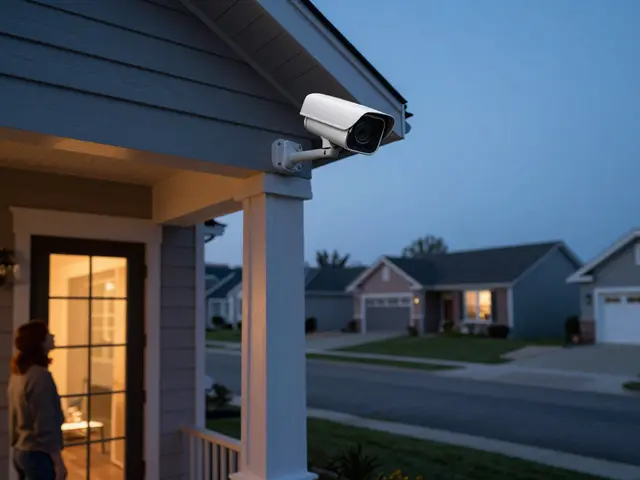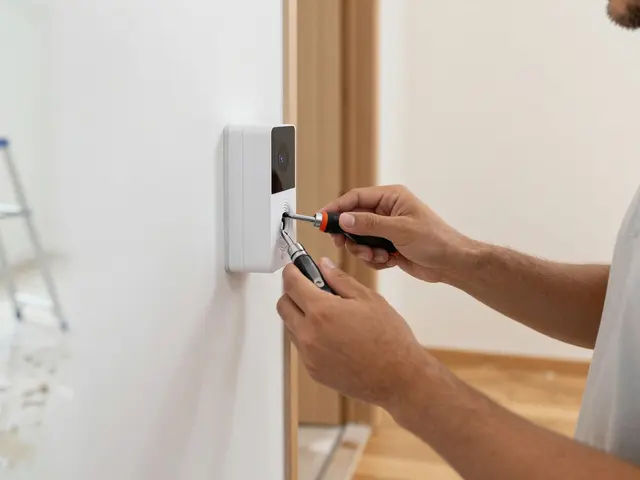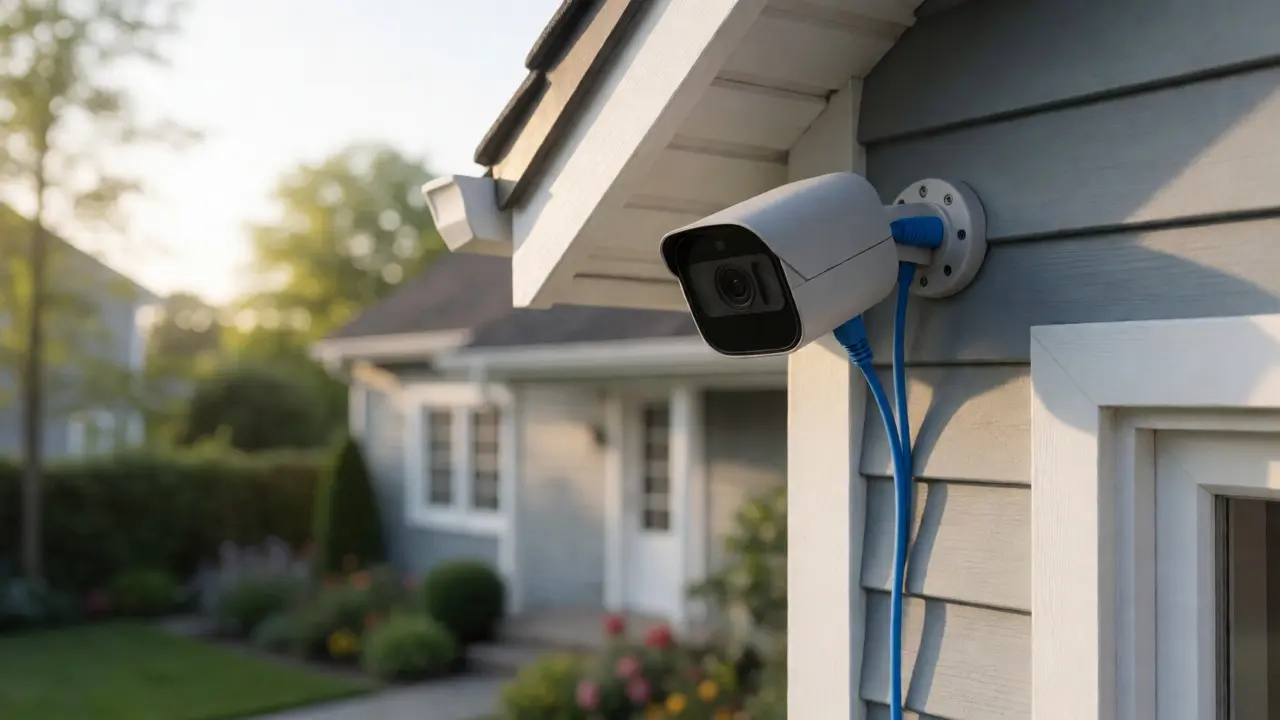
You just bought a sleek PoE camera and are staring at the box of cables, wondering how to get power to it without running a new electrical outlet. It’s a common headache. Most people assume they need an electrician or a complex wiring job. The truth? You likely already have the tools in your house. If you can plug in a router, you can set up Power over Ethernet (PoE). This guide cuts through the jargon to show you exactly which switches, injectors, and cables you need for a rock-solid DIY installation.
What Is PoE and Why Should You Care?
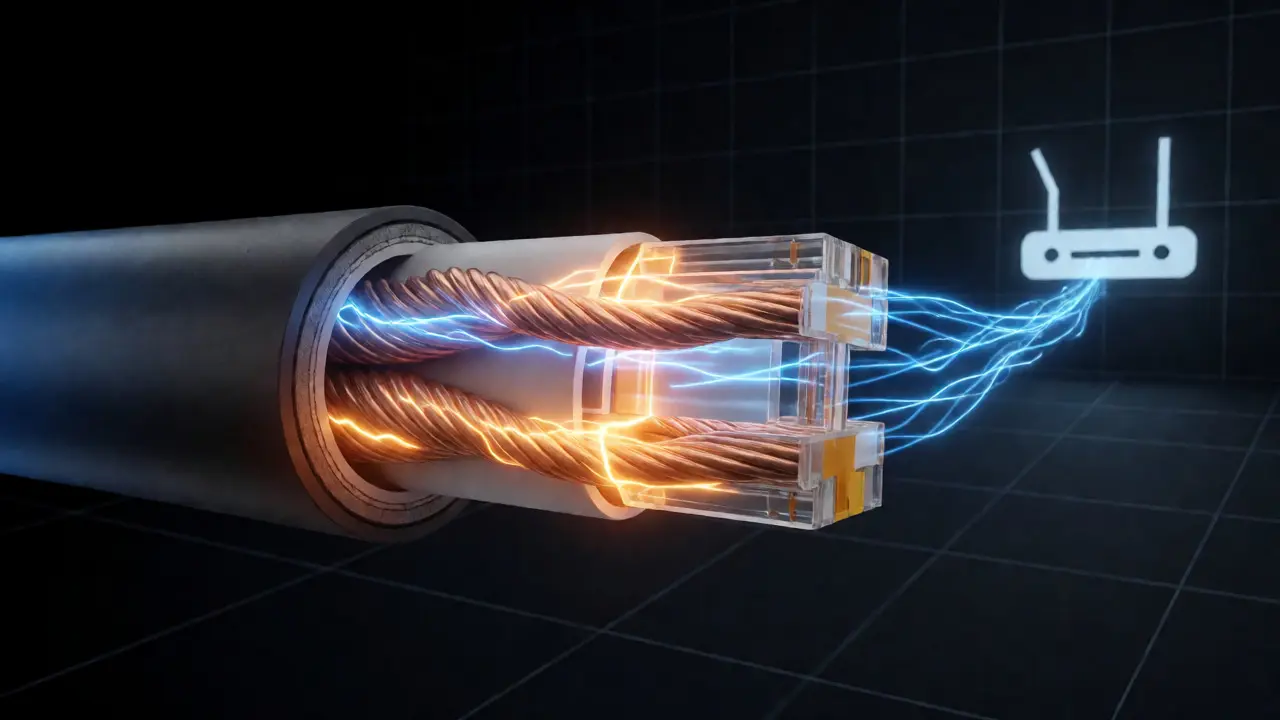
Power over Ethernet (PoE) is a technology that lets a single Ethernet cable carry both data and electricity to a device. Instead of plugging your camera into a wall socket for power and a separate port for internet, one Cat5e or Cat6 cable does both jobs. This simplifies installation massively. You don’t need a power outlet near the camera location, which means you can mount devices high on eaves or across the yard where outlets simply don’t exist. The standard governing this tech is IEEE 802.3af (PoE), 802.3at (PoE+), and the newer 802.3bt (PoE++). For most home cameras, 802.3af is plenty. It delivers up to 15.4 watts per port. High-end PTZ (Pan-Tilt-Zoom) cameras might need PoE+, which pushes 30 watts. Knowing your camera’s wattage requirement is step one. Check the spec sheet. If it says "PoE," it likely needs af. If it says "PoE+," it needs at. Mixing them up usually just means the device won’t turn on, not that it will explode.
Choosing Your Power Source: Switches vs. Injectors
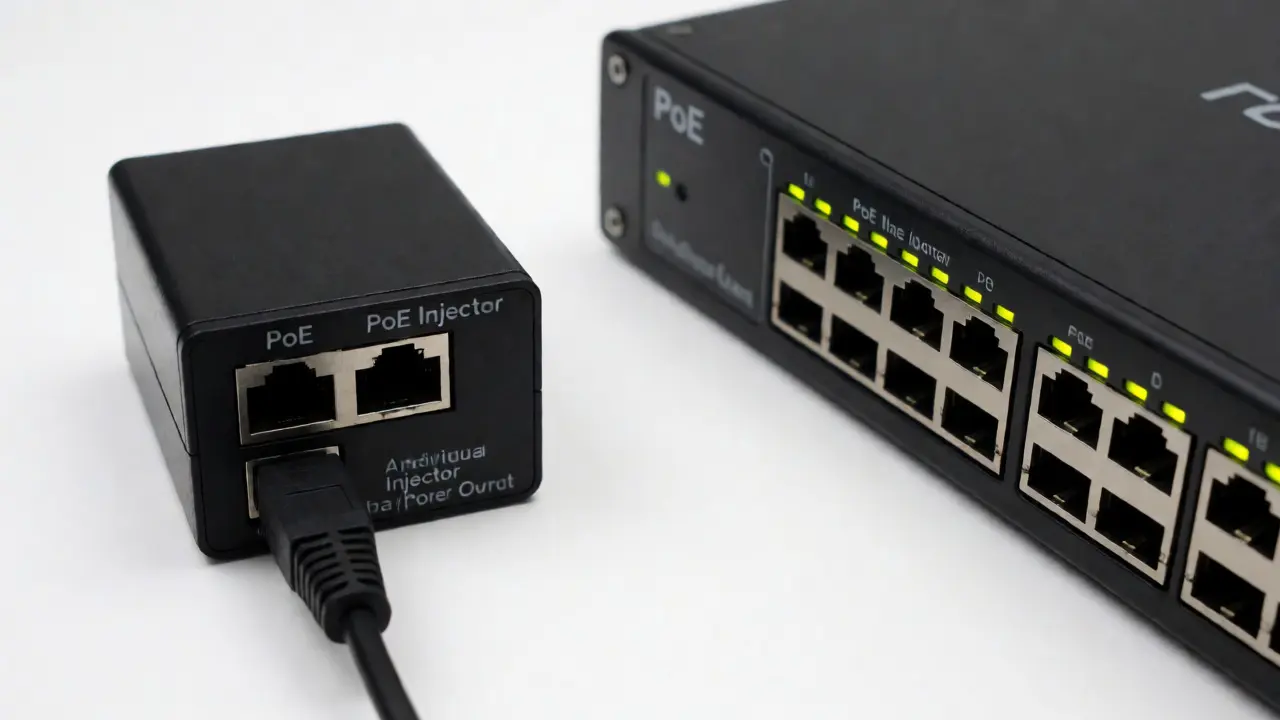
You have two main ways to inject power into the line: a PoE Switch or a PoE Injector. Which one you pick depends on how many cameras you’re installing and where your network gear lives.
A PoE switch replaces your standard network switch. It has ports that automatically detect if a connected device needs power. If you connect a laptop, it sends data only. If you connect a PoE camera, it sends data plus electricity. This is the cleanest look. All your gear sits in one closet or rack. But these switches cost more upfront. A decent 4-port managed PoE switch from brands like Ubiquiti or TP-Link Linksys ranges from $50 to $150.
A PoE injector is a small box that sits between your non-PoE switch/router and the camera. It takes a standard Ethernet cable, adds power to it, and passes it to the camera. These are cheap-often $10 to $20 each-and perfect if you only have one or two cameras far from your router. The downside? They add clutter. If you have six cameras, you’ll have six little boxes scattered around your house unless you consolidate them near the router. That often requires long runs of Ethernet cable back to the injector, which defeats some of the simplicity.
| Feature | PoE Switch | PoE Injector |
|---|---|---|
| Best For | Multiple cameras (3+) | Single or dual cameras |
| Cost Efficiency | Higher upfront, lower per-device | Low upfront, higher per-device |
| Cable Management | Clean, centralized | Cluttered, distributed |
| Scalability | Easy to add ports | Buy another unit |
| Power Budget | Total shared budget (e.g., 60W) | Fixed per unit (e.g., 15W) |
The Lifeline: Understanding Ethernet Cabling
Not all Ethernet cables are created equal when you start pushing power through them. While data transmission cares mostly about frequency, power transmission cares about resistance and heat. Thin, cheap cables can drop voltage, causing your camera to reboot randomly or fail to initialize infrared night vision.
Stick to solid copper cables. Avoid Copper Clad Aluminum (CCA). CCA is cheaper but has higher resistance. Over a 100-foot run, CCA can lose enough voltage to starve a PoE camera. Look for cables labeled "Pure Copper" or "Solid Copper." As for category, Cat5e supports Gigabit speeds and PoE up to 100 meters. Cat6 is thicker and handles heat better, making it ideal for longer runs or PoE+ applications. Don’t bother with Cat7 or Cat8 for home cameras; they’re overkill, stiffer, and harder to terminate.
Length matters. The theoretical max for Ethernet is 328 feet (100 meters). In practice, keep runs under 250 feet if you’re using thin gauge wire (like 24 AWG). If you buy pre-made patch cables, check the AWG rating. Thicker wire (lower number, like 23 AWG) carries power better than thinner wire (higher number, like 26 AWG). For permanent installations inside walls, use 23 AWG Cat6 riser-rated cable.
Step-by-Step Installation Process
Ready to install? Here’s the workflow that prevents rework.
- Plan the Path: Trace the route from your network hub to the camera location. Use a fish tape to pull cable through attics or crawl spaces. Leave extra slack at both ends (3-5 feet) for termination and adjustments.
- Terminate or Buy Pre-Made: If pulling raw cable, you’ll need RJ45 connectors and a crimper tool. Follow the T568B wiring standard. Test continuity immediately with a cable tester. If using pre-made cables, ensure they are pure copper.
- Connect the Power Source:
- Switch Method: Plug the camera cable directly into a PoE-enabled port on your switch.
- Injector Method: Connect a short patch cable from your regular router to the "Data In" port on the injector. Connect the long camera cable to the "Data + Power Out" port.
- Mount the Camera: Secure the bracket to the wall or soffit. Ensure the seal against the wall is tight to prevent water ingress. Pass the cable through the grommet before screwing the camera onto the bracket.
- Plug and Play: Connect the Ethernet cable to the camera. Wait 30 seconds. Look for status LEDs. If it blinks green or blue, you’re online. If it stays dark, check your connections.
Troubleshooting Common PoE Failures
If your camera doesn’t light up, don’t panic. It’s rarely broken hardware. It’s usually negotiation failure.
Issue 1: No Power LED. Check your switch’s power budget. If you have a 60W switch and four cameras drawing 15W each, you’re at capacity. Add a fifth device, and the last port shuts off. Unplug other devices to test. Also, verify the injector isn’t plugged into a switched outlet that’s turned off.
Issue 2: Random Reboots. This screams voltage drop. Your cable run is too long or too thin. Try swapping a long thin patch cable for a shorter, thicker one. If the problem persists, you may need to move the switch/injector closer to the camera.
Issue 3: Night Vision Fails. Infrared LEDs draw significant current. If the camera works during the day but fails at night, it’s a power starvation issue. The initial boot-up draws less power than full IR activation. Upgrade to a PoE+ source or shorten the cable run.
Security and Network Segmentation
Just because it works doesn’t mean it’s secure. IoT devices are notorious for poor firmware updates. If you put your PoE cameras on the same Wi-Fi as your laptop, a compromised camera could sniff your banking traffic. Create a separate VLAN (Virtual Local Area Network) for your cameras if your router supports it. This isolates their traffic from your personal devices. If your router lacks VLAN support, consider a guest network dedicated solely to IoT devices.
Also, change default passwords. Many PoE cameras come with admin/admin credentials. Hackers scan IP ranges specifically looking for these defaults. Use a strong, unique password and disable UPnP (Universal Plug and Play) on your router to prevent external access attempts.
Frequently Asked Questions
Can I use a regular switch with PoE cameras?
No, a standard non-PoE switch cannot supply power. You must either use a PoE-capable switch or insert a PoE injector between the regular switch and the camera. The injector acts as the power bridge.
How far can I run PoE cable?
The standard limit is 328 feet (100 meters). However, for reliable power delivery, especially with high-draw cameras, keeping runs under 250 feet is safer. Using thicker gauge wire (23 AWG) helps maintain voltage over longer distances compared to thinner patch cables.
Do PoE cameras need Wi-Fi?
No. PoE cameras transmit data via the Ethernet cable. They do not need Wi-Fi. This actually makes them more stable than wireless cameras because they aren't subject to signal interference or bandwidth congestion from other household devices.
What happens if I mix PoE standards?
If you connect a PoE+ (802.3at) camera to a PoE (802.3af) switch, the camera will likely not power on because it requests more watts than the port provides. Conversely, connecting a low-power PoE camera to a PoE+ switch is safe; the switch negotiates down to the required wattage.
Is it safe to splice PoE cables?
It is generally discouraged. Splices introduce resistance and potential points of failure. If you must extend a cable, use a proper coupler rated for PoE. Poor splices can cause heat buildup and voltage drops, leading to unstable camera performance.